AI Agents in Text: How They’re Changing Messaging
AI agents now live in text messages, handling tasks from scheduling to shopping without separate apps.
Defining Text-Based AI Agents
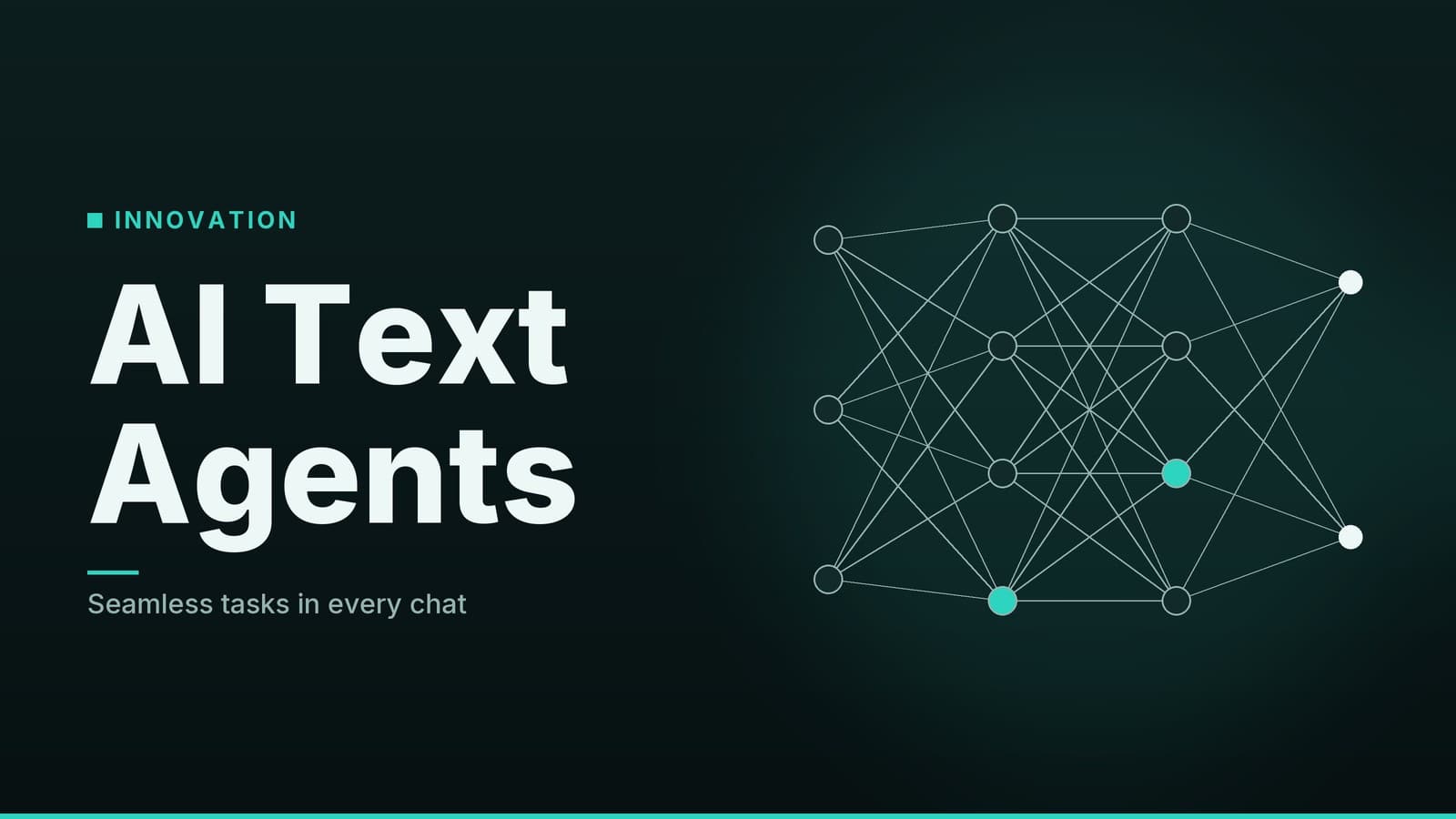
Text-based AI agents are software interfaces that operate within existing messaging protocols, such as SMS, iMessage, or RCS. They function as conversational front-ends for backend task execution. Instead of requiring a dedicated application, these agents reside in the chat threads users already utilize for daily communication. The primary technical distinction from a standard chatbot is the ability to execute actions across external systems.
The operational model relies on three core components:
- Intent Parsing and Context Retention: The agent processes natural language inputs to identify specific tasks. It maintains state across the conversation thread, allowing it to reference previous details without user re-entry. For example, if a user requests a dentist appointment for "next week," the agent retains the timeframe and provider type for subsequent confirmation steps.
- API Mediation: Agents act as intermediaries between the user and third-party services. They translate conversational requests into API calls to calendars, email clients, or booking platforms. This requires the user to grant specific permissions to the agent, allowing it to read or write data within those connected services.
- Task Execution and Feedback: Once a task is processed, the agent returns a result within the messaging thread. This may include a confirmation message, a list of options presented as quick-reply buttons, or a summary of completed actions.
The user experience is defined by the removal of app-switching. The interaction remains contained within a single messaging interface, leveraging the user’s existing familiarity with text-based communication.
Comparative Analysis of Current Options
The market for text-based agents is currently fragmented, with distinct approaches to platform support and feature sets. The following table compares three prominent options: Instinct, Caddy, and Fambot.
| Feature | Instinct | Caddy | Fambot |
|---|---|---|---|
| Primary Interface | iMessage, RCS, Web Portal | iMessage, RCS | iOS App, Android App, Web, SMS |
| Core Functionality | General-purpose assistant with third-party integrations | Aggregates and extracts actionable items from scattered data (emails, notes, messages) | Household coordination (calendars, school comms, shared lists) |
| Launch Status | Public launch | Public beta (started April 2026) | Fully released |
| Pricing Model | Not publicly announced. No verified free tier confirmed. | Free during beta period. Premium tier details not disclosed. | Free basic plan. Paid family tier exists; specific pricing not publicly listed. |
| Key Differentiator | Broad scope of integrations | Focus on data synthesis from existing phone data | Multi-user household management |
Platform Compatibility and Limitations
Platform support dictates the user experience significantly. iMessage is exclusive to Apple hardware, while RCS (Rich Communication Services) requires carrier support and specific device versions on Android.
- Instinct operates via iMessage and RCS. Users on Android devices must verify that their carrier supports RCS to access richer features, such as interactive buttons. If RCS is unsupported, the interaction may fall back to standard SMS, which lacks these capabilities.
- Caddy follows a similar model, supporting iMessage and RCS. As a product in public beta, its feature set and stability may differ from fully released products.
- Fambot offers a broader range of entry points, including native mobile apps and SMS. This provides a fallback for users whose carriers do not support RCS, though the feature parity between the app and SMS interfaces has not been independently detailed.
Pricing Transparency
Pricing information for these agents is currently limited. None of the three providers have published comprehensive, verified price lists for premium tiers.
- Instinct: No pricing has been announced. Claims of a free tier exist but are not confirmed by official documentation.
- Caddy: Access is free during the beta phase. The structure and cost of the post-beta premium tier are not disclosed.
- Fambot: A free basic plan is available. A paid family plan exists for advanced features, but specific costs are not publicly listed.
Users should treat any third-party pricing claims with caution until official pricing pages are updated.
Operational Workflow and Data Handling
Understanding how these agents process requests helps in evaluating their reliability and privacy implications. The standard workflow involves several distinct stages:
- Input and Intent Recognition: The user sends a natural language request (e.g., "Book a dentist appointment next week"). The agent’s language model parses this to extract key parameters: task type (booking), service (dentist), and timeframe (next week).
- Context Retrieval: The agent checks the conversation history for relevant context. If the user previously specified a preferred clinic, the agent may default to that provider.
- Service Integration: The agent queries connected services via API. For a booking request, it might check the user’s calendar for available slots or query a dental office’s scheduling API.
- User Interaction: If the agent cannot complete the task autonomously, it presents options to the user within the chat thread. This often uses quick-reply buttons for efficiency.
- Execution and Confirmation: Upon user confirmation, the agent executes the action (e.g., sending the booking request) and returns a confirmation message. It may also automatically add the event to the user’s calendar.
Data Access and Permissions
To function, these agents require access to user data. The scope of this access varies by provider but generally includes:
- Messaging History: To maintain context and extract actionable items.
- Calendar and Contacts: To schedule events and identify recipients.
- Email and Notes: Specifically for agents like Caddy, which focus on aggregating data from scattered sources.
The specific data retention policies and encryption standards vary by provider. Independent security audits for these specific agents have not been published as of this writing. Users should review the privacy policy of each agent to understand how long conversation data is stored and whether it is used for model training. The absence of a published audit does not indicate a security failure, but it limits the ability to verify internal security practices externally.
Reliability of Integrations
The effectiveness of the agent depends on the stability of third-party APIs. If a booking platform changes its API structure or rate limits, the agent may temporarily fail to complete tasks. This is a technical constraint of the integration model rather than a flaw in the agent’s core logic. Users should expect occasional disruptions when third-party services undergo updates.
Selection Criteria and Implementation Steps
Choosing the appropriate agent requires matching specific user needs to the agent’s capabilities and constraints.
1. Define Primary Use Cases
- General Task Automation: If the primary need is scheduling, reminders, and general research, a general-purpose assistant like Instinct is a logical fit.
- Data Aggregation: If the workflow involves managing a high volume of emails and messages that need to be distilled into actionable items, Caddy’s focus on data extraction is more relevant.
- Household Coordination: For managing multiple calendars, school communications, and shared lists, Fambot’s specific feature set is designed for this multi-user scenario.
2. Verify Platform Compatibility
- iOS Users: All three agents support iMessage.
- Android Users: Verify RCS support with your carrier. If RCS is unsupported, the experience will revert to SMS, which may lack interactive features. Fambot also offers a native Android app, which may provide a more consistent experience than SMS in some cases.
3. Assess Privacy Requirements
Review the privacy policy for each agent. Key questions to answer include:
- Is conversation data encrypted at rest and in transit?
- Is data retained indefinitely or deleted after a certain period?
- Is data shared with third parties or used for model training?
Since independent audits are not publicly available, users must rely on the provider’s stated policies. If the policy is vague or missing specific details about data handling, this should be considered a risk factor.
4. Evaluate Cost Structure
- Free Tiers: All three agents currently offer a free entry point. However, the limits of these free tiers (e.g., number of messages per day, number of integrations) are not publicly detailed for Instinct and Caddy. Fambot’s free plan specifics are also not fully itemized in public documentation.
- Premium Tiers: Pricing for advanced features is not publicly listed for any of the three agents. Users should assume that heavy usage or advanced features will eventually require a paid subscription, but specific costs cannot be predicted.
5. Test in a Controlled Environment
Before integrating the agent into critical workflows, test it with low-stakes tasks.
- Simple Requests: Start with basic calendar additions or reminders.
- Complex Workflows: Test multi-step tasks, such as planning a trip, to evaluate how the agent handles context and errors.
- Permission Scoping: If the agent allows it, grant only the minimum necessary permissions (e.g., calendar read-only instead of read-write) to reduce data exposure.
6. Monitor Performance and Support
- Beta Products: Caddy is in public beta. Users should expect potential bugs and feature changes. Feedback channels are likely active, allowing users to influence development.
- Mature Products: Instinct and Fambot are fully released. Support documentation may be more robust, but response times to niche issues may vary.
By systematically evaluating these factors, users can select an agent that aligns with their technical environment and privacy requirements, while acknowledging the current limitations in pricing transparency and independent verification.
Frequently asked questions
Do these agents require a separate app?
No, they operate within existing messaging platforms like iMessage, RCS or SMS.
Are the agents secure?
Security depends on the provider; review their privacy policy and data handling practices.
Can I use them on both iPhone and Android?
Some agents, like Caddy, support both iMessage and RCS; others may be limited to one platform.