AI Sales Reps: How They Boost Small Business Conversions
Learn how AI sales assistants help small businesses qualify leads faster, follow up consistently, and increase conversion rates without adding headcount.
What Is an AI Sales Rep and How Does It Work?
An AI sales rep is a software agent that greets visitors on your website, chat page or messaging app. It can answer common questions, gather basic information and, where appropriate, add leads to your CRM. The idea is to keep the conversation moving while your staff focuses on closing deals.
Below is a quick comparison of the most common types of conversational tools you’ll encounter:
| Feature | Basic Chatbot | AI Sales Agent |
|---|---|---|
| Response Type | Pre‑scripted, rule‑based | Context‑aware, dynamic |
| Conversation Flow | Linear, limited branching | Multi‑turn, adaptive |
| CRM Integration | Often limited or manual | Deeper integration, auto‑logging |
| Qualification | Simple yes/no questions | More flexible filtering and optional scoring |
| Handoff | Rarely supported | Can be set up to route to a human when needed |
| Availability | Usually tied to site hours | May be configurable for after‑hours coverage (check vendor) |
| Learning | Static, requires manual updates | Can improve over time with feedback |
Key takeaway – If you need a tool that can handle a range of questions and hand off the most promising leads to a human, an AI sales agent is a better fit. A basic chatbot works for very narrow, scripted interactions.
The Conversion Gap: Why Small Businesses Lose Leads
Traffic is only the first step. What follows determines whether that traffic turns into revenue. In many small shops, clinics, cafés or service firms, the problem is response time rather than a lack of visitors.
When a potential customer asks a question after hours, a human who is off‑duty will not reply until the next business day. That delay can push the prospect toward a competitor who answered instantly. In a busy salon, a client who receives a delayed reply may book elsewhere. In a clinic, a patient who waits for a response may choose a practice that offers same‑day appointments.
Because small teams often have no dedicated sales or customer‑service staff, the owner or manager must juggle marketing, operations and sales. When an inbox fills up, follow‑up gets pushed down the priority list, creating a “leaky bucket” of leads that are generated but never nurtured.
How AI Sales Reps Improve Conversion Rates
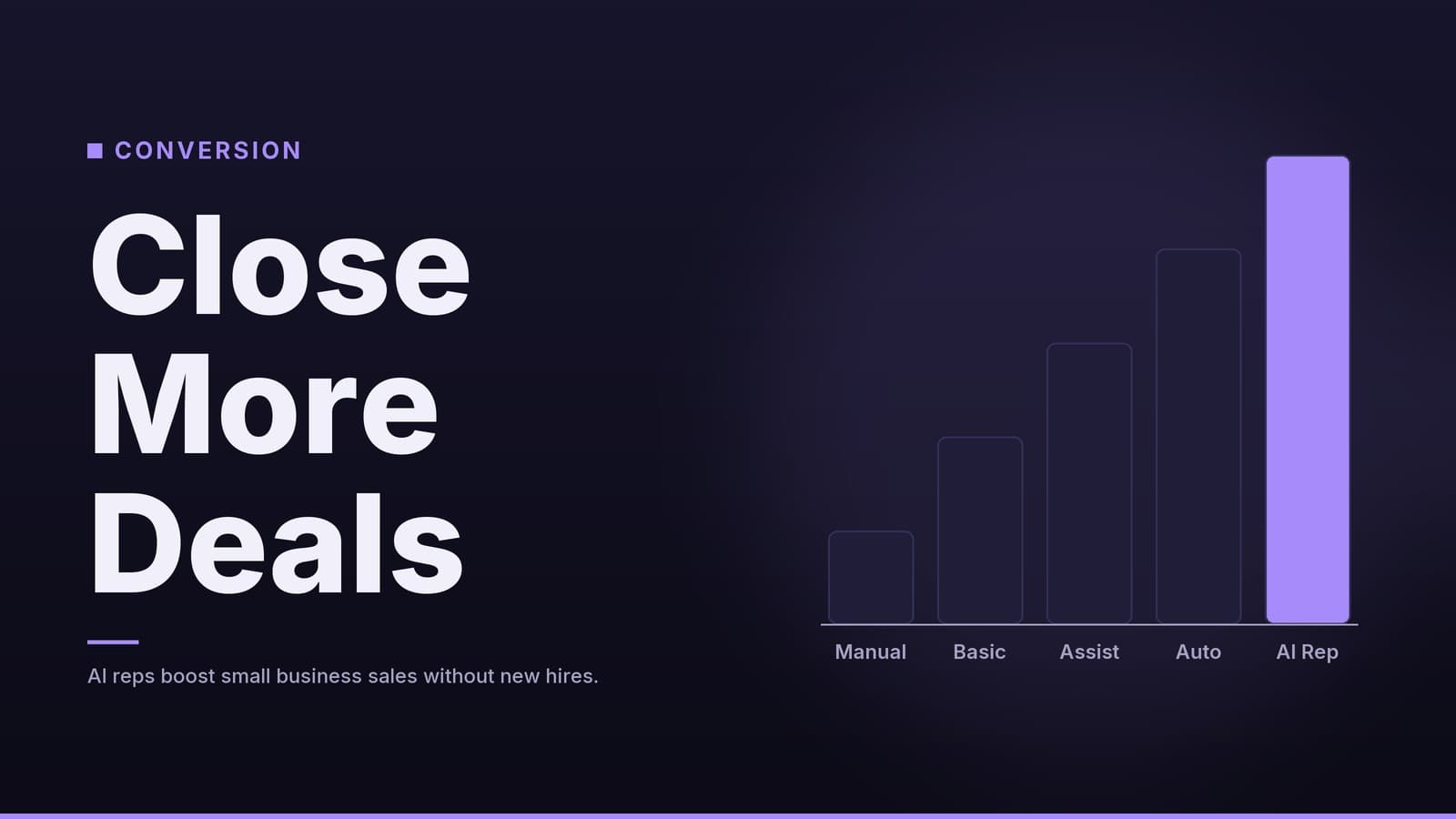
An AI sales rep can help close that gap by acting as a first responder. It does not replace human salespeople; it frees them to focus on high‑value conversations.
Immediate Engagement
The AI can answer quickly, signalling that the business is responsive. For a jeweller, that might mean explaining diamond grading right away; for a restaurant, it could be confirming table availability.
Consistent Qualification
The agent asks the same qualifying questions in the same order for every lead. Optional scoring features let you flag prospects that appear more likely to convert, helping your team prioritize follow‑up.
Automated Follow‑Up
If a lead shows interest but does not book immediately, the AI can schedule a polite reminder or share a helpful tip. The follow‑up is triggered by user behaviour rather than a human remembering to send a message.
Human‑in‑the‑Loop Handoff
When a conversation becomes complex—legal questions, medical advice, or a request for a custom quote—the AI can route the chat to a human. This ensures sensitive issues are handled with empathy and expertise.
Implementation: Choosing and Setting Up Your AI Sales Tool
1. Integration Requirements
Your AI should connect to the systems you already use. Look for native integrations with your CRM, calendar and email platform. If the tool cannot write to your CRM, you will still need to enter data manually, which reduces the benefit of automation.
2. Training the AI
Prepare a knowledge base that reflects your products, services and brand voice. Include:
- Frequently asked questions
- Product or service descriptions
- Operating hours
- General pricing information (if you share it publicly)
For regulated fields such as healthcare or legal services, add compliance notes so the AI avoids providing advice that could violate regulations.
3. Human‑in‑the‑Loop Protocols
Define clear escalation rules. Common triggers include:
- Use of certain keywords (e.g., “legal”, “doctor”, “complaint”)
- Low confidence in the AI’s intent detection
- Explicit request for a human
Set up a dashboard where a human can review and take over a conversation quickly.
4. Cost Considerations
Pricing models for AI sales tools can include per‑user, per‑conversation, or flat‑rate subscriptions, and they often depend on the feature set you need. Always check the vendor’s current pricing page before budgeting.
Compare this to hiring a junior sales development representative (SDR). Labor costs differ by region and role, so calculate the local market rate for part‑time sales support to make an accurate comparison. The AI can handle many conversations at once, which can lower the cost per lead once the tool is set up.
5. Return on Investment
To estimate ROI:
- Baseline – Record the average number of leads that convert per month without the AI.
- With AI – Track the same metric after the AI is live.
- Incremental Gains – Subtract the baseline from the new figure.
- Monetise – Multiply the incremental leads by your average sale value.
- Subtract Cost – Subtract the AI subscription fee and any setup costs.
If the incremental revenue exceeds the cost, the AI is paying for itself.
Measuring Success and Common Pitfalls
| Metric | Why It Matters | Typical Focus |
|---|---|---|
| Response Time | Faster replies tend to keep visitors engaged. | Aim for a response that feels instantaneous to the user. |
| Lead Qualification Rate | Shows how well the AI filters prospects. | Track the proportion of leads that move to the next sales stage. |
| Booking Completion Rate | Indicates whether scheduled appointments are kept. | Monitor how many booked slots turn into actual visits. |
| Escalation Rate | High rates may signal the AI is struggling with queries. | Keep an eye on the percentage of conversations that require human takeover and adjust the AI’s knowledge base as needed. |
Avoid Over‑Automation
Never let the AI negotiate prices or provide medical or legal advice. Those tasks require human judgement and, in regulated industries, compliance checks.
Data Privacy
Confirm that the vendor stores data in a location that complies with your local data‑protection laws. If you serve patients or clients who share sensitive information, ensure the AI does not retain or process that data in ways that violate regulations.
Iterative Improvement
Review conversation logs regularly. Identify questions that caused confusion or required a human handoff. Update the knowledge base and tweak the AI’s responses. This continuous loop turns a static chatbot into a dynamic sales asset.
How HeyGrowin can help
HeyGrowin can help you explore digital solutions for your business. We can provide guidance on how to set up an AI sales rep that integrates with your existing tools, helping you capture and qualify leads. Visit heygrow.in to learn more about simplifying your sales process.
Frequently asked questions
Will an AI sales rep replace my human sales team?
No, it is designed to handle repetitive tasks like initial qualification and scheduling. This frees up human staff to focus on closing deals and building relationships.
How long does it take to set up an AI sales assistant?
Basic setups can take a few days to a week, depending on how much custom data (FAQs, product info) you need to upload and how complex your CRM integration is.
Can AI sales reps handle phone calls?
Yes, voice-enabled AI agents can handle inbound calls, answer questions, and book appointments. However, text-based chat is currently more common and often easier to implement.