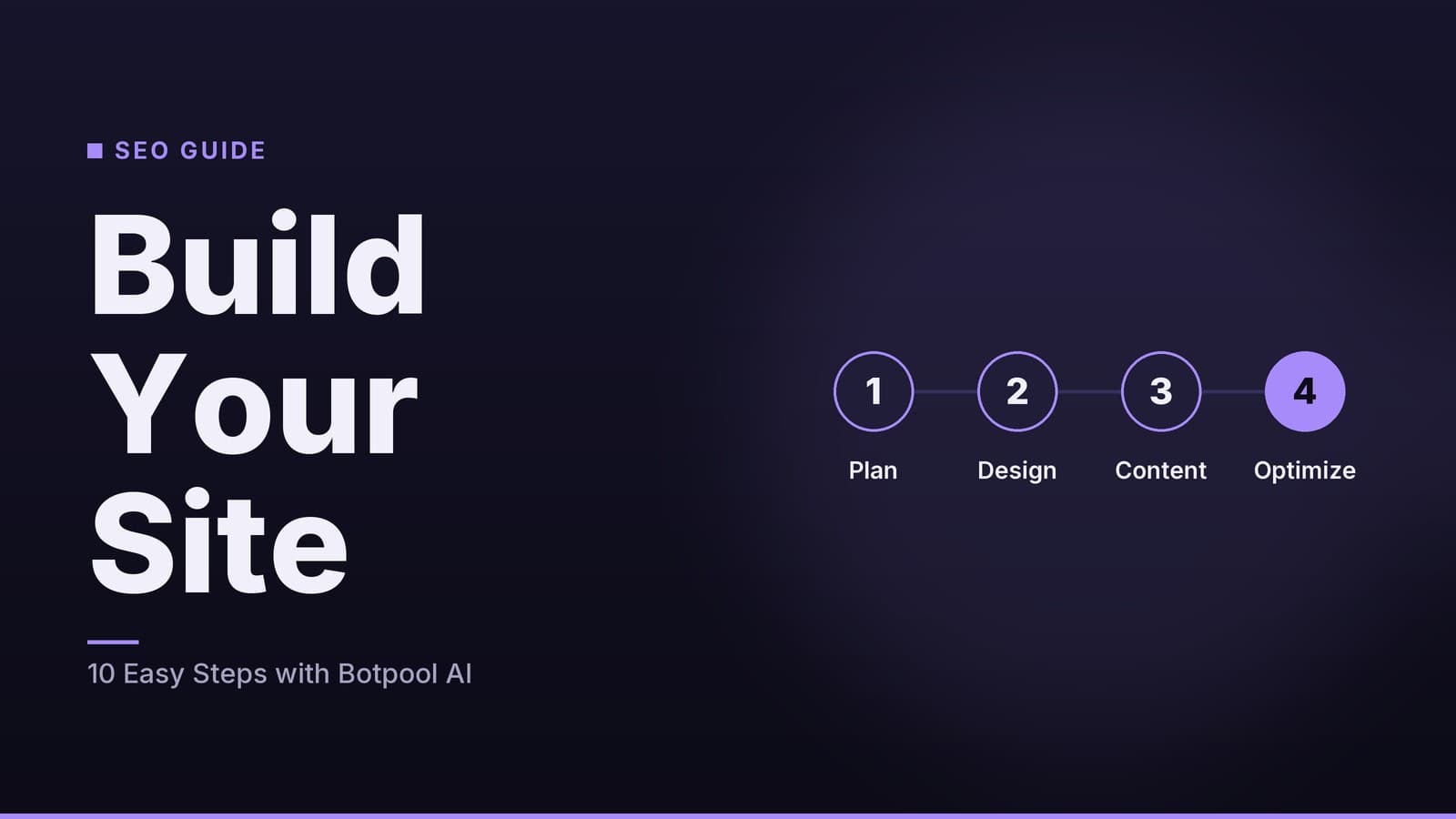
Build an SEO‑Ready Site with Botpool AI in 10 Easy Steps
A practical guide for small‑business owners to create an SEO‑friendly website using Botpool AI, covering design, content, and optimisation.
Start with Search Intent, Not Just Keywords
Search engines are a primary channel for acquiring new customers without a direct advertising budget. When a potential client types a query into Google or Bing, the sites that appear in the organic results are those that best match the user’s intent. For a small business, this means you do not need to outspend a national chain; you need to be the most relevant answer for specific, local, or niche queries.
However, "free traffic" is a loose term. While you do not pay per click, you are paying in time and effort to create and maintain content. The goal is to build a site that search engines trust and that users find useful quickly.
Why Specificity Wins
Generic advice like "use keywords" is not enough. You must understand the difference between broad terms and long-tail phrases.
- Broad terms: "Best coffee." Highly competitive, often dominated by large brands or aggregators.
- Long-tail terms: "Specialty coffee roasters in Austin with subscription options." Less volume, but higher intent. A user searching this is ready to buy.
For a small business, long-tail keywords are where the opportunity lies. A boutique jewelry store competing for "gold rings" is fighting against major retailers. Competing for "handmade gold rings with birthstone engravings" is a manageable challenge.
Step 1: Research and Define Your Target Audience
Before touching a website builder, you need to know what your customers are actually searching for.
Use Free Tools for Initial Data
Tools like Google Keyword Planner (which requires a free Google Ads account) or Ubersuggest’s free tier provide baseline data. You are looking for:
- Search Volume: How many people search for this term? (Low is fine for niche businesses).
- Competition: How hard is it to rank?
- Intent: Is the user looking for information, a product, or a service?
Validate with Customer Feedback
While keyword tools provide data, they do not capture the nuance of your specific brand. Asking regular customers how they describe your service can reveal natural language patterns that tools miss. For example, a physiotherapy clinic might find that patients search for "knee pain relief" rather than "orthopedic physiotherapy."
Note: Customer feedback is subjective. Use it to identify themes, then validate those themes with keyword data to ensure they have actual search volume.
Step 2: Choose Your Website Platform
The platform you choose impacts how easily you can implement SEO features. There is no "best" platform for everyone; it depends on your technical comfort level and budget.
| Feature | WordPress | Wix | Squarespace |
|---|---|---|---|
| Ease of Use | Moderate. Steep learning curve but highly flexible. | High. Drag-and-drop, very intuitive. | High. Clean interface, limited customization. |
| SEO Control | High. Full control over code, headers, and plugins. | Moderate. Built-in SEO tools, limited code access. | Moderate. Built-in tools, less granular control. |
| Cost Structure | Low initial cost (hosting + domain). Plugins may cost extra. | Subscription-based. Hosting included. | Subscription-based. Hosting included. |
| Scalability | High. Can handle high traffic and complex sites. | Moderate. Can handle growth but less flexible. | Moderate. Good for small to mid-sized sites. |
Selecting an AI Integration
If you plan to use AI tools to generate content, ensure your platform supports them.
- WordPress: Has a vast ecosystem of plugins. Check if your preferred AI tool has a dedicated plugin or if you can integrate via API using a code snippet.
- Wix/Squarespace: Often have built-in AI features or allow API integration via developer modes or third-party apps.
Action: Verify that your chosen platform allows you to edit title tags, meta descriptions, and image alt text easily. If you cannot access these elements, you are limiting your SEO potential.
Step 3: Structure Your Site for Clarity
Search engines and users prefer clear, logical structures. A messy site confuses both.
Core Page Hierarchy
- Home Page: Brief overview of who you are and what you do.
- Services/Products: Individual pages for each offering.
- About: Your story, team, and values.
- Contact: Clear address, phone number, and form.
- Blog/Resources: (Optional) For providing value and targeting informational keywords.
Keep Navigation Simple
Aim for a structure where any page is no more than three clicks away from the home page. Deep nesting (Home > Category > Subcategory > Product) can bury important content.
Checklist:
- All core pages are accessible from the main menu.
- No page is more than three clicks from Home.
- Internal links connect related services (e.g., link from "Haircut" page to "Styling Products").
Step 4: Create and Optimize Content
Content is the core of SEO. It must be helpful, accurate, and relevant.
Using AI for Drafting
AI tools can help overcome writer's block and speed up the drafting process. However, AI output requires human editing.
- Draft with AI: Provide the AI with your target keyword, the page purpose, and key points to cover.
- Edit for Accuracy: Verify all facts, prices, and claims. AI can hallucinate details.
- Add Local Context: AI does not know your local reputation, specific neighborhood landmarks, or unique selling points. Add these manually.
- Match Tone: Ensure the voice matches your brand. A law firm needs a different tone than a coffee shop.
Example: For a restaurant, an AI might draft a generic description of "Italian pasta." You should edit this to mention specific local ingredients, your chef’s background, or a unique dish that sets you apart.
Image Optimization
Images are often the largest files on a webpage. Optimizing them improves load speed.
- Compress Images: Use tools like TinyPNG or built-in CMS optimizers to reduce file size without visible quality loss.
- Add Alt Text: Describe the image in plain language. Include keywords only if they naturally fit.
- Bad: "IMG_1234.jpg"
- Good: "Barista pouring latte art in a brick-walled café"
- Use Descriptive File Names: Rename files before uploading (e.g.,
vegan-brunch-plate.jpginstead ofIMG_5521.jpg).
Step 5: Implement On-Page SEO Elements
These are the technical signals that tell search engines what your page is about.
| Element | Recommendation |
|---|---|
| Title Tag | Include primary keyword near the start. Keep under 60 characters. |
| Meta Description | Summarize the page in 150-160 characters. Include a call to action. |
| Headers (H1, H2, H3) | Use one H1 per page. Use H2s for sections. Use keywords naturally in headers. |
| URL Structure | Keep URLs short and descriptive (e.g., /hair-coloring not /page/123). |
How to Check
After publishing a page, view the page source (Ctrl + U or Cmd + Option + U) and search for <title> and <meta name="description">. Ensure they match your intended content.
Step 6: Local SEO and Structured Data
If you have a physical location, local SEO is critical.
NAP Consistency
Ensure your Name, Address, and Phone number are identical across your website, Google Business Profile, and other directories. Inconsistencies can confuse search engines and customers.
Schema Markup
Schema markup is code that helps search engines understand your content. For local businesses, this includes:
- LocalBusiness Schema: Includes address, hours, and phone number.
- Service Schema: Describes specific services offered.
- Review Schema: Displays star ratings if you have reviews.
Most CMSs have plugins that add this automatically. If you use WordPress, plugins like Yoast SEO or Rank Math can help generate this code.
Note: Do not fabricate reviews or services. Schema markup must reflect reality.
Step 7: Test Speed and Mobile Usability
Mobile users make up a large portion of web traffic. Search engines prioritize fast, mobile-friendly sites.
Run Speed Tests
Use Google PageSpeed Insights to test your homepage. Look for:
- Largest Contentful Paint (LCP): How long it takes for the main content to load.
- Total Blocking Time (TBT): How long the page is unresponsive.
Common Fixes
- Compress Images: As mentioned in Step 4.
- Minify Code: Remove unnecessary characters from CSS and JavaScript.
- Enable Caching: This stores a static version of your site to serve faster to returning visitors.
- Use a CDN: A Content Delivery Network serves your site from servers closer to the user. Many hosting providers offer this as an add-on or included feature.
Note: There is no single "perfect" speed score. A score of 80+ is a good target, but prioritize fixing critical issues that directly impact user experience, such as images that take over 3 seconds to load.
Step 8: Submit and Monitor
Once your site is live, you need to tell search engines to index it and monitor its performance.
Submit Your Sitemap
- Generate an XML Sitemap: Most CMSs have a plugin or built-in feature to create this file.
- Submit to Google Search Console: Create a free account, verify your domain, and submit the sitemap URL.
- Submit to Bing Webmaster Tools: The process is similar.
Monitor Performance
- Google Search Console: Shows which keywords are bringing traffic, which pages are indexed, and any crawl errors.
- Google Analytics: Tracks user behavior, such as which pages they visit and how long they stay.
Regular Checks:
- Monthly: Check Search Console for new keywords and any indexing issues.
- Quarterly: Review Analytics to see which pages are underperforming. Update content or improve internal links as needed.
Summary Checklist
- Keywords: Identified 3-5 long-tail keywords with clear intent.
- Platform: Chosen a CMS that allows control over title tags and meta descriptions.
- Structure: Site map is logical, with no page more than 3 clicks from Home.
- Content: Pages are written, edited for accuracy, and include local context.
- Images: Compressed and have descriptive alt text.
- On-Page: Title tags, meta descriptions, and headers are optimized.
- Local: NAP is consistent, and schema markup is implemented.
- Speed: Site passes mobile usability tests and loads quickly.
- Indexing: Sitemap submitted to Google Search Console and Bing.
SEO is an ongoing process. Algorithms change, and customer behavior evolves. By following these steps and monitoring your results, you can maintain a strong online presence that drives qualified traffic to your business.
For more insights on how search engines are evolving regarding AI-generated content, see our article on How Google’s New AI Fact-Check Rule Affects Your Site.
How HeyGrowin can help
HeyGrowin builds ready-made websites that integrate AI tools, allowing you to generate SEO-friendly pages without extensive coding. Our platform also includes CRM, booking, and inventory modules, providing a single dashboard to manage your online presence and operations. Learn more at https://heygrow.in.
Frequently asked questions
Do I need a developer to use Botpool AI?
No. Botpool AI can be added as a plugin or via a simple API key, and most CMS interfaces guide you through the setup.
Will the AI content be unique?
Botpool AI generates text based on patterns, but you should always proofread and add personal touches to avoid duplication.
How much does Botpool AI cost?
Pricing varies; most AI content tools charge per word or per month. Check Botpool AI’s website for current rates and plan details.