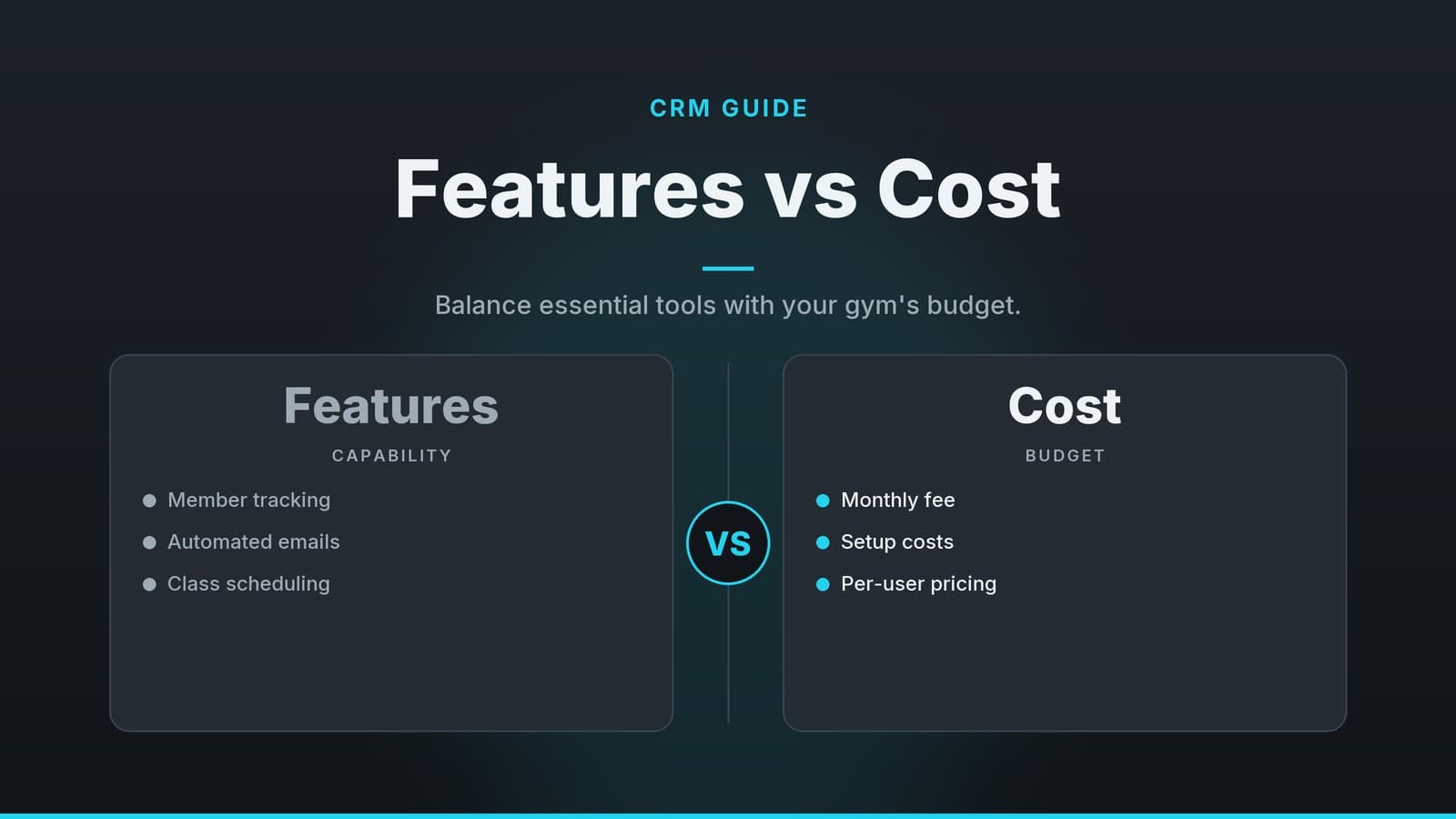
Choosing the Right CRM for a Boutique Gym: Features vs Cost
A practical guide for gym owners to pick a CRM that balances essential features with budget constraints.
Why a Generic CRM Isn’t Enough
Many small businesses start with a general‑purpose CRM because it is cheap or already familiar. However, general CRMs are built around sales pipelines, not recurring membership services. For a boutique gym, a specialized CRM needs to handle the specific rhythm of fitness business operations.
Key Differences for Fitness Studios
A general CRM might store an email address and a phone number. A fitness‑focused CRM typically needs to handle membership details, billing cycles, and class availability. Below are the capabilities that distinguish a tool fit for a gym from a standard sales tool:
- Recurring Billing Logic: Gym revenue is recurring, so look for systems that can automate renewals and manage failed payments (dunning) with minimal manual effort. Check whether the tool supports proration for mid‑cycle changes, as this varies by vendor.
- Capacity Management: A suitable gym CRM should help you monitor class capacity to prevent overbooking and identify under‑performing classes. Verify whether the tracking updates in real time or on a schedule, as that affects how quickly you can adjust availability.
- Member Journey Tracking: It should follow the member’s lifecycle—from lead to trial member to paying member, and eventually to churned member—so you can see where people drop off.
Note: While general CRMs can be customized, many small studios find the level of customization and learning required to be a barrier. Purpose‑built tools often include these features as standard.
Core Features to Prioritize
When comparing tools, focus on the core functionality that saves time. The features below are the minimum requirements for a smooth operation. If a vendor does not provide these as standard, you may need to build manual workarounds.
1. Member Database and Segmentation
Your database is the heart of the system. It should go beyond basic contact details and allow custom fields that suit your specific business needs. Common fields for fitness businesses might include:
- Health goals or restrictions (for safety and personalized coaching)
- Preferred class times or blackout times
- Source of lead (e.g., Instagram, referral, walk‑in)
Why it matters: Segmentation lets you send targeted messages. For example, you can automatically email only those members who haven’t attended a class in 30 days with a “We miss you” offer, rather than blasting the entire list.
2. Automated Communications
Manual emails are time‑consuming and prone to error. Look for automation features that trigger based on behavior or schedule. Specific timing and triggers vary by platform, so confirm which events can trigger messages:
- Class Reminders: Typically sent before a booked class to reduce no‑shows.
- Payment Reminders: Sent before a renewal date.
- Re‑engagement Campaigns: Sent to lapsed members.
Why it matters: Automation reduces the administrative burden on front‑desk staff. Instead of manually checking who has booked what, the system handles the communication, allowing staff to focus on member interactions and sales.
3. Scheduling and Capacity Control
The system must integrate with your class schedule. It should allow members to book, cancel, and waitlist for classes directly through the app or web portal.
Why it matters: Up‑to‑date capacity information prevents the frustration of showing up to a full class. It also provides data on which classes are oversubscribed and which are empty, helping you adjust your schedule to match demand.
4. Payment Integration
The CRM should connect directly to your payment processor. Many tools in this space offer integrations with common payment platforms, but you should verify which providers are supported on the vendor’s current integration list. Required capabilities include:
- Recurring subscription charges
- One‑off payments for personal training or merchandise
- Invoicing for corporate wellness packages
Why it matters: Direct integration eliminates the need to manually reconcile bank statements with your member list. It ensures that if a payment fails, the system can notify the member, reducing revenue leakage.
5. Reporting and Analytics
You need visibility into key performance indicators (KPIs) without digging through spreadsheets. Essential reports typically include:
- Churn Rate: Percentage of members leaving each month.
- Class Attendance: Average fill rate per class.
- Revenue by Source: Which marketing channels bring in the most paying members.
Why it matters: Data‑driven decisions help you optimise pricing, marketing spend, and class offerings. For instance, if a specific yoga class shows high churn, you might investigate whether the instructor, timing, or difficulty level is the issue.
Understanding CRM Pricing Models
Pricing for gym CRMs can be confusing because vendors use different metrics to charge for their services. Understanding the structure helps you avoid unexpected costs.
Common Pricing Structures
| Pricing Model | How It Works | Best For |
|---|---|---|
| Per Member | You pay a fixed amount for each active member in the system. | Studios with many members and fewer staff. |
| Per User | You pay for each staff member who logs into the system. | Studios with many staff but a smaller member base. |
Frequently asked questions
Do I need a separate marketing tool if I already have a CRM?
Many CRMs include basic marketing automation, but if you need advanced segmentation or multi‑channel campaigns, a dedicated tool may still be useful.
Can I switch CRMs later without losing data?
Most CRMs allow data export, but migration can be complex; plan for a transition period and test data integrity before fully switching.