CRM for salons: how to choose and use it effectively
A practical guide for salon owners on selecting and implementing a CRM to boost client management and sales.
The Practical Case for a Salon CRM
Running a salon involves managing multiple stylists, varying service durations, and a high volume of client interactions. Without a central system, vital information—such as hair history, product preferences, and payment details—often lives in individual stylists’ heads or scattered spreadsheets. A Customer Relationship Management (CRM) system centralizes this data, ensuring that every team member has access to the same client record.
For a small business owner, the primary value of a CRM is not just storage, but automation. It handles the repetitive administrative tasks that consume staff hours, such as sending appointment reminders and logging service history. This allows your team to focus on service delivery rather than data entry. Below is a breakdown of the core capabilities you should expect from a salon-specific tool.
| Capability | Operational Benefit | What to Verify |
|---|---|---|
| Integrated Scheduling | Eliminates double-booking and manual entry. Bookings from web, phone, or walk-in appear instantly in the client file. | Does it sync with your existing calendar? Can it handle complex services (e.g., color with processing time)? |
| Client History & Notes | Ensures consistency in service. New stylists can see previous color formulas, cut lengths, and client preferences. | Can notes be categorized (e.g., "Hair," "Skin," "Billing")? Are photos easy to upload and retrieve? |
| Communication Automation | Reduces no-shows and keeps clients engaged. Automated SMS/email reminders and post-visit thank-you notes. | Does it support both SMS and email? Can you set different templates for different service types? |
| Client Segmentation | Enables targeted marketing. You can group clients by last visit date, service type, or spend level. | Can you create dynamic lists (e.g., "Clients who haven't visited in 90 days")? |
Comparing Salon CRM Options
Choosing the right tool depends on your salon’s size and specific workflow needs. The market offers several categories of software, each with different strengths. Below is a general comparison of the types of solutions available to help you narrow down your search.
Note: Specific pricing and feature sets change frequently. Always check the vendor’s current website for accurate plan details and trial availability.
| Vendor Type | Best For | Key Strengths | Potential Limitations |
|---|---|---|---|
| All-in-One Salon Suites (e.g., Vagaro, Boulevard, Phorest) | Full-service salons needing scheduling, retail, and marketing in one place. | Deep integration of booking, POS, and client management. Often include built-in marketing tools. | Can be complex to set up. Per-user pricing may add up quickly for large teams. |
| Lightweight Booking CRMs (e.g., Square Appointments, GlossGenius) | Small salons, spas, or solo practitioners prioritizing ease of use. | Simple interface, quick setup, and often lower entry costs. Good for basic scheduling and payments. | May lack advanced segmentation or detailed reporting features found in enterprise suites. |
| General Business CRMs (e.g., HubSpot, Zoho) | Salons that also manage significant retail inventory or complex sales pipelines. | Powerful data management and customization. | Not designed for appointment-based workflows out of the box; may require plugins or configuration. |
When evaluating these options, pay close attention to the pricing model. Most salon-specific CRMs charge per user per month. Some include marketing features only in higher-tier plans, while others charge extra for SMS credits. Calculate your total cost of ownership by adding up user fees, payment processing fees, and any add-on modules you require.
To see a broader overview of tools that might fit your needs, you can refer to our guide on the Top 10 CRM Tools for Small & Medium Businesses. This resource helps identify platforms that often offer salon-friendly tiers.
Implementation Checklist
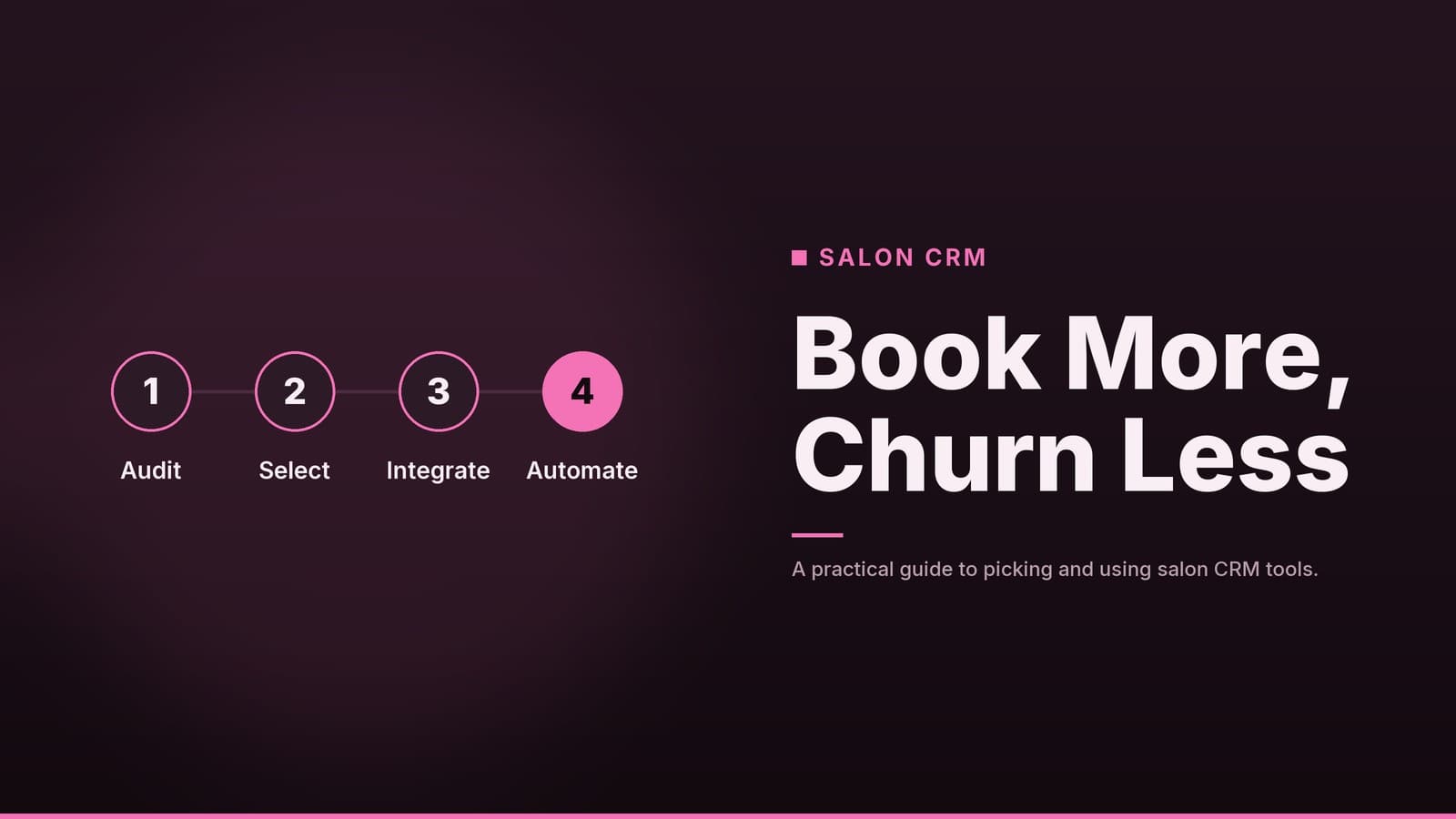
A CRM is only as effective as the data entered into it. A rushed implementation often leads to low staff adoption and incomplete records. Follow this structured approach to ensure a smooth rollout.
1. Define Your Data Fields
Before importing data, decide what information is critical for your business. Avoid creating excessive fields that staff will ignore.
- Essential: Name, phone number, email, preferred stylist, last visit date.
- Service-Specific: Hair type, color history, skin sensitivities/allergies (see privacy note below).
- Marketing: Birthday, preferred contact channel (SMS vs. Email).
2. Clean Your Existing Data
If you are migrating from a spreadsheet or old system, clean the data first.
- Remove duplicate entries.
- Standardize phone number formats (e.g., all with country codes).
- Verify that email addresses are valid.
- Tip: Most CRMs have an import wizard that maps your CSV columns to their fields. Test this with a small batch of data before importing the full list.
3. Configure Automation Rules
Set up the automated messages that save time.
- Reminders: Set a 24-hour and 2-hour SMS/email reminder. Include the service, time, and location.
- Post-Visit: Schedule a thank-you message 2–3 days after the service. This is a good opportunity to ask for a review or suggest a follow-up service (e.g., "Don’t forget to use the conditioner we recommended").
- Re-engagement: Create a rule for clients who haven’t visited in 3–4 months. Send a gentle check-in or a special offer.
4. Set Up Loyalty and Bundles
If your plan includes loyalty features, define the rules clearly.
- Points Structure: Decide how points are earned (e.g., 1 point per $1 spent).
- Redemption: Define how points are used (e.g., 100 points = $10 off).
- Bundles: Create standard packages (e.g., "Cut + Blowout") to simplify booking and pricing.
Important Note: Loyalty programs can have tax and accounting implications depending on your region. Consult with your accountant to ensure your points structure complies with local regulations regarding deferred revenue and gift card liabilities.
5. Train Your Team
Staff resistance is the most common reason CRM implementations fail.
- Hold a short, hands-on workshop covering the three most common tasks: creating a new client, checking a client’s history, and scheduling an appointment.
- Create a one-page quick-reference guide with screenshots.
- Designate a "CRM Champion" on your team who can answer day-to-day questions.
6. Pilot and Adjust
Run the system for one month before going fully live.
- Monitor which features staff are using and which they are ignoring.
- Check for data entry errors (e.g., missing phone numbers).
- Gather feedback: "Is the mobile app easy to use at the front desk?" "Are the reminder messages clear?"
- Adjust templates and fields based on this feedback.
Effective Marketing Automation
Once your data is clean and your team is trained, you can use the CRM to drive repeat business. The key is segmentation—dividing your client list into smaller groups based on behavior or preferences.
Why Segmentation Works
Sending a "Spring Color Special" to a client who only ever gets a cut is irrelevant and may lead to unsubscribes. Instead, target specific groups:
- Lapsed Clients: Those who haven’t visited in 90 days. Offer a "We Miss You" discount.
- Service-Specific: Clients who had a color service 8 weeks ago. Remind them it’s time for a touch-up.
- High-Value Clients: Those who spend above a certain threshold. Invite them to exclusive events or preview new services.
Privacy and Data Compliance
Collecting client data, especially health-adjacent information like allergies or skin conditions, comes with legal responsibilities.
- Consent: You must obtain explicit consent to collect and store personal data, particularly if you intend to use it for marketing.
- GDPR/CCPA: Depending on where you operate, you may be subject to regulations like the General Data Protection Regulation (GDPR) or the California Consumer Privacy Act (CCPA). These laws require you to be transparent about what data you collect and how you use it.
- Data Minimization: Only collect data you actually need. If you don’t use a client’s date of birth for anything other than occasional birthday wishes, consider whether you truly need to store it.
Always review your privacy policy to ensure it accurately reflects your data practices. If you are unsure about your legal obligations, consult with a legal professional specializing in data privacy.
Common Pitfalls to Avoid
Even with a good tool, certain mistakes can undermine your efforts.
- Over-Complicating the System: Adding too many custom fields or complex tags makes data entry slow. If staff find it tedious, they will skip it. Start simple and add features only when a clear need arises.
- Ignoring Mobile Usability: Stylists are often on their feet or at the front desk. If the CRM is difficult to use on a tablet or phone, staff will revert to paper or memory. Test the mobile app thoroughly before purchase.
- Neglecting Data Hygiene: Duplicate contacts and outdated phone numbers lead to failed reminders and split loyalty points. Schedule a quarterly review to clean your list.
- Generic Messaging: Sending the same promotion to everyone reduces engagement. Use the segmentation strategies outlined above to personalize your communication.
- Lack of Training: As mentioned in the implementation checklist, staff need hands-on training. Without it, they will not use the system consistently, leading to incomplete data.
How HeyGrowin Can Help
HeyGrowin provides ready-made digital tools designed for small and medium businesses. Our CRM modules are built to integrate seamlessly with booking, loyalty, and marketing features, reducing the need for complex custom development.
Our team can assist with:
- Setup and Configuration: We help you define your data fields and configure automation rules to match your workflow.
- Data Migration: We assist in cleaning and importing your existing client lists to ensure a smooth transition.
- Staff Onboarding: We provide training resources and support to ensure your team feels confident using the system from day one.
By leveraging our tools, you can focus on growing your salon while we handle the technical infrastructure. Learn more about our solutions at HeyGrowin.com.
Frequently asked questions
Do I need a paid CRM or can I use a free one?
Free CRMs often lack appointment scheduling or marketing automation. For a salon, a paid plan that includes these features is usually worth the cost.
How much does a salon CRM typically cost?
Most vendors charge per user per month; prices vary widely. Check the vendor’s pricing page for the latest figures.