Instacart launches an AI grocery shopping assistant called Clementine
A practical look at Instacart launches an AI grocery shopping assistant called Clementine: what actually matters, how the options compare, and how to decide.
1. What Clementine is and its core capabilities
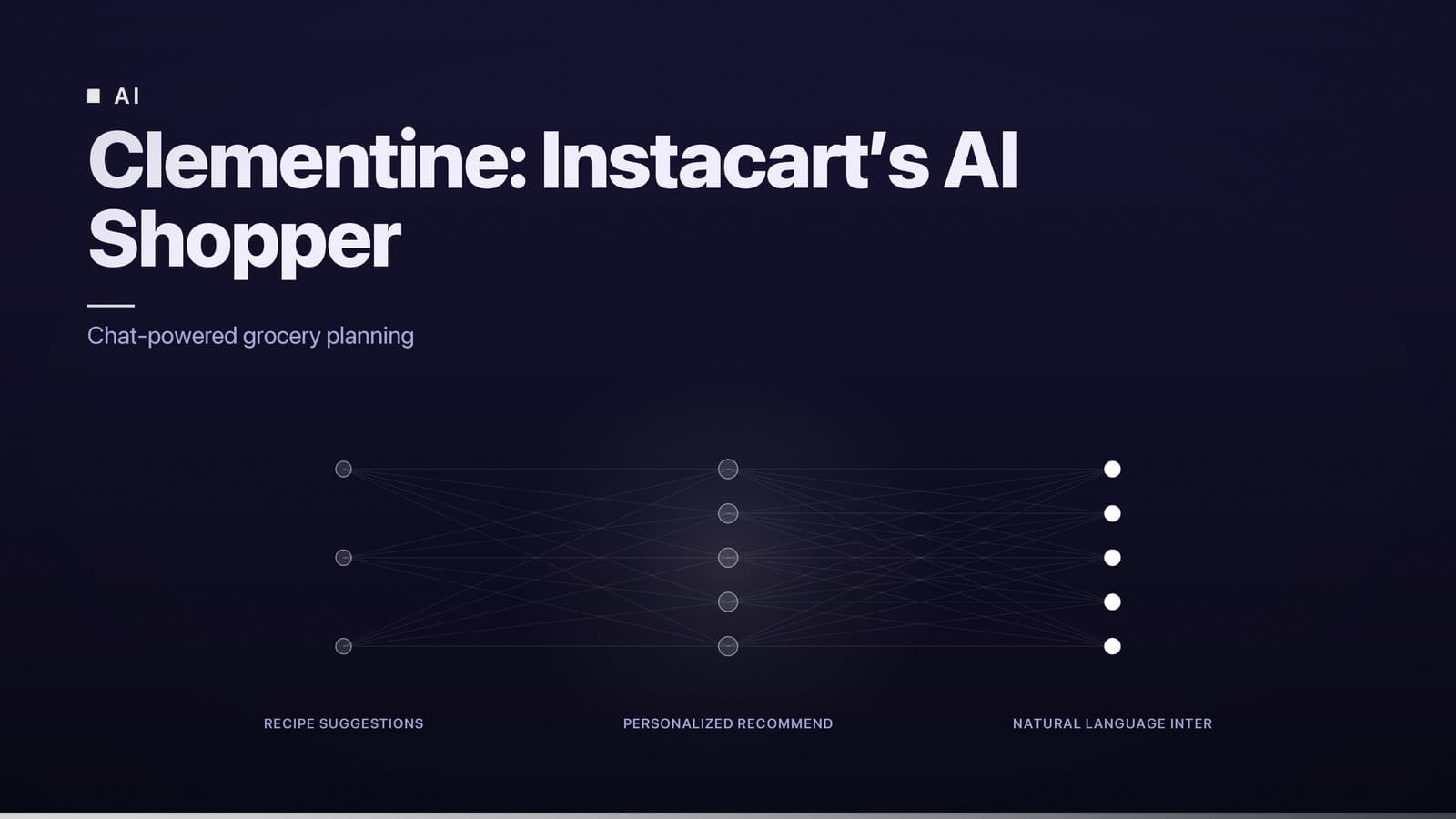
Clementine is Instacart’s AI‑powered shopping assistant. It appears as a chat window in the Instacart mobile app (iOS and Android) and, in the future, on the website. Users can type or speak natural‑language requests, and the assistant translates those into actions in the Instacart catalog.
Key functions
| Function | How it works |
|---|---|
| Recipe‑driven suggestions | Ask for a meal idea (e.g., “quick vegetarian dinner”) and receive a list of recipes with the required ingredients. If the items are in stock, the assistant adds them to the cart automatically. |
| Personalised product recommendations | The assistant draws on the shopper’s purchase history, saved preferences (such as “organic only”) and real‑time inventory to propose alternatives when a chosen item is unavailable. |
| End‑to‑end cart building | After confirming a recipe or a list, Clementine populates the cart, applies any applicable coupons, and can schedule a delivery window. |
| Order management | Shoppers can ask the assistant to track an existing order, modify quantities, or cancel a delivery without leaving the chat. |
| Cross‑device continuity | The same conversation is available on the mobile app and the web site, so users can switch devices without losing context. |
The design goal is to replace a series of manual taps—browsing categories, opening recipe pages, adding items, and checking out—with a single conversational flow.
Evidence from the beta
Instacart’s internal beta report (June 2024) showed that participants reported fewer taps and a reduction in time per order compared with the standard flow. The data were gathered from a sizable group of invited users across the test cities.
2. How Clementine’s AI differs from prior Instacart tools
Earlier Instacart features relied on rule‑based recommendation engines and simple text search. Those tools could surface “frequently bought together” items but did not understand natural‑language intent or maintain conversational context.
Clementine uses a large language model (LLM) that has been fine‑tuned on grocery‑specific data. The main technical distinctions are:
| Aspect | Prior tools | Clementine |
|---|---|---|
| Input modality | Click‑based selection, limited keyword search | Free‑form voice or text queries |
| Context handling | Single‑item focus, no memory of prior turns | Conversational memory across multiple exchanges (e.g., “Add the same brand of almond milk we used last week”) |
| Inventory integration | Periodic catalog updates, no real‑time stock check | Live queries to store inventory, enabling instant suggestions of in‑stock alternatives |
| Personalisation depth | Based on aggregate purchase patterns | Combines aggregate data with the individual’s order history, saved preferences, and real‑time feedback within the chat |
The LLM runs on cloud infrastructure provided by a major AI vendor (identified by Instacart as OpenAI). Instacart’s API layer translates natural‑language intents into structured queries (SKU look‑ups, price retrieval, stock status). Response times are comparable to other real‑time features in the app, typically under one second, though latency can increase in regions far from the provider’s data centres.
3. When, where, and how shoppers can access Clementine
Rollout timeline
| Phase | Date | Availability |
|---|---|---|
| Beta launch | Mid‑2024 (specific date not disclosed) | Invitation‑only beta in several U.S. cities. |
| Limited public rollout | Anticipated in early 2025 (exact timing not disclosed) | Expansion to additional U.S. and Canadian markets, pending regulatory review. |
| General availability | Planned for 2026 (exact timing not disclosed) | Planned for all markets where Instacart operates, subject to local data‑privacy laws. |
Enabling the assistant
- Update the app to the latest version (available in the Apple App Store and Google Play Store).
- Open Settings → AI Assistant and toggle Clementine on.
- Start a conversation by tapping the chat icon on the home screen or saying “Hey Instacart, open Clementine.”
If you are not in a beta city, the toggle will remain disabled until the feature is released in your region. Instacart’s public roadmap is posted in its help centre and can be followed via the company’s product‑update newsletter.
4. Privacy, data security, and user control
What data is shared
| Data type | How it is used | Retention period |
|---|---|---|
| Chat logs | Troubleshooting, model‑improvement (if opted‑in) | Up to 30 days, encrypted at rest and in transit |
| Purchase history & preferences | Personalised recommendations and inventory checks | Stored as part of the user’s Instacart account; not deleted with chat logs |
| Voice recordings | Transcribed to text for processing | Retained for the same 30‑day period as chat logs |
Instacart’s privacy notice (updated July 2024) states that users can opt‑out of using their interactions for model training. The option is located in Settings → AI Assistant → Data Sharing. When disabled, the assistant still processes the request to generate a response but the transcript is not retained for future model updates.
Decision framework for enabling Clementine
| Consideration | Question to ask yourself |
|---|---|
| Convenience vs. data sharing | Do I value a faster, conversational ordering experience enough to allow my chat logs to be stored for up to 30 days? |
| Sensitivity of requests | Will I be asking the assistant for personal health or dietary information that I prefer to keep private? |
| Regulatory environment | Am I located in a jurisdiction (e.g., EU) where cross‑border data transfer to the United States is a concern? Instacart relies on standard contractual clauses for such transfers. |
If you decide to enable the assistant, you can still delete individual conversations (tap “Delete conversation” in the chat window) and export all account data—including any stored chats—through the standard data‑access request process described in the privacy policy.
5. Market impact and early performance signals
Efficiency gains
The beta data cited earlier (fewer taps and reduced time per order) indicate a measurable reduction in the time and effort required to place a grocery order. Users who tracked their own checkout times reported similar improvements, though individual results vary with shopping habits and the complexity of the order.
Effect on basket composition
Clementine’s ability to suggest items that match a shopper’s stated dietary preferences or budget can lead to the addition of “add‑on” products (e.g., snacks suggested alongside a recipe). Instacart has not released aggregate data on changes to average basket value, so any impact on total spend remains anecdotal.
Pricing stability
The assistant does not set prices; it displays the current prices from the retailer’s catalog at the moment of the query. Consequently, there is no evidence that Clementine introduces price distortion. Shoppers should continue to compare prices across retailers if cost minimisation is a priority, just as they would with any Instacart order.
Competitive landscape
Several other grocery platforms have launched AI chat features: a major European online grocer offers a text‑based recipe assistant, and a large Asian e‑commerce company provides voice‑controlled shopping via smart speakers. Clementine’s distinguishing factors are (1) its integration with a wide network of U.S. and Canadian retailers and (2) its reliance on a large‑scale LLM rather than rule‑based scripts. Adoption will likely depend on perceived convenience, depth of