Payroll Software vs Manual Payroll: Which Saves You Time and Money
A practical guide for small‑business owners to decide between payroll software and manual payroll, with steps, costs and real‑world examples.
Why Payroll Matters for Your Bottom Line
Payroll touches three core areas of a small‑business operation: cash flow, compliance and employee morale.
| Impact | Why it matters |
|---|---|
| Cash flow | Payroll is often a major regular expense. Mistakes that require retroactive payments can strain the bank balance. |
| Compliance | Tax authorities require timely filings and accurate records. Missing a deadline can trigger penalties that differ by jurisdiction. |
| Morale | Timely and accurate pay can help maintain employee satisfaction and reduce the likelihood of disputes. |
Understanding the true cost of a payroll process helps you decide whether a spreadsheet is still viable or if a dedicated software solution is worth the investment.
Manual Payroll: The Traditional Route
| Step | What you do | Typical tools |
|---|---|---|
| 1 | Gather timesheets (paper, scanned PDFs or emailed spreadsheets) and total hours for each employee. | Physical sheets, email, basic spreadsheet (Excel, Google Sheets). |
| 2 | Apply wage rates, overtime rules and deductions (pension, health, union fees) using formulas you build yourself. | Spreadsheet formulas, manual look‑ups. |
| 3 | Calculate tax withholdings (e.g., PAYE, Social Security, Medicare) and arrange payments to the relevant tax authority. | Bank transfer, manual EFT files, occasional cheque. |
Pros
- No licence fee – you only need a computer and a spreadsheet program you already own.
- Full visibility – every number sits in front of you, which can feel reassuring if you prefer to see the raw data.
Cons
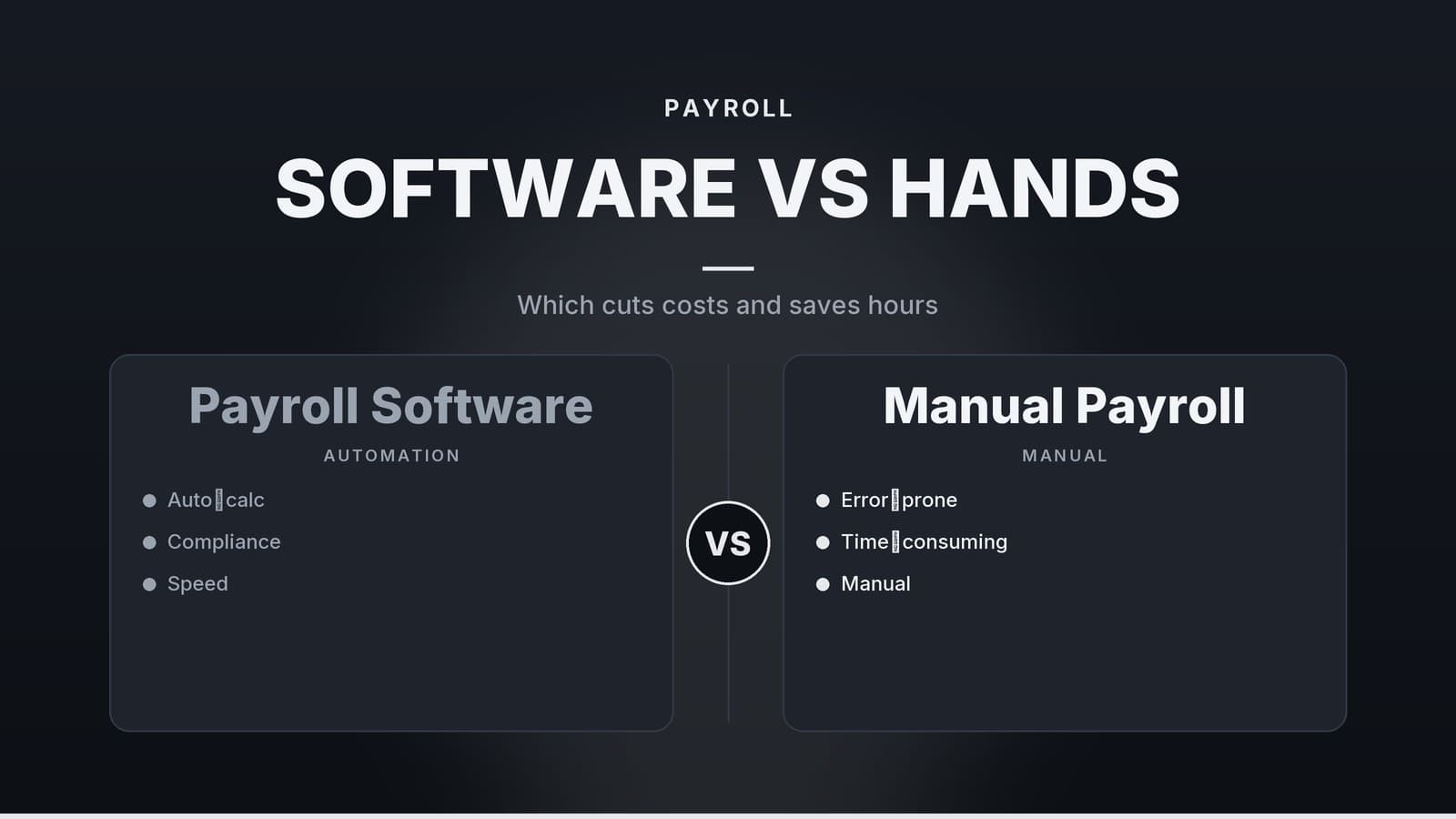
- Time‑intensive – the amount of time needed grows as the number of staff and the complexity of pay arrangements increase.
- Error‑prone – a single mistyped rate or missed overtime threshold can create under‑ or over‑payments that must be corrected later.
- Scalability limits – adding a new employee usually means extending formulas and testing them again, which can become more complex as the staff list expands.
- Compliance burden – you must monitor tax‑rate changes, minimum‑wage updates and filing deadlines yourself. A missed deadline may result in a penalty, the amount of which depends on local regulations.
For a boutique shop with two employees on a fixed weekly wage, manual payroll can still be practical. Once you move beyond that size or introduce variable hours, the hidden labour and error costs usually outweigh the “no‑software” appeal.
Payroll Software: Features That Matter
When you start looking at payroll platforms, focus on the capabilities that translate into measurable time savings and risk reduction.
Core Functions
| Feature | How it helps |
|---|---|
| Time tracking | Built‑in clock‑in/out or integration with badge readers removes the need to collate separate timesheets. |
| Automatic tax calculation | The engine pulls the latest national and local rates, applying the correct code for each employee without manual look‑ups. |
| Direct deposit | Funds are pushed to bank accounts or prepaid cards automatically, eliminating check‑writing and manual bank uploads. |
| Reporting | Payslips, year‑end tax summaries and statutory reports are generated with a click, ready for upload to tax portals. Note that the specific document names (e.g., P60 in the UK, W-2 in the US) vary by country. |
Integration
Link payroll to your accounting system (e.g., Xero, QuickBooks, Sage) so that wage expenses flow directly into the general ledger. Many providers also offer integrations with common business tools, reducing the need for manual data entry.
Compliance
Look for a solution that updates tax tables, minimum‑wage rates and statutory benefits (e.g., maternity pay, sick leave) automatically. A clear audit trail that logs who changed what and when is useful if you ever need to demonstrate compliance to a regulator.
Security
| Control | What it protects |
|---|---|
| Encryption (TLS/SSL) | Keeps data safe while it travels between your browser and the vendor’s servers. |
| Role‑based access | Ensures only authorised staff can view or edit payroll data. |
| Backup & recovery | Daily cloud backups protect against accidental loss or ransomware. |
| Data‑privacy compliance | Review the vendor’s data‑processing agreement to ensure it aligns with the privacy regulations applicable to your business. |
Cost Tiers (illustrative ranges)
| Tier | Approx. monthly price per employee* | Typical features | Best for |
|---|---|---|---|
| Free / trial | Often £0, but check vendor terms for usage limits | Basic payslips, manual tax entry, limited support | Very small teams, testing the platform |
| Standard | Pricing varies by vendor; check current rates | Time‑tracking, auto tax, direct deposit, integrations with popular accounting packages | SMEs with a handful to a few dozen staff |
| Enterprise | Custom pricing (usually higher per‑employee rate) | Advanced analytics, multi‑entity support, dedicated account manager, SLA guarantees | Larger firms or groups with complex structures |
*Exact fees depend on the provider, the number of users, and any optional add‑ons. Always request a current quote that reflects your specific situation.
If you already use a cloud accounting package, check whether the vendor offers bundled pricing or discounts for adding payroll. For a deeper dive on selecting a tax‑aware payroll solution, see the Tax software best buy article (link needed).
Cost Comparison: Software vs. Manual
Below is a simple model that compares the direct cost of a payroll platform against the labour cost of a manual process. Replace the placeholders with your own figures (hourly wage, number of users, local software pricing) to see how the balance shifts for your business.
| Scenario | Direct software cost (per month) | Estimated staff time for payroll (hrs/month) | Labour cost (assuming £20 / hr) | Approx. total monthly cost |
|---|---|---|---|---|
| Manual payroll | £0 | Variable – depends on staff size and complexity | Variable | Variable |
| Standard software (example) | Vendor‑specific rate + any setup fee amortised | Reduced compared with manual | Reduced | Depends on your inputs |
| Free‑tier software | £0 (subject to vendor terms) | May still require some manual steps | Reduced but not eliminated | Depends on your inputs |
Interpreting the numbers
- Labour savings – Many SMEs find that moving from a manual process to a per‑employee platform reduces the time spent on payroll, which can translate into lower labour cost.
- Cost recovery – Whether the software fee is offset by saved staff time depends on your hourly rates, the number of users, and any vendor‑specific fees (e.g., onboarding or support).
- Scalability – Adding an extra employee usually adds only a few minutes to the payroll run, rather than a proportional increase in staff hours.
These figures are illustrative only. Use your own wage rates, the number of staff who will log in, and any vendor‑specific fees to build a more precise model.
Real‑World Examples
| Business type | Staff size | Payroll method | Illustrative time impact | Additional benefit |
|---|---|---|---|---|
| Clinic (doctors, nurses, admin) | 10 | Payroll software (e.g., Xero Payroll) | Users often report time savings compared with manual methods | Reduces double‑entry with patient‑billing software; automatic tax and pension deductions. |
| Restaurant (kitchen, floor, part‑time) | 20 | Payroll software (e.g., Wave Payroll) | Some owners notice that runs can be consolidated into a single day | Overtime calculated correctly; staff receive digital payslips instantly via mobile app. |
| Retail shop | 5 | Manual (Excel) | Typical run can take several hours each pay period | Missed a tax filing deadline once, resulting in a modest penalty. |
| Gym / Fitness studio | 8 | Payroll software (e.g., Sage Payroll) | Users indicate a saving of several hours per month | Handles shift‑based pay and member‑discount deductions; integrates with class‑booking software. |
The clinic example shows how a payroll add‑on can integrate with existing healthcare management tools, reducing duplicate data entry.
The restaurant case demonstrates that even a free or low-cost platform can streamline processing when schedules are highly variable, provided it supports your region.
If you operate a gym or fitness studio, the Gym vs. Fitness Studio: Picking the Right Management Software guide (link needed) explains how to match payroll features with class‑booking and membership platforms.
Implementation Checklist for Switching to Software
- Map your current workflow – List each step, the person responsible and the time it takes. Identify pain points such as “manual overtime calculations cause errors.”
- Choose a vendor – Match the provider’s employee‑count tier, industry‑specific features (hospitality, healthcare, retail) and integration capabilities with your existing tools.
- Collect employee data – Full name, address, tax code, bank account, wage rate, benefit elections and any statutory IDs. Store this securely (e.g., encrypted CSV) for bulk import if the software supports it.
- Configure settings – Set pay periods, holiday accrual rules, overtime multipliers and any local statutory deductions.
- Run a parallel test payroll – Process the most recent month’s data in the software but do not trigger real bank transfers. Compare the generated payslips and tax totals with your historic manual run.
- Obtain a professional sign‑off – A quick review by your accountant or a qualified payroll specialist can catch compliance gaps before you go live.
- Go live – Schedule the first live payroll after a low‑impact pay period (e.g., a month with few new hires).
- Train the team – Conduct a short walkthrough for anyone who will view payslips or run reports. Keep the vendor’s support contact handy for the first few cycles.
- Document the new workflow – Write a one‑page SOP (Standard Operating Procedure) that outlines who does what, when, and where to find help. Store it in a shared, version‑controlled location.
Following this checklist helps you avoid surprise costs and reduces the risk of compliance oversights during the transition.
When Manual Payroll Still Makes Sense
| Situation | Why manual can work | Key safeguards |
|---|---|---|
| 1‑2 employees with fixed weekly salaries | The time saved by software is minimal; no licence fee is required. | Keep tax tables up to date and set calendar reminders for filing deadlines. |
| Highly irregular contracts (e.g., freelance project‑based work) where no software can model bespoke rates | Custom calculations may be easier to code in a spreadsheet you control. | Document the calculation method clearly; consider a hybrid approach (software for tax, spreadsheet for bespoke rates). |
| In‑house payroll expertise (certified payroll officer) | You already have the knowledge to stay compliant and can audit the process yourself. | Ensure regular backups of payroll records and have a succession plan if the payroll officer leaves. |
Even in these niches, a lightweight cloud‑storage solution for record‑keeping (e.g., a secure Google Drive folder with appropriate permissions) can add a safety net without the cost of a full payroll platform.
Risk Disclosure
Moving payroll data to a cloud‑based service introduces data‑privacy considerations. Verify that the vendor:
- Provides a data‑processing agreement that aligns with the privacy regulations applicable to your business.
- Offers multi‑factor authentication and role‑based access controls.
Regularly review who has access and conduct an annual security audit, especially if you handle sensitive employee information such as bank details or national‑insurance numbers.
Legal Disclaimer
The information in this article is for general educational purposes only. It does not constitute legal, tax or financial advice. Payroll regulations differ by country, state or province, and they can change frequently. Always consult a qualified accountant, payroll specialist or legal professional before making decisions that affect compliance or tax obligations.
How HeyGrowin Can Help
HeyGrowin can assist with connecting payroll data to your existing booking, inventory, or CRM systems. We also offer payroll‑friendly modules that integrate with your current software stack, allowing you to focus on serving customers rather than managing spreadsheets. For more details on our current service offerings, visit https://heygrow.in.
Frequently asked questions
Do I need a payroll specialist to use software?
No, most payroll software is designed for non‑technical users; you can set it up yourself or with a basic accountant.
Can I keep my old spreadsheets after switching?
Yes, but you should archive them and rely on the software for future runs to avoid duplicate work.