Choosing the Right Billing Software for Your Indian Café
A practical guide to selecting billing software that fits a café’s needs in India, covering features, costs, and real‑world examples.
Why a Dedicated Billing System Matters
Running a café without a dedicated billing system creates friction at every step of service. Relying on paper pads or manual spreadsheets often leads to discrepancies between what the kitchen receives and what the customer pays. A digital Point of Sale (POS) system standardizes this process.
Reducing Errors and Improving Speed
Manual entry invites mistakes: mis-spelled items, wrong quantities, or missed add-ons. A digital POS captures the exact item selected, sending a clear ticket to the kitchen and generating a bill that matches the order. This reduces the need for refunds and corrections, which are time-consuming and frustrating for customers.
Data-Driven Staffing and Menu Decisions
While not every dashboard offers granular minute-by-minute data, most modern POS systems allow you to view sales by time of day, item, and staff member. This data helps you identify peak periods to schedule staff effectively and reveals which items drive the highest margins. For example, if data shows that iced drinks spike in the afternoon, you can adjust staffing or prep levels accordingly.
Streamlining Payments
Indian customers frequently use multiple payment methods, including UPI, cards, and wallets. A POS that integrates directly with payment gateways like Paytm, PhonePe, or Razorpay automates reconciliation. Instead of manually matching cash-in-hand with bank statements, the system records each transaction type, simplifying end-of-day accounting.
Inventory Control
Perishable ingredients like milk and pastries have short shelf lives. A POS with inventory tracking can alert you when stock falls below a set threshold. This helps you reorder before running out and track usage to identify waste.
Key Features Every Café Needs
When evaluating software, focus on features that solve specific operational pain points. The table below outlines essential capabilities and why they matter for a café environment.
| Feature | Why It Matters for a Café |
|---|---|
| Touchscreen Interface | Baristas can tap items quickly while multitasking. A simple UI reduces training time compared to complex keyboard-based systems. |
| Receipt Options | Supports both paper slips (for expense claims) and digital receipts via email or WhatsApp, catering to different customer preferences. |
| GST Compliance | Automatically applies the correct GST rate per item. Note that GST rates in India vary by product category (e.g., 5%, 12%, 18%, or 28%). Verify the software supports the specific rates for your menu items. |
| Inventory with Expiry Tracking | Tracks batch numbers and expiry dates for perishables. Alerts help enforce First-In-First-Out (FIFO) practices, reducing waste of fresh ingredients. |
| Staff Management | Allows you to assign shifts and track individual sales performance. This provides accountability and helps identify top performers. |
| Mobile Capability | Enables order entry via tablet or phone, useful for outdoor seating areas or take-away orders where a fixed terminal isn’t practical. |
Top Billing Software Options for Indian Cafés
The following table compares five popular solutions. Note: Prices listed are indicative base monthly fees for paid tiers. Exchange rates for USD-denominated services fluctuate, so verify current costs with the vendor. Transaction fees (often 1–2% for card payments) are typically separate from subscription costs.
| Software | Trial/Free Option | Paid Tier (Indicative) | Key Strengths |
|---|---|---|---|
| Square POS | No full free tier; hardware may be required | ~$29/month (USD) | Simple interface, built-in card processing, no long-term contracts. Best for single-outlet simplicity. |
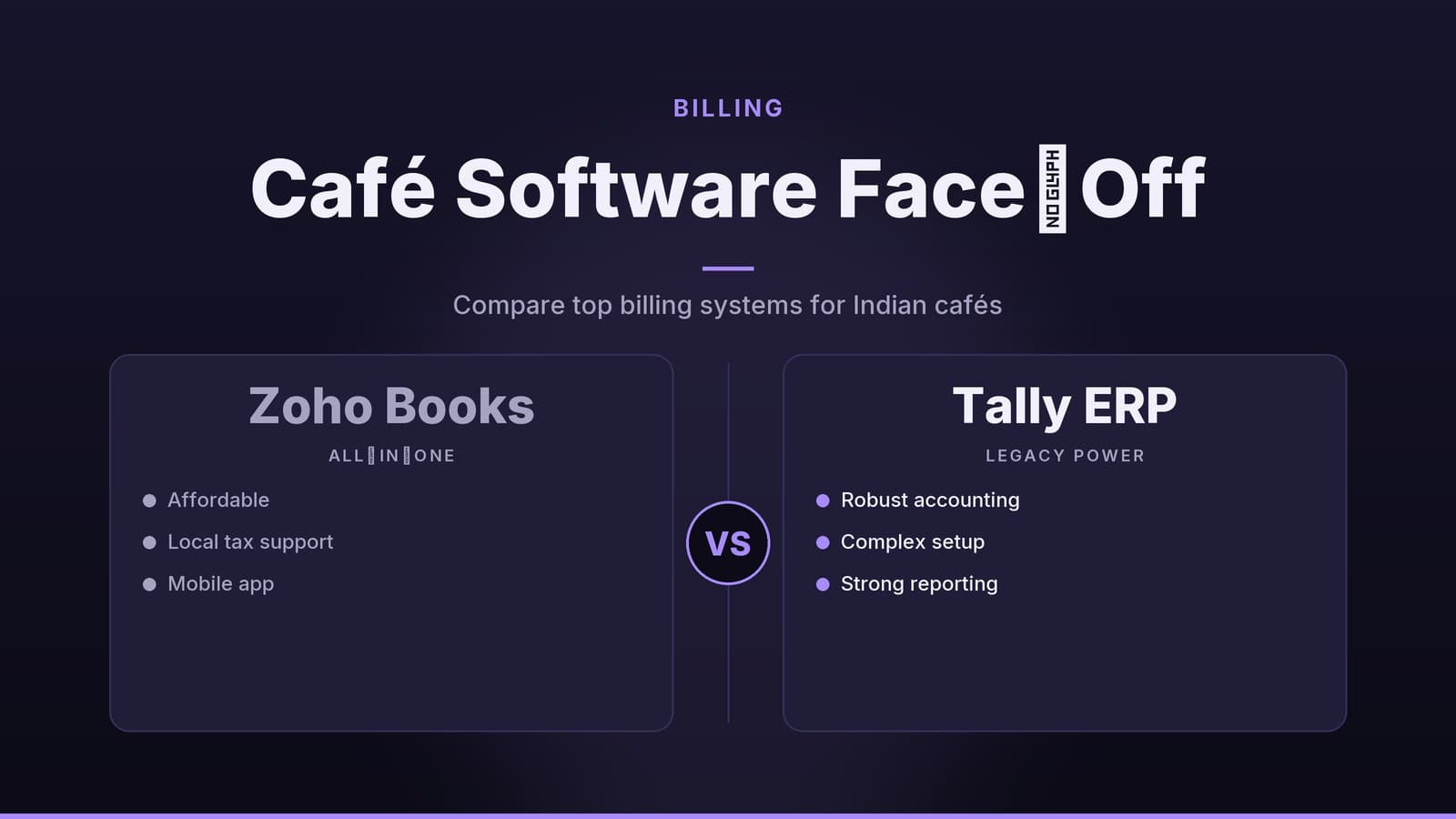
| Zoho Books | Free for up to 5 users | ₹1,200/month | Strong accounting suite, good GST reporting, integrates with other Zoho apps. |
| QuickBooks India | 30-day free trial | ₹1,500/month | Detailed reporting, strong community support. Note: Bank feeds may require manual import in some Indian configurations. |
| Paytm POS | Hardware costs apply; software often bundled | ~₹1,000/month (varies) | Deep integration with UPI/wallets, popular in Tier-2 cities, loyalty program features. |
| Shopify POS (Vend) | 14-day free trial | ~₹2,500/month | Cloud sync across multiple locations, strong inventory module, e-commerce integration. |
Quick Notes on Each Option
- Square POS: Ideal for single-outlet cafés wanting an all-in-one device. The interface is intuitive, reducing staff training time. Be aware that while the software is easy to use, you must budget for hardware costs and currency conversion if paying in USD.
- Zoho Books: A strong choice if you already use the Zoho ecosystem. It handles GST compliance well and offers robust accounting features without needing extra plugins.
- QuickBooks India: Suitable for owners who prioritize detailed profit-and-loss statements. While it offers powerful reporting, verify the level of automation for bank reconciliation in the Indian version, as manual imports may be necessary.
- Paytm POS: Offers competitive rates for UPI and wallet transactions. Its loyalty features can help retain regulars. Check the total cost of ownership, including hardware, before comparing it to subscription-only models.
- Shopify POS (Vend): Best for café chains or businesses planning to sell online. It provides a unified view of inventory and sales across multiple locations.
For more details on tax-specific tools, you may refer to our guide on Tax software best buy.
How to Evaluate and Pick the Right One
Choosing the right software requires a structured approach. Follow these steps to avoid costly mistakes:
List Your Specific Needs Document your number of outlets, daily order volume, staff count, and preferred payment methods. A single-outlet café has different needs than a three-location chain.
Verify GST Support Ensure the software can handle the specific GST slates applicable to your menu items. Disclaimer: This is not tax advice. Consult a Chartered Accountant to confirm your tax obligations.
Run a Real-World Trial Most vendors offer 14–30 day trials. During this period, process 20–30 real orders. Measure the time it takes to close a ticket and the ease of generating receipts. Pay attention to how intuitive the interface is for non-technical staff.
Check Hardware Compatibility List your existing hardware (thermal printers, scanners, cash drawers). Confirm the POS supports these devices via USB, Bluetooth, or Ethernet. Mismatched hardware can lead to additional costs.
Calculate Total Cost of Ownership (TCO) Don’t just look at the monthly fee. Use this formula to estimate your true cost:
TCO = (Monthly Subscription × 12) + (Hardware Costs) + (Transaction Fees × Estimated Annual Transaction Volume) + (Training/Setup Time)
For example, a "free" software that charges 2% per card transaction may become more expensive than a ₹1,200/month plan if your volume is high.
Plan Data Migration If moving from spreadsheets, ask the vendor how to import your inventory list and past sales data. A smooth migration prevents data loss during the switch.
Assess Support Quality Check for responsive customer support and active user communities. A quick resolution to a printer issue during rush hour is more valuable than a lower subscription fee.
Implementation Checklist
Use this checklist to ensure a smooth rollout. These steps complement the evaluation process above and focus on execution.
| Step | Action | Tips |
|---|---|---|
| 1 | Configure User Roles | Assign "Order Entry" rights to baristas, "Reporting" to managers, and "Admin" to owners. Limit access to prevent accidental data changes. |
| 2 | Set Up Menu and Tax Rates | Group items by category (Beverages, Snacks) for better reporting. Double-check that the correct GST rate is applied to each SKU. |
| 3 | Connect Payment Gateways | Enable UPI, cards, and wallets. Perform test transactions on each method to ensure they process correctly before going live. |
| 4 | Import Inventory | Upload your current stock list via CSV. Include batch numbers for perishables to enable expiry tracking. |
| 5 | Train Staff | Conduct a 30-minute hands-on session. Have each employee process a mock order and print a receipt. Identify common errors immediately. |
| 6 | Pilot Week | Run the system for one week before fully committing. Monitor order times, error rates, and inventory discrepancies. Adjust settings as needed. |
| 7 | Schedule Backups | Set a weekly reminder to export sales data. Ensure you have a backup plan in case of system downtime. |
Completing these steps before peak periods reduces the risk of operational disruptions.
Real-World Applications
While specific metrics vary by business, here is how different café types typically benefit from switching to a digital POS:
Single-Outlet Urban Café
A 30-seat café in Mumbai switched from handwritten ledgers to a UPI-integrated POS. The primary benefit was simplified reconciliation. By moving most transactions to UPI, the owner reduced the time spent counting cash and matching bank statements. The digital record also provided clear visibility into which drinks were most popular during lunch hours, allowing for better prep planning.
Family-Run Tea Shop
A small tea stall in Jaipur adopted Zoho Books to replace Excel sheets. The key improvement was inventory visibility. Expiry alerts helped the owner track the shelf life of milk powder and biscuits more accurately. By ordering fresh stock based on actual usage data rather than guesswork, the shop reduced the amount of unsold perishable inventory at month-end.
Multi-Outlet Chain
A five-location café chain in Bangalore used Shopify POS to centralize operations. The main advantage was a unified view of sales and inventory across all branches. The owner could monitor stock levels in real-time from the head office, preventing overstocking in one location while another ran out. This centralized view also simplified the rollout of new menu items, as updates could be pushed to all locations simultaneously.
These examples illustrate that the "best" software depends on your scale, payment mix, and inventory complexity. There is no one-size-fits-all solution; the right choice aligns with your specific operational bottlenecks.
How HeyGrowin Can Help
HeyGrowin provides practical guidance and custom tooling for small and medium businesses. We help owners evaluate software options, set up systems, and train teams to use them effectively. Our focus is on ensuring the technology fits your workflow, not the other way around. Learn more at https://heygrow.in.
Frequently asked questions
Do these software options support UPI payments?
Yes, most of the listed options (Paytm POS, Square, QuickBooks India) integrate with UPI and other Indian payment methods.
Is there a free option for a single‑location café?
Zoho Books offers a free tier for up to five users, suitable for a small café with basic accounting needs.