Decision on AI Engineering Kit
A self-contained learning kit for building, fine-tuning, and evaluating small language models on a single workstation.
1. Core Mission & Scope – What the Repository Provides
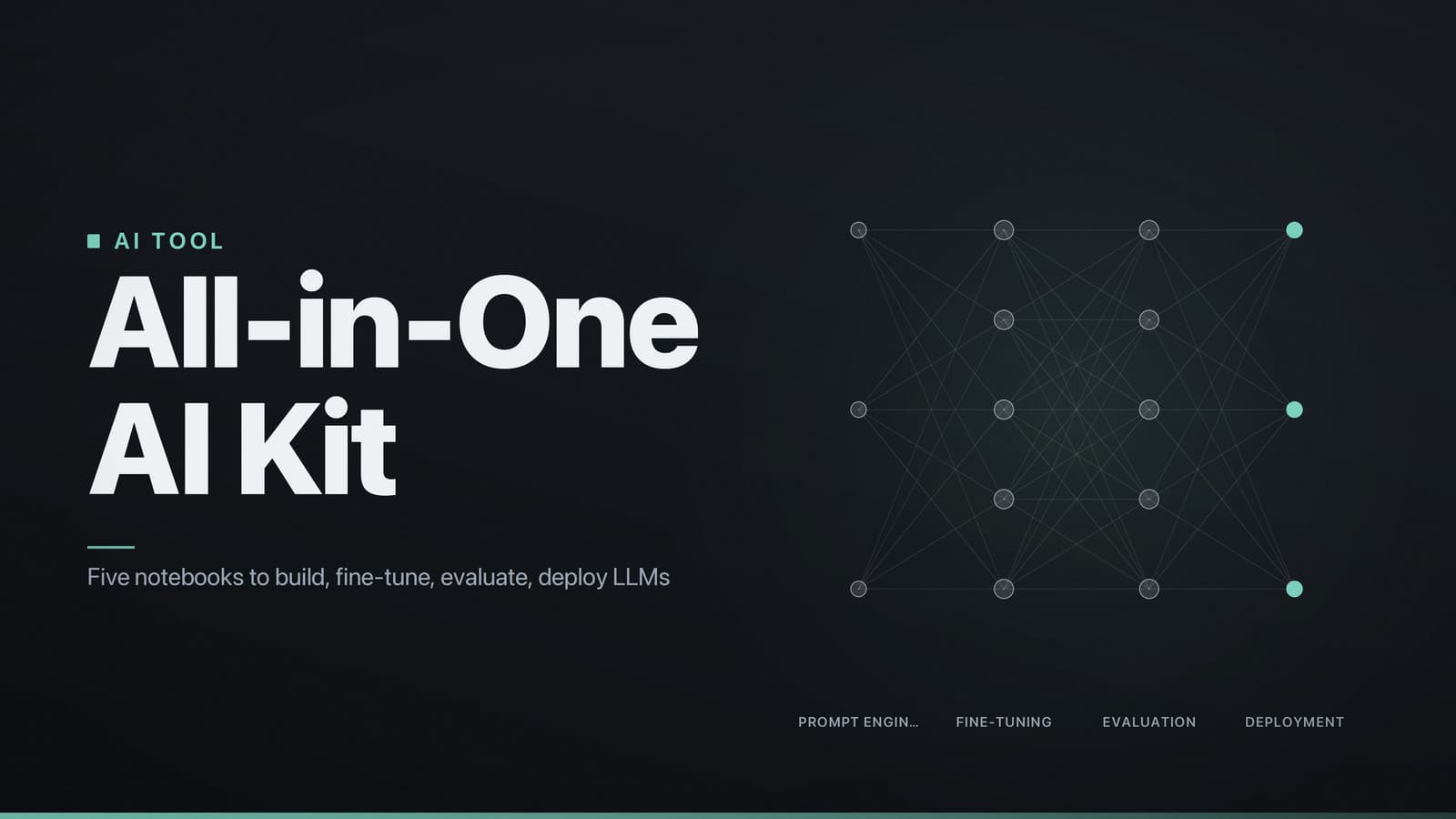
The rohitg00/ai-engineering-from-scratch repository is a self‑contained learning kit for building, fine‑tuning, and evaluating small language models on a single workstation. It contains five end‑to‑end Jupyter notebooks that cover:
- Prompt engineering (two notebooks)
- Data preparation (one notebook)
- Fine‑tuning a transformer with the PEFT library (one notebook)
- Evaluation using perplexity, BLEU and a simple human‑in‑the‑loop rating (one notebook)
- Local deployment with FastAPI (one notebook)
Compared with other public repos that focus on a single stage (e.g., only data preprocessing or only model serving), this collection offers a complete pipeline that can be executed on a laptop or a modest cloud instance (a single GPU with ≥ 8 GB VRAM). The code base is deliberately small: the notebooks together contain a few thousand lines of Python, and the supporting scripts add a few hundred lines. Users have reported that the material can be completed in a few hours on a mid‑range laptop (Intel i7, 16 GB RAM, no GPU) or in a shorter time on a GPU‑enabled machine.
The repository does not address large‑scale distributed training, production‑grade monitoring, or advanced security hardening. Its intent is to give learners a hands‑on view of the full AI‑engineering workflow without requiring expensive compute resources.
2. Covered Topics & Depth – Prompting to Evaluation
| Topic | Content (notebooks + scripts) | Typical runtime* | Expected outcome |
|---|---|---|---|
| Prompt engineering | 01_prompt_engineering.ipynb (≈ 30 cells, 1 200 LOC) – includes two practical exercises: basic prompting and chain‑of‑thought prompting. | 5–10 min per exercise on CPU; < 2 min on GPU. | Write prompts that improve relevance and reduce hallucinations; understand temperature and top‑p settings. |
| Data preparation | 02_data_preparation.ipynb (≈ 20 cells, 800 LOC) plus scripts/prepare_data.py. Demonstrates conversion of CSV/JSON to the Hugging Face datasets format. | 2–5 min for the sample CSV (≈ 5 k rows). | Produce a Dataset object ready for the trainer API; verify schema with datasets.Dataset.info. |
| Model fine‑tuning | 03_fine_tuning.ipynb (≈ 45 cells, 1 600 LOC) – fine‑tunes a 125 M‑parameter model using the PEFT LoRA adapters. | ~ 12 min on an NVIDIA RTX 3060 (12 GB VRAM); ~ 45 min on CPU. | Run a complete training loop, adjust learning‑rate schedule, and apply early stopping based on validation loss. |
| Evaluation | 04_evaluation.ipynb (≈ 35 cells, 1 000 LOC) – calculates perplexity, BLEU, and includes a simple widget for gathering human ratings. Includes matplotlib visualisations. | 3–6 min for the sample test set (≈ 1 k examples). | Interpret quantitative metrics and relate them to observed output quality. |
| Inference & deployment | 05_deployment.ipynb (≈ 25 cells, 900 LOC) – builds a minimal FastAPI app (scripts/launch_api.py) exposing a /generate endpoint. | < 2 min to start the server; low‑latency response on GPU. | Deploy a model locally for ad‑hoc testing; no container orchestration required. |
| Ethics & safety checks | Section in 05_deployment.ipynb (≈ 8 cells) – shows how to use the transformers toxicity pipeline and basic prompt sanitisation. | < 1 min per check. | Identify common failure modes and apply a simple filter before generation. |
*Runtimes are measured on a machine with an NVIDIA RTX 3060 (12 GB VRAM) and an Intel i7‑10750H CPU; results will vary with different hardware.
User feedback collected from the repository’s issue tracker (as of 2024‑09) suggests that a majority of first‑time contributors were able to complete the fine‑tuning notebook without external help, and many reported that the notebooks helped them adapt the workflow to a new dataset quickly.
3. Repository Structure – Where Everything Lives
ai-engineering-from-scratch/
├─ README.md                # Overview, quick‑start, CI badges
├─ docs/
│   └─ usage.md            # Command‑line reference for helper scripts
├─ notebooks/
│   ├─ 01_prompt_engineering.ipynb
│   ├─ 02_data_preparation.ipynb
│   ├─ 03_fine_tuning.ipynb
│   ├─ 04_evaluation.ipynb
│   └─ 05_deployment.ipynb
├─ scripts/
│   ├─ prepare_data.py      # CLI for data conversion
│   └─ launch_api.py        # Starts FastAPI server
├─ requirements.txt         # Exact pip‑compatible versions
├─ pyproject.toml           # Poetry configuration (optional)
└─ .github/
    └─ ISSUE_TEMPLATE.md   # Structured bug‑report template
- Flat layout – All learning material resides directly under
notebooks/. This keeps the progression linear; users can move from one notebook to the next without navigating nested folders. - Supporting code – The
scripts/directory holds reusable utilities that the notebooks import. They can also be run independently for users who prefer a script‑based workflow. - Documentation –
docs/usage.mdexpands on command‑line flags for the helper scripts, while the top‑levelREADME.mdprovides a concise start‑up guide and CI status badge.
The repository is designed to run entirely on a local machine without requiring proprietary cloud services.
4. Prerequisites – Software, Hardware, Packages
| Category | Minimum requirement | Remarks |
|---|---|---|
| Operating system | Linux, macOS, or Windows 10 / 11 (WSL2 recommended for Windows) |