Siteprint AI: How to Measure Design Accuracy with Data
Siteprint AI lets designers quantify how closely a design matches a brief, reducing guesswork in the review process.
Overview of Siteprint AI
Siteprint AI is a visual-comparison engine designed to translate design specifications into measurable metrics. Its primary function is to compare a final design file against a defined brief or style guide, producing a numeric similarity rating. The vendor describes the core capabilities as follows:
| Feature | Description |
|---|---|
| Overlay comparison | Layers the final design file over the brief’s visual specifications to highlight mismatches. |
| Machine-learning scoring | Evaluates layout, colour palette, typography, and spacing to generate a numeric similarity rating (0–100). |
| Discrepancy highlights | Flags individual elements that fall outside expected parameters using colour coding. |
| Exportable report | Allows downloading of PDF or JSON files containing scores, highlighted deviations, and suggested corrective actions. |
The tool aims to replace subjective visual reviews with a repeatable process. By attaching a numeric value to fidelity, teams can track progress across iterations and benchmark against internal quality standards. While other emerging platforms offer similar verification metrics, Siteprint differentiates itself through its specific integration of AI-driven parsing with standard design file formats.
Workflow and Technical Implementation
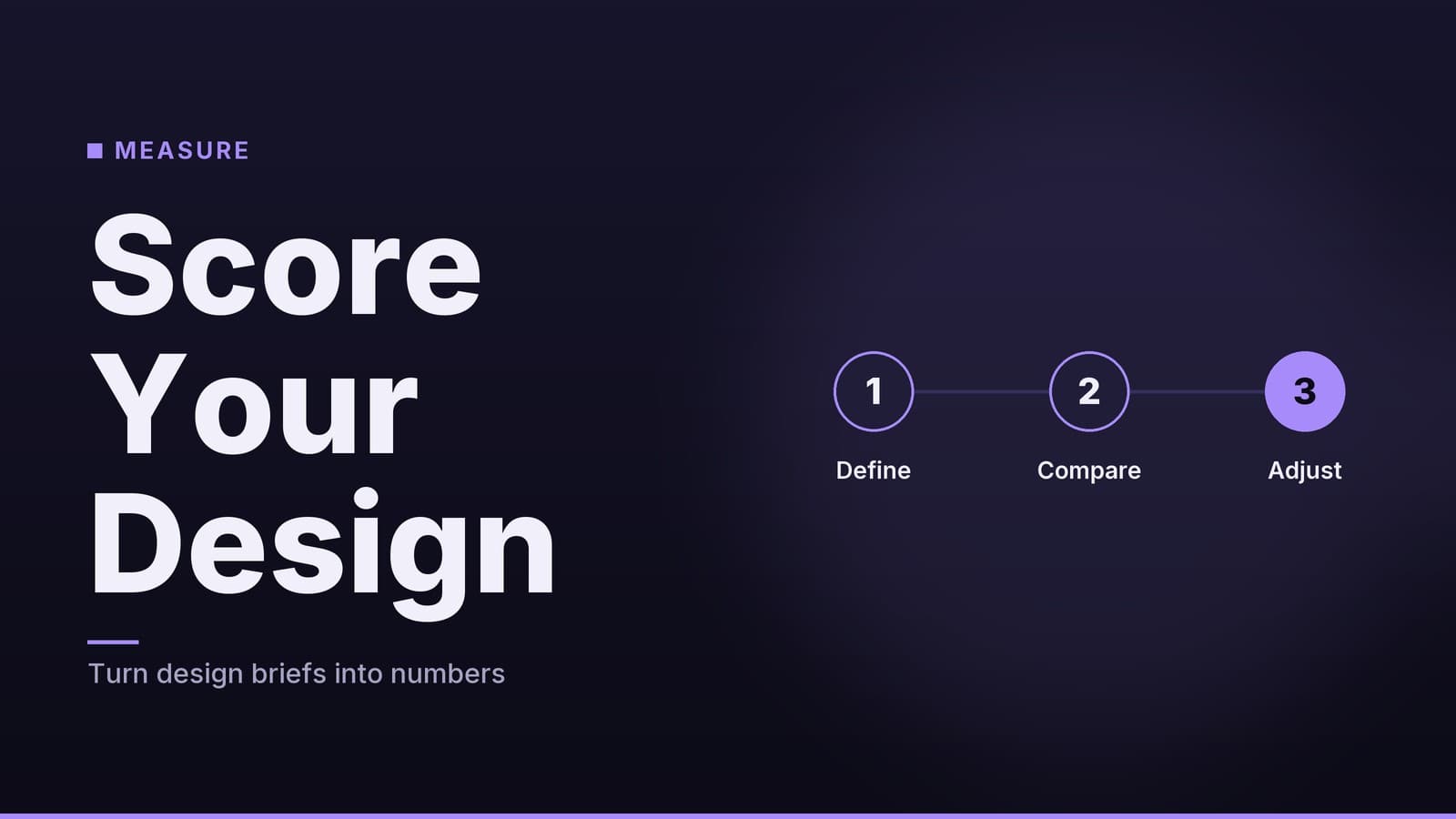
The operational workflow consists of four stages: asset upload, taxonomy mapping, comparison generation, and result review.
Uploading Assets
Users provide two inputs: a design file (Sketch, Figma, Adobe XD, or high-resolution PNG) and a structured brief (PDF, Markdown, or JSON). The brief must define layout grids, colour tokens, typographic scales, and spacing rules. Siteprint AI accepts these via drag-and-drop or through its API for automated pipelines.
Parsing and Taxonomy Mapping
The system parses both sources into a shared taxonomy. For design files, it extracts vector layers, text styles, and layout constraints. For briefs, it interprets defined tokens. While this process is automated, the platform includes a manual "mapping override" feature. This allows designers to correct misidentified elements, such as a decorative icon mistakenly tagged as a button. The frequency of required overrides depends on the complexity of the design system; projects with highly nested or non-standard components may require more frequent manual alignment than those using standardised tokens.
Generating the Comparison
Once aligned, the tool produces three visual outputs:
- Side-by-side view: Displays the original design next to a "spec-rendered" version derived from the brief.
- Heatmap overlay: A colour-coded overlay (green for matches, red for mismatches) highlights divergences in spacing, colour, or typography. Note: The current interface relies on red/green colour coding, which may present accessibility challenges for users with colour vision deficiencies. Users should verify legibility or rely on the numeric data alongside the visual overlay.
- Numeric score: An overall similarity percentage calculated by weighting categories (layout, colour, typography, spacing) according to the brief’s priority settings.
Reviewing and Acting on Results
The report groups discrepancies by category, listing the element, expected value, actual value, and deviation magnitude. For example, a headline styled at 24 px but rendered at 22 px will appear with a 2 px deviation note. The platform suggests corrective actions, such as updating a heading style to use a specific token. Because the output can be exported as JSON, teams can integrate the data into CI/CD pipelines.
Pricing and Licensing
Siteprint AI follows a tiered subscription model. The following table reflects the publicly listed pricing on the vendor’s website. Note that pricing structures for SaaS tools can change; users should verify current costs directly with the vendor before committing.
| Tier | Price | Project Limits | Key Inclusions |
|---|---|---|---|
| Free | $0 | Up to 5 projects per month | Visual overlay, basic scoring, PDF export |
| Pro | $49 / month | Unlimited projects | API access, custom weighting, heatmap export, priority support |
| Enterprise | Custom | Unlimited | Dedicated account manager, on-premises deployment, SLA guarantees, bulk licensing |
The Free tier is generally intended for individual users or very small teams conducting occasional checks. The specific criteria for "suitability" depend on project volume; if a team exceeds five projects per month, the Pro tier becomes necessary. The Pro tier adds API endpoints, enabling integration with design-system tooling or automated review bots. Enterprise plans are pitched to larger organisations requiring specific security, compliance, or custom SLAs. Exact costs for Enterprise plans are determined through a sales conversation and are not publicly listed.
Competitive Landscape
Design-handoff tools have traditionally focused on asset export or documentation rather than automated fidelity scoring. The table below compares Siteprint AI with two widely used alternatives, Figma Inspect, and Zeplin.
| Tool | Core Feature | Pricing (Public) | Ideal Use Case |
|---|---|---|---|
| Siteprint AI | AI-driven visual similarity scoring | Free / $49 / month (Pro) | Automated fidelity checks for teams needing numeric metrics |
| Figma Inspect | Manual inspection of specs, code snippets, and style guides | Included in Figma Professional/Organization plans | Design handoff where developers manually verify specs |
| Zeplin | Asset export, style guide generation, developer handoff | Free / $9 / month (Team) | Streamlined asset delivery and documentation |
| InVision Inspect | Manual inspection, generated style guides | Free / $15 / month (Pro) | Documentation for teams already using InVision for prototyping |
Key Differences
- Automation Level: Siteprint AI generates a numeric fidelity score automatically. Figma Inspect and Zeplin rely on manual verification by developers or designers. While other emerging platforms may offer similar metrics, Siteprint is distinct in its specific integration with static file parsing for scoring.
- API Access: Siteprint’s Pro tier provides an API for version control or CI pipeline integration. Figma and Zeplin offer APIs for data retrieval, but their primary handoff workflows are not designed to fail builds based on fidelity scores.
- Pricing Structure: Zeplin’s entry tier is cheaper per seat, but its functionality is limited to asset export and documentation. Siteprint’s free tier includes a usable comparison engine, which may be sufficient for freelancers needing occasional checks without a subscription.
The choice between these tools depends on whether the primary goal is automated verification (Siteprint) or asset delivery and documentation (Figma, Zeplin). Teams using Figma for prototyping may find Inspect sufficient for documentation but will need an additional step to verify visual fidelity against a brief if they require a numeric pass/fail metric.
Evaluation and Decision Framework
Limitations and Considerations
- Scope of Analysis: Siteprint AI focuses on visual attributes extractable from static files. Interactive behaviours, such as hover states or animations, are not evaluated. Teams requiring dynamic fidelity checks must supplement this with usability testing.
- Dependence on Token Quality: The accuracy of the score relies on the completeness and correctness of the brief’s style guide. An incomplete token set can lead to false positives or missed deviations.
- Learning Curve: While most mapping is automated, complex design systems with nested components may require initial manual alignment. The frequency of required manual overrides varies by project complexity.
- Data Privacy: Uploaded files are processed in the cloud. The vendor has not publicly disclosed specific compliance certifications (such as GDPR or SOC 2) for the cloud version in general marketing materials. Organisations with strict data-handling policies should review the specific privacy policy and consider the Enterprise on-premises option, which is offered at a custom price.
Decision Criteria
When evaluating adoption, consider the following factors:
- Objective: If the primary need is to quantify design-to-brief fidelity and embed that metric into a CI pipeline, Siteprint offers a specific capability that manual tools do not.
- Team Size and Workflow: Small teams may find the free tier sufficient for occasional checks. Larger teams requiring API access and custom weighting will likely need the Pro tier.
- Existing Tool Stack: If the team already uses Figma or Zeplin for handoff, Siteprint can complement rather than replace them, focusing specifically on the verification stage.
- Budget: The Pro tier’s $49 / month cost is a fixed expense. Organisations should confirm that the feature set aligns with their priorities before committing, as Enterprise costs are not publicly listed.
Integrating Scores into Workflows
Teams often use the numeric score to tighten feedback loops. A common approach is to define an acceptance threshold (e.g., 95%). If a design iteration falls below this threshold, the report surfaces specific elements needing adjustment. This allows reviewers to point to concrete deviations rather than vague impressions.
Some teams integrate the JSON output into version control, using scripts to flag pull requests that fall below the agreed threshold. Caution is advised: Automating build failures based on design scores can introduce friction if the scoring model does not perfectly align with human design intent. Teams should start by treating the score as a warning signal rather than a hard blocker, and monitor the impact on developer workflow before enforcing it as a strict gate.
Tracking the score over time provides a historical record of fidelity. While this is not a direct equivalent to code coverage in software engineering, it offers a comparable way to monitor consistency across iterations. Teams can analyse which categories (layout, colour, typography, spacing) are most frequently out of spec to inform future style-guide refinements.
Practical Implementation Notes
The following table outlines considerations for effective use, based on the tool's mechanics rather than prescriptive best practices.
| Consideration | Operational Impact |
|---|---|
| Brief Format Consistency | Consistent token naming (e.g., color-primary) reduces mapping errors. Inconsistent naming increases the need for manual overrides. |
| Weighting Configuration | Weights for layout, colour, typography, and spacing must be set to reflect project priorities. Changing weights mid-project alters the baseline for comparison. |
| Manual Overrides | Overrides should be used to correct specific misidentifications. Frequent overrides may indicate a mismatch between the design system and the AI's taxonomy, suggesting a need to refine the brief's structure. |
| Milestone Checks | Running comparisons at key milestones (wireframe, high-fidelity, handoff) provides data points for tracking fidelity over the project lifecycle. |
| Complementary Tools | The Siteprint report focuses on visual fidelity. It does not replace CSS linting or accessibility testing. Using it alongside these tools ensures both design and code adhere to specifications. |
Export and Reporting
The platform supports PDF and JSON exports. The JSON format is essential for programmatic integration, allowing scripts to parse the score and deviation data. The PDF format is intended for human review, providing a visual summary of discrepancies. The vendor has not announced support for other formats such as CSV or HTML in the current documentation.
Stakeholder Communication
The PDF report includes visual overlays and a single numeric score, which can help convey gaps to non-design stakeholders. The report logs the date and project version, creating a traceable record. This structure allows teams to demonstrate how fidelity improved between iterations without requiring stakeholders to interpret complex design files.
By integrating Siteprint AI into existing pipelines, teams can replace vague feedback with specific, data-backed observations. The tool is most effective when used as part of a broader quality assurance process, rather than as a standalone solution for design verification.
Frequently asked questions
Is the accuracy score reliable across different design styles?
The score is based on generic visual metrics; it performs best on standard web and mobile layouts but may be less precise for highly experimental designs.
Can I integrate Siteprint AI into my existing design workflow?
Yes, the tool offers a plugin for Figma and a REST API for custom integrations.