The Mistakes of Agent-Skills: A Lightweight AI Framework
A framework for building AI agents from small, reusable modules called skills, highlighting common mistakes and pitfalls.
1. Purpose and main functionality
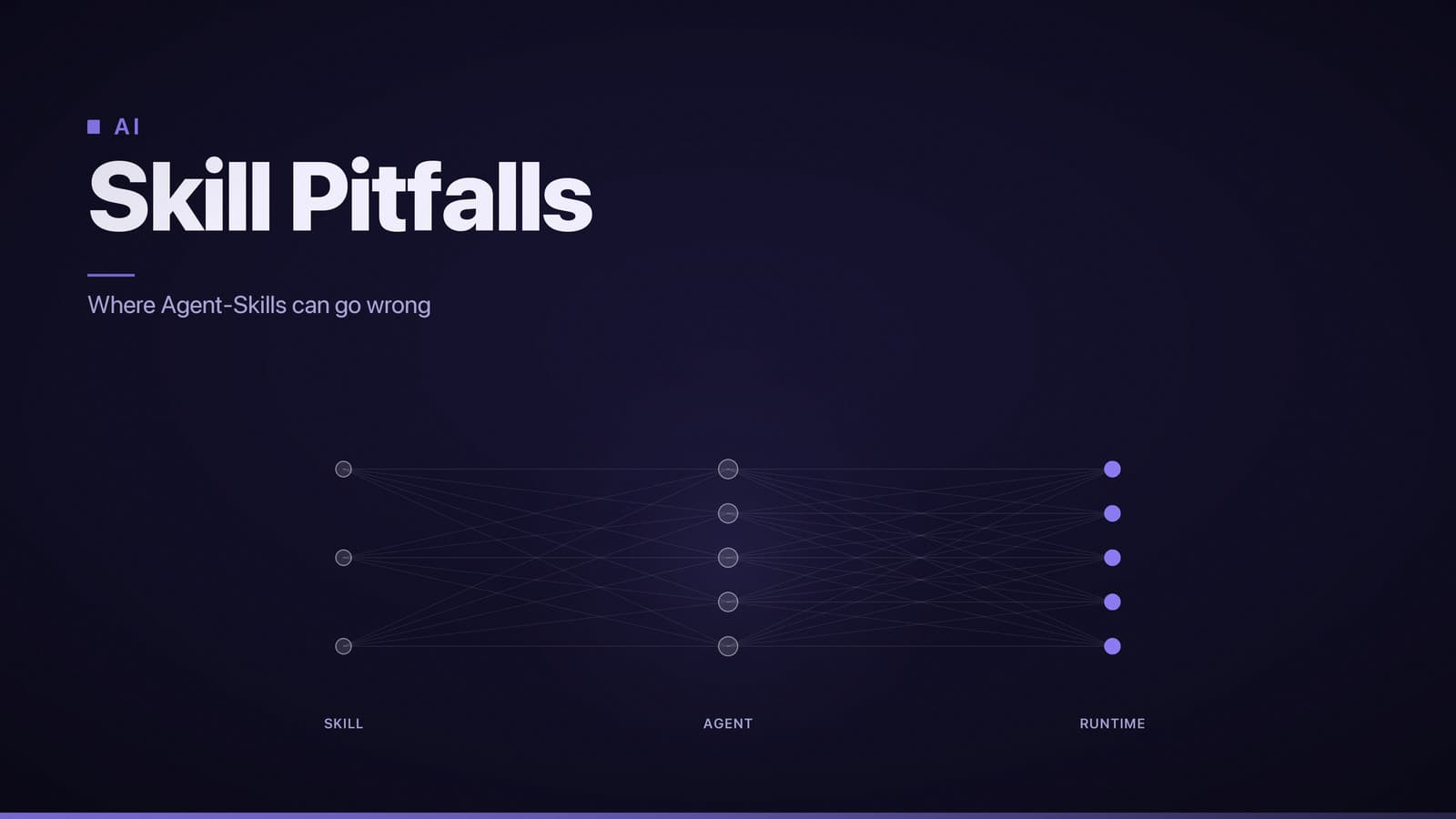
Agent‑Skills is a lightweight framework for building AI agents from small, reusable modules called skills. Each skill implements a single capability—e.g., calling an API, transforming data, or generating text with a language model—and exposes a run(input, context) method. The framework emphasizes:
- Modularity – Skills are isolated in their own files and can be added, removed, or replaced without changing the core agent code.
- Reusability – The same skill can be shared across different agents or projects.
- Cross‑language orchestration – The repository ships a Node.js runtime, but the skill interface is defined so that wrappers in Python or other languages can invoke the skills.
- Simple configuration – A
config/directory holds JSON files that enable or disable skills via environment variables or direct edits.
Typical scenarios include chat‑bots that need external data (e.g., weather, calendar), personal assistants that combine retrieval‑augmented generation with domain logic, and research prototypes that explore multi‑step reasoning pipelines.
2. Installation and setup
Prerequisites
| Component | Minimum version | Reason |
|---|---|---|
| Node.js | 18.x | Runs the core library and CLI tools. |
| npm or yarn | 8.x | Installs JavaScript dependencies. |
| Python (optional) | 3.9+ | Required only for the optional Python wrapper. |
| Docker (optional) | 20.10+ | Enables containerised development or deployment. |
| Git | any recent version | Needed to clone the repository. |
The framework does not depend on proprietary cloud services. Optional steps for GitHub Codespaces and AWS SageMaker assume you have accounts with those providers.
Clone the repository
git clone https://github.com/addyosmani/agent-skills.git
cd agent-skills
Local installation (Node‑only)
Install exact dependency versions:
npm ciRun the test suite to confirm the environment:
npm testStart the demonstration server:
npm run demo
The server listens on port 3000 and exposes a POST /run endpoint that accepts a JSON payload with a skill name and input.
Optional Python wrapper
cd python
pip install -r requirements.txt
python -m agent_skills_demo
The wrapper communicates with the Node process over a local WebSocket; protocol details are in python/README.md.
Cloud deployment options
GitHub Codespaces
- Open the repository on GitHub and choose Code → Open with Codespaces.
- The devcontainer defined in
.devcontainer/Dockerfileinstalls Node, Python, and runs the test suite automatically. - Inside the Codespace terminal, execute
npm run demo. GitHub forwards the service to a public URL.
AWS SageMaker (or similar managed notebook)
- Launch a Studio notebook instance with a Conda environment that includes Node 18 and Python 3.9.
- Clone the repository into the notebook’s file system.
- Run
npm ciandnpm run demo. - Use SageMaker’s lifecycle configuration or an SSH tunnel to expose port 3000.
Containerised production
A Dockerfile is provided that builds an image exposing port 3000. Build the image, push it to a container registry, and run it on any platform that supports Docker (e.g., AWS ECS, Google Cloud Run, Azure Container Apps).
3. Core components and creating a skill
Repository layout (high‑level)
agent-skills/
├─ config/          # JSON/YAML files that enable skills
├─ skills/          # Individual skill modules
│   ├─ weather.js
│   ├─ calendar.js
│   └─ llm.js
├─ agent/           # Orchestration logic
│   ├─ Agent.js
│   └─ SkillRegistry.js
├─ python/          # Optional wrapper
├─ tests/           # Jest test suite
├─ Dockerfile
└─ package.json
Key modules
| Module | Responsibility | Typical usage |
|---|---|---|
Agent.js | Loads configuration, creates a SkillRegistry, routes requests to the selected skill. | new Agent(configPath) |
SkillRegistry.js | Stores a map of skill names → skill instances; provides register(name, skill) and get(name). | registry.register('weather', new WeatherSkill()) |
skills/*.js | Exports a class with a run(input, context) method. | module.exports = class WeatherSkill { … } |
config/*.json | Lists enabled skills and per‑skill parameters (e.g., API keys). | { "enabledSkills": ["weather","llm"], "weather": { "apiKey":"…" } } |
Defining a new skill (Node example)
Create skills/translate.js:
// skills/translate.js
const fetch = require('node-fetch');

class TranslateSkill {
  constructor({ apiKey }) {
    this.apiKey = apiKey;
  }

  async run(input, context) {
    const response = await fetch('https://api.example.com/translate', {
      method: 'POST',
      headers: {
        Authorization: `Bearer ${this.apiKey}`,
        'Content-Type': 'application/json',
      },
      body: JSON.stringify({ text: input.text, target: input.targetLang }),
    });
    const data = await response.json();
    return { translation: data.translatedText };
  }
}

module.exports = TranslateSkill;
Registering the skill
Add the skill to a configuration file, e.g., config/skills.json:
{
  "enabledSkills": ["weather", "llm", "translate"],
  "translate": {
    "apiKey": "YOUR_TRANSLATE_API_KEY"
  }
}
When the agent starts, it reads this file, instantiates TranslateSkill with the supplied API key, and registers it under the name "translate".
Invoking a skill through the agent
With the demo server running on http://localhost:3000, send a request:
curl -X POST http://localhost:3000/run \
  -H "Content-Type: application/json" \
  -d '{
        "skill": "translate",
        "input": { "text": "Hello, world!", "targetLang": "es" }
      }'
Expected response:
{
  "result": { "translation": "¡Hola, mundo!" }
}
Using external language‑model APIs (fine‑tuning)
The llm.js skill forwards calls to any OpenAI‑compatible endpoint. To use a fine‑tuned model:
Prepare a JSONL dataset according to the provider’s specification.
Run the provider’s CLI, for example:
openai api fine_tunes.create -t dataset.jsonl -m davinciUpdate the skill configuration with the new model identifier:
{
  "llm": {
    "apiKey": "YOUR_OPENAI_KEY",
    "model": "ft-custom-2024-09-01"
  }
}
The LLMSkill will then call the fine‑tuned model for subsequent requests. The repository does not impose a particular training pipeline; it simply passes the model name to the API.
4. Example applications and tutorials
Official quick‑start demo
The README.md includes a step‑by‑step guide:
- Clone the repository.
- Enable the
weatherandllmskills viaconfig/quickstart.json. - Run
npm run demo. - Open
http://localhost:3000/uito use a minimal web UI that sends requests to the/runendpoint.
The UI displays the conversation flow and logs the skill chain in the console.
Notebook‑style tutorial
examples/agent_workflow.ipynb demonstrates:
- Loading the agent from Python using the wrapper.
- Registering a custom skill at runtime.
- Executing a multi‑step conversation where the agent calls the
calendarskill and then thellmskill for a summary.
Run the notebook locally:
cd examples
jupyter notebook agent_workflow.ipynb
A badge in the repository’s README links to a pre‑configured Google Colab notebook that performs the same steps in the cloud.
Sample projects
- agent‑skills‑voice‑assistant – A minimal voice‑controlled assistant that combines a
speech-to-textskill, thellmskill for intent parsing, and thecalendarskill for scheduling. Includes a Docker Compose file that wires the components together. - agent‑skills‑ecommerce‑bot – Shows how to chain a product‑search skill with an LLM‑based recommendation skill to build a simple shopping assistant.
Both projects are located in the examples/ directory and can be launched with the provided Docker commands.
This guide covers the purpose, installation, core architecture, skill development, and available examples for the addyosmani/agent‑skills repository. Use the sections that match your workflow—local development, Python integration, or containerised deployment—to get the framework running quickly and reliably.