Enroll Your Store in Shopify AI Channels in 5 Minutes
A step‑by‑step guide to auto‑enrolling your Shopify store in every new AI shopping channel, with practical tips for small‑business owners.
Why AI Chat Channels Matter for Your Store
Shopify has introduced "Agentic" sales channels, allowing your products to appear inside AI-powered chat interfaces like Meta Muse, Google Chat, and Microsoft Copilot. Instead of building a separate website or app for each platform, you can let Shopify automatically share your catalog with these emerging shopping agents.
For a busy business owner, the appeal is simplicity. You do not need to write code or manage complex API connections. You simply turn on a setting, and your products become discoverable in conversations where customers are already asking for recommendations.
However, this is a new feature space. While the upfront cost is low, the operational impact depends on how well your product data is structured. This guide walks you through checking eligibility, enabling the feature, and managing the trade-offs without disrupting your existing operations.
What This Means for Different Businesses
- Retail Shops: Your inventory appears in chat responses when users ask for product recommendations.
- Service Firms (Clinics, Gyms, Salons): If you list services as "products" in Shopify, customers may be able to inquire about availability or book directly through the chat interface.
- Restaurants and Cafés: Menu items listed in your catalog can be surfaced when users ask what is available for order or delivery.
Note on Capabilities: While these platforms allow users to browse and select items, the ability to complete a full payment entirely within the chat varies by platform and region. Some flows redirect users to your Shopify checkout page for final payment. Always verify the specific user journey for your primary channels after enabling the feature.
Step 1: Check Eligibility and Prepare Your Data
Before turning on auto-enrolment, ensure your store meets the baseline requirements. If your data is incomplete, AI agents may display incorrect prices or out-of-stock items, leading to customer frustration.
Eligibility Checklist
| Requirement | Why It Matters | Action |
|---|---|---|
| Active Products | AI agents need live items to display. | Ensure at least one product is published, not hidden or archived. |
| Payment Gateway | Transactions need a valid processor. | Confirm Shopify Payments, Stripe, PayPal, or another supported gateway is active. |
| Live Domain | Development stores are not indexed. | Your store must have a live, password-protected-off domain. |
| Product Descriptions | AI agents use text to understand context. | Write clear, keyword-rich titles and descriptions. Avoid vague terms like "Nice item." |
Data Quality Tip: AI agents rely heavily on the text you write. If your product title is "Blue Thing," the AI cannot match it to a query for "blue cotton t-shirt." Update your product titles and descriptions to be specific and descriptive. This is the single most important step to ensure your products appear in relevant chat queries.
How to Verify
- Log into your Shopify admin.
- Navigate to Sales channels > Agentic.
- Look for a green checkmark or an "Eligible" status banner.
- If you see errors, follow the links provided in the banner to fix specific issues (e.g., missing shipping profiles).
Step 2: Enable Auto-Enrolment
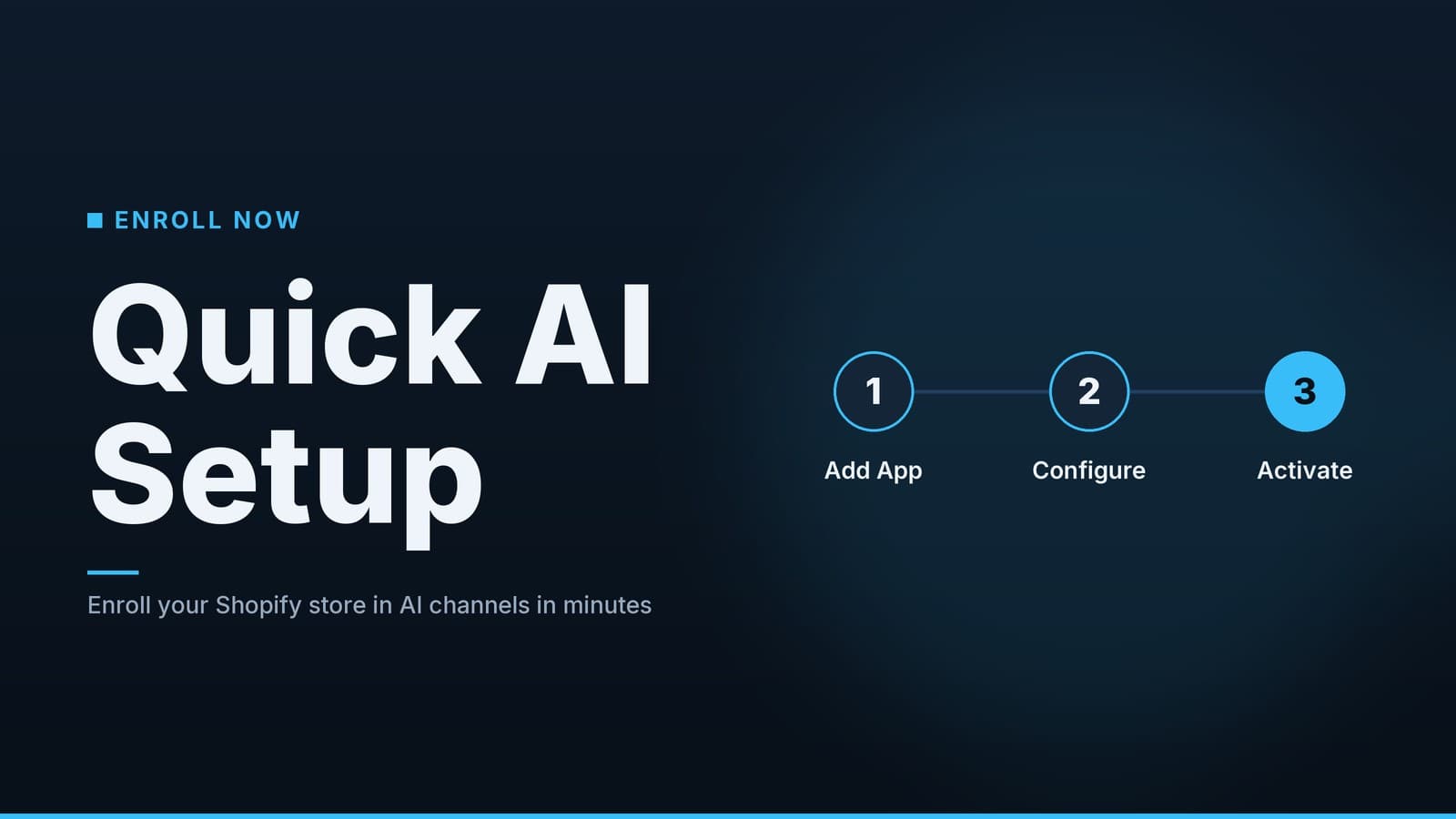
Once eligible, enabling the feature is a single toggle. This is the "low-maintenance" path that saves you from manually approving every new channel as it launches.
- On the Agentic page, locate the toggle labeled "Allow Shopify to manage for me."
- Switch it ON.
- Click Save.
What happens next: Shopify will automatically share your catalog with new AI shopping channels as they become available. You do not need to revisit this setting for every new platform launch.
Manual vs. Auto-Enrolment
If you prefer more control, you can leave this toggle off and manually approve channels. However, this requires you to monitor Shopify announcements and manually add each new channel. For most small and medium businesses, the risk of missing a new channel outweighs the benefit of manual control.
| Feature | Auto-Enrolment ("Manage for me") | Manual Channel Onboarding |
|---|---|---|
| Time Investment | Low. One-time setup. | High. Requires checking for new channels regularly. |
| Risk of Missing Out | Low. You are included by default. | High. You might forget to add a new channel. |
| Control | Lower. You cannot pre-approve specific channels. | Higher. You choose exactly which channels to join. |
| Best For | Most SMBs who want visibility. | Brands with strict compliance needs or exclusive partnerships. |
Step 3: Review and Adjust Channel Access
After enabling auto-enrolment, you can see which specific AI platforms have access to your catalog. You can turn off individual channels if you have specific concerns.
- Scroll down to the Other channels section on the Agentic page.
- You will see a list of platforms (e.g., Meta Muse, Google Chat, Microsoft Copilot).
- Each platform has a separate toggle.
When to Turn a Channel Off:
- Regulatory Compliance: If you sell in highly regulated industries (e.g., pharmaceuticals, financial services), review each platform’s terms of service. Some AI platforms may not meet your specific compliance requirements. Note: This is a business decision. Consult with your legal or compliance team if you operate in a regulated industry.
- Brand Fit: If a platform’s user base does not align with your target customer, you may choose to exclude it.
- Beta Features: Some channels may be in "beta" or "experimental" status. These may have bugs or limited functionality. You can choose to wait until they are stable.
Important Note on Google: Google Chat shopping often relies on your Google Merchant Center feed, not just your Shopify catalog. If you use Google for shopping ads, ensure your Merchant Center feed is up to date. If your Shopify inventory is out of sync with your Google feed, Google Chat may display incorrect prices or stock levels.
Step 4: Monitor Performance and Track Traffic
AI chat channels are a new traffic source. To understand if they are working for you, you need to track visits and sales.
Key Metrics to Watch
| Metric | Where to Find It | What It Tells You |
|---|---|---|
| Visits from AI Apps | Agentic page > "Visits" column | How many users are clicking your products in chat. |
| Conversion Rate | Shopify Analytics > Sales > Traffic Sources | How many of those visitors actually buy. |
| Revenue by Channel | Shopify Reports > Sales by Channel | The direct financial impact of each AI platform. |
| Support Tickets | Your help desk or email | Questions or issues specific to AI-initiated orders. |
Tracking AI Traffic in Google Analytics
To see AI traffic in your broader analytics, you can add a UTM parameter to your product links. However, be cautious:
- How it works: You can append a tag like
?utm_source=ai_chatto your product URLs. - Privacy Consideration: Adding tracking parameters is a standard marketing practice, but you must ensure it complies with local data privacy laws (such as GDPR or CCPA). If you are unsure, consult your privacy policy or a legal professional.
- Limitation: Not all AI platforms allow you to customize UTM parameters. Shopify may handle some of this automatically. Check the Agentic settings for any built-in tracking options.
Weekly Review Routine:
- Open the Agentic page every Monday.
- Note the total visits from the previous week.
- Check Shopify Analytics for sales attributed to "Agentic" or "AI" traffic sources.
- Review support tickets for any recurring issues related to AI orders (e.g., "I didn't get a confirmation email").
If a channel shows high visits but zero sales, investigate:
- Are the products out of stock?
- Is the price displayed in the chat different from your website?
- Is the checkout flow working correctly?
Cost and Trade-Offs
The direct monetary cost of enabling AI chat channels is currently low, but there are operational costs to consider.
Direct Costs
- Shopify Fee: No additional fee for the Agentic channel itself. You pay your standard Shopify plan.
- AI Platform Fees: Currently, major platforms like Meta, Google, and Microsoft do not charge per-sale or per-click fees for this integration. Note: This is subject to change. Always review the latest terms of service from each platform.
- App Costs: If you use third-party apps to enhance product data or manage inventory, those costs remain unchanged.
Operational Trade-Offs
| Aspect | Benefit | Potential Drawback |
|---|---|---|
| Visibility | Access to a new audience that prefers chat over browsing. | Increased traffic may strain your support team if not managed. |
| Effort | Low maintenance once enabled. | Requires ongoing monitoring to ensure data accuracy. |
| Control | Automatic updates to your catalog. | Less control over how your products are presented in AI responses. |
| Returns | Potential for impulse purchases. | Impulse buys may lead to higher return rates. Monitor your return policy. |
The "Zero Cost" Myth: While the software integration is free, your time is not. You must spend time:
- Updating product descriptions to be AI-friendly.
- Monitoring analytics to see if the traffic is quality.
- Handling any support issues that arise.
If your business does not have the capacity to monitor these channels, you may find that the feature adds noise without significant benefit. In that case, it is acceptable to leave the toggle off.
Real-World Scenarios
Here is how different types of businesses might experience AI chat channels.
The Boutique Retailer
- Scenario: A clothing store lists new spring dresses.
- Action: A customer asks Microsoft Copilot, "Show me spring dresses under $100."
- Result: The store’s products appear in the chat. The customer clicks, selects a size, and is redirected to the Shopify checkout to pay.
- Key Takeaway: The store gains visibility from users who prefer conversational shopping. The store must ensure its size charts and product descriptions are clear to reduce sizing-related returns.
The Local Clinic
- Scenario: A dental clinic lists "Teeth Cleaning" as a product in Shopify.
- Action: A patient asks Meta Muse, "Book a cleaning at SmileCare."
- Result: The AI shows available dates. The patient selects a date and is directed to the clinic’s booking page to confirm.
- Key Takeaway: The clinic must ensure its availability data is accurate. If the AI shows a slot that is already booked, the patient will be frustrated. Regularly sync your calendar with your Shopify product data.
The Café
- Scenario: A café lists menu items as products.
- Action: A user asks Google Chat, "What can I get from Café Breeze?"
- Result: The menu is displayed. The user selects items and is directed to the café’s online ordering page.
- Key Takeaway: The café must keep its menu items up to date. If an item is sold out, it should be marked as unavailable in Shopify to prevent orders for items that cannot be fulfilled.
The Gym
- Scenario: A gym sells class passes.
- Action: A user asks, "Book a yoga class."
- Result: The AI shows available classes. The user selects a class and pays.
- Key Takeaway: The gym must track attendance. If the AI sells a class pass for a full class, the gym must handle the refund or rescheduling. Ensure your capacity management is robust.
How HeyGrowin Can Help
We can set up your Shopify store, add the product listings needed for AI chat apps, and configure the auto-enrolment toggle for you. Our ready-made tools also let you monitor AI-driven traffic in one dashboard, so you spend less time digging through reports and more time serving customers. Learn more at https://heygrow.in.
Frequently asked questions
Will I lose control over my product listings?
No, Shopify Catalog remains your source of truth; you can still edit products in the admin and the changes sync to all AI channels.
Do I need a Shopify Plus plan?
No, the auto‑enrolment feature is available on standard Shopify plans, but some advanced AI integrations may require higher tiers.
Can I disable a specific AI channel later?
Yes, simply toggle the channel off in the Agentic settings; the product data will no longer be shared with that channel.