WhatsApp API Costs for Small Businesses: What You Need to Know
A clear guide to the pricing, setup and practical steps for using WhatsApp Business API without hidden surprises.
Why Consider WhatsApp Business API?
For many small and medium businesses, WhatsApp has become a primary channel for customer communication. Unlike email, which often sits unread in inboxes, or SMS, which can feel intrusive, WhatsApp messages appear in a familiar chat interface. This familiarity often leads to faster customer responses and clearer communication.
The key advantage of the WhatsApp Business API over the free WhatsApp Business App is scale and automation. The free app is limited to one device and manual messaging. The API, however, allows you to:
- Automate repetitive tasks: Send appointment reminders, order confirmations, or shipping updates automatically without a staff member typing each message.
- Integrate with existing tools: Connect WhatsApp to your CRM, booking system, or point-of-sale (POS) software so customer data flows in one direction.
- Manage multiple agents: Allow several staff members to reply to customers from a central dashboard or shared inbox.
- Maintain professional appearance: Customers see a verified green checkmark (if you qualify for it) and a consistent business profile, which builds trust.
Important Note: This article covers the operational and technical setup. It is not legal or financial advice. Regulations regarding customer data, opt-in requirements, and health information (such as HIPAA in the US or GDPR in Europe) vary significantly by region. You should consult with a legal professional to ensure your communication strategy complies with local laws.
Understanding the Costs
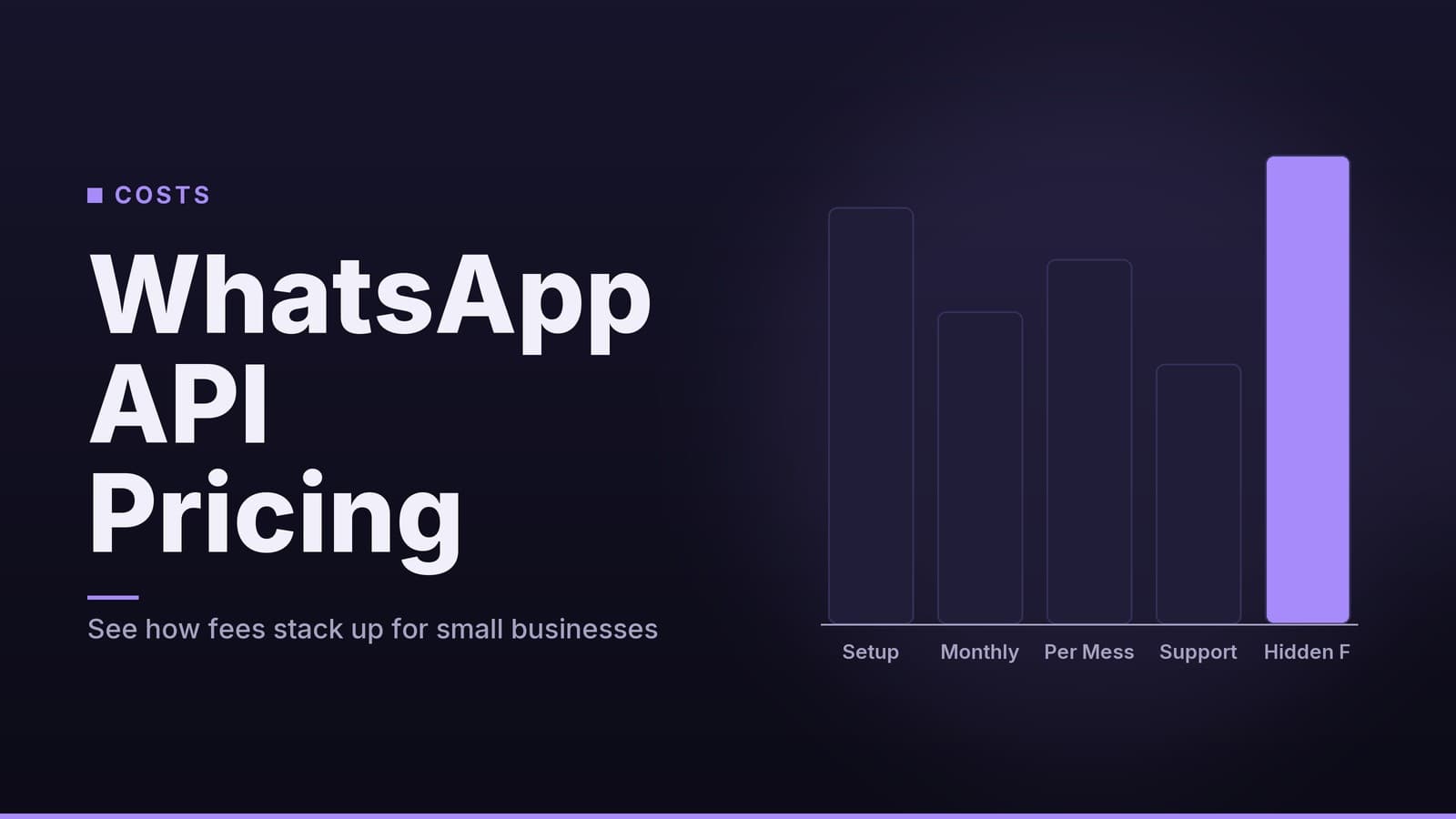
WhatsApp does not charge a license fee for the API. Instead, you pay per message. However, you do not pay WhatsApp directly; you pay through a Business Solution Provider (BSP). A BSP is a certified partner that provides the technical infrastructure, dashboard, and support needed to use the API.
Because BSPs act as intermediaries, they set their own pricing. This means the cost per message is not fixed by Meta (WhatsApp’s parent company). It varies by provider, region, and contract terms. Some providers charge a flat per-message fee that includes a markup over WhatsApp’s base rate. Others may charge a lower per-message fee but require a minimum monthly spend.
Message Types and Pricing Structure
There are two main categories of messages, each with different cost implications:
- Template Messages: These are pre-approved messages you send to customers initiating the conversation (e.g., "Your appointment is tomorrow at 10 AM"). You pay for every template message sent.
- Session Messages: These are messages sent within a 24-hour "customer service window" that opens when a customer messages you first. You pay for these messages, but the rate is typically lower than template messages.
Pricing is highly variable. While some providers may offer rates close to WhatsApp’s base rates, others add significant markups. You must request a detailed price list from each BSP you consider. Do not rely on generic online estimates, as these often do not reflect current contracts or regional variations.
Illustrative Cost Scenarios
The following examples are illustrative only. They assume hypothetical per-message rates to help you understand how volume impacts cost. You must verify actual rates with your chosen BSP.
| Business Scenario | Monthly Volume (Hypothetical) | Hypothetical Cost Calculation | Estimated Monthly Cost Range* |
|---|---|---|---|
| Small Clinic | 200 Appointment Reminders (Templates) | 200 × $0.01 (hypothetical rate) | $2.00 + Provider Fees |
| Boutique Retail | 500 Order Updates (Templates) | 500 × $0.01 (hypothetical rate) | $5.00 + Provider Fees |
| Service Firm | 300 Support Replies (Session) | 300 × $0.005 (hypothetical rate) | $1.50 + Provider Fees |
| Restaurant | 1,000 Mixed Messages | 500 Templates + 500 Session | ~$7.50 + Provider Fees |
* Critical Note: These figures exclude any monthly minimum spend, platform subscription fees, or setup fees that your BSP may charge. A provider with a $50/month minimum will charge you $50, even if your message volume costs only $2. Always ask: "What is my total monthly cost if I send X messages?"
Choosing a Business Solution Provider (BSP)
Selecting the right BSP is more important than the API itself, as they control your user experience, support, and final bill. Use this checklist to evaluate potential providers.
| Evaluation Criteria | Why It Matters | Questions to Ask |
|---|---|---|
| Pricing Transparency | Hidden markups or minimums can blow your budget. | "Can you provide a written price list including all fees, markups, and minimums?" |
| Country/Region Support | WhatsApp numbers must be local to the country of operation. | "Do you support business numbers registered in [Your Country]?" |
| Integration Capabilities | You need the API to talk to your existing software. | "Do you have pre-built integrations for [Your CRM/POS/Booking Tool]?" |
| Dashboard Usability | Your staff will use this daily; complexity reduces adoption. | "Can I see a live demo of the dashboard? How do I create a new template?" |
| Support Quality | If the system breaks, you need fast help. | "What is your support SLA (Service Level Agreement) for critical issues?" |
| Security & Compliance | Protecting customer data is your legal responsibility. | "What security certifications do you hold? How do you handle data retention?" |
Tip: If you already use a CRM or marketing platform that has WhatsApp built-in, check if they act as the BSP. This can simplify setup, but verify their pricing against standalone BSPs to ensure you aren’t overpaying for convenience.
Step-by-Step Setup Guide
Setting up the WhatsApp Business API involves several steps. The timeline can vary significantly depending on your region and the provider you choose.
1. Prerequisites
- Business Verification: You must have a verified business profile in Meta Business Suite (formerly Facebook Business Manager). This process involves submitting business documents (like a tax ID or certificate of incorporation) for verification.
- Dedicated Phone Number: You need a phone number dedicated to this business line. This number cannot be used with the personal WhatsApp app or the free WhatsApp Business App. It must be able to receive SMS or voice calls for verification.
2. Select and Onboard with a BSP
- Choose a BSP using the checklist above.
- Complete their onboarding process. This may involve signing a service agreement and setting up billing.
- Note: The time to get approved for API access varies. It can take a few days or several weeks, depending on Meta’s review process and your region. Do not promise customers a specific launch date until your account is fully active.
3. Configure Message Templates
- Log into your BSP’s dashboard.
- Create the templates you need (e.g., appointment reminders, order status).
- Submit these templates for approval by WhatsApp. Approval times vary and can range from a few hours to several days, especially for new categories or regulated industries. Plan your launch accordingly.
4. Set Up Webhooks (Technical Step)
- A webhook is a way for your software to receive real-time updates from WhatsApp (e.g., "Customer sent a message").
- If you use a low-code platform (like Zapier, Make, or a CRM with native WhatsApp support), they will handle this for you.
- If you have a developer, they will need to create a secure HTTPS endpoint to receive these data packets.
5. Integrate with Your Systems
- Connect your booking system, CRM, or POS to the WhatsApp API.
- Map the data fields. For example, when a booking is made in your system, trigger the "Appointment Confirmation" template with the customer’s name and date.
6. Pilot Test
- Do not launch to your entire customer list immediately.
- Send test messages to a small group of staff or friendly customers who have opted in.
- Check that variables (names, dates) appear correctly and that messages are delivered.
- Test the "customer replies" flow to ensure your team can see and respond to inbound messages.
7. Launch and Monitor
- Enable the flow for your full customer base.
- Monitor your usage dashboard weekly to track costs and message delivery rates.
- Adjust templates if you notice high error rates or customer complaints.
Trade-offs and Alternatives
The WhatsApp Business API is not the only option. Here is how it compares to other common communication channels.
| Channel | Pros | Cons | Best For |
|---|---|---|---|
| WhatsApp Business API | High engagement; rich media (images, PDFs); automation; integrates with CRM. | Cost per message; requires technical setup (webhooks); depends on BSP pricing. | Businesses needing automated, two-way communication at scale. |
| Free WhatsApp Business App | Free; simple; no technical setup. | Limited to one device; no automation; no integrations; manual only. | Very small businesses (<100 messages/month) with low volume. |
| SMS | Works on any phone; no internet needed; simple pricing. | Lower engagement than chat; limited character count; no rich media; higher cost in some regions. | Critical alerts (e.g., "Your code is 1234") or customers without smartphones. |
| Low cost; allows long-form content; good for marketing. | Lower open rates; easily filtered as spam; less immediate. | Marketing campaigns, newsletters, and detailed documentation. | |
| In-App/Web Chat | Full brand control; no third-party fees; integrated with website. | Requires development cost; customers must visit your site/app; lower reach. | Businesses with a strong digital presence and technical resources. |
When to Stick with the Free App
If you send fewer than 50–100 messages a month and have one staff member who can reply manually, the free WhatsApp Business App may be sufficient. It avoids the complexity and cost of the API.
When to Move to the API
Consider the API if:
- You need to send automated reminders or notifications.
- Multiple staff members need to reply to customers.
- You want to connect WhatsApp to your booking or CRM system.
- Your volume grows beyond what one person can manage manually.
The Role of AI Chatbots
Many businesses add a simple AI or rule-based chatbot to their WhatsApp API setup. This can answer common questions (e.g., "What are your opening hours?") automatically, reducing the need for human intervention and potentially lowering session message costs. However, chatbots add a layer of complexity and may require additional subscription fees. Start with simple, rule-based responses before considering more advanced AI.
Final Checklist Before Launching
Legal & Compliance:
- Have you obtained explicit opt-in from customers to receive WhatsApp messages?
- Have you reviewed local data protection laws (e.g., GDPR, CCPA, HIPAA) with a legal advisor?
- Do you have a privacy policy that explains how you use WhatsApp?
Financial:
- Do you understand your BSP’s pricing structure (per-message cost, minimums, markups)?
- Have you budgeted for potential overages or premium features?
- Have you compared prices from at least two or three BSPs?
Technical:
- Is your Meta Business account verified?
- Do you have a dedicated phone number for the API?
- Are your message templates approved by WhatsApp?
- Is your webhook endpoint (if applicable) secure and tested?
Operational:
- Have you piloted the system with a small group?
- Does your staff know how to use the dashboard?
- Do you have a plan for handling customer complaints or errors?
Disclaimer: The costs and timelines mentioned in this article are illustrative and based on general industry practices. Actual prices, approval times, and regulatory requirements vary by provider, region, and business type. Always verify specific details with your chosen Business Solution Provider and legal counsel.
Frequently asked questions
Do I need a Facebook account to use WhatsApp API?
Yes, you must create a Facebook Business Manager account to register the phone number and manage the API.
Can I send unlimited messages?
You pay per message; there is no hard limit, but some providers set a monthly minimum spend.
What happens if I exceed my monthly quota?
You will simply pay for the extra messages – the cost scales linearly with volume.