Gemini Agentic AI: How It Can Slash Your Support Costs
Discover how Google’s new Gemini agent can automate routine support tasks and reduce overhead for small and medium businesses.
Key Takeaways for Busy Owners
If you manage a small or medium business, the recent updates to Google’s Gemini Enterprise are worth your attention, but not because of the hype. The shift from "chatbots" to "agentic AI" changes how software handles work. Instead of just answering questions, these agents can execute multi-step tasks, such as checking a calendar, updating a CRM, and sending a confirmation email, all in one go.
Here is what you need to know before deciding if this fits your operation:
- What it is: An AI agent that follows a goal (e.g., "resolve this booking request") by planning and executing steps across your connected tools.
- Who it helps: Businesses with high volumes of repetitive, rule-based support tasks (appointments, order status, FAQs).
- The cost: You will pay for Google Cloud usage and setup time. Savings come from reduced manual handling time, not necessarily from firing staff immediately.
- The risk: Giving an AI permission to act on your data requires strict security boundaries. Misconfiguration can lead to data leaks or incorrect actions.
- The next step: Start small. Test the agent on low-stakes tasks in a "shadow mode" before letting it handle live customer interactions.
This guide breaks down what these agents can do, how to set them up without being a developer, and how to evaluate the real-world costs and benefits.
Understanding Agentic AI vs. Traditional Chatbots
To decide if this technology is right for you, it helps to understand the difference between the old and new models.
Traditional Chatbots act like a smart search engine. You ask, "What are your opening hours?" and it retrieves the answer from a database. It stops there. If the question is complex or requires checking two different systems, the bot usually fails or asks a human to take over.
Agentic AI works differently. You give it an objective (a goal), not a specific script. For example, the objective might be: "Reschedule this customer’s appointment." The agent then plans the work: it checks the customer’s current booking, looks for open slots in the provider’s calendar, proposes a new time, updates the CRM, and sends a confirmation email.
What Does "Agentic" Actually Mean?
In technical terms, an "agent" is an AI model that can use tools to achieve a goal. In Google’s context, this means Gemini can connect to your business systems via Custom Skills.
- Custom Skills: These are specific permissions and instructions you give the agent. Think of them as job descriptions. A "Booking Skill" might tell the agent: "You have access to the Calendar API. You must not book appointments outside business hours. You can read customer contact details but not payment info."
- Objectives: High-level goals you assign to the agent. Instead of writing code that says
If ticket contains 'reschedule', then check calendar, you write: "Your goal is to resolve rescheduling requests accurately and politely."
This distinction is crucial. You are not programming a robot; you are delegating a task to a digital employee with specific boundaries.
Tasks an Agent Can Handle in Support
The value of an agentic AI is in reducing the friction of switching between tools. Your support team currently jumps between a ticketing system, a calendar, and a CRM to resolve one issue. An agent can handle these steps end-to-end.
Here are the most common support tasks that benefit from this approach, organized by business type:
| Task Type | Traditional Process | Agentic AI Process | Best For |
|---|---|---|---|
| Appointment Booking | Staff checks calendar, asks customer for preferred time, manually updates CRM. | Agent queries calendar, proposes slots, updates CRM, and sends confirmation automatically. | Clinics, Salons, Consultancies |
| FAQ Resolution | Staff searches knowledge base, copies/pastes answer, sends email. | Agent retrieves verified answer, personalizes it with customer details, and sends response. | Retail, SaaS, Service Firms |
| Ticket Triage | Human reads ticket, categorizes, assigns to correct department. | Agent analyzes ticket content, categorizes, assigns, and attaches relevant history. | All SMBs with high volume |
| Order/Status Checks | Staff logs into inventory system, searches order ID, reports status. | Agent queries inventory system via custom skill, retrieves real-time status, and updates customer. | Logistics, E-commerce, Retail |
Industry-Specific Examples
The Clinic A dental or medical clinic often spends hours on the phone confirming appointments and verifying insurance. An agentic AI can handle the initial booking request, check the provider’s calendar, and verify insurance eligibility through a connected provider portal (if such a skill is built). Human staff only step in if there is a conflict or a complex insurance issue. This reduces no-shows and frees up receptionists to focus on patient care.
The Restaurant Restaurants deal with a high volume of reservation requests and menu questions. An agent can handle online reservation requests, check table availability, and apply special requests (like a quiet corner or allergies). It can also answer menu questions by referencing the current menu file, ensuring customers don’t order discontinued items. This allows the front-of-house team to focus on guest experience during service hours.
The Retail Shop For e-commerce or brick-and-mortar retail, the most common queries are "Is this item in stock?" and "How do I return this?" An agent connected to your inventory system can provide real-time stock availability. For returns, it can generate a return label, update the inventory system to reflect the expected return, and notify the customer of the process. This reduces the back-and-forth emails that often delay customer satisfaction.
The Service Firm Consultancies, agencies, and coaching centers often spend time on administrative scheduling and proposal generation. An agent can schedule client calls, send calendar invites, and even draft basic proposals based on templates and client data. This allows consultants to spend more time on the actual consulting work and less time on admin tasks.
The common theme is that the agent handles the transactional part of the interaction, leaving humans to handle the relational and complex parts.
Setting Up Gemini Without Being a Developer
Implementing agentic AI does not require a team of data scientists. However, it does require a structured approach because you are delegating authority to a software agent. Here is a practical workflow to get started.
1. Identify High-Volume, Low-Complexity Tasks
Look at your last month of support tickets. What are the top three tasks that take up the most time? Are they booking requests, password resets, or status checks?
- Do: Focus on tasks that are repetitive, rule-based, and have a clear definition of "done."
- Don’t: Start with complex, ambiguous issues that require deep human empathy or judgment (e.g., handling a furious complaint about a billing error).
2. Map Each Task to a Specific Skill
A "skill" is a set of instructions and permissions. You must define the boundaries of what the agent is allowed to touch.
- Example: Create a "Booking Skill" that connects to your calendar API. Specify that it can read availability and write new appointments, but cannot delete existing ones.
- Example: Create a "Knowledge Skill" that connects to your help center documentation. Specify that it can only answer questions based on the content in that folder.
3. Configure the Agent in the Google Cloud Console
In the Google Cloud console, you set up the agent’s objectives. Instead of writing a script, you describe the goal.
- Example Objective: "Your objective is to resolve customer inquiries regarding appointment scheduling. You have access to the Calendar Skill and the CRM Skill. Ensure all bookings are confirmed within the business hours defined in the CRM. If you are unsure, ask the customer for clarification."
4. Test in "Shadow Mode"
Do not launch this to your entire support queue immediately. Run the agent in a "shadow mode" or on a small subset of low-stakes tickets.
- What to watch for: Did it book the right time? Did it pull the correct customer data? Did it hallucinate a policy that doesn’t exist?
- Why this matters: This phase is critical for building trust in the system. If the agent makes a mistake in shadow mode, it costs you nothing. If it makes a mistake with a live customer, it costs you reputation.
5. Gradual Rollout
Once you are confident in the agent’s accuracy, expand its access. Start by letting it handle only the first line of defense (initial response). Keep a human in the loop for any task that the agent flags as uncertain. Gradually give it permission to close tickets only when the error rate is acceptably low.
Cost vs. Benefit: A Realistic Calculation
The primary argument for adopting agentic AI is efficiency. However, it is important to be realistic about the numbers. We cannot provide exact savings figures for your specific business, as this depends entirely on your ticket volume, the complexity of your issues, and your current staffing levels.
The Costs
You must budget for two main areas:
- Subscription/Usage Fees: Google Cloud services are typically charged based on usage (API calls, compute resources). You must confirm current pricing on Google Cloud’s official pricing page, as costs can vary based on your specific expected volume. Do not rely on estimated figures found in marketing materials.
- Setup Time: This includes the time your IT team or a consultant spends configuring the skills and connecting your systems. If you are not technical, you may need to hire a partner to handle the initial integration.
The Benefits
The potential savings come from two areas:
- Reduced Handling Time: If an agent can resolve a simple query in seconds that previously took a human five minutes, you free up human hours for complex issues.
- Scalability: If a significant portion of your routine queries are handled automatically, you may not need to hire additional support staff as your business grows.
A Comparison Matrix
| Factor | Traditional Support Staff | Agentic AI (Gemini) |
|---|---|---|
| Cost Structure | High fixed cost (salary, benefits, training) | Variable cost (usage-based, lower entry barrier) |
| Availability | Limited by shifts, holidays, sick leave | 24/7 availability |
| Consistency | Varies by individual agent and mood | Consistent adherence to defined rules |
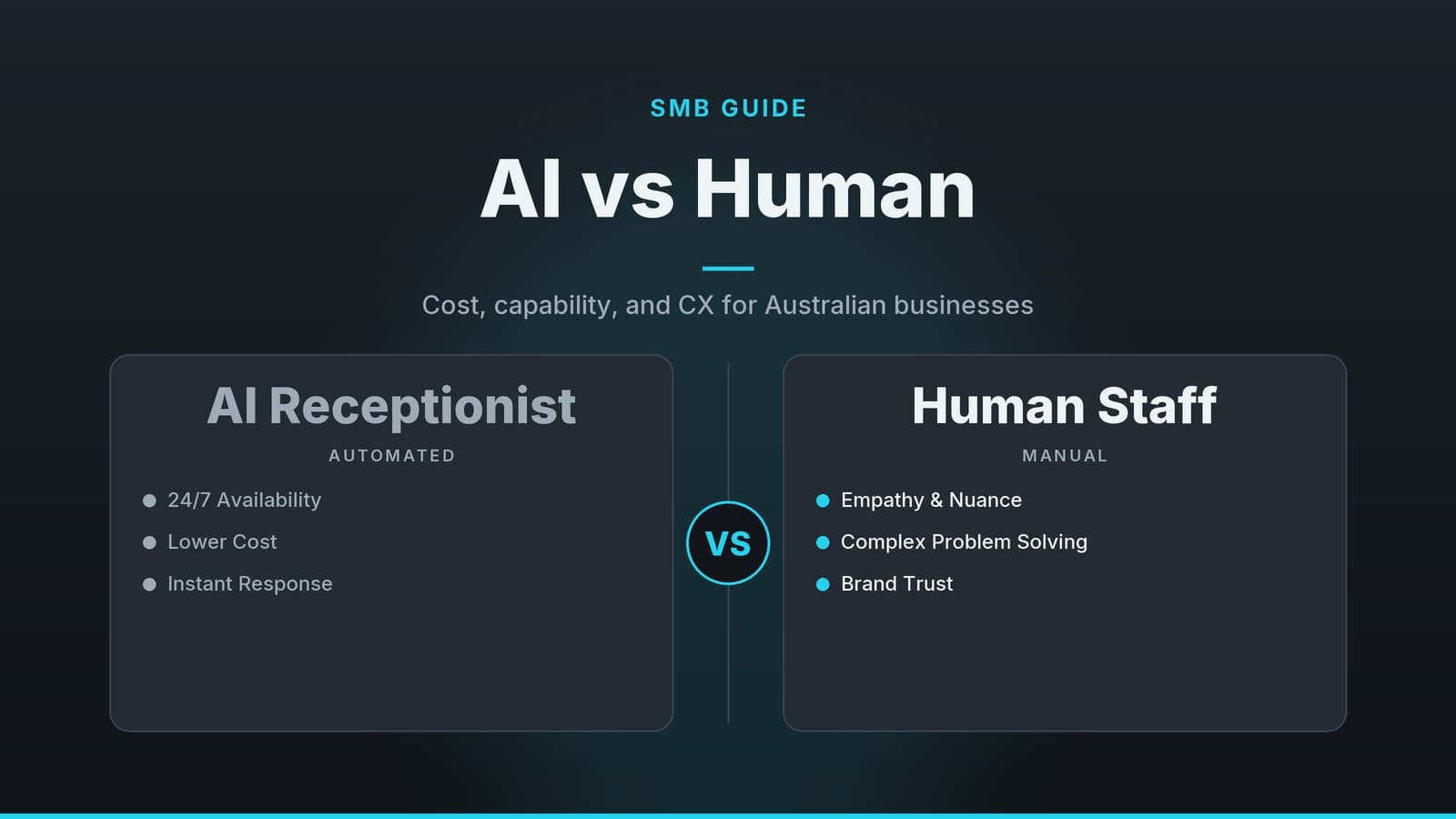
| Complexity Handling | High (empathy, judgment, nuance) | Low (struggles with ambiguous or emotional queries) |
| Setup Time | Days/Weeks (recruiting, onboarding) | Hours/Days (configuring skills, testing) |
The Trade-Off: You are trading upfront configuration time and subscription costs for ongoing labor efficiency.
- For a small clinic with 50 bookings a day: The savings might be modest. The cost of the AI might outweigh the savings if the setup is complex.
- For a logistics firm handling 5,000 tracking queries a day: The efficiency gains are likely to be substantial, as the volume is high and the tasks are repetitive.
Recommendation: Run a pilot project. Calculate the current cost of handling 100 specific types of tickets (staff hours × cost per hour). Compare this to the estimated Google Cloud costs for handling those same 100 tickets. If the AI cost is significantly lower, it may be worth scaling.
Security, Scale, and Performance Considerations
Giving an AI the ability to act on your behalf raises valid security concerns. How do you ensure it doesn’t leak customer data? How do you prevent it from making a costly error?
Restrict Data Access
Do not give the agent access to your entire database. If the agent is only handling bookings, it should only have read/write access to the calendar and customer contact fields. It should not have access to payment details or sensitive medical records unless explicitly required. By creating granular skills, you limit the "blast radius" of any potential error.
Note on Compliance: Google’s enterprise tools are designed to meet various data protection standards, but compliance is a shared responsibility. You are responsible for configuring the system correctly to meet your specific legal obligations (such as GDPR in Europe or HIPAA in healthcare, if applicable). Consult with a qualified legal or compliance professional to ensure your specific use case meets local regulations. Do not assume that using an enterprise tool automatically makes you compliant.
Monitor Agent Performance
Just like a new employee, you need to monitor the agent’s performance. Use the dashboards provided in the Google Cloud console to track:
- Resolution Rate: How many tickets does it close without human intervention?
- Escalation Rate: How often does it hand off to a human? A high escalation rate indicates the agent is struggling or the tasks are too complex.
- Customer Feedback: Are customers rating the AI responses positively?
If you notice a drop in response quality or an increase in escalations, adjust the agent’s objectives. You may need to provide more context in your skills or refine the instructions. Performance tuning is an ongoing process, not a one-time setup.
Scale Considerations
As your business grows, the volume of tasks will increase. Ensure that your API limits and subscription plan can handle this growth. Monitor your usage metrics regularly to avoid unexpected costs or service throttling. The enterprise architecture is designed to scale, but you must manage the configuration to ensure it scales with your business, not against it.
How HeyGrowin can help
HeyGrowin specializes in building practical, no-nonsense digital tools for small and medium businesses. We can help you integrate agentic AI into your existing operations, from setting up custom chatbots that handle your specific support workflows to connecting your CRM and booking systems securely. If you want to streamline your support costs without getting bogged down in technical complexity, we can build the custom software and automation you need to start using these tools today. Visit HeyGrowin to see how we can tailor AI solutions to your specific business needs.
Frequently asked questions
Do I need a developer to set up Gemini?
No, you can use the visual skill builder and pre‑built connectors. A developer may help with custom integrations, but many tasks can be configured without code.
Will Gemini replace my support staff?
It automates routine tasks, freeing staff to focus on complex issues. It’s a support tool, not a replacement.
Is Gemini secure for customer data?
Gemini Enterprise includes enterprise‑grade security and compliance. Verify that your data handling policies align with Google’s terms.