HeyPi vs Zoom: Faster Live Meetings for Small Business
Compare HeyPi and Zoom for speed and simplicity. See how HeyPi helps small businesses start live meetings faster without complex setup.
The Hidden Cost of Meeting Friction
For a small business owner, time is the most valuable asset you have. When you are juggling inventory, customer complaints, and staff schedules, every minute spent fighting with technology is a minute not spent making money or serving customers.
Traditional video‑conferencing platforms were often built with large enterprises in mind. They can include robust security settings, many integrations, and detailed administrative controls. For a team of five to fifty, those extra options can become friction rather than help. The friction usually starts before the meeting even begins. Participants may need to download a specific application, create an account, or navigate through settings to enable screen sharing. If a client or supplier is not technical, this creates a barrier to entry.
This is what we call the “tech tax.” While there is no industry‑wide metric for this cost, the impact is tangible: it is the cumulative time spent troubleshooting audio, hunting for meeting IDs, or waiting for software to load. In a clinic, a delayed start means a patient is waiting in a chair, increasing stress and reducing satisfaction. In a logistics firm, a delayed coordination call with a driver can ripple through the entire delivery schedule. In a retail shop, a supplier waiting on the line while you figure out the login process can lead to missed restocking windows.
When we talk about “faster” meetings, we are not just talking about internet speed. We are defining speed as the reduction of cognitive and technical load. The goal is to remove the administrative overhead so that the conversation, not the software, takes centre stage.
Defining Simplicity in Video Conferencing
Simplicity in this context does not mean a lack of features; it means a lack of friction. To evaluate whether a tool is “simple” for your specific business, look for three key indicators:
Instant Joining
Can a participant join a meeting by clicking a link in a browser without downloading an app or creating an account? For quick, informal syncs, this is often the single biggest time‑saver. If your team or clients are non‑technical, requiring a plugin installation or a specific client download adds unnecessary steps that can lead to no‑shows or delayed starts.
Intuitive Interface
The controls for mute, video, and screen share should be obvious. If a receptionist or a senior partner needs a tutorial to find the “mute” button, the interface is too complex. A simplified interface reduces the anxiety that often accompanies video calls, allowing staff to focus on the task at hand.
Minimal Configuration
Does the host need to navigate through menus to start a call? Tools designed for speed typically minimise pre‑meeting setup. You should be able to generate a link and send it without configuring room settings, participant permissions, or integration libraries.
It is important to note that “simplicity” is a trade‑off. By stripping away complex features, you may lose advanced capabilities like native transcription, detailed analytics, or deep integration with specific enterprise software. The right choice depends on whether your primary need is rapid connection or comprehensive collaboration.
HeyPi vs. Zoom and Webex: A Practical Comparison
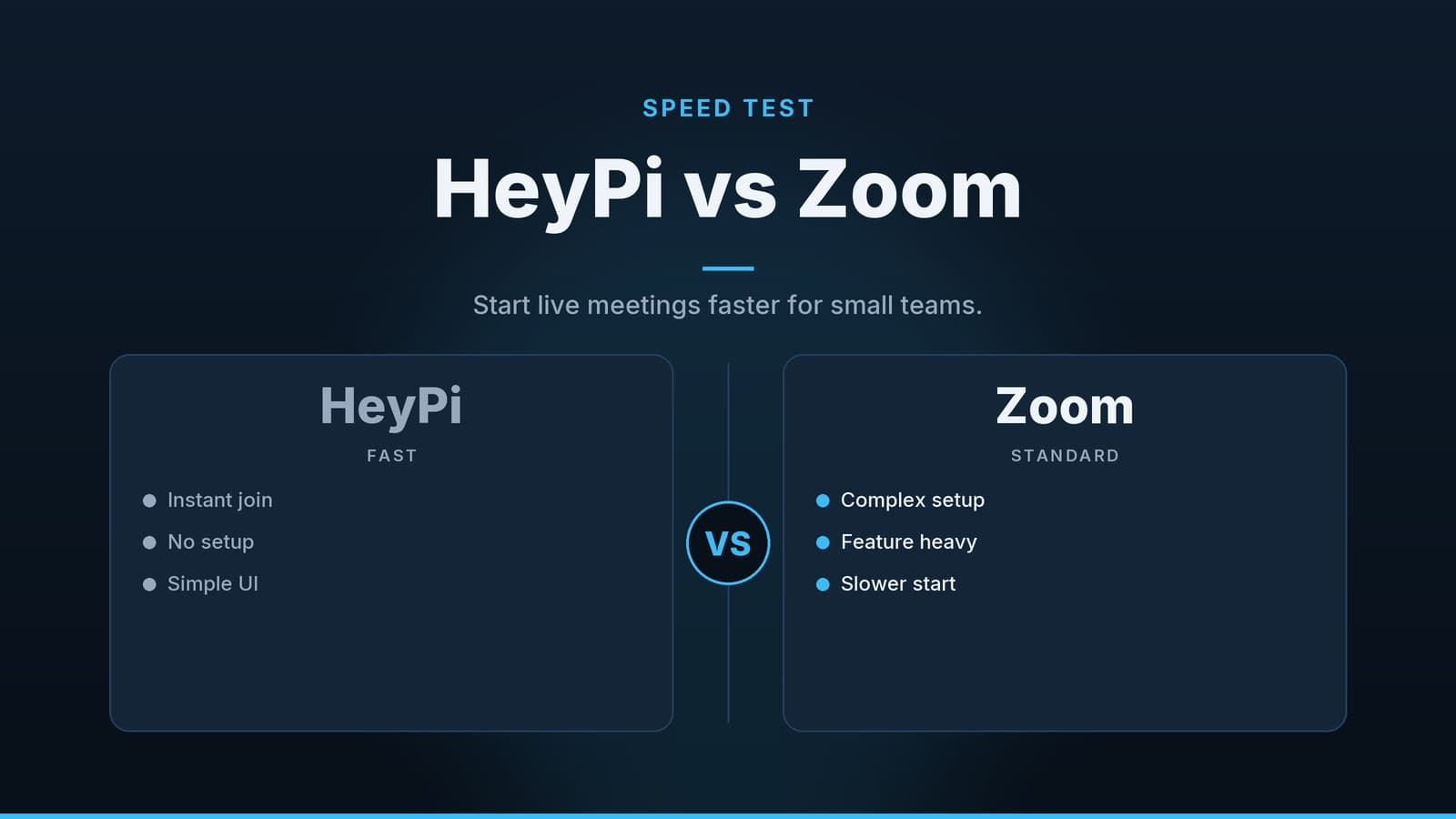
Zoom and Webex are established standards in the video‑conferencing world. They have been around longer, have larger user bases, and offer a wide range of features. HeyPi positions itself as a streamlined alternative, focusing on quick joins and a simple interface for smaller teams.
The feature sets and pricing of these platforms change frequently. What is available today may differ next month. Therefore, you should always verify the current features, limits, and prices on the vendors’ official websites before making a decision.
| Feature/Aspect | HeyPi | Zoom | Webex |
|---|---|---|---|
| Primary Focus | Quick, low‑friction meetings for small teams | Collaboration platform for a range of business sizes | Platform with security and scalability options |
| Joining Experience | Quick link join, minimal setup | Check current documentation for joining requirements | Check current documentation for joining requirements |
| Learning Curve | Low – intuitive interface | Basic use is low, advanced features moderate | Moderate – especially for administrative tasks |
| Best Use Case | Quick syncs, client check‑ins, informal team updates | General business meetings, webinars, remote work | Larger meetings, secure communications, events |
| Feature Depth | Core video/audio and screen sharing | Range of collaboration features and integrations | Security, compliance, integration options |
Zoom can handle a wide variety of meeting sizes and offers many collaboration tools. That breadth can feel overwhelming if you only need a simple call. Webex is often chosen for its security and compliance options; larger organisations may find those features useful. HeyPi keeps the experience focused on speed and simplicity, which can be an advantage for small teams that value a quick connection.
HeyPi may have limits on participant numbers or meeting duration; check the current capacity before deciding.
Choosing the Right Tool for Your Team
Deciding which video‑conferencing tool to use is not a one‑size‑fits‑all decision. It depends on your business model, your team’s technical comfort level, and your specific workflow needs.
When to Choose Speed Over Feature Depth
If your business relies on quick, frequent interactions, speed should be your priority. This includes:
- Internal team syncs – daily stand‑ups or quick updates where every minute counts.
- Quick client check‑ins – confirming orders, answering questions, or providing status updates.
- Informal collaborations – brainstorming sessions where the flow of conversation is more important than structured features.
In these scenarios, a tool that minimises friction can be effective. It reduces the barrier to entry, allowing even the least technical team members to participate confidently.
When to Choose a Larger Platform
There are situations where the advanced features of a larger platform are necessary. Consider these tools if:
- You need advanced recording and transcription – if you need to record meetings for compliance, training, or reference, and you want automatic transcription, a larger platform may offer more robust options.
- You host large‑scale webinars – if you regularly host events with hundreds or thousands of attendees, you need a platform designed for scale.
- You have specific security or compliance requirements – if you operate in a regulated industry, check the vendor’s documentation to confirm whether their current plan meets your specific regulatory needs. Simpler tools may lack the administrative controls or compliance certifications required for these industries.
- You rely on specific integrations – if your workflow depends on integrating your video‑conferencing tool with particular CRM, project management, or HR software, check which integrations are available on each platform.
A Checklist for Testing
Before committing to a new tool, test it in your specific business context. Use the table below to guide your testing process.
| Testing Metric | What to Check | Why It Matters |
|---|---|---|
| Join Time | Time from receiving the link to seeing the other participants on a laptop, tablet, and phone. | Ensures the tool works across the devices your team actually uses. |
| User Comfort | Observe non‑technical staff using the tool. Do they struggle to find basic controls? | If your staff ask for help, the tool is adding friction, not removing it. |
| Audio/Video Quality | Conduct a sample call in your actual meeting environment (e.g., a noisy shop floor or a small office). | Ensures the tool performs well in your real‑world conditions, not just in a quiet lab. |
| Hidden Costs | Review the pricing structure for limits on meeting duration, participant numbers, or recording storage. | Prevents unexpected bills as your usage grows. |
| Security & Compliance | Verify if the tool meets any industry‑specific security standards required by your business. | Avoids regulatory risks, especially in regulated sectors. |
By taking the time to test and evaluate, you can ensure that the tool you choose actually improves your workflow rather than adding to it. The best tool is the one that your team will actually use consistently and comfortably.
For more on how to capture the insights from these meetings, you might find our guide on the best note‑taking app or device helpful. Ensuring you have a reliable way to record decisions and action items is just as important as having a reliable way to hold the meeting.
How HeyGrowin can help
HeyGrowin offers custom software solutions that can integrate with communication tools. We can help set up workflows that connect meetings with operational data, ensuring that decisions made in a call are quickly actioned in your business systems. Visit heygrow.in to explore how we can help you automate and simplify your daily operations.
Frequently asked questions
Is HeyPi suitable for large-scale webinars?
HeyPi is generally designed for smaller, faster meetings. For large-scale webinars with hundreds of attendees, you may need a platform with more robust audience management features. Check current capacity limits on the vendor's site.
Do I need to install software to use HeyPi?
Most modern meeting tools, including HeyPi, are browser-based, meaning you likely do not need to install heavy desktop applications. This reduces setup time for participants.