High‑tech Billing Software Alternatives for Small Businesses
Explore practical, cost‑effective billing software options that replace expensive high‑tech solutions for shops, clinics, restaurants and more.
Why High‑Tech Billing Systems Can Be Costly for Small Businesses
Running a small or medium‑sized business means juggling cash flow, customer relationships, and daily operations. When you add a sophisticated billing platform into that mix, hidden costs can add up quickly, even if the headline price looks reasonable.
| Potential Hidden Cost | Why It Matters | Practical Tip |
|---|---|---|
| Setup and data migration | Moving hundreds of invoices, customer records, and product lists into a new system can take time, especially if the export format is not standard. | Ask the vendor for a migration checklist and estimate how many hours your staff will need. |
| Integration with existing tools | Many businesses rely on a POS, an accounting package, or a booking calendar. If the billing software does not have a ready‑made connector, custom work may be required. | Check the vendor’s integration gallery before signing up; look for “plug‑and‑play” connectors for the tools you already use. |
| User training | Even a user‑friendly interface can feel unfamiliar to staff who have never seen a digital invoice before. | Plan a short, focused training session and keep a cheat sheet on the desk. |
| Ongoing support | Enterprise‑grade solutions often bundle support in the subscription price, but you may still need to pay for on‑site help or a dedicated account manager. | Clarify what “support” includes in the contract—email, chat, phone, or on‑site visits. |
| Feature over‑provision | A platform that offers dozens of advanced modules (e.g., full‑blown ERP, advanced analytics, multi‑currency) can drive the price up, even if you never use those extras. | Prioritise the core features you need now and consider whether you will need the extras in the next 12 months. |
If you keep an eye on these areas, you can avoid surprise expenses that push a small business out of its budget.
Core Billing Features You Should Expect
A good billing system should let you do the following without a developer’s help. Below is a quick reference of the six most common features, why they matter, and a simple way to think about them.
| Feature | Why It Matters for a Small Business | Simple Explanation |
|---|---|---|
| Customisable invoice templates | A branded invoice builds trust and can reduce disputes. | Drag‑and‑drop elements; choose colours that match your logo. |
| One‑click payment links | The faster a customer can pay, the shorter your days‑sales‑outstanding (DSO). | Generate a link that you email or embed on a receipt. |
| Automated tax calculation | Manual tax entry is error‑prone and can lead to compliance issues. | Set the tax rate once; the software applies it to every invoice. |
| Centralised customer database | Having all contact details, purchase history, and credit limits in one place speeds up follow‑up and upselling. | Search by name, phone, or email; add notes for personal touches. |
| Reporting dashboards | Quick visibility into cash flow, top‑selling items, and overdue invoices helps you make timely decisions. | Pre‑built charts; export data to Excel if you prefer spreadsheets. |
| Mobile‑friendly invoicing | Field workers, pop‑up stalls, and on‑the‑go managers need to create invoices from a phone or tablet. | Native apps or responsive web pages that work offline for a short period. |
These capabilities cover the essentials that a clinic, a boutique, or a delivery service will use on a daily basis. If you need more advanced accounting features—such as inventory valuation or payroll—look for a tool that can integrate with your existing accounting package.
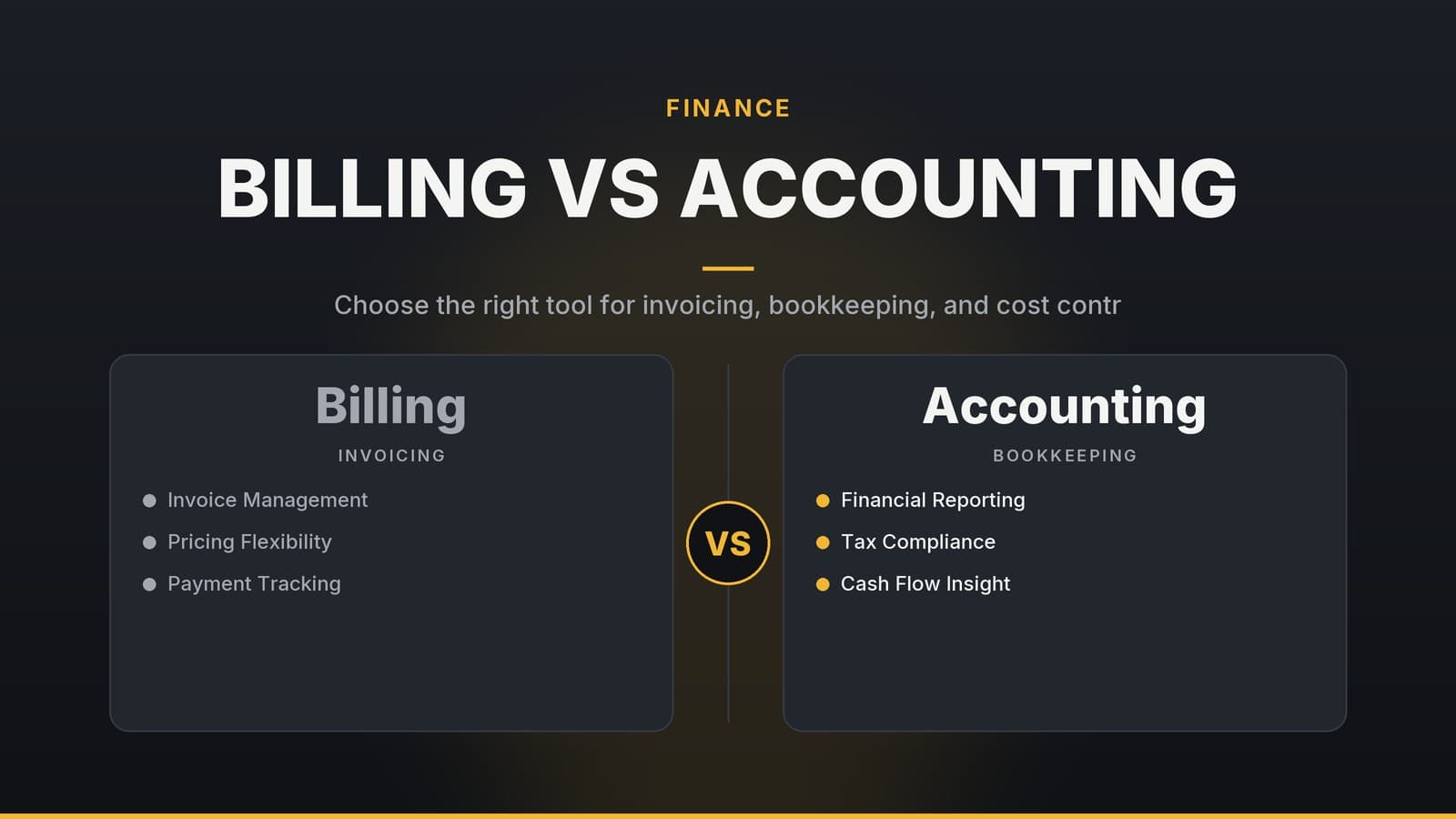
For a deeper look at how a pure billing tool differs from a full‑blown accounting package, see our article on Billing vs Accounting Software: Which Tool Fits Your Small Business?.
Affordable Alternatives – Feature Comparison
Below is a side‑by‑side snapshot of four widely‑used billing solutions. All of them are known for an entry‑level price point, straightforward setup, and a focus on invoicing rather than full ERP.
| Vendor | Typical Pricing Model | Core Features | Integration Options | Best for |
|---|---|---|---|---|
| Zoho Invoice | Tiered pricing aimed at small teams; check the vendor site for current rates. | Invoicing, recurring billing, tax rules, payment links | Connects with popular accounting and payment platforms (verify the current list). | Small clinics, freelance consultants |
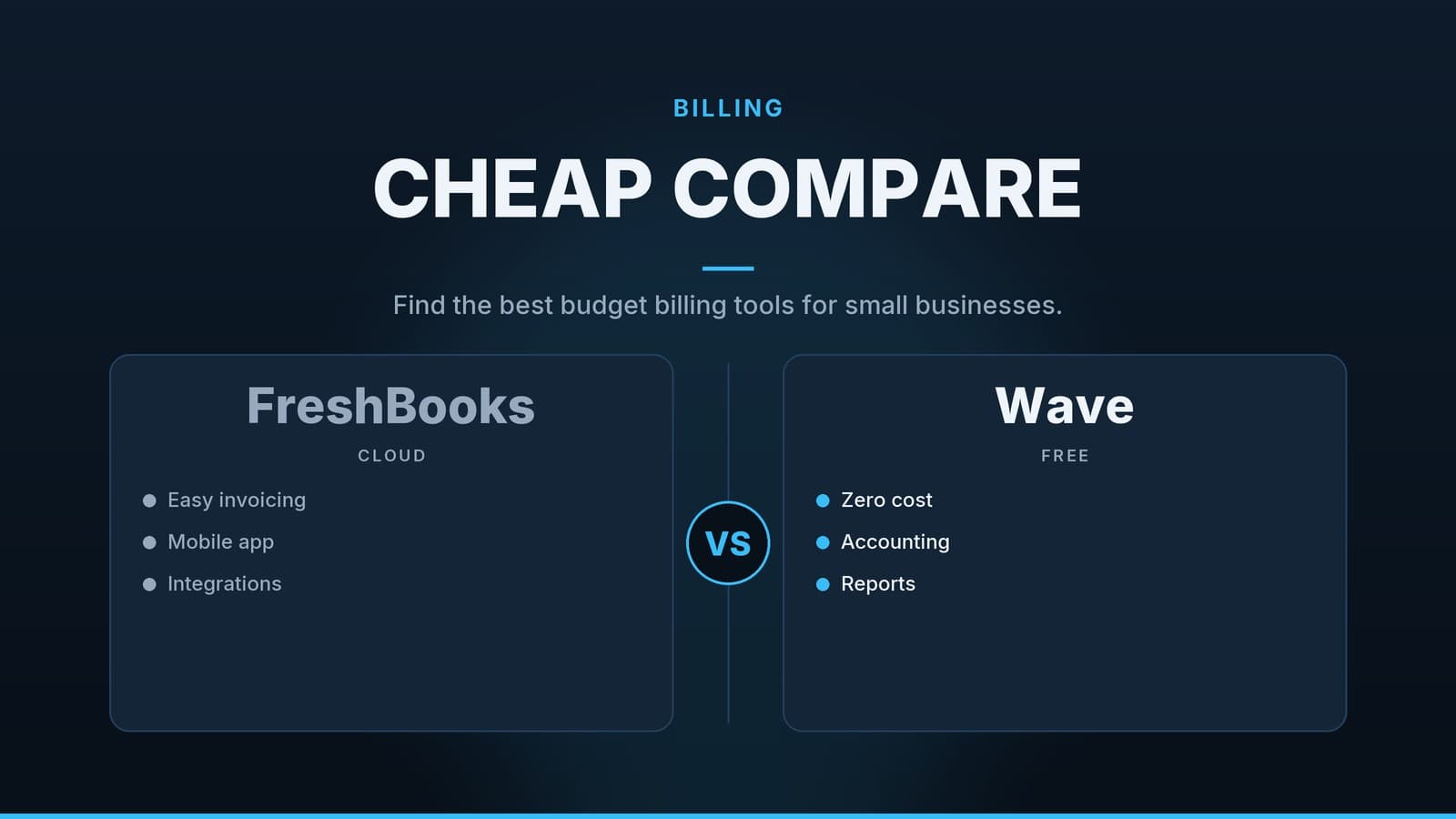
| FreshBooks | Subscription‑based pricing for small teams; verify current rates on the vendor page. | Invoicing, time tracking, expense capture, payment links | Connects with common accounting and payment services (review the vendor’s integration list). | Restaurants, cafés, salons |
| Wave | Provides a free tier and optional paid add‑ons; confirm the latest offering on the website. | Invoicing, receipt scanning, payment links | Works with major payment gateways and accounting tools (review integrations). | Retail shops, gyms, small agencies |
| PayPal Invoicing | No fee to send invoices; payment processing incurs transaction fees that vary by region and volume (check the current schedule). | Invoicing, payment links, automatic reminders | Can integrate with PayPal and other payment services; confirm current options. | Service firms, delivery businesses |
Prices are approximate; check each vendor’s current pricing page for the latest details.
If you already run a WordPress‑based website, the Zapier Alternative for WordPress: Practical Automation Options article lists connectors that many of the above tools support.
Implementation Checklist – From Decision to Go‑Live
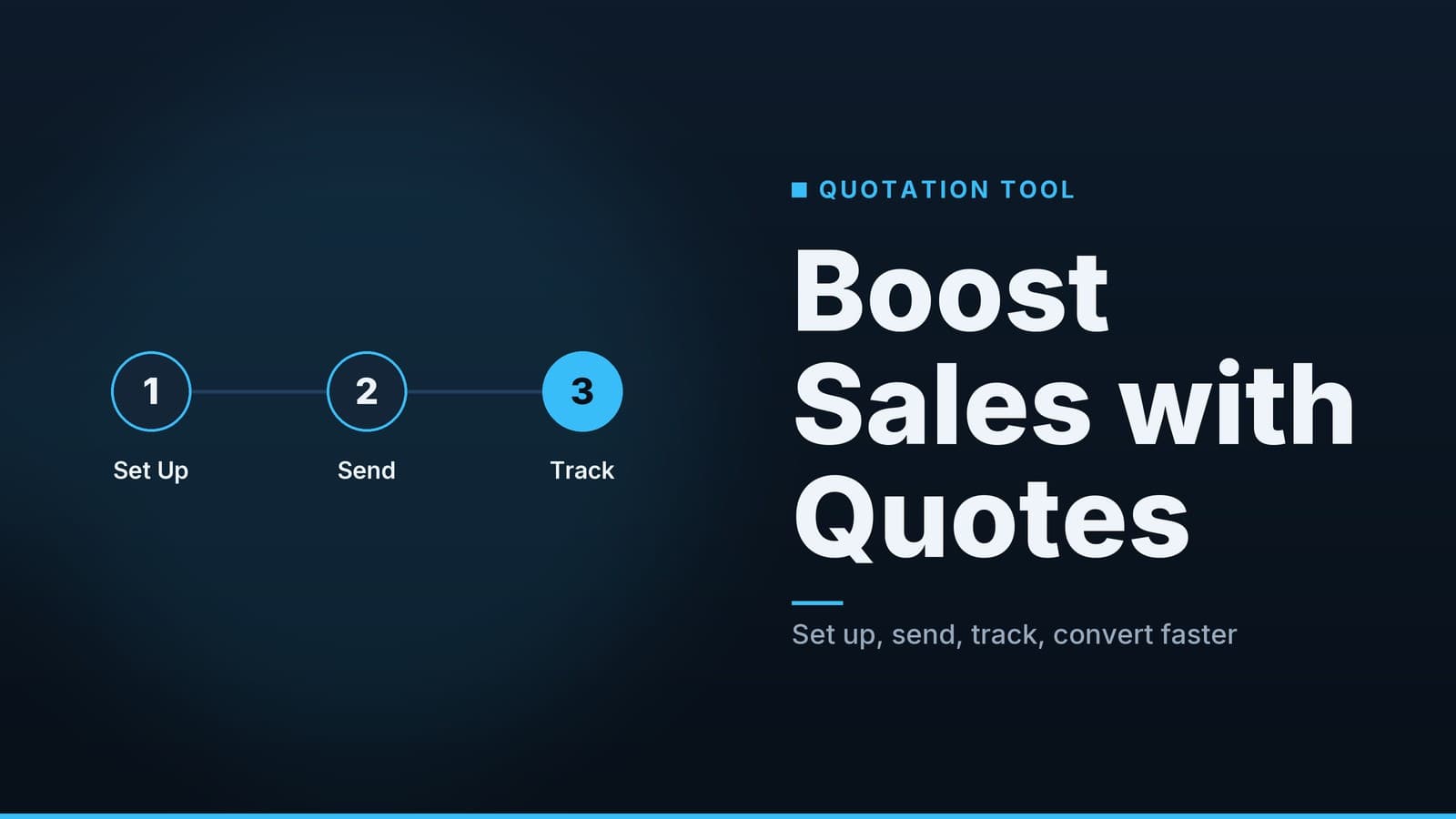
A structured rollout reduces the chance of costly hiccups. Use the checklist below as a roadmap.
| Step | What to Do | Why It Helps |
|---|---|---|
| 1. Clarify your core needs | Write down the must‑have features (e.g., recurring billing, mobile invoicing). | Keeps the vendor selection focused. |
| 2. Request a demo | Ask the vendor to walk through the invoicing flow and show how to add a customer. | Confirms that the UI is intuitive for your team. |
| 3. Test the payment gateway | Connect a sandbox account for Stripe, PayPal, or another provider and run a test transaction. | Ensures the payment flow works before you go live. |
| 4. Prepare your data | Export invoices and customer lists from your old system in CSV or Excel. | Reduces the time needed for manual entry. |
| 5. Import data | Use the vendor’s import wizard or CSV tool to load your records. | Saves hours of copy‑and‑paste. |
| 6. Set up user roles | Give cashiers “create invoice” rights, managers “view reports”, and limit admin access. | Keeps data secure and reduces accidental changes. |
| 7. Create a sample invoice | Send it to a test email and complete the payment. | Verifies that receipts and notifications are generated correctly. |
| 8. Train staff | Record a short screen‑capture video or print a one‑page cheat sheet. | Gives staff a quick reference for daily tasks. |
| 9. Go live | Start invoicing real customers. | The real test of the system’s fit. |
| 10. Review first‑month metrics | Check “invoices sent vs paid” and note any friction points. | Allows you to tweak settings before the next month. |
Follow the steps in order and keep a log of any questions that arise. This log can be a handy reference if you need to ask the vendor for help later.
Cost Breakdown – What to Budget
The total cost of ownership for a billing solution depends on a few predictable categories. Below is a generic guide to help you estimate your monthly and annual spend.
| Cost Item | Typical Considerations | What to Ask the Vendor |
|---|---|---|
| Initial setup | Some vendors offer free data import; others charge a small fee or require a consultant. | Does the vendor provide a free migration tool? |
| Monthly subscription | Per‑user or flat‑rate pricing; often includes support and updates. | Is the price per user or a flat fee? |
| Payment processing | Fees vary by gateway (e.g., Stripe, PayPal, regional providers) and by country. | What are the transaction fees for my region? |
| Optional add‑ons | Advanced reporting, multi‑currency, API access may cost extra. | Which add‑ons are essential for my business? |
Exact numbers will differ by provider, country, and transaction volume. Use the vendor’s pricing calculator or contact sales for a tailored quote.
Real‑World Examples – How Different Businesses Use These Tools
| Business Type | Chosen Tool | How It Helps |
|---|---|---|
| Clinic | Zoho Invoice | Handles recurring billing for therapy packages and offers export options to integrate with accounting systems. |
| Restaurant | FreshBooks | Provides digital payment links suitable for receipts, plus real‑time sales dashboards. |
| Retail shop | Wave | Includes invoicing and receipt‑scanning features, with a simple export of sales data for end‑of‑day reporting. |
| Gym | PayPal Invoicing | Supports monthly membership billing with automatic reminders and a dashboard that flags overdue accounts. |
These examples illustrate that a modest‑priced billing solution can replace a costly enterprise suite without sacrificing the features that matter most to the business.
How HeyGrowin Can Help
HeyGrowin offers a practical, hands‑on approach for small‑business owners who need to move to a modern billing system:
- Vendor shortlisting – We compare the most relevant tools against your specific workflow and budget constraints.
- Data migration support – Our team can set up import templates and run a test migration to minimise downtime.
- Staff training – We create short, role‑based guides and run live walkthroughs so your team gets up to speed quickly.
- Ongoing optimisation – After go‑live, we review usage data and suggest tweaks to improve payment speed and reduce overdue invoices.
Reach out to discuss a plan that fits your timeline and budget.
Frequently asked questions
Do these alternatives support multiple currencies?
Most of the listed tools offer multi‑currency support, but you should confirm on the vendor’s pricing page.
Can I migrate data from my current system?
Yes, most vendors provide data import tools or support CSV uploads, though complex migrations may need a professional service.
What payment gateways are compatible?
Common gateways include Stripe, PayPal, Square and local providers; check each vendor’s integration list before choosing.