How to Claim Free ChatGPT Credits for Your Small Business
Step‑by‑step guide to join OpenAI’s Small Business Program and get free credits for ChatGPT use.

Why Free Credits Matter
- Zero upfront cost – You can test ChatGPT’s abilities without paying anything.
- Immediate ROI – Small, repeatable tasks (e.g. drafting emails, writing product descriptions) can be completed in minutes, freeing staff for higher‑value work.
- Low‑risk experimentation – If the AI doesn’t fit your workflow, you simply stop using it and have no bill to pay.
Step 1 – Check Eligibility
| Requirement | What to look for | How to verify |
|---|---|---|
| Revenue ceiling | Annual turnover under $5 million (USD‑equivalent) | Pull the latest tax return or profit‑and‑loss statement. |
| Business‑grade email | Address that matches your domain (e.g., info@myclinic.com) | Type it into the application form; personal Gmail or Hotmail will not be accepted. |
| Valid tax ID | EIN (US), VAT number (EU), or comparable registration number | Have a scanned PDF of the registration certificate ready. |
Checklist for the non‑technical owner
- Confirm your revenue figure.
- Locate a domain‑based business email.
- Find the tax identification document.
Missing items can be uploaded later; the application screen will tell you what is required.
Step 2 – Apply for the Small Business Program
- Open the landing page – Go to OpenAI’s Small Business page and click Apply for Credits.
- Fill the form –
- Business name, legal structure, and address.
- Revenue figure (the same number you checked in Step 1).
- Contact person and the business email you verified.
- Upload proof – Attach a clear PDF of your registration certificate and tax ID.
- Describe your use case – Keep it brief (2–3 sentences). Example for a retail shop: “I will use ChatGPT to write product descriptions and power a FAQ chatbot on my e‑commerce site.”
- Submit – After you hit Send, you’ll receive a confirmation number.
Typical timeline – OpenAI states the review takes 3–5 business days. You’ll receive an email with either an approval or a request for more information. No coding is required at this stage; the form is designed for owners who aren’t developers.
Step 3 – Receive and Activate Your Credits
When your application is approved you’ll see a notification in the OpenAI dashboard.
- Credit allocation – The amount of free tokens is set by OpenAI; the email will specify the exact number.
- Activate – Log in, go to Billing & Usage, and confirm the credit line item.
- Monitor – The dashboard shows real‑time consumption. A small green bar indicates how many tokens you’ve used today, and a cumulative total tells you when you’re approaching the limit.
Tip – Bookmark the Billing & Usage page; it’s the quickest way to see whether you’re still within the free tier.
Practical Use Cases by Industry
| Industry | Quick AI task | Approx. token cost* |
|---|---|---|
| Clinic | Draft a follow‑up email after a visit (≈150 words) | ~200 |
| Restaurant | Write a 3‑sentence menu item description | ~120 |
| Retail shop | Generate a product blurb for a new SKU | ~180 |
| Service firm | Create a proposal outline for a new client | ~250 |
*Token counts are estimates based on the public OpenAI documentation; actual usage may vary slightly.
At the current public price of $0.02 per 1,000 tokens for GPT‑3.5, 200 tokens would cost about $0.004. Rates can change, so always check the pricing page before you go beyond the free tier.
Example workflow – a salon
- Prompt – “Write three Instagram captions for a new summer hair‑color package, each 20 words or less, with a friendly tone.”
- Result – Three ready‑to‑post captions appear in the chat window.
- Cost – Roughly 150 tokens, well within a typical free bundle.
Repeat the pattern for other tasks: FAQ snippets, booking reminders, or short policy updates. For deeper integrations (e.g. a website chatbot), you’ll need an API key, which we cover in the pitfalls section.
Managing Your Credits and Costs
| Option | How to set it | What it does |
|---|---|---|
| Dashboard spend limit | In Billing & Usage, toggle Spend limit and type a dollar amount (e.g., $5). | Stops processing requests once the limit is hit. |
| Per‑key quota | Create a separate API key for each project and assign a per‑key quota via the Usage limits page. | Prevents one app from draining all credits. |
| Email alerts | Enable notifications for “90 % of free credits used”. | Gives you a heads‑up before you run out. |
Tracking token consumption
| Task | Tokens used | Notes |
|---|---|---|
| Single email draft | ~200 | |
| One‑page FAQ | ~800 | |
| Image generation (DALL·E) | Thousands | Treat as a separate budget line. |
If you exceed the free allocation, OpenAI applies the standard rate listed on its pricing page. The rate for GPT‑3.5 is currently $0.02 per 1,000 tokens, but it can change; always double‑check before you exceed the free tier.
Simple tracking sheet (example)
| Date | Task | Tokens used | Cumulative total | Notes |
|---|---|---|---|---|
| 2024‑09‑01 | Draft reminder email | 210 | 210 | – |
| 2024‑09‑02 | Menu description (5 items) | 620 | 830 | – |
| 2024‑09‑03 | FAQ bot script | 1 200 | 2 030 | Near 20 % of bundle |
A tiny spreadsheet (or Google Sheet) helps you spot patterns, such as a particular staff member generating most of the tokens, and adjust training or batching accordingly.
Common Pitfalls and How to Avoid Them
| Pitfall | Why it hurts | Quick fix |
|---|---|---|
| Exposed API key | Anyone who finds the key can run queries and rack up charges. | Store the key in a server‑side environment variable; never paste it into client‑side code or public docs. |
| Using free tier for sensitive data | ChatGPT retains data for model improvement unless you opt out; that may conflict with privacy regulations. | Turn on data retention opt‑out in the dashboard, or route highly confidential text through an on‑premise solution. |
| Uncontrolled token spikes | A single image generation or long prompt can consume thousands of tokens, depleting the free bundle fast. | Set a per‑request token limit (e.g., max 500 tokens) and monitor usage alerts. |
| Assuming “free forever” | The program is available to qualifying businesses; terms may change. | Treat the credits as a pilot budget and plan for a paid plan if the AI workflow proves valuable. |
For owners who are wary about data security, our earlier post on OpenAI’s Text Watermarking: How It Detects AI‑Generated Content explains how to flag AI‑written text, which can be useful when you need to prove a document wasn’t generated by a bot.
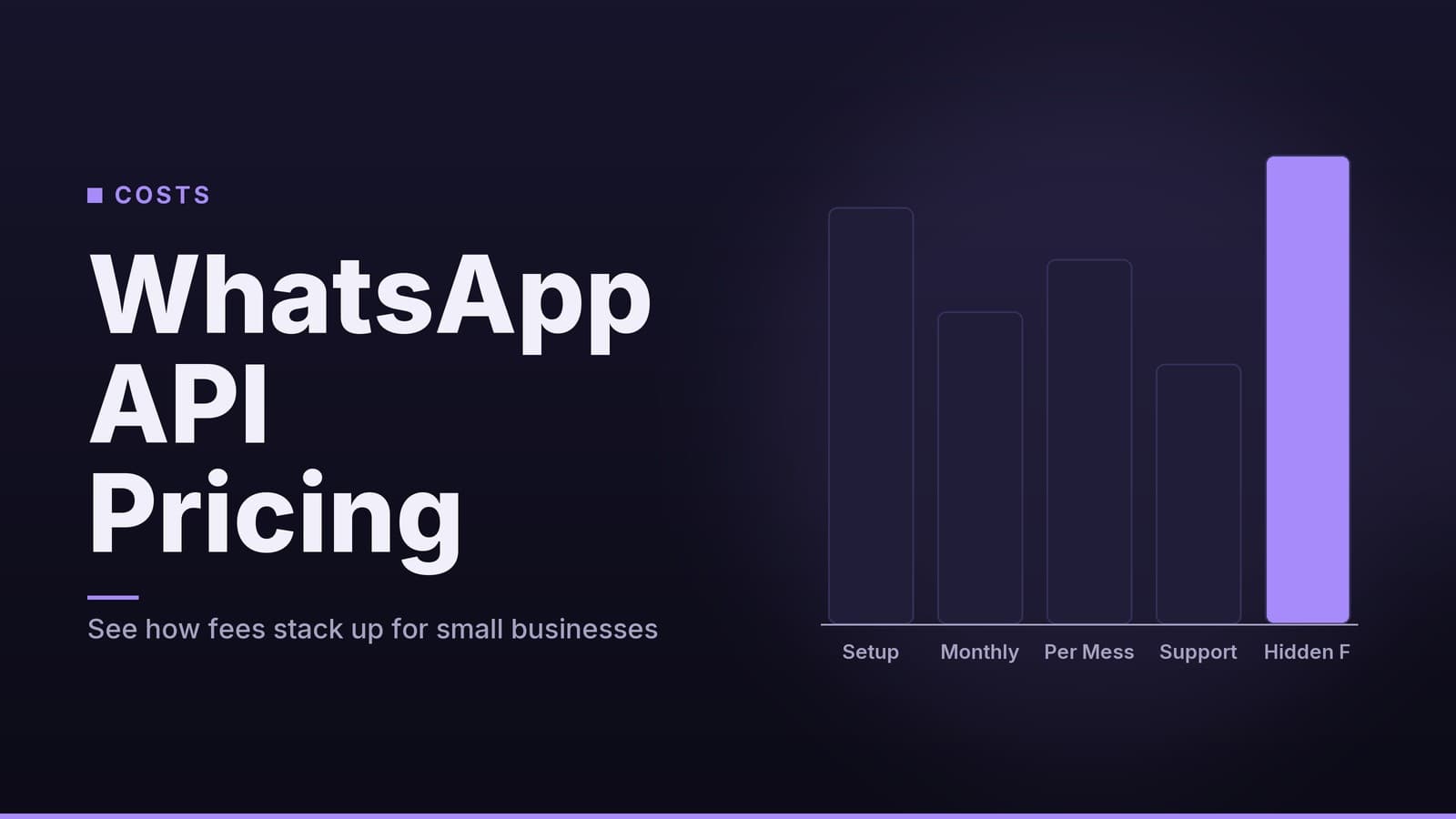
If you’re already using messaging platforms, the WhatsApp API Costs for Small Businesses: What You Need to Know article shows how to combine ChatGPT‑generated replies with a low‑cost messaging gateway.
How HeyGrowin can help
HeyGrowin builds ready‑made tools—websites, AI‑driven chatbots, CRM and booking systems—that let you plug the free ChatGPT credits straight into your daily workflow. Visit our site to see templates you can launch today without writing a line of code.
Frequently asked questions
Do I need a developer to set this up?
No. The application and credit activation are done through the web dashboard; no coding is required.
What happens if I exceed the free credits?
You’ll be billed at the standard OpenAI rates; you can set a spending limit to prevent surprises.
Can I transfer credits to another business?
Credits are tied to the account that received them and cannot be transferred.