Meta Muse: How Small Businesses Can Cut Marketing Costs
Meta Muse lets SMBs automate ad creation and optimise spend, saving time and money on marketing.
What Meta Muse Is and Why It Matters
Meta Muse is an AI-driven assistant integrated into the Facebook and Instagram advertising ecosystem. Its primary function is to assist business owners in creating, editing, and optimizing ads without requiring deep expertise in the Ads Manager interface or a full-time marketing team. In practice, the tool suggests ad copy, selects images or video clips, structures carousel layouts, and proposes budget distributions across different placements.
For a small or medium-sized business owner, the value proposition is straightforward: reduce the time and cost associated with trial-and-error creative work. By leveraging AI to handle the heavy lifting of asset generation and initial optimization, you can focus on strategy and customer service. This approach aims to make ad spend more predictable, which is critical when operating with limited marketing budgets.
It is important to distinguish Muse from standalone graphic design software or third-party ad creation tools. While many tools generate static images, Muse operates within the Meta platform, meaning it can directly link creative assets to live campaign performance data. However, it does not replace the need for strategic oversight; it is a productivity tool, not a fully autonomous marketing manager.
Getting Started: A Quick Setup Checklist
Before you can utilize Muse, your Meta business infrastructure must be correctly configured. The following steps outline the standard setup process. Note that specific interface elements may vary slightly depending on your account region and current version of Ads Manager.
| Step | Action | Purpose |
|---|---|---|
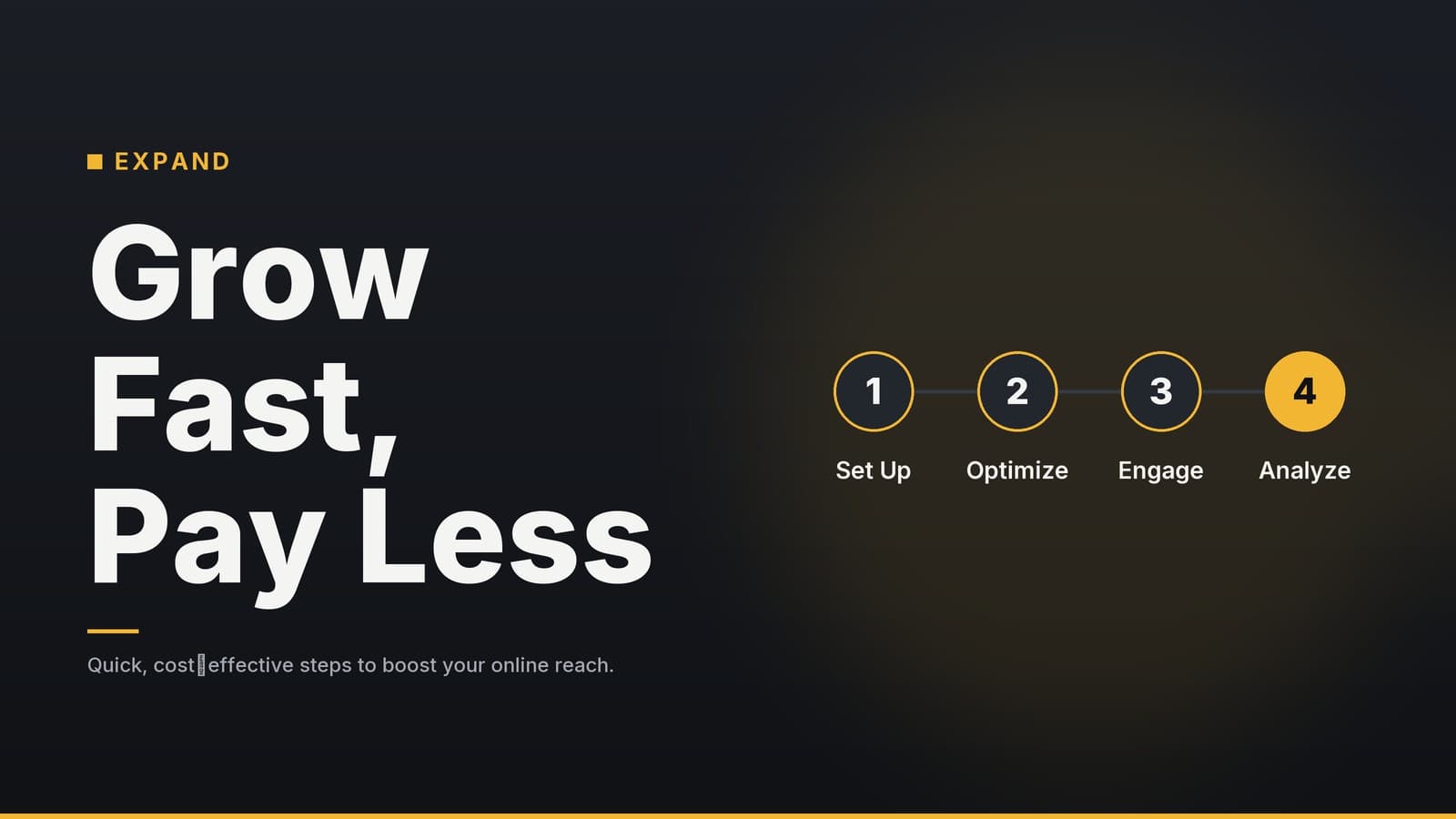
| 1 | Verify Meta Business Manager setup | Ensure your business page, ad account, and payment methods are linked in Business Manager. This centralizes access and security. |
| 2 | Grant necessary permissions | If using a team account, ensure the user accessing Muse has the appropriate role (e.g., Advertiser or Admin) to create and modify campaigns. |
| 3 | Select a campaign objective | Choose a clear goal (e.g., Conversions, Traffic, Awareness) before invoking Muse. The AI tailors its creative and budget suggestions based on this objective. |
| 4 | Define budget parameters | Set a daily or lifetime budget. Muse will operate within these constraints, allocating spend across placements automatically. |
| 5 | Initiate the Muse workflow | Within the campaign creation flow, look for the option to use AI assistance or Muse. You will typically be prompted to provide basic details about your product, audience, and tone. |
Once these steps are complete, the guided flow allows you to review AI-generated drafts. You retain full control to edit, reject, or approve any suggestion before the ad goes live.
How Meta Muse Optimizes Campaign Efficiency
Meta Muse aims to streamline three core areas of paid advertising: creative production, budget allocation, and performance monitoring. Below is a breakdown of how these features function in a typical workflow.
Creative Production Speed
Traditional ad creation often involves multiple stakeholders—designers, copywriters, and approvers—leading to longer lead times. Muse generates initial drafts of ad copy and visual layouts in seconds. For example, a café launching a seasonal promotion can generate a carousel ad with multiple image variations and taglines in minutes. This allows for rapid iteration, enabling you to test different angles with your audience quickly.
Note: The time saved depends entirely on your existing workflow. If you previously outsourced design, the savings are significant. If you already have an in-house designer, Muse serves as a brainstorming tool rather than a replacement.
Budget Allocation Logic
Muse analyzes performance data from similar ads within your industry and your own historical data to suggest budget splits across placements (such as Feed, Stories, or Reels). The goal is to direct spend toward placements that are historically more effective for your specific objective. This helps avoid the common pitfall of evenly distributing budget across all placements, which can dilute impact on high-performing channels.
Important: These suggestions are based on algorithmic predictions. They are not guarantees of performance. You should always review the suggested split against your own business goals and historical data before accepting it.
Performance Monitoring and Pausing
Muse can identify ad sets that are underperforming relative to your target cost per result. If an ad set exceeds a defined threshold for a set period, the system can flag it or, if configured, pause it automatically. This prevents "runaway spend" on ads that have lost relevance or are targeting the wrong audience.
Comparative Context: Muse vs. Other Tools
To understand where Muse fits, it is helpful to compare it with alternatives:
| Feature | Meta Muse | Third-Party Ad Design Tools | Manual Ads Manager |
|---|---|---|---|
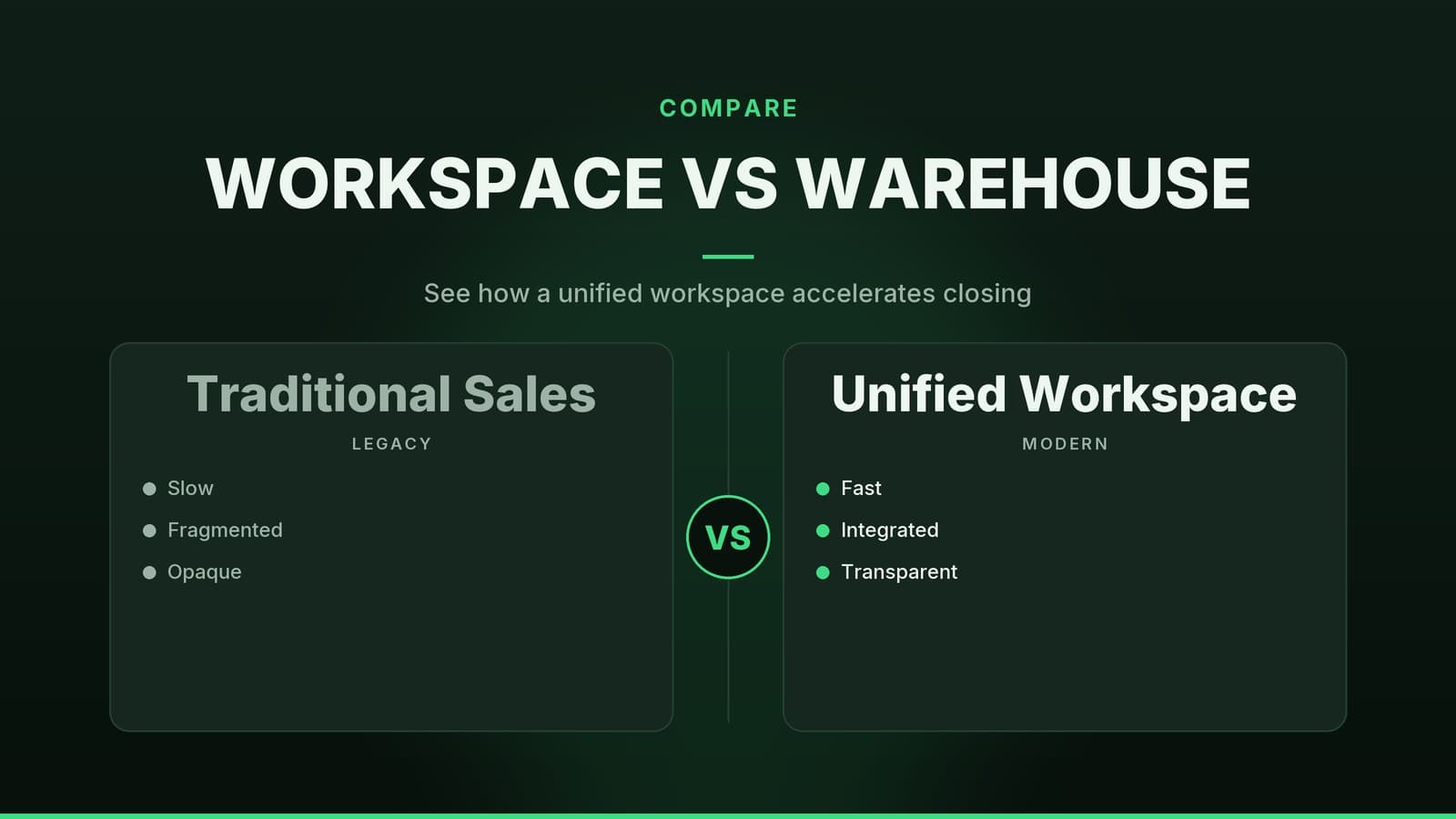
| Creative Generation | AI-generated copy and visuals integrated directly into the ad platform. | AI-generated assets that must be exported and uploaded manually. | Manual creation or upload of pre-made assets. |
| Budget Optimization | Suggests splits based on real-time Meta performance data. | Typically does not offer budget management features. | Manual allocation based on historical data or intuition. |
| Learning Curve | Low; guided prompts and automated suggestions. | Medium; requires learning the specific tool’s interface. | High; requires deep knowledge of Ads Manager settings. |
| Best For | Small teams wanting speed and integration. | Brands needing highly custom, off-platform design assets. | Agencies or marketers with dedicated ad specialists. |
Real-World Applications and Limitations
While early user feedback suggests positive outcomes, it is crucial to view these examples as anecdotal rather than statistically verified benchmarks. Individual results will vary significantly based on industry, competition, and creative quality.
| Business Type | Use Case | Reported Experience |
|---|---|---|
| Local Service Provider | Used Muse to generate variations of appointment booking ads. | Owner noted a reduction in time spent on ad setup. No independent verification of cost-per-lead changes. |
| Retail Shop | Created carousel ads for a new product line. | Reported faster launch time compared to previous manual design process. |
| Restaurant | Tested different food photography styles using AI suggestions. | Found that certain visual styles performed better, allowing for quicker creative pivots. |
Disclaimer: These examples illustrate potential workflows, not guaranteed outcomes. There is no independent third-party study confirming specific percentage drops in costs or increases in traffic for all users of Muse.
Key Limitations to Consider
- Brand Voice Consistency: AI-generated copy may lack the specific nuance of your brand voice. Every headline and call-to-action must be reviewed and edited to ensure it aligns with your brand identity.
- Data Dependency: Muse’s recommendations improve as it collects more data from your specific ads. In the initial weeks, suggestions may rely heavily on broader industry averages, which may not reflect your local market or niche.
- Placement Availability: The AI may suggest placements that are not available for your specific account or region. Always verify the preview before launching.
- Creative Saturation: Relying solely on AI-generated assets can lead to creative fatigue if the same templates are used repeatedly. Human creativity is still essential for long-term engagement.
Best Practices for Implementation
To get the most out of Meta Muse without over-relying on automation, follow these practical steps:
Establish a Review Routine Set aside a specific time each week (e.g., 30 minutes on Fridays) to review Muse’s performance reports. Focus on which creative variations are pausing or scaling, and why. Do not assume the AI’s pause decisions are always correct; sometimes an ad needs more time to gather data.
Maintain Creative Diversity Use Muse to generate initial concepts, but invest in high-quality, original photography or video where possible. AI is excellent for scaling existing assets, but original content often drives higher engagement in competitive niches.
Monitor Budget Caps Closely While Muse respects budget ceilings, it may propose aggressive splits on single placements. Ensure these splits align with your monthly marketing budget. If you have a fixed monthly cap, verify that the daily budget suggestions do not exceed this limit when multiplied by the number of days in the month.
Integrate with Your CRM To accurately measure return on investment, connect your Meta ad account with your CRM or booking system. This allows you to track conversions beyond clicks, such as completed purchases or booked appointments. Without this data, you are only measuring engagement, not business impact.
Note: Setting up CRM integrations may require technical assistance or the use of Meta’s Conversions API. Consult with a digital marketing professional if you are unfamiliar with these technical steps.
How HeyGrowin Can Help
HeyGrowin provides web presence, booking, and CRM tools that integrate with Meta advertising platforms. Our solutions help you capture leads from ads directly into your management system, ensuring that the traffic generated by Meta Muse translates into actual business opportunities. We offer ready-made integrations that reduce the technical complexity of connecting your ad spend to your customer data.
Learn more about our integrations at HeyGrowin
Summary
Meta Muse is a powerful tool for small and medium-sized businesses looking to streamline their advertising efforts. It reduces the time spent on creative production and offers data-driven suggestions for budget allocation. However, it is not a set-and-forget solution. Success requires active management, regular review of AI suggestions, and a clear understanding of your own business goals. By combining AI efficiency with human oversight, you can create more effective ad campaigns without the need for a large marketing team. Always start with small budgets to test the tool’s recommendations, and scale up only when you see consistent, verified results.
Frequently asked questions
Do I need a large budget to use Meta Muse?
No, Meta Muse is designed to work with small budgets; you can set daily limits that fit your financial plan.
Is Meta Muse free?
Meta Muse is available as part of Meta’s advertising suite; check the current pricing on Meta’s website to confirm any costs.