End‑to‑End Sales Workspace: How It Boosts Your Closing Rate
A practical guide for small‑business owners on setting up a unified sales workspace that speeds deals and improves close rates.
Why a Unified Workspace Matters
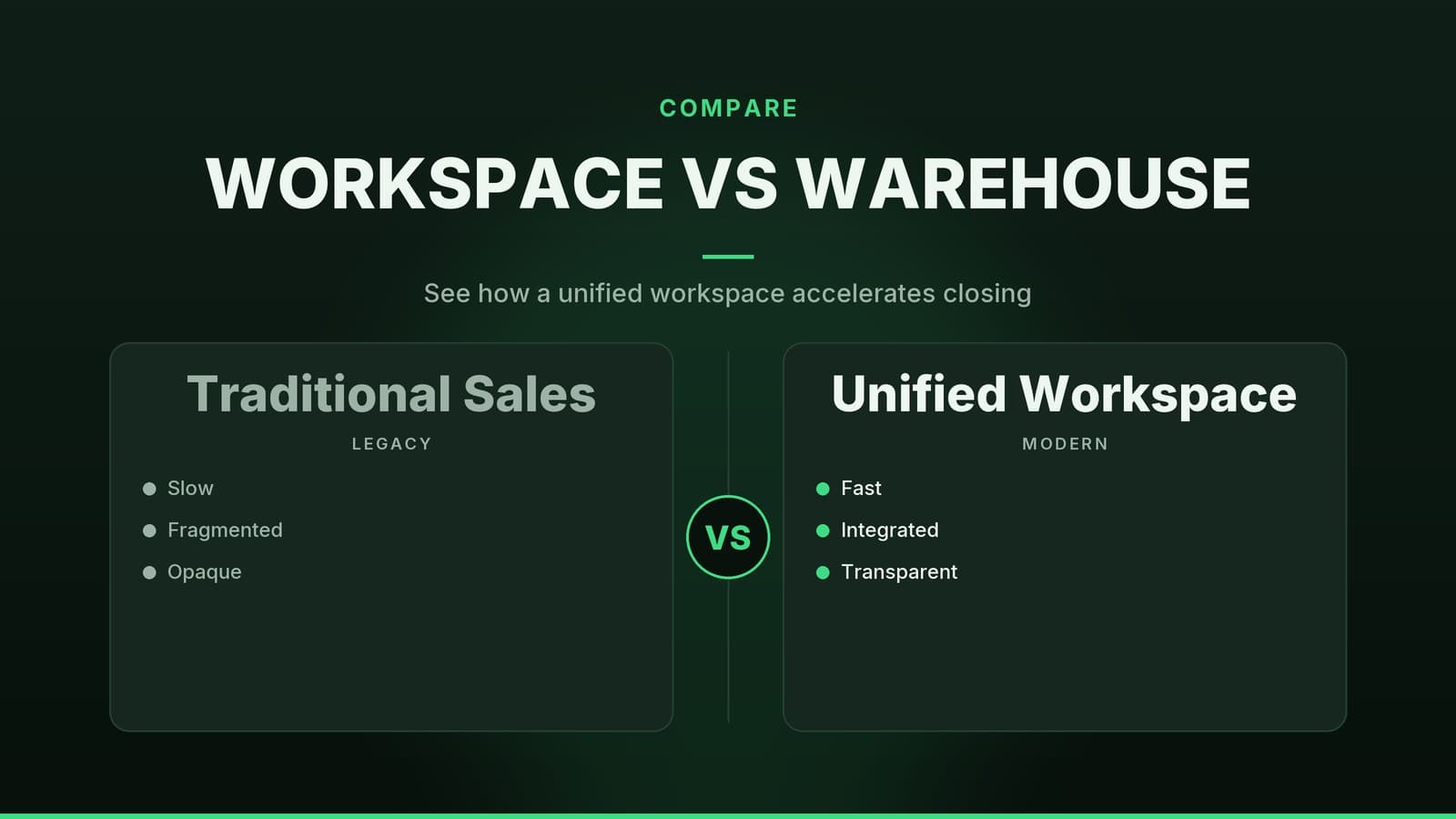
Running a sales team that jumps between a web‑form tool, a spreadsheet, an email client and a separate CRM wastes time and increases the chance of errors. A single workspace that keeps all the information in one place lets reps:
- Capture a lead instantly from a form or chat.
- Log a call or email without leaving the deal record.
- See the current stage of every opportunity in a visual board.
- Receive real‑time updates so managers can coach on the spot.
For a boutique clinic, a receptionist can capture a new patient inquiry from the website and the doctor sees the appointment request in the same screen. A café that takes catering orders via Instagram DM can log the conversation directly into the sales pipeline, so the kitchen knows the order status at a glance. The result is a smoother workflow and a higher likelihood that a lead moves through the pipeline.
Key Features to Look For
When you start evaluating tools, focus on the capabilities that directly shorten the sales cycle. Below is a checklist you can use while testing demos or free trials.
| Feature | Why it matters | Typical implementation |
|---|---|---|
| Lead capture & routing | Turns a website visitor or missed call into a qualified record instantly. | Web forms that auto‑populate the CRM; rules that assign leads to the right rep based on location or product line. |
| Deal tracking | Gives you a visual map of where each prospect sits in your process. | Drag‑and‑drop pipelines with custom stages (e.g., “Initial consult”, “Proposal sent”, “Contract signed”). |
| Integrated communication | Removes the need to toggle between email, phone and chat apps. | One‑click email, call or SMS from the deal record; chat history attached to the customer profile. |
| Reporting & analytics | Shows you where bottlenecks are and what’s working. | Dashboards with win‑rate, average deal age, forecasted revenue. |
| Automation | Handles repetitive tasks so reps can focus on selling. | Auto‑send follow‑up emails, set reminders, trigger alerts when a deal stalls. |
Below we unpack each feature with practical examples.
Lead Capture & Routing
Web forms that auto‑populate CRM – Instead of receiving a contact request in an inbox and then manually entering the details, a form on your site pushes the name, phone, and service interest straight into the sales record.
Example: A physiotherapy clinic adds a “Book a free assessment” button. The form fills the CRM, tags the lead as “New Assessment”, and notifies the nearest therapist automatically.Rules that assign leads to the right rep – Set criteria such as zip code, product line, or language preference. The system routes the lead to the team member best equipped to close it.
Example: A boutique clothing store sells both men’s formal wear and women’s casual wear. Leads that select “Men’s suits” go to the sales associate who handles tailoring, while “Women’s dresses” go to the fashion consultant.
Quick checklist
- Does the tool provide a drag‑and‑drop form builder?
- Can you map form fields to CRM fields without code?
- Are routing rules based on simple conditions (e.g., “if source = Google then assign to John”)?
Deal Tracking
A visual pipeline replaces a static spreadsheet. Each stage can have its own required actions and probability of closing.
| Typical stage (clinic) | Action required | Probability (example) |
|---|---|---|
| New inquiry | Send welcome email | 10 % |
| Initial consult booked | Confirm appointment | 30 % |
| Consultation completed | Send treatment proposal | 55 % |
| Proposal accepted | Schedule first session | 80 % |
| Service delivered | Request referral | 95 % |
For a small logistics firm, stages might be “Quote requested”, “Quote sent”, “Negotiation”, “Contract signed”. The visual board lets the manager spot any “stuck” deals – perhaps a quote that’s been sitting for more than five days – and intervene.
Implementation tip
Start with the stages you already use on paper. Most tools let you rename or add stages later, so you won’t need to redesign the whole process upfront.
Integrated Communication
When the email, call and chat histories live inside the deal record, you avoid “I forgot what we promised” moments.
- One‑click email – Open the deal, hit “Email”, and the system pulls the prospect’s address automatically.
- One‑click call – If the tool integrates with your VoIP provider, click the phone icon to dial directly, and the call log appears on the record.
- Chat history – For businesses that use WhatsApp or Facebook Messenger, a connector can pull the conversation into the CRM.
Real‑world note: A small gym uses a single dashboard to send follow‑up emails after a trial class, log inbound calls about membership, and keep a record of SMS reminders for upcoming sessions. The coach sees at a glance whether the prospect has responded, reducing the chance of double‑booking.
Reporting & Analytics
Data is only useful if you can act on it. Look for dashboards that you can customise without a spreadsheet wizard.
- Win/loss rates – See which service lines close most often.
- Average sales cycle length – Identify stages that drag out longer than expected.
- Forecasting – Based on historical close rates, the system can suggest next‑month revenue, but the accuracy will vary with the amount of data you feed it.
If you need deeper insight, many tools allow you to export raw data to a BI platform, but for most SMBs the built‑in charts are sufficient.
Automation
Automation is the “glue” that keeps the workflow moving without manual nudges.
| Automation example | Benefit |
|---|---|
| Auto‑send a thank‑you email after a lead fills a form | Immediate acknowledgement, higher response rate |
| Set a reminder 2 days after a proposal is sent | Prevents deals from falling through the cracks |
| Trigger an alert when a deal stays in “Negotiation” > 7 days | Gives managers a chance to step in early |
A quick way to start: map the three most repetitive tasks in your current process (e.g., “send follow‑up after demo”, “remind about payment due”, “notify manager of stalled deal”) and look for a tool that can handle those out‑of‑the‑box.
Choosing the Right Tool
Not every sales workspace fits every business. Below is a high‑level comparison of three common approaches you’ll encounter in the market. Use it as a starting point for your own research; pricing and exact feature lists vary by vendor.
| Approach | Typical cost model | Integration depth | Best for | Trade‑offs |
|---|---|---|---|---|
| All‑in‑one CRM with built‑in communication | Per user per month, often tiered by contacts | Email, chat, and sometimes phone via add‑ons | Businesses that want a single login and minimal setup | May need extra plugins for niche channels (e.g., WhatsApp) |
| CRM + separate communication suite | Separate subscriptions; CRM per user, phone per seat | Deep phone integration, but requires linking records manually | Companies with high call volume that need advanced telephony features | Higher total cost, extra learning curve to keep data in sync |
| Lightweight pipeline tool with automation add‑ons | Low per‑user fee; automation may add per‑task cost | Connects to many apps via third‑party connectors | Small teams that already use a set of best‑of‑breed tools | Less native reporting; reliance on third‑party reliability |
How to evaluate
- Map your current workflow – List every app you touch from lead capture to invoicing.
- Score each feature – Rate importance (1‑5) for lead capture, pipeline, communication, reporting, automation.
- Add cost and effort – Estimate monthly spend and the time needed for setup and training.
- Pilot with a single rep – Run a 2‑week test on a real prospect to see if the tool actually reduces the steps you outlined.
If you’re already using a marketing platform that captures leads, check whether it offers a native CRM. Many small businesses start with the free tier of an all‑in‑one solution and upgrade only when the number of active contacts exceeds the free limit.
Implementing the Workspace in Your Business
A tool is only as good as the process you build around it. Below is a step‑by‑step plan that works for a variety of SMBs – from a dental clinic to a local delivery service.
1. Consolidate Existing Data
- Export leads from spreadsheets, email lists, and any legacy CRM.
- Clean the list (remove duplicates, standardise phone formats).
- Import into the new workspace using the built‑in CSV import wizard.
Tip: Most platforms let you map columns during import, so you can keep custom fields like “Preferred appointment time”.
2. Set Up Lead Capture Forms
- Use the built‑in form builder to create a simple “Get a quote” form.
- Add hidden fields for tracking source (Google, Facebook, referral).
- Embed the form on your website or link it in a QR code on printed flyers.
Example: A small real‑estate agency adds a “Schedule a viewing” button on each property page. The form automatically assigns the lead to the agent who listed the property.
3. Define Pipeline Stages
- Start with 4‑5 stages that mirror your current sales steps.
- Assign probability percentages (helps with forecasting).
- Add required actions (e.g., “Send proposal” as a mandatory task before moving to “Negotiation”).
4. Configure Routing Rules
- If you have multiple reps, set up simple rules: “If lead source = Instagram, assign to Sarah”.
- Test with a few dummy submissions to confirm the right person gets notified.
5. Enable Integrated Communication
- Connect your business email (Gmail, Outlook) so that clicking “Email” opens a pre‑filled draft.
- If you use a VoIP provider, follow the vendor’s guide to add a click‑to‑call button.
- For SMS or WhatsApp, check whether a native integration exists; otherwise, a Zapier‑style connector can bridge the gap.
6. Build Dashboards
- Create a “Weekly Pipeline” view showing total value per stage.
- Add a “Top 5 Stalled Deals” widget that flags any deal older than 7 days in the same stage.
- Share the dashboard with managers and set up email delivery every Monday morning.
7. Automate Routine Tasks
- Follow‑up email: Trigger when a lead moves to “Initial contact”. Use a template that references the prospect’s name and the service they requested.
- Reminder: Set a 48‑hour reminder for reps to call back after a demo.
- Alert: When a deal’s probability drops below 30 % for more than three days, send a notification to the sales manager.
8. Train the Team
- Hold a 30‑minute live demo focusing on the three actions reps will do daily: capture a lead, log a call, move a deal.
- Provide a one‑page cheat sheet with shortcut keys (e.g., “Ctrl + E” for email).
- Schedule a follow‑up after one week to collect feedback and tweak any rules.
9. Review and Iterate
- After the first month, compare the average time from lead capture to first contact with your baseline (you can find this in the “Lead response time” report).
- Identify any bottlenecks: perhaps the “Proposal sent” stage is taking too long because the template isn’t attached.
- Adjust the pipeline or add a new automation step accordingly.
Next Steps
- Audit your current sales tools and note the pain points that slow you down.
- Create a shortlist of three platforms that match the criteria above.
- Run a short pilot with one sales rep to see how the new workspace handles a real prospect.
- Measure the time spent on each step (capture, follow‑up, closing) before and after the pilot.
- Decide whether the workflow gains justify the cost and effort of implementation.
How HeyGrowin can help
HeyGrowin builds the kind of integrated sales workspace you need – from web‑form capture to CRM, automation and reporting – and offers ready‑made tools that small businesses can start using right away. Learn more at HeyGrowin.
Frequently asked questions
Do I need a dedicated IT team to set up a sales workspace?
No, most modern tools offer guided setup and support, and many can be configured by a non‑technical user.
Will this replace my existing tools?
It can replace multiple tools, but you can also integrate it with your current systems if you prefer.