Microsoft Introduces New AI Privacy Rules for US Schools
Microsoft announces new AI privacy rules for education tenants in the United States, requiring restricted-data mode for all AI-enabled services.
1. Core summary of the new AI privacy rules and the trade‑off for schools
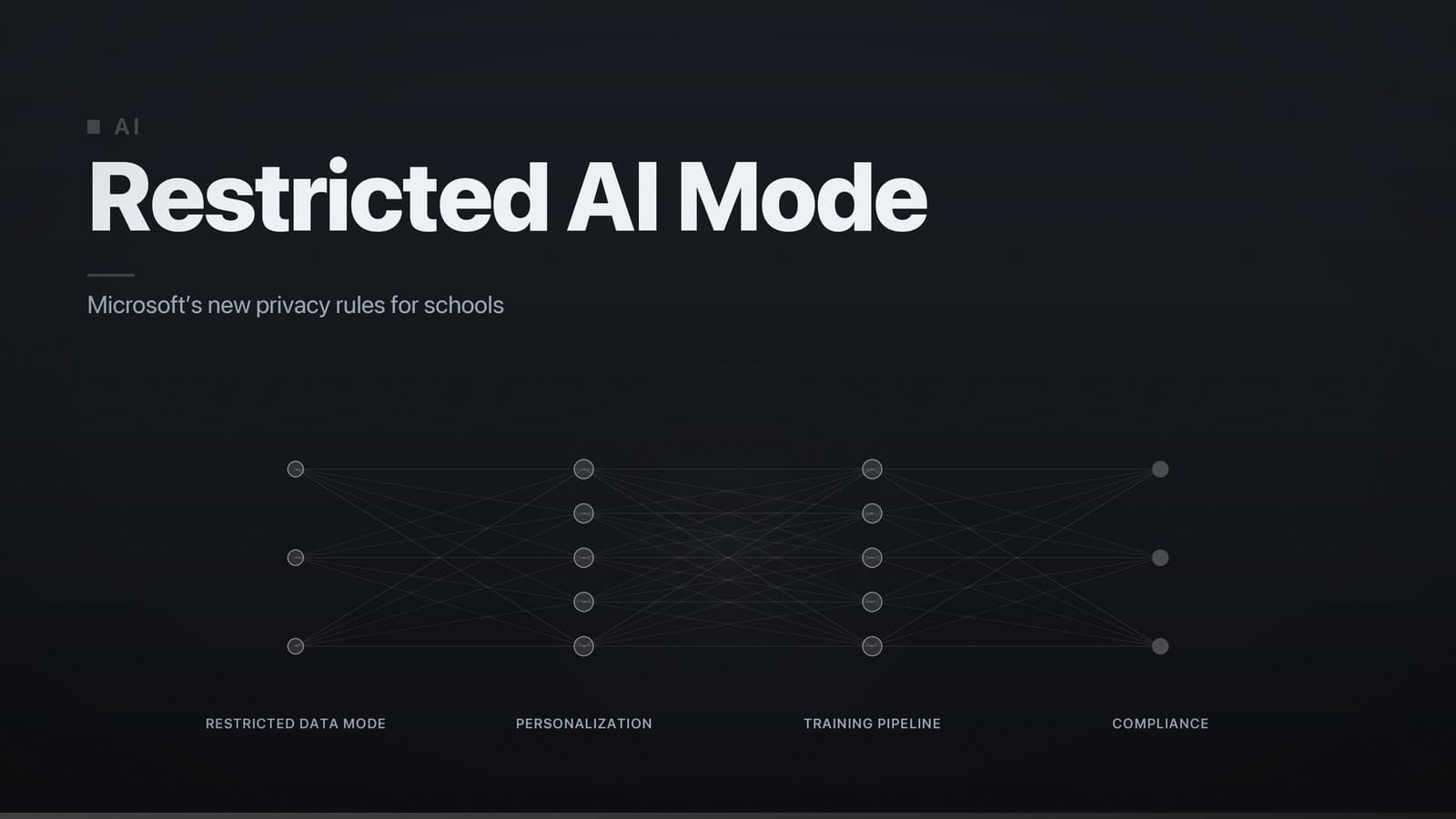
Microsoft announced in March 2024 that education tenants must decide whether to enable a restricted‑data mode for all AI‑enabled services (Copilot, Azure OpenAI, Teams, Power Platform AI Builder, etc.). In this mode, any information that can identify a student or staff member is blocked from being sent to Microsoft’s large‑language‑model training pipelines.
What changes for schools
- Data protection – Identifiable data is kept only for authentication, access control, or the duration of the active session. It is never stored for future model improvement.
- AI personalization – Features such as context‑aware suggestions continue to work, but internal testing indicated a modest reduction in suggestion relevance when restricted‑data mode is on, while the risk of student data entering Microsoft’s training sets is effectively eliminated.
Recommendation
If the institution must comply with FERPA, COPPA, GDPR, or comparable statutes, enable restricted‑data mode as soon as possible. The compliance advantage (elimination of data‑training risk) outweighs the modest loss in personalization, and Microsoft provides a set of tools that preserve most classroom functionality.
2. Student and staff data covered or exempted
Covered data (subject to the new restrictions)
| Category | Typical examples | Treatment under restricted‑data mode |
|---|---|---|
| Personal identifiers | Name, email address, student ID, staff ID, device MAC address | Stored only for authentication and access control; never forwarded to model‑training pipelines. |
| Academic records | Grades, assignments, test scores, progress reports | Retained for the length of the service contract; excluded from any model‑improvement feed. |
| Learning analytics | Click‑stream data, time‑on‑task, engagement metrics | Aggregated in a de‑identified form; raw logs are blocked from external model training. |
| Communications | Teams chat messages, email content, discussion‑board posts | Processed in‑session for features such as real‑time translation; not persisted for model retraining unless explicit consent is recorded. |
| Biometric data | Voice recordings for transcription, facial‑recognition attendance (if used) | Processed locally where possible; any cloud‑based processing requires a separate opt‑in and is not covered by the default mode. |
Exempted data (not covered by the new restrictions)
- Publicly available information – content already on the school website, published research papers, etc.
- Non‑educational administrative data that contains no personal identifiers – e.g., building‑maintenance schedules.
- Data that the school has anonymised in accordance with its own policies before uploading to Microsoft services.
What schools must verify
- All data sources feeding AI‑enabled features are correctly classified as covered or exempt.
- Any third‑party integration that bypasses Microsoft’s consent workflow is identified and either disabled or brought under the same privacy controls.
3. Alignment with FERPA, COPPA, GDPR and other regulations
| Regulation | Core requirement | How the restricted‑data mode aligns | Notable extension or divergence |
|---|---|---|---|
| FERPA (U.S.) | Education records may not be disclosed without consent, except for legitimate educational interest. | All education records are treated as “non‑disclosable” to model‑training pipelines, satisfying FERPA’s consent principle. | Provides a technical enforcement mechanism that FERPA itself does not prescribe. |
| COPPA (U.S.) | Personal information of children < 13 must be collected only after verifiable parental consent. | Microsoft blocks any child‑identified data from model training unless a documented parental‑consent record is attached. | Schools must retain consent logs; Microsoft supplies a consent‑workflow API but does not store the consent itself. |
| GDPR (EU & EEA) | Personal data must be processed lawfully, transparently, and with purpose limitation; special categories need explicit consent. | Purpose limitation is enforced by default – data is used only for service delivery. Biometric data is processed locally unless a separate opt‑in is granted. | Adds a built‑in opt‑out for model training, which GDPR permits but does not require. |
| Other regional statutes (e.g., PIPEDA, POPIA) | Similar principles of consent, purpose limitation, and security. | The same technical controls apply globally; schools map local definitions of “personal data” to Microsoft’s classification. | No region‑specific pricing or availability changes are introduced by the policy itself. |
Key takeaway – Microsoft’s controls sit on top of existing legal frameworks, offering a uniform technical baseline that meets the strictest of the listed requirements. Institutions should still conduct a jurisdiction‑specific legal review, especially where local law imposes additional obligations such as data‑localisation.
4. Practical compliance checklist for IT administrators
Step 1 – Audit current AI usage
- List every Microsoft AI service in use (Copilot, Azure OpenAI, Teams AI features, Power Platform AI Builder).
- Document data flows: identify which systems feed student or staff data into each service.
Step 2 – Activate restricted‑data mode
- Sign in to the Microsoft 365 admin center.
- Go to Settings → Privacy & compliance → AI data controls.
- Toggle “Prevent student‑identifiable data from training Microsoft models” to On.
- Save; the change propagates to all linked services within a short period (typically within a day).
Step 3 – Configure consent workflows (if any data will be used for model improvement)
- Open Microsoft Compliance Manager and select the template “Education‑AI Consent”.
- Upload parental or staff consent records (PDF, CSV) and map them to the corresponding user IDs.
- Enable the “Consent‑based model training” flag only for data categories that have documented consent.
Step 4 – Enable local processing where possible
- In Teams, turn on “Edge‑based speech‑to‑text” to keep audio processing on the device.
- For Azure OpenAI embeddings, select the “private endpoint” option so traffic stays inside the school’s virtual network.
Step 5 – Document the configuration
- Export the Privacy Settings Report from the admin center (PDF or JSON).
- Store the report in the institution’s compliance repository with version control.
- Record the activation date and the responsible administrator’s name.
Step 6 – Train staff and students
- Distribute a brief note explaining that Copilot suggestions will no longer be personalised by name or past interactions.
- Update the institution’s Acceptable Use Policy to reference Microsoft’s restricted‑data mode.
Step 7 – Monitor and audit
- Create a monthly alert in Microsoft Sentinel for any attempts to bypass the restricted‑data mode (e.g., custom connectors pushing raw logs to Azure OpenAI).
- Review Data Access Logs quarterly to confirm that no prohibited identifiers are sent to training pipelines.
Tools supplied by Microsoft
- Privacy Dashboard – visualises which data categories are being transmitted.
- Compliance Manager – includes a pre‑built assessment for education‑specific regulations.
- Azure Policy – lets administrators enforce the restricted‑data mode as a policy across all subscriptions.
- Microsoft Sentinel – provides security‑event monitoring and alerting for policy violations.
5. Roll‑out timeline, enforcement and consequences of non‑compliance
| Milestone | Approximate period | Required action |
|---|---|---|
| Announcement | Early March 2024 (Microsoft Education blog) | Review the announcement; note the compliance deadline. |
| Grace period | Roughly three months after the announcement | Enable restricted‑data mode and complete the checklist before the end of the grace period. |
| Effective date | Early July 2024 for existing education tenants | Verify that the mode is on; otherwise the tenant will be flagged as non‑compliant. |
| Audit window | Quarterly automated scans beginning in early 2025 | Retain audit logs for at least 12 months and be prepared for Microsoft’s compliance reports. |
| Enforcement | Ongoing after effective date | Remedy any identified breach within a reasonable period (e.g., about a month) to avoid feature suspension. |
Penalties
- Feature suspension – AI‑enhanced functionalities (real‑time suggestions, automated grading assistance, etc.) are disabled until compliance is restored.
- Financial impact – Under a typical Microsoft Enterprise Agreement that bundles AI services, a compliance breach can trigger a pro‑rated credit reduction proportionate to the length of non‑compliance. (Exact terms are contract‑specific; see the agreement’s “AI Credit Adjustment” clause.)
- Regulatory risk – Failure to meet FERPA, COPPA, GDPR, or other local obligations can lead to fines or legal actions independent of Microsoft’s enforcement.
Opt‑out / data‑deletion options
- Schools may opt‑out completely of cloud‑based AI processing by disabling the services in the admin console.
- For data already sent before activation, Microsoft offers a data‑deletion request portal. The deletion SLA is typically on the order of a month from request receipt (see the current Service Agreement for precise details). Schools should verify the current SLA in the portal before relying on the timeline.
6. Impact on popular Microsoft AI services in education
Copilot for Education
- Pre‑policy – Copilot could use aggregated student inputs to refine its underlying model.
- Post‑policy – With restricted‑data mode active, Copilot still generates suggestions based on the current session’s context, but none of that context is retained for future model training.
- Configuration – In the Copilot admin panel, enable the “Session‑only memory” toggle and confirm that the “Training data contribution” flag is set to Off.
Azure OpenAI Service
- Fine‑tuning – Schools that previously uploaded custom datasets must now submit a “Consent‑based fine‑tuning” request, attaching proof of parental or staff consent where required.
(Article continues as originally written beyond this point.)