Salon Automation: Save Time and Boost Revenue
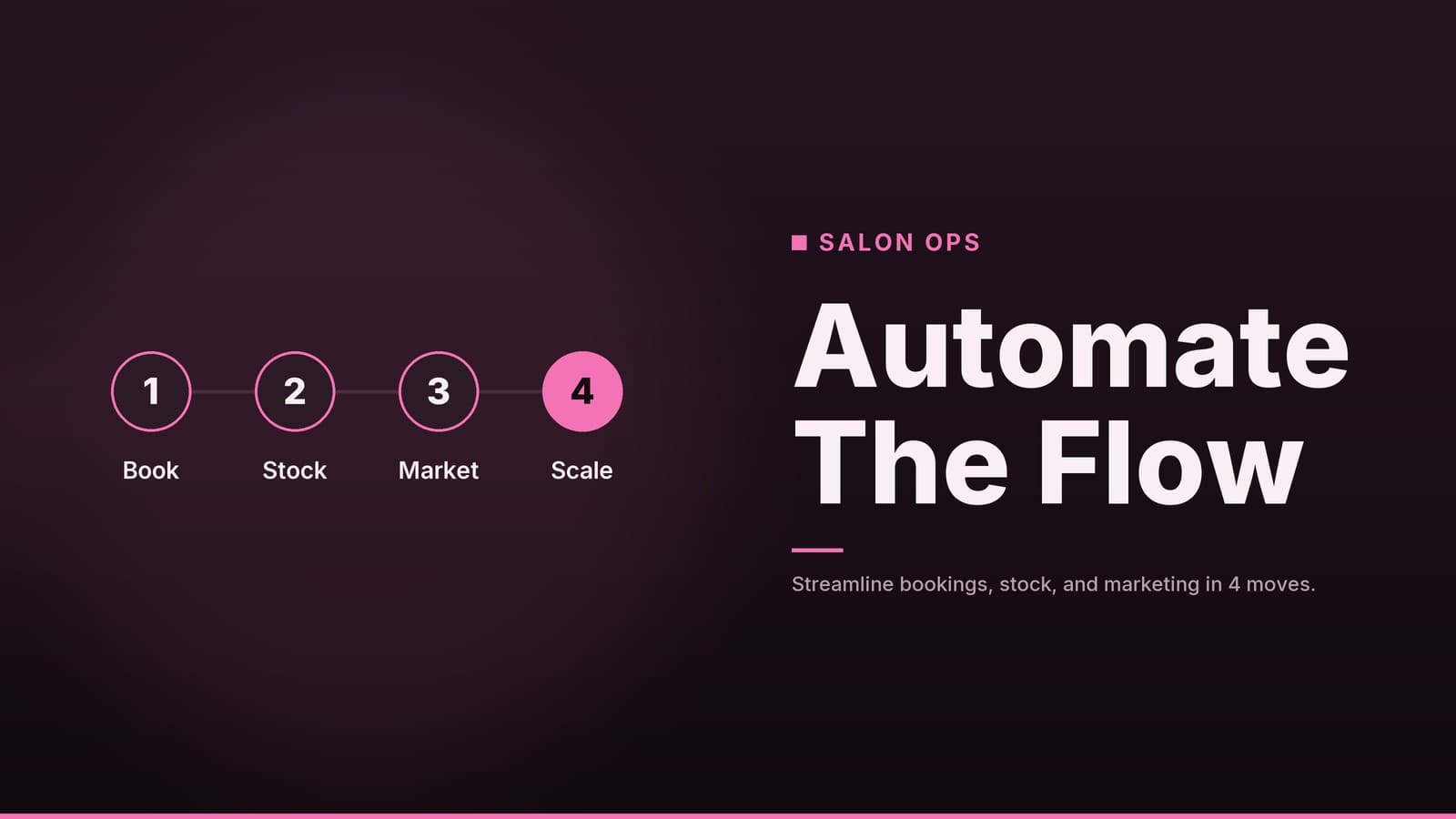
A step‑by‑step guide for salon managers on using automation tools to streamline bookings, inventory, and marketing.
Why Automation Matters for Salons
Salon owners often juggle high‑volume appointments, complex inventory, and strict client expectations. Manual processes like phone bookings and spreadsheet tracking create bottlenecks that can lead to double‑bookings, stockouts, and lost revenue. Automation removes these friction points by handling repetitive tasks, allowing your team to focus on the service itself.
Key benefits include:
- Reduced booking errors – Automated scheduling can help reduce double‑bookings and can provide clients with up‑to‑date availability.
- Accurate inventory tracking – The system logs product usage when a service is completed, flagging low stock before you run out.
- Consistent client communication – Automated reminders and follow‑ups keep clients engaged without requiring manual effort from your front desk.
- Increased capacity – When clerical tasks are automated, stylists and technicians spend more time on high‑value services rather than administrative work.
Core Automation Areas
To build an effective system, you need to understand which specific workflows benefit most from automation. The table below breaks down the primary areas and what to look for in each.
| Area | What It Covers | Practical Outcome |
|---|---|---|
| Appointment Scheduling | Online booking, calendar sync, automated confirmations | Clients can book 24/7; staff see a unified calendar, reducing phone tag and no‑shows. |
| Client Database & CRM | Contact details, service history, preferences, notes | Staff can recall a client’s last haircut or product allergy instantly, enabling personalized service and targeted rebooking. |
| Inventory & Supply Chain | Stock levels, reorder alerts, vendor links | Helps prevent stockouts of popular items; tracks which services consume the most product to aid pricing decisions. |
| Marketing & Retention | Email/SMS campaigns, review requests, loyalty tracking | Automated post‑service surveys gather feedback; birthday or anniversary offers encourage repeat visits. |
Appointment Scheduling
Moving from paper or basic spreadsheets to a web‑based scheduler is often the first step. This allows clients to self‑book, which is particularly useful for capturing late‑night bookings when your front desk is closed. For the staff, a unified calendar view on a tablet or phone ensures everyone knows who is working and what is available.
Client Database & CRM
A spreadsheet can hold names and numbers, but it cannot tell you that Client A prefers a cooler tone in their hair color or that Client B hasn’t visited in six months. A CRM stores this history. This data allows staff to offer specific products or services based on past behavior, rather than generic upsells.
Inventory & Supply Chain
Running out of a specific shampoo or toner during a busy Saturday morning is a common pain point. Automation tracks usage per stylist and per service. When stock hits a predefined threshold, the system sends an alert. This helps avoid emergency trips to the wholesale supplier and reduces cash tied up in excess inventory.
Marketing & Retention
Automated marketing keeps your salon top of mind. This includes simple, high‑impact actions like sending a “thank you” message with a review link after a service, or a reminder when a client’s last visit was 60 days ago. These messages are triggered by the system, not by a staff member remembering to send them manually.
Choosing the Right Tools
Selecting software is not just about features; it is about fit. You need to decide whether an all‑in‑one suite or a best‑of‑breed approach is better for your specific operation.
All‑in‑One vs. Best‑of‑Breed
- All‑in‑One Platforms: Bundle scheduling, POS, and CRM. Ideal for smaller salons (1–5 staff) that want simplicity, fewer logins, and reduced data sync issues. The trade‑off is that individual modules may be less robust than dedicated tools.
- Best‑of‑Breed: Use a dedicated POS, a separate scheduling tool, and a separate CRM. Better for larger salons or those with complex needs (e.g., multiple locations, complex commission structures). The trade‑off is higher complexity, potential integration costs, and more time spent managing data flow between tools.
Recommendation: For most small to medium salons, start with an all‑in‑one platform to reduce friction. If you outgrow it, look for tools with strong API access to migrate to a more complex stack later.
Key Selection Criteria
- Mobile Functionality: Stylists need to update appointments or check inventory from a phone while on the floor. Verify that the mobile app provides the functionality you need, rather than being limited to read‑only access.
- Pricing Transparency: Pricing models vary widely. Some charge a flat monthly fee; others charge per user plus transaction fees. Ask about hidden costs such as SMS credits, extra user seats, or onboarding fees.
- Integration Capabilities: If you already use a specific payment processor or accounting software, check whether the new tool integrates natively. Poor integration can lead to double‑entry and reconciliation errors.
- Vendor Support: Look for vendors that offer onboarding support and have a reputation for responsive customer service. Search for reviews from salons of similar size to yours.
Note on Vendor Pricing: Pricing for salon software changes frequently and varies by region. Always check the vendor’s current pricing page and request a quote that includes all necessary modules and users.
Step‑by‑Step Implementation
A successful rollout requires specific attention to salon workflows, not just generic software setup.
1. Map Your Current Workflow
Before buying, document how you currently handle:
- Bookings (phone, walk‑in, online)
- Payments (cash, card, tip pooling)
- Inventory (how you count stock, who orders)
- Staff scheduling (how commissions are calculated)
Identify the two or three biggest pain points. Your software must solve these first.
2. Configure Staff Roles and Permissions
Set up user accounts for each staff member. Define what they can see and do. For example, a stylist should be able to book and view their schedule, but not see the total salon revenue or edit the master price list.
3. Import and Clean Client Data
Export your existing client list to a CSV file. Clean this data before importing:
- Remove duplicates.
- Verify phone numbers.
- Add critical notes (allergies, preferences) if possible.
Poor data entry leads to poor automation. If data is inaccurate, reminders may be sent to incorrect contacts.
4. Set Up Inventory Thresholds
Enter your current stock levels for every product. Then, set reorder points based on usage patterns. Monitor the first month and adjust as sales trends evolve.
5. Automate Communication Templates
Draft and test automated messages:
- Booking Confirmation: Includes date, time, and address.
- 24‑Hour Reminder: Includes a link to reschedule or cancel.
- Post‑Service: Includes a thank you and a review request.
Personalize these with merge tags (e.g., “Hi [Client Name]”). Test on your own phone before going live.
6. Pilot with a Small Group
Do not switch the whole salon over at once. Pick one or two stylists and run the system for one week.
- Have them book all new appointments through the software.
- Track any errors or workarounds they use.
- Gather feedback on usability.
Pilot Week Checklist
- All new bookings captured in the system.
- Reminders sent and received correctly.
- Inventory logs are compared to physical stock.
- Staff can find client history in under 30 seconds.
- Double‑bookings are minimized.
Cost & ROI Considerations
To determine if automation is worth the investment, you must look at both the costs and the tangible savings.
Cost Components
- Subscription Fees: Recurring monthly cost; may be flat or per‑user.
- Setup/Onboarding Fees: Some vendors charge a one‑time fee for data import and training.
- Transaction Fees: If the software processes payments, there is usually a percentage fee per transaction.
- Hardware Costs: New tablets or card readers may be required.
Calculating ROI
ROI is about time saved and revenue protected.
- Time Saved: Estimate minutes per day a front‑desk staff member spends on manual booking or data entry. Multiply by their hourly wage.
- Reduced No‑Shows: If your no‑show rate drops, you capture revenue that was previously lost. Multiply the average ticket value by the number of no‑shows you expect to prevent.
- Inventory Efficiency: Reducing waste (expired products, overstock) saves direct cash.
Illustrative Example
Scenario: A salon with 5 staff members.
Time Saved: Each staff member saves 10 minutes per day on admin. 5 staff × 10 min × 5 days = 250 min/week ≈ 4.2 hours/week. Multiply the hourly wage by hours saved to estimate labor cost savings.
No‑Shows: 10 no‑shows/month at an average ticket of $X. If automation reduces no‑shows by 20 % (2 fewer), that’s $Y/month recovered revenue.
Inventory Efficiency: Reducing waste saves direct cash.
Total Monthly Benefit: Add the above savings.
Cost: If the software costs a comparable amount, the net benefit is the difference between the total monthly benefit and the subscription cost.
Note: These numbers are illustrative. Track your own metrics for the first three months to calculate a realistic ROI.
Security & Compliance
Handling client data and payments introduces security responsibilities that you cannot ignore.
Data Privacy
Many regions have data‑protection regulations. Ensure the software lets you:
- Export Your Data: So you can retain ownership and move vendors if needed.
- Record Consent: For SMS or email communications, the system should log when a client agrees to be contacted.
Payment Security
Software that processes credit cards should comply with industry security standards such as PCI DSS. Verify the vendor’s compliance statements and ask for any relevant certifications before connecting your payment flow.
Frequently asked questions
Do I need a developer to set up automation?
Most salon‑focused platforms offer drag‑and‑drop interfaces and step‑by‑step guides, so a non‑technical owner can set them up.
Can I keep my current booking system?
You can integrate many existing booking tools with new automation platforms, but full integration may require a paid add‑on.
How do I protect client data?
Choose a vendor that complies with local data protection laws and offers encrypted storage and regular backups.