Top Email Marketing Tools for Non‑Profit Organizations
A practical guide to choosing and using email marketing platforms that fit non‑profit budgets and goals.
Why Email Still Matters for Non‑Profits
- Direct line to supporters – Email lands in an inbox that the recipient has chosen to receive messages from you, unlike a social‑media feed that can be hidden by algorithms.
- Cost‑effective outreach – Many email platforms charge a monthly fee based on the size of your list rather than per email sent, allowing you to reach large audiences without paying per‑send.
- Targeted messaging – By grouping donors, volunteers, or event attendees into segments, you can tailor each ask to the recipient’s history and interests, which often yields higher engagement than a one‑size‑all blast.
These three reasons make email a reliable backbone for fundraising, volunteer coordination, and community updates.
Features to Look for in a Non‑Profit Email Tool
| Feature | Why it matters for a charity | What to check |
|---|---|---|
| Segmentation & tagging | Lets you speak directly to donors of different giving levels, volunteers for specific events, or new newsletter subscribers. | Drag‑and‑drop list builder, custom fields or tags, ability to import from your existing donor spreadsheet or CRM. |
| Integrated or easily linked donation forms | Streamlines the steps between “click” and “give,” which can help improve conversion. | Native payment‑gateway support (e.g., PayPal, Stripe) or a simple way to embed a form hosted on your website with tracking parameters. |
| Automation workflows | Sends welcome messages, receipts, or reminders automatically, freeing staff time and ensuring timely communication. | Trigger‑based actions (e.g., “donation received → send thank‑you”), pre‑built templates for common sequences. |
| Reporting that ties email activity to donations or sign‑ups | Shows board members the real fundraising impact of each campaign. | Dashboards that combine opens/clicks with revenue or volunteer‑registration data, and the ability to export reports. |
| Integrations with volunteer‑management, event, or CRM systems | Keeps your contact data synchronized across tools, avoiding duplicate entry. | Connectors for popular platforms (e.g., CiviCRM, Bloomerang, Eventbrite) or a well‑documented API. |
| Affordability and non‑profit pricing | Tight budgets mean you need predictable costs that grow with your list size. | Verify that the vendor offers a verified‑non‑profit discount or a free tier that includes the core features you need. |
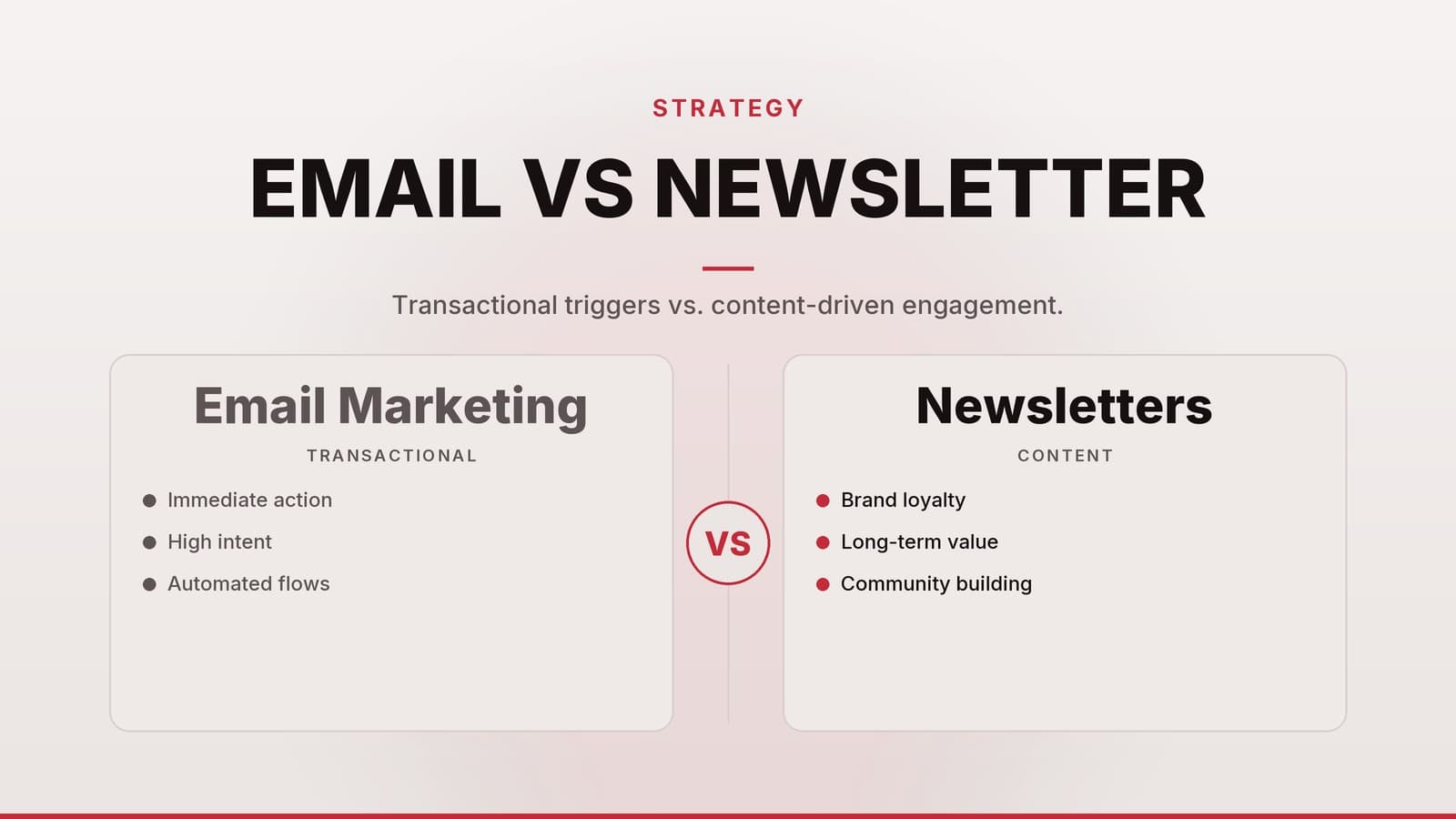
If any term feels unfamiliar, the linked article on Email Marketing vs. Newsletters: Which Fits Your Business? breaks it down in plain language.
Tool Comparison: Free, Low‑Cost, and Mid‑Range Options
| Tier | Tool (illustrative) | Core Non‑Profit Features | Typical Pricing Model* | Ideal Use Case |
|---|---|---|---|---|
| Free tier | Mailchimp (Free plan) | • Free tier that may suit small lists • Includes basic segmentation, tagging, and a drag‑and‑drop editor (verify current features) • Basic payment‑gateway link option | Free up to the platform’s contact limit; pay‑as‑you‑grow for extra contacts or advanced automations | A community health clinic that sends a monthly newsletter and occasional donation appeals. |
| MailerLite (Free plan) | • Free tier that may suit small lists • Provides a reasonable monthly send allowance • Includes a landing‑page builder that can be used for donation pages (check limits) • Basic automation (welcome, thank‑you) | Free up to the platform’s contact limit; tiered pricing for larger lists | A local youth sports league that needs simple event reminders and a donation button. | |
| Low‑cost / discounted | Sendinblue (charity discount possible) | • Flexible contact limits depending on plan • Offers segmentation and an optional SMS add‑on (confirm availability) • Provides donation‑form templates and automation workflows | Monthly fee based on usage; charities often receive a discount after verification | An arts organization that runs weekly event invitations and wants SMS reminders for volunteers. |
| AWeber (non‑profit rates may be available) | • Plans that support a range of contacts • Includes tagging, custom fields, donation‑page templates, and an automation library (verify specifics) | Per‑month fee that scales with contact count; ask about any available non‑profit rates | A small animal rescue that needs regular donor updates and a simple online giving form. | |
| Mid‑range (full‑suite) | Constant Contact (non‑profit pricing may exist) | • Full list management with custom fields • Integrated donation pages supporting multiple gateways (check integration list) • Event registration and volunteer sign‑up widgets (if needed) • Conversion reporting that links email activity to donations (verify depth) | Per‑user per‑month pricing, tiered by contact count; ask about any available non‑profit discounts | A regional environmental NGO that runs quarterly fundraising drives, webinars, and large volunteer campaigns. |
| Campaign Monitor (charity discount may be offered) | • Segmentation and dynamic content capabilities (confirm details) • Integration options for major payment processors (verify which are supported) • Analytics that can link clicks to revenue (check reporting features) • API for CRM sync (review documentation) | Monthly fee based on contact count; ask about any available non‑profit discounts | A national education charity that needs granular reporting for multiple grant applications. |
*Pricing models are described in general terms only; exact rates vary by region, list size, and the specific discount a vendor offers. Always confirm current pricing on the vendor’s website and ask for proof of non‑profit eligibility (e.g., tax‑exempt certificate).
When evaluating, start with a free tier that meets your current list size, then compare the next‑level paid plans on the features that matter most for your next campaign.
Step‑by‑Step Setup for a New Campaign
- Define a single, measurable goal – e.g., “Raise a specific amount for the new library wing by a set date” or “Recruit a target number of volunteers for the spring clean‑up.”
- Build a targeted segment – Import your contacts, then apply tags or filters such as donor status, recent donation date, or volunteer interest. Create a segment that matches the goal (e.g., “major donors who gave in the last 12 months”).
- Choose a clean template – Use the platform’s drag‑and‑drop editor. Keep the layout simple: logo, headline, brief impact story, a single call‑to‑action (CTA) button that links to your donation page.
- Set up automations –
- Welcome series – When someone signs up via your website, send an immediate thank‑you email with a short impact video.
- Donation receipt – Connect the payment gateway so a personalized receipt fires within minutes of a completed transaction.
- Reminder – For event‑related asks, schedule a reminder a day or two before the event date.
- Add tracking parameters – Append UTM tags to the CTA link (e.g.,
?utm_source=email&utm_medium=campaign&utm_campaign=library_fund) so your donation platform can attribute revenue back to the email. - Test on multiple devices – Send a test to yourself and a colleague, checking mobile rendering, link functionality, and that merge tags (e.g., first name) populate correctly.
- Schedule for optimal local time – Most platforms let you send based on the recipient’s time zone. You can experiment with A/B testing to find the best time for your specific audience.
- Monitor and iterate – After the send, review the dashboard: open rate, click‑through rate, and, crucially, the amount donated or volunteers signed up. If the click‑through is low, test a new subject line or a clearer CTA in the next send.
Practical Example (Case Study)
Organization: City Pets Rescue (a small animal shelter)
Goal: Collect funds for a new veterinary clinic within three weeks.
| Step | Action | Result |
|---|---|---|
| 1. Goal | Specific fundraising target | Clear focus for staff and donors |
| 2. Segment | Donors who gave $50+ in the past 18 months (≈800 contacts) | Focus on supporters most likely to give again |
| 3. Template | One‑column design, photo of a rescued dog, “Help us heal more pets” CTA | Simple, emotionally resonant |
| 4. Automation | Immediate thank‑you + 7‑day follow‑up for non‑clickers | Keeps the conversation alive |
| 5. Tracking | UTM tags on donation link | Attribution in payment‑processor dashboard |
| 6. Test | Sent to staff phones, all links work | No rendering issues |
| 7. Schedule | Sent at 11 am local time on Tuesday | Aligns with typical donor open windows |
| 8. Results | Target exceeded in 18 days | Goal achieved and additional volunteer sign‑up form added for future campaigns |
Budgeting and Cost Management for Email Marketing
| Action | Why it matters | How to implement |
|---|---|---|
| Start with a free tier | Keeps fixed costs at zero while you test the channel. | Choose a platform that supports at least the number of contacts you have today. |
| Request verified non‑profit discounts | Many vendors lower the per‑contact price for charities. | Prepare a copy of your tax‑exempt status, contact the sales team, and ask for the specific discount code or rate sheet. |
| Track all email‑related expenses | Allows you to calculate cost‑per‑dollar‑raised, a metric often requested by funders. | Record monthly platform fees, any add‑on costs (SMS, premium templates), and the total revenue generated from each campaign. |
| Watch for hidden usage caps | Daily send limits or per‑contact fees can cause unexpected overage charges. | Review the plan’s send‑volume limits before launching a high‑frequency campaign; consider a higher‑limit plan only if the ROI justifies the extra spend. |
| Consolidate where possible | Reduces licensing fees and admin overhead. | If your CRM already offers basic email blasts, evaluate whether you need a separate platform for advanced automation. |
| Plan for scalability | As your list grows, so will the cost; budgeting now avoids surprise hikes. | Estimate future list size (e.g., modest quarterly growth) and model the next‑tier pricing to decide when to upgrade. |
Many small charities aim to keep email‑related spend to a modest portion of total fundraising revenue, leaving enough margin for other outreach channels while still delivering measurable impact. Adjust the percentage based on your own revenue mix and donor‑acquisition costs.
Common Pitfalls and How to Avoid Them
| Pitfall | Impact on your mission | Quick remedy |
|---|---|---|
| Over‑mailing without clear value | Increases unsubscribes and spam complaints, hurting deliverability. | Adopt a content calendar; limit outreach to 1‑2 purposeful emails per month unless you have an urgent appeal. |
| Neglecting list hygiene | High bounce rates trigger spam‑filter penalties and waste send quota. | Quarterly clean‑up: delete hard bounces, re‑engage inactive contacts with a “We miss you” message, then remove those who stay silent. |
| Assuming one privacy law covers all supporters | GDPR (EU/EEA), CCPA (California), and other regional rules have different consent and deletion requirements. | Choose a platform that offers built‑in double‑opt‑in, easy unsubscribe links, and the ability to export or delete an individual’s data on request. |
| Using the same subject line for every campaign | Recipients become desensitized, leading to lower open rates. | Run A/B tests on at least two subject lines for each major send; keep the higher‑performing version for future reference. |
| Not linking email clicks to actual donations | You may see good open rates but have no proof of fundraising impact. | Add UTM parameters to every CTA and integrate the email platform with your donation processor or CRM to capture revenue attribution. |
| Relying on manual data entry for tags | Errors and inconsistencies make segmentation unreliable. | Use import tools that map CSV columns to tags/custom fields, and automate tag updates via integrations (e.g., when a donor gives, automatically add a “recent donor” tag). |
Addressing these issues early keeps your email channel trustworthy, compliant, and effective.
Making the Most of AI in Email Marketing
AI features are becoming common in many email platforms, offering specific, measurable benefits:
| AI Feature | What it does for a non‑profit | Example use case |
|---|---|---|
| Predictive send time | Analyzes each contact’s past open behavior and suggests the optimal minute to send the email. | A charity can schedule a donation appeal to land when a donor historically opens their inbox, potentially improving open rates modestly. |
| Subject‑line generation | Uses language models to propose several subject‑line variants based on the email body. | A youth mentorship program can quickly test three AI‑suggested headlines and pick the one with the highest predicted open rate. |
| Content personalization at scale | Inserts dynamic snippets (e.g., “You gave $50 in March”) without manual editing. | A wildlife fund can automatically show each donor the specific project their past gift supported. |
| Send‑volume optimization | Recommends daily send caps to stay under spam‑filter thresholds based on list health. | A small theatre group can avoid sudden spikes that might trigger inbox providers to flag their messages. |
When evaluating a platform, ask: Does the AI feature work out‑of‑the‑box, or does it require a separate add‑on? and Is there a clear way to measure the uplift (e.g., before/after open rates)? These questions keep AI from becoming a costly, unproven add‑on.
How HeyGrowin can help
HeyGrowin helps small organisations implement digital tools, including tailored email‑marketing workflows. We can set up a workflow that links directly to your donation pages, volunteer sign‑ups and CRM, so you spend less time on tech and more time on mission. Learn more at HeyGrowin.
Frequently asked questions
Can I use a free email tool for a growing donor list?
Yes, many platforms offer free plans up to a few thousand contacts, which can be sufficient for small NGOs; just watch for limits on sends per month.
Do I need a separate donation form?
Some email tools include basic donation widgets, but most non‑profits embed a link to their own payment processor for more flexibility.
Is it safe to store donor emails in these services?
Reputable providers comply with major data‑privacy standards, but you should review their security policies and ensure you have consent to store personal data.