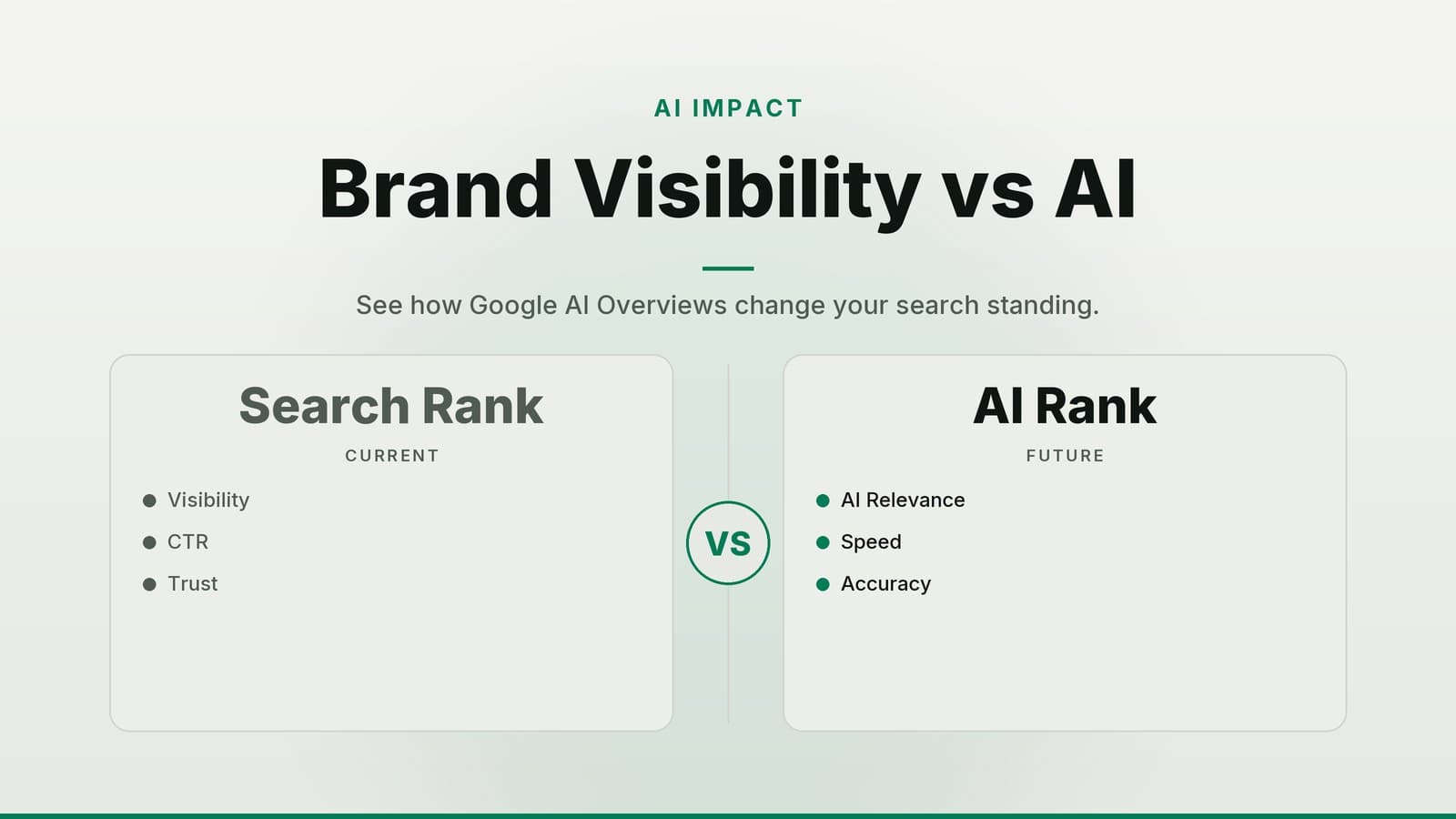
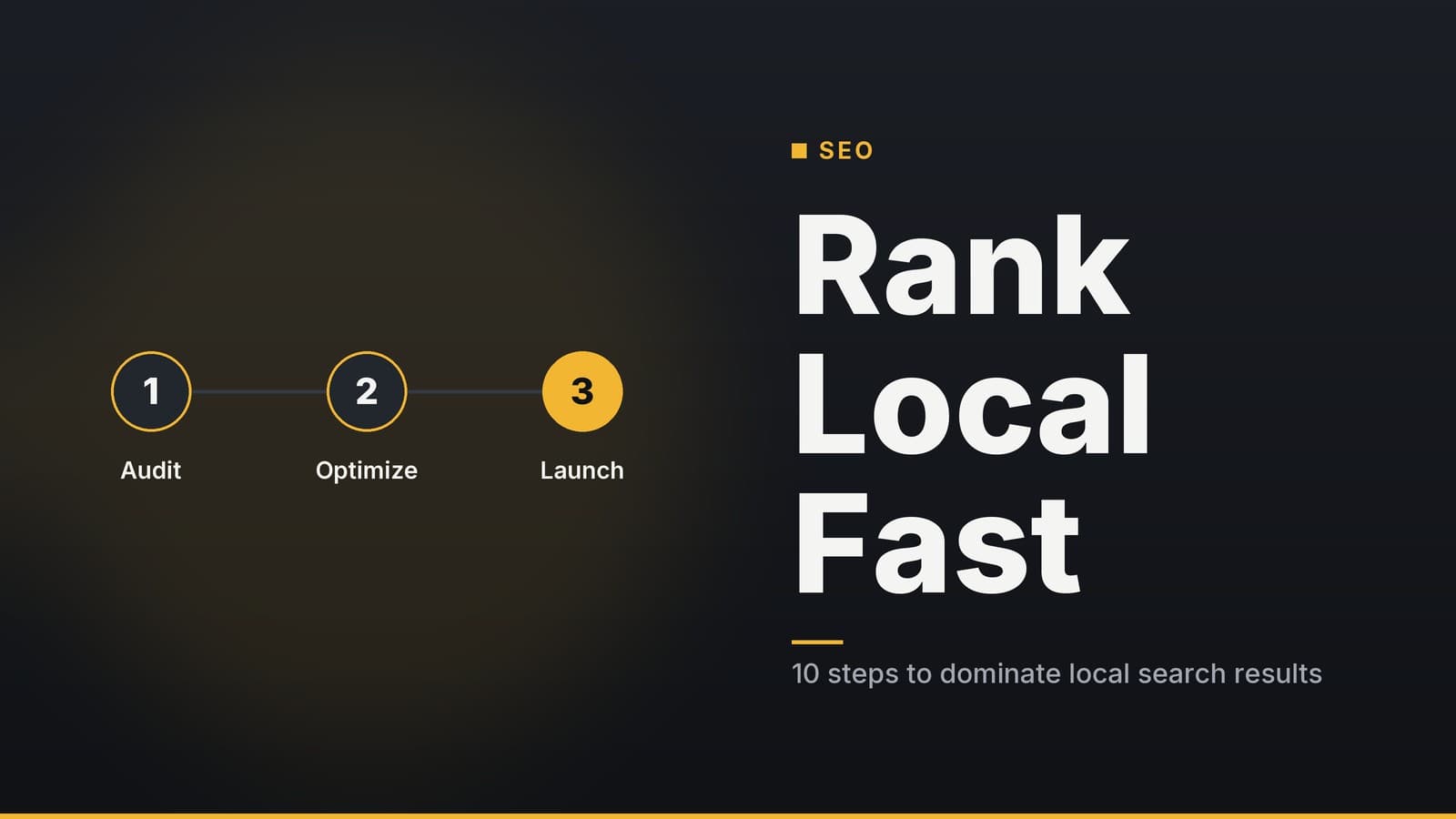
Adapting SEO for AI‑Powered Search Results
Guide on how small‑business owners can optimise their sites so AI assistants can accurately represent and book their services.
Why AI Search Changes Your Website’s Role
When a user asks a voice‑assistant or a chat‑based AI “Find me a dentist open tomorrow morning under $150,” the assistant looks for a business that can answer the request without the user having to click through multiple pages. The assistant typically:
- Searches listings and the business’s own site – it reads publicly available data such as Google Business Profile, Yelp, and any structured data (schema.org) that the website publishes.
- Extracts key facts – location, opening hours, price range, and any relevant certifications that are marked up in a machine‑readable format.
- Triggers an action – it may hand the user to a “book now” button, a checkout endpoint, or a phone number that the assistant can dial.
Because the assistant can answer directly, the traditional goal of driving page‑views becomes secondary. What stays essential is authoritative, machine‑readable information that the AI can trust. If the assistant cannot locate reliable data, it falls back to generic results or asks the user for clarification, which reduces the chance that your business appears as the top recommendation.
Your website therefore acts as the single source of truth for all other directories (Google Business Profile, Yelp, industry listings). Keeping that source accurate, up‑to‑date, and easy for machines to read is the new baseline for online visibility.
Step‑by‑Step Checklist to Make Your Site AI‑Ready
Table 1 – Checklist overview
| # | Action | Why it matters | Quick tip |
|---|---|---|---|
| 1 | Audit and add structured data (schema.org) | AI assistants read schema first; missing fields mean missing answers. | Use a free validator like Google’s Rich Results Test; start with the LocalBusiness type and add the most relevant sub‑types. |
| 2 | Synchronise external listings (Google Business Profile, Yelp, etc.) | Consistent data across platforms builds trust and avoids “conflict” signals. | Export your website’s contact details to a CSV and compare them with each listing at least once a month. |
| 3 | Write concise service descriptions and FAQ entries | When schema lacks a field, the assistant often falls back to plain‑text answers. | Keep each answer under three sentences and use plain language; phrase them as questions the user is likely to ask. |
| 4 | Provide a machine‑callable booking or contact endpoint | Allows the assistant to complete a transaction without sending the user to a full page. | If you already use a booking platform (e.g., Square, Calendly), enable its API or embed a widget that can be triggered via a simple URL. |
| 5 | Test with a simulation tool | Finds hidden gaps before a real customer experiences them. | Use the Google Rich Results Test for markup validation and a browser‑based “Ask a question” test (type a query in the address bar with ?q= and see what snippet appears). |
How to run the audit in practice
- Open the page you want to test in Google’s Rich Results Test (search “Rich Results Test”).
- Look for warnings such as “Missing
priceRange” or “NoopeningHoursSpecification”. - Add the missing JSON‑LD snippets:
If you have a developer: insert the code directly into the page’s<head>.
If you use a CMS: install a free schema plugin (most major platforms have one) and fill in the fields through the plugin’s UI. - Re‑run the test until it reports “All good.”
Ongoing maintenance
| Frequency | Activity | Tools |
|---|---|---|
| Weekly (≈15 min) | Run the Rich Results Test on your homepage and any high‑traffic service pages. | Google Rich Results Test |
| Monthly (≈30 min) | Compare website data with each external listing; update any mismatches. | Export CSV from your site, spreadsheet for diff check |
| Quarterly | Review FAQ and service descriptions for new offerings or policy changes. | Internal editorial calendar |
Practical Examples Across Business Types
Overview
The table below summarises the core elements each business type should consider. The examples avoid legal or medical advice; they focus on the data that can be safely marked up.
Table 2 – Core schema and endpoint elements by business type
| Business type | Recommended schema types | Typical endpoint (API or widget) | Example FAQ topics |
|---|---|---|---|
| Clinic | MedicalBusiness, Physician, openingHoursSpecification, priceRange (no licenseNumber unless you are certain of the exact field) | Appointment‑booking API from a vetted platform (e.g., Zocdoc, SimplePractice) | “Do you accept new patients?”, “What insurance plans are accepted?” |
| Restaurant | Restaurant, menu, servesCuisine, priceRange, reservationTime | Table‑reservation API (OpenTable, Resy) or simple “Reserve a table” widget | “Do you have vegan options?”, “Is outdoor seating available?” |
| Retail shop | Store, product, offers, availability, price | “Buy now” button that triggers a checkout API (Shopify, WooCommerce) | “What is the return policy?”, “Is this item in stock?” |
| Service firm (e.g., marketing agency) | ProfessionalService, serviceType, certifications, review | Lead‑capture form with auto‑fill API (HubSpot, Typeform) | “What is your typical project timeline?”, “Do you offer a free audit?” |
Clinic (example only – not legal advice)
| Element | What to add | How it helps the AI |
|---|---|---|
| Schema | MedicalBusiness with name, address, openingHoursSpecification, priceRange | Confirms the clinic’s basic details; the assistant can answer “When does the clinic open?” |
| FAQ | “Do you accept new patients?”, “What insurance do you accept?” | Provides ready‑to‑use answers when the assistant cannot find a direct schema field. |
| Booking | Link to an online appointment system that exposes a REST endpoint (e.g., POST /appointments) | Enables the assistant to schedule an appointment without navigating the site. |
Disclaimer: The schema fields shown are for informational purposes only. Always verify that any health‑related data you publish complies with local regulations and professional guidelines.
Restaurant
| Element | What to add | How it helps the AI |
|---|---|---|
| Schema | Restaurant with servesCuisine, menu (URL to a structured menu file), priceRange, reservationTime | Lets the assistant quote cuisine type, price level, and available reservation slots. |
| Sync | Connect the schema to an OpenTable or Resy API so that real‑time availability is reflected. | Reduces the risk of double‑booking and improves conversion. |
| FAQ | “Do you have vegan options?”, “Is there outdoor seating?” | Answers common voice‑search queries directly. |
Retail Shop
| Element | What to add | How it helps the AI |
|---|---|---|
| Schema | Store with product, offers, availability, price (use priceCurrency as needed) | AI can state “The red jacket is in stock for $79.” |
| CTA | “Buy now” button that triggers the checkout API of your e‑commerce platform. | Allows a voice‑assistant to complete a purchase with a single command. |
| Reviews | Structured review markup with star rating and author name. | Boosts confidence in the recommendation and can surface rich snippets. |
Service Firm
| Element | What to add | How it helps the AI |
|---|---|---|
| Schema | ProfessionalService with serviceType, certifications (if publicly verifiable), review | Confirms expertise; the assistant can answer “Are they Google‑partner certified?” |
| Contact | Lead‑capture form that can be auto‑filled via an API (e.g., HubSpot Forms API). | The assistant can submit a request without the user typing. |
| FAQ | “What is your typical project timeline?”, “Do you offer a free audit?” | Reduces friction in the early decision stage. |
Choosing the right schema – Start with the generic LocalBusiness type, then add the most relevant sub‑type (e.g., Restaurant, MedicalBusiness). If you are unsure, consult the [Schema.org documentation] (https://schema.org) or use a plugin that suggests types based on your industry.
Cost, Trade‑Offs, and Comparison Tables
DIY Implementation vs. Hiring a Developer
| Factor | DIY (using plugins or manual JSON‑LD) | Hiring a developer or agency |
|---|---|---|
| Up‑front cost | Usually free or the price of a plugin (many have free tiers). | May range from a few hundred to a few thousand dollars, depending on scope. |
| Time to launch | A few hours to a couple of days, depending on familiarity with the CMS. | Faster for complex sites; developer handles edge cases and testing. |
| Error risk | Higher if you are unfamiliar with JSON‑LD syntax. | Lower; professional code review and validation. |
| Ongoing maintenance | You need to update markup when services change. | Developer may offer a maintenance contract for updates. |
| Control | Full control over the exact content. | Less direct control; rely on the developer’s schedule. |
Recommendation: Small businesses with a tech‑savvy staff member can start with a free plugin and the Rich Results Test. If the site is large, uses custom templates, or you notice frequent validation errors, consider a short‑term developer contract to set up a solid foundation.
Booking API vs. Simple Contact Form
| Feature | Booking API / widget | Simple contact form |
|---|---|---|
| User friction | Minimal – the assistant can complete the action with one voice command. | Higher – the user must fill out fields manually. |
| Technical overhead | Requires API key, webhook handling, and possibly a subscription to the booking service. | Very low – just a form submission to your email or CRM. |
| Conversion impact (general observation) | Typically higher for high‑intent queries (e.g., “Book a table for 7 pm”). | Sufficient for low‑volume or high‑value services where personal contact is expected. |
| Cost | May include a monthly subscription plus transaction fees. | Usually free, unless you use a premium form builder. |
| Maintenance | Need to monitor API changes and keep authentication tokens up‑to‑date. | Minimal – only the form fields need occasional review. |
Choose the booking API when you have a steady flow of appointments or orders and want to capture sales directly from voice assistants. Use a simple contact form if your business relies on a personal touch or if the volume does not justify the integration effort.
Frequency of Reviews – Industry Guidance
| Review frequency | Typical effort | What you gain |
|---|---|---|
| Weekly (≈15 min) | Run a markup validator on key pages; note any “missing field” warnings. | Catches accidental deletions or CMS updates that break schema. |
| Monthly (≈30 min) | Compare website data with external listings; update any mismatches. | Maintains consistency across platforms, protecting trust signals. |
| Quarterly | Full audit of FAQ relevance and endpoint performance. | Ensures content stays aligned with evolving customer questions and API changes. |
If your business experiences frequent changes (e.g., new services, seasonal hours), you may want to move the weekly check to a bi‑weekly cadence and add a quick spot‑check after each major update.
How HeyGrowin Can Help
HeyGrowin offers a packaged service that:
- Adds and validates schema markup for the appropriate business type, using either a plugin configuration or custom JSON‑LD where needed.
- Integrates a booking or lead‑capture endpoint that works with popular platforms (Square, Calendly, HubSpot, Shopify, etc.).
- Synchronises your website data with major external listings to keep address, phone, hours, and price range consistent.
- Provides ongoing monitoring with monthly reports that flag any markup errors or data mismatches.
You can start with a short discovery call to map your current setup and decide whether a DIY approach or a managed service best fits your budget and timeline. Learn more at https://heygrow.in.
Frequently asked questions
Do I need to pay for AI‑ready SEO tools?
Most basic structured data plugins are free; advanced AI‑integration tools may charge per user per month – check the vendor’s pricing page.
Will my website traffic drop?
Page views may decline, but your site remains the source of truth for AI assistants, which can still drive bookings.