ChatGPT Ads: What They Mean for Your Workflow
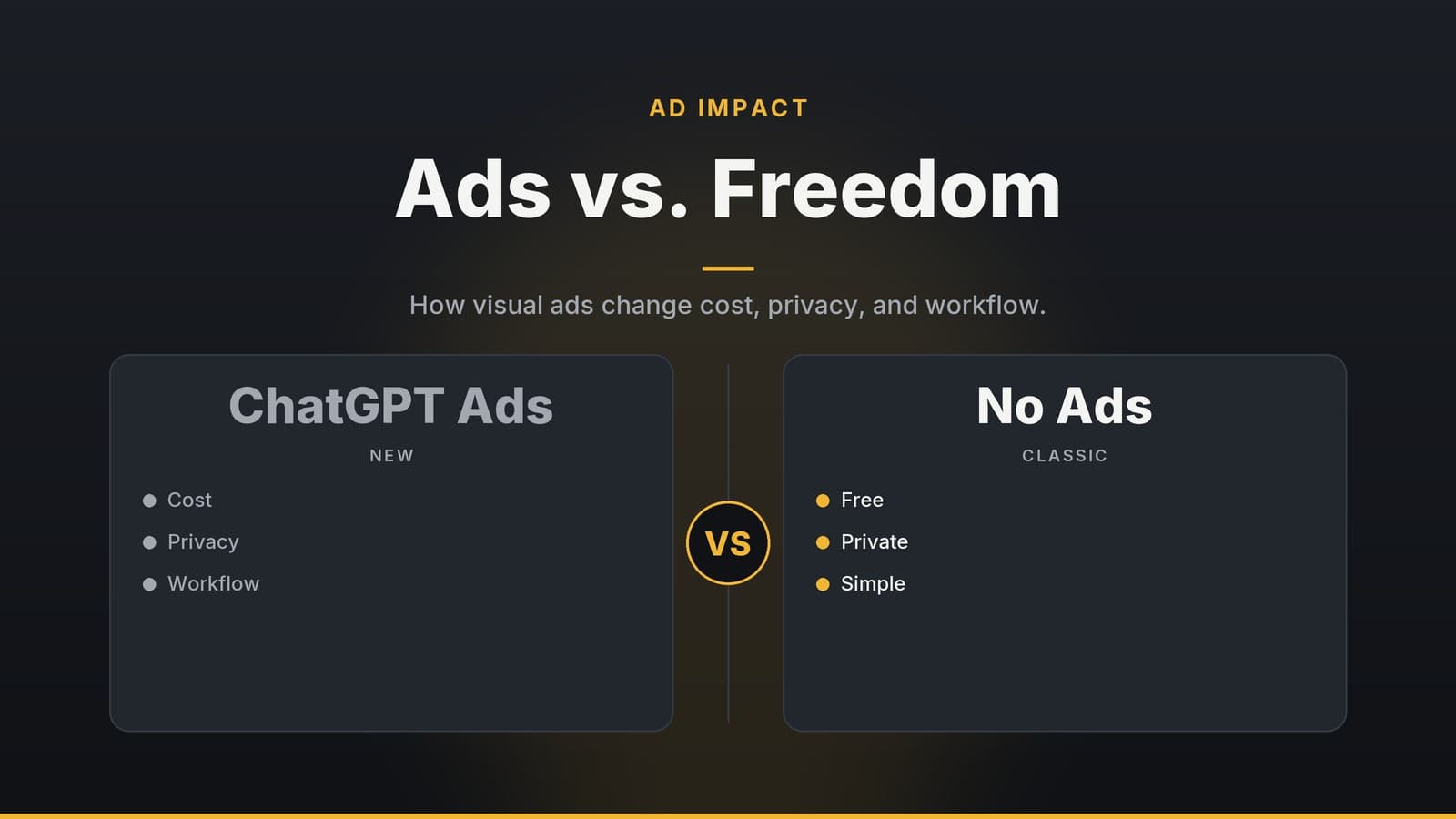
A look at how OpenAI’s new visual ads in ChatGPT will affect usage, costs, and privacy for creators and freelancers.
Overview of the visual ad format
OpenAI has not released a public statement confirming that a visual ad format will be added to the ChatGPT web interface. The idea has appeared in a few informal discussions and screenshots shared on social media, but no official documentation, press release, or credible source has verified the details. Because of this uncertainty, the following sections describe what is known about the concept, what is still speculative, and how users might anticipate potential changes.
| Feature | Current status |
|---|---|
| Ad placement | Not publicly disclosed. Some screenshots suggest a separate image next to the generated artwork, but this is unverified. |
| Triggering rule | No official description. It is unknown whether ads would appear on the first image request, after a certain number of requests, or randomly. |
| Impact on the generated image | No evidence that the ad influences the model’s output. |
| Content safeguards | OpenAI has not announced any guardrails that would prevent ads from appearing in sensitive or emotionally vulnerable conversations. |
| Availability to paid plans | No confirmation that Plus, Pro, or Enterprise users would be exempt from ads. |
| Geographic scope | No official statement on whether the feature would be rolled out globally or regionally. |
Because the product roadmap is fluid, users should treat the information above as a snapshot of the current public record and not as a definitive description of future behaviour.
How visual ads could affect typical workflows
Even if the specifics are still unknown, the introduction of any new UI element that appears during image generation can influence how creators interact with ChatGPT. Below are the main ways that a visual ad could intersect with everyday use, based on the general behaviour of ads in web applications.
1. Interrupting the creative flow
When a new visual element appears in a conversation that is otherwise focused on text and image generation, it can draw the user’s attention away from the creative task. If a user is iterating quickly on a concept, a sudden image that is not part of the prompt can require a pause to dismiss or ignore the ad.
2. Batch‑generation considerations
Many designers and developers automate image creation by sending a series of prompts in a single session. If an ad appears at any point during the session, the user may need to wait for the ad to load, which can add a small delay before the next image is rendered. The delay is likely to be limited to the time required to fetch and display the ad asset, but the cumulative effect could be noticeable when generating large batches.
3. Collaboration and sharing
When a conversation that includes generated images is shared with a client or teammate, an unexpected sponsored image can appear in the transcript. In contexts where a clean, professional presentation is required, the presence of an ad may be perceived as a distraction or a sign of a less polished workflow. Teams may need to remove or edit the ad from the shared transcript or rely on a plan that guarantees ad‑free output.
4. Accessibility and performance
Adding an extra image to the page increases the number of HTTP requests and the amount of data that must be rendered. For users on limited bandwidth or on mobile devices, this can lead to longer load times or higher data consumption. The magnitude of the impact depends on the size of the ad image and the speed of the user’s connection, which are not yet known.
Practical ways to manage ads while staying on the free tier
If you choose to continue using the free tier, you can adopt a few strategies to minimise the disruption caused by a visual ad. None of these methods guarantee complete removal, but they can help you work around the potential inconvenience.
| Strategy | What it does | Caveats |
|---|---|---|
| Restart the chat for each new batch | A fresh session may reset any internal flag that tracks whether an ad has already been shown, potentially causing the ad to appear again. | The ad would still appear, just at a different point in the workflow. |
| Use the OpenAI API for image generation | The API endpoint for image creation does not currently include visual ads, as ads are tied to the consumer web UI. | Requires programming knowledge and incurs separate API usage costs. |
| Apply custom CSS to hide the ad container | Community‑maintained browser extensions or user‑style sheets can target the ad element and hide it. | The approach may break when the UI changes and could violate OpenAI’s terms of service. |
| Plan image generation around low‑traffic periods | If OpenAI chooses to limit ad exposure during certain times, working during those windows might reduce the likelihood of seeing an ad. | No public schedule exists; the effectiveness of this tactic is unverified. |
Evaluating whether to upgrade to a paid plan
OpenAI has announced a paid plan called Plus, but the pricing and full feature set have not been disclosed. Until the details are released, you can evaluate the potential benefits of a paid plan against the current free tier by considering the following criteria.
1. Frequency of image generation
Count how many image‑generation requests you make in a typical week. If you generate only a few images, the occasional ad may be a minor inconvenience. If you produce dozens or hundreds, the cumulative distraction could be more significant.
2. Sensitivity to visual interruptions
Ask yourself whether a single ad in the middle of a creative session would force you to pause or re‑focus. If you find that such interruptions reduce your productivity, an ad‑free environment may be worth exploring.
3. Need for clean deliverables
If you frequently share conversation transcripts with clients or stakeholders, a clean, ad‑free output may be a professional requirement. In that case, a paid plan that guarantees no ads (if such a guarantee exists) could be justified.
4. Budget considerations
When pricing information becomes available, compare the subscription fee to the potential time saved by avoiding ads. Because the exact cost and time savings are unknown, you can use a simple rule of thumb: if the subscription fee is lower than the value you place on the time you would otherwise spend dealing with ads, the upgrade may be worthwhile.
Feature comparison (as currently known)
The following table summarises the features that have been publicly announced for the free tier and the paid Plus plan. Pricing and additional capabilities for Pro and Enterprise plans are not yet disclosed.
| Feature | Free tier | Plus (price TBD) |
|---|---|---|
| Visual ads on image generation | Not confirmed | Not confirmed |
| Image generation limits | Unlimited requests subject to rate limits | Higher rate limits (exact numbers not disclosed) |
| Priority access during high‑traffic periods | No | Yes (subject to tier) |
| Dedicated support | Community forums | Email support |
| Team collaboration tools | Basic sharing | Shared chat history |
| API access | Not included | Available (usage fees apply) |
Note: The table reflects the information that has been publicly released. Any additional features or pricing for Pro and Enterprise plans will be announced by OpenAI in the future.
Decision framework for choosing a plan
The following framework can help you decide whether staying on the free tier or upgrading to a paid plan is appropriate for your workflow. It is intentionally qualitative to accommodate the lack of specific data.
| Step | What to consider | How it informs the decision |
|---|---|---|
| 1 | Count your weekly image‑generation volume | High volume suggests more frequent ad exposure. |
| 2 | Assess tolerance for interruptions | Low tolerance may push you toward an ad‑free environment. |
| 3 | Identify deliverable requirements | Client‑facing work that demands clean transcripts favours paid plans. |
| 4 | Review upcoming pricing details | Compare the subscription fee to the value of your time and the cost of potential ad‑related delays. |
| 5 | Experiment with workarounds | Test the API or CSS hiding methods to see if they meet your needs before committing to a paid plan. |
Practical steps to prepare for a potential ad rollout
- Track your usage – Keep a simple log of how many images you generate per week and note any interruptions you experience.
- Stay informed – Follow OpenAI’s official blog and community forums for announcements about new features or changes to the free tier.
- Test the API – If you have development resources, try generating images through the API to confirm that visual ads are not present.
- Consider a short‑term trial – If OpenAI offers a trial period for Plus or other paid plans, use it to evaluate the real‑world impact of an ad‑free environment.
- Re‑evaluate periodically – As your workflow evolves, revisit the decision framework to ensure the chosen plan still aligns with your needs.
Bottom line
Because the visual ad format has not yet been officially confirmed, the best approach is to monitor OpenAI’s announcements, assess how the potential feature would affect your specific workflow, and experiment with available workarounds. When pricing and feature details are released, you can apply the decision framework above to determine whether an upgrade is justified for your use case.
Frequently asked questions
Will the ads affect the quality of ChatGPT’s responses?
No, OpenAI states that ads do not influence the AI’s answers.
Can I disable the ads in the free tier?
Currently, ads cannot be disabled in the free tier; they are only removed in paid plans.
Are the ads personalized?
Ads are shown based on the image content you generate, but OpenAI has not confirmed personalized targeting.