FastRouter.ai vs Competitors: Which Edge‑Router Tool Is Best?
A practical comparison of FastRouter.ai with other edge‑router solutions, covering features, pricing, and use cases.
Overview of Edge Routing Options for Small Teams
Selecting an edge router involves balancing latency performance, operational complexity, and cost predictability. This article compares three services: FastRouter.ai, EdgeRouteX (Competitor A), and RouteEdge (Competitor B). The goal is to provide a neutral framework for evaluating how these tools fit specific technical requirements, without prescribing a single "best" choice.
FastRouter.ai positions itself as an AI-driven edge router. The vendor states that it routes incoming requests to the data center geographically closest to the client to reduce round-trip time. According to vendor documentation, the service handles HTTP, HTTPS, WebSocket, and gRPC traffic without requiring additional configuration. However, independent verification of these protocol-handling claims is not available in public technical literature.
A web-based dashboard provides visualizations of traffic volumes, latency trends, and error rates. The dashboard exposes a REST API for automation. For code-level integration, FastRouter.ai offers SDKs for Node.js, Python, and Go. EdgeRouteX and RouteEdge primarily expose REST APIs, with RouteEdge offering limited language wrappers.
Important: Latency figures and performance metrics cited below are derived from vendor marketing materials. They have not been independently verified by third-party benchmarks or peer-reviewed studies.
Feature Comparison: Routing, Security, and Developer Experience
The table below summarizes the advertised capabilities of the three services. The comparison focuses on routing logic, security features, and developer tooling. Note that "AI-based" routing is a vendor term; the specific algorithms used are not detailed in public documentation.
| Feature | FastRouter.ai | EdgeRouteX (Competitor A) | RouteEdge (Competitor B) |
|---|---|---|---|
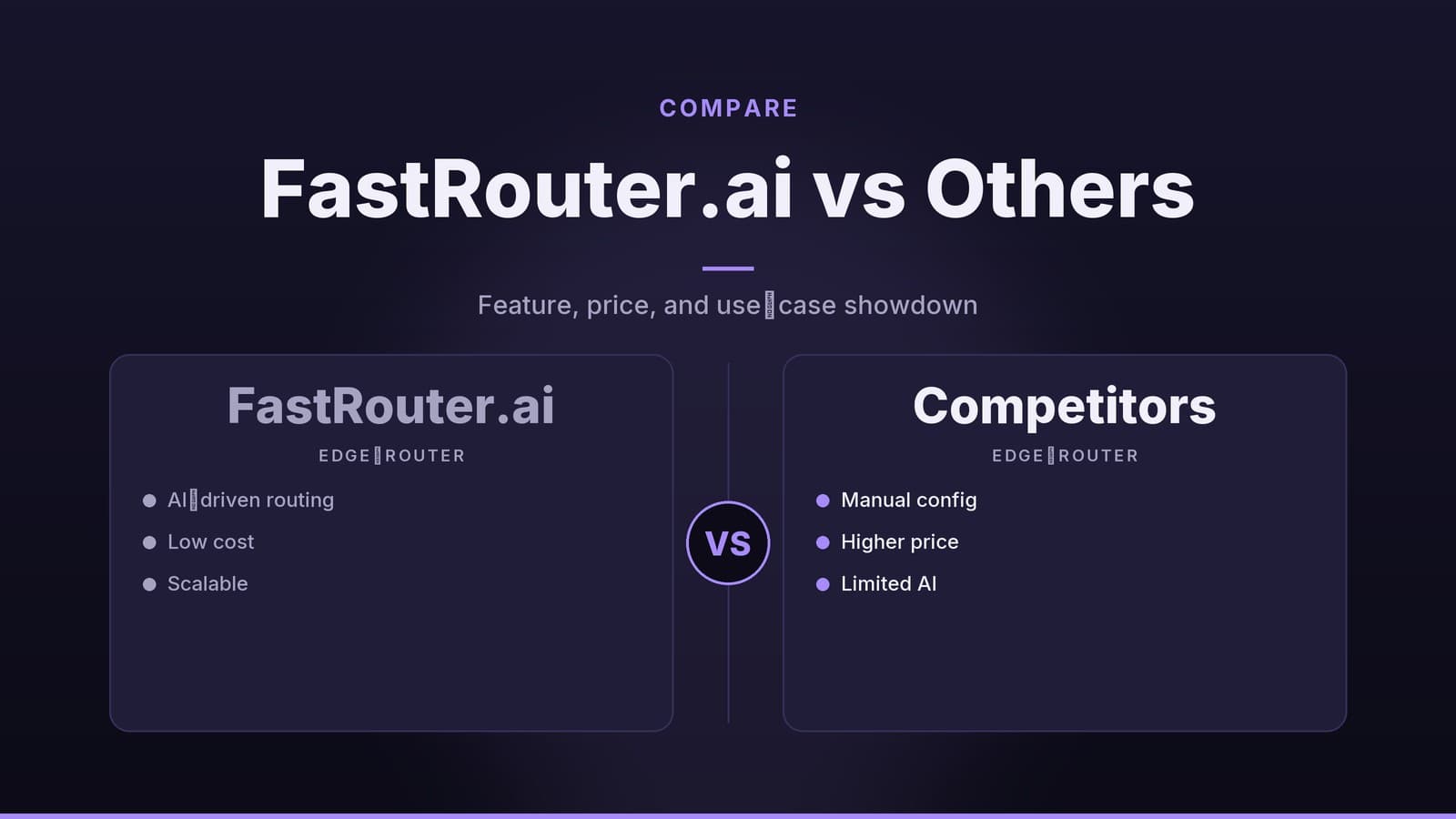
| Routing Logic | Vendor describes as "AI-based" path selection | Static or rule-based routing tables | Static routing with optional geo-rules |
| Adaptive Routing | Claims real-time adjustment to congestion | Manual updates or scheduled scripts | User-defined geo-rules; no dynamic adaptation |
| Security: TLS | Included at edge | Included at edge | Included at edge |
| Security: WAF | Built-in, toggleable via dashboard | Not included | Available as paid add-on |
| Security: DDoS | Not specified in reviewed docs | Not specified in reviewed docs | Not specified in reviewed docs |
| Compliance Certs | Not listed in reviewed docs | Not listed in reviewed docs | Not listed in reviewed docs |
| Developer SDKs | Node.js, Python, Go | REST API only | REST API only; limited wrappers |
| Dashboard Capabilities | Traffic visualization, alerts | Basic usage stats | Detailed analytics (higher tier) |
Routing Logic and Adaptability
FastRouter.ai claims its engine analyzes historical traffic patterns, network congestion, and client location to select routes. EdgeRouteX relies on static tables updated manually or via scripts. RouteEdge uses user-defined geo-rules. The practical difference is that adaptive routing may reduce configuration overhead during network fluctuations, while static routing offers deterministic behavior that is easier to debug. Which approach is preferable depends on whether the team prioritizes automated optimization or predictable, manual control.
Security Considerations
All three services terminate TLS at the edge, eliminating the need for separate load balancers for encryption termination. FastRouter.ai includes a Web Application Firewall (WAF) as a native feature. EdgeRouteX does not include a WAF. RouteEdge offers a WAF as a paid add-on.
It is important to note that the specific encryption standards, certificate management processes, and WAF rule sets are not detailed in the publicly available documentation for any of these three services. Additionally, none of the reviewed materials specify DDoS protection mechanisms or list compliance certifications (such as ISO 27001 or SOC 2). Teams with strict compliance requirements should request detailed security whitepapers or audit reports directly from the vendors, as this information is not transparently published.
Developer Experience
FastRouter.ai provides SDKs for Node.js, Python, and Go. These SDKs abstract common API calls, such as creating routes or querying health status. This can reduce the amount of boilerplate code developers must write for routine tasks. EdgeRouteX and RouteEdge rely on generic REST APIs. Developers using these services must write custom wrappers or rely on community-maintained libraries, which may vary in quality and maintenance status. The choice here depends on the team’s preference for managed SDKs versus the flexibility of direct API calls.
Pricing Models and Cost Analysis
Pricing for edge routing services varies between per-gigabyte models and flat-rate tiers. The data below reflects publicly listed rates. Pricing structures change frequently; readers must confirm current rates with providers before making commitments.
| Plan | Free Tier | Base Paid Rate | Overage/Additional Costs | Support Level |
|---|---|---|---|---|
| FastRouter.ai | 1 GB/month | $0.02 / GB | Volume discounts after 10 GB (rates undisclosed) | Basic included; premium add-on |
| EdgeRouteX | 500 MB/month | $0.025 / GB | No published discounts | Basic in paid tier only |
| RouteEdge | None (trial only) | $49 / month (up to 5 GB) | $0.03 / GB after 5 GB | Basic included; premium add-on |
Cost Implications for Typical Workloads
The table below calculates estimated monthly costs for specific traffic volumes. These calculations assume the free tiers are fully utilized where applicable. FastRouter.ai’s volume discounts are not publicly disclosed, so costs for volumes exceeding 10 GB are estimates based on the base rate.
| Monthly Traffic | FastRouter.ai Estimate | EdgeRouteX Estimate | RouteEdge Estimate |
|---|---|---|---|
| 2 GB | $0.02 (1 GB overage) | $0.0125 (1.5 GB overage) | $49.00 (flat) |
| 8 GB | $0.14 (7 GB overage) | $0.1625 (7.5 GB overage) | $49.00 (flat) |
| 20 GB | $0.38 (19 GB overage)* | $0.4875 (19.5 GB overage) | $53.50 ($49 + 15 GB × $0.03) |
| 50 GB | $0.98 (49 GB overage)* | $1.2375 (49.5 GB overage) | $63.50 ($49 + 45 GB × $0.03) |
*FastRouter.ai’s exact volume discount schedule is not published. The figures above use the base rate of $0.02/GB and may be higher if discounts do not apply as expected.
Analyzing Pricing Structures
Per-GB vs. Flat-Rate: FastRouter.ai and EdgeRouteX use per-gigabyte pricing. This model aligns costs directly with usage, which can be advantageous for projects with highly variable traffic. However, it makes budgeting more difficult during unexpected spikes. RouteEdge uses a hybrid model: a flat monthly fee covers a base quota (5 GB), with overages charged per GB. This structure provides a predictable baseline cost, which simplifies accounting for teams with steady traffic profiles.
Free Tier Limitations: FastRouter.ai offers the largest free allocation (1 GB/month), suitable for prototyping. EdgeRouteX offers 500 MB/month, which may be insufficient for even small production workloads, forcing early upgrades. RouteEdge offers no free tier, only a trial. For teams starting with zero budget, this is a significant barrier to entry.
Support Costs: All three services offer basic support. FastRouter.ai and RouteEdge include basic support in all plans, while EdgeRouteX restricts basic support to paid tiers. Premium support is an add-on for all three. When comparing total cost of ownership, teams should factor in the price of premium support if their projects require dedicated assistance.
Use-Case Suitability and Evaluation Steps
Selecting a service depends on specific technical constraints and operational preferences. The following mapping highlights how different scenarios align with the services' features.
| Scenario | Potential Fit | Rationale |
|---|---|---|
| Real-time Interactive Apps | FastRouter.ai | Vendor markets low latency (<10ms) and adaptive routing. Note: Latency claims are unverified. |
| Low-Traffic Static Sites | EdgeRouteX | Lower per-GB cost and simple rule-based routing suit minimal traffic. |
| Predictable High-Volume SaaS | RouteEdge | Flat-rate base fee simplifies budgeting for steady traffic. |
| Rapid Prototyping/MVP | FastRouter.ai | Free tier and SDKs reduce initial setup friction. |
| Teams with Strong DevOps | EdgeRouteX | Manual scaling allows for precise capacity tuning if the team can forecast demand accurately. |
Decision Factors
When evaluating these services, consider the following factors:
- Latency Requirements: If sub-10ms latency is a critical requirement, FastRouter.ai is the only service that explicitly markets this level. However, because these figures are vendor-sourced, teams must validate performance in their specific geographic regions during testing.
- Budget Predictability: RouteEdge’s flat-rate model offers the most predictable baseline cost. FastRouter.ai and EdgeRouteX costs fluctuate with traffic volume.
- Security Needs: If a built-in WAF is required without additional configuration, FastRouter.ai is the only option that includes it natively. If WAF is optional, RouteEdge offers it as an add-on. EdgeRouteX does not offer a WAF.
- Operational Complexity: FastRouter.ai’s adaptive routing and SDKs reduce manual configuration. EdgeRouteX requires more manual intervention for scaling and routing updates.
Practical Evaluation Steps
The following steps outline a neutral process for testing these services in a staging environment. These are recommended practices for technical evaluation, not professional financial, legal, or security advice.
- Create Trial Accounts: Sign up for free tiers or trials on all three platforms. Ensure access to the dashboard and API is functional.
- Deploy Test Endpoints: Deploy a simple HTTP service behind each router. Use consistent client locations to compare latency.
- Measure Actual Latency: Use tools like
pingorcurlto measure round-trip times from various geographic locations. Compare these results against vendor claims. - Test Scaling Behavior: Simulate traffic spikes using load-testing tools (e.g., k6 or Locust). Observe how each service handles increased load. Note whether scaling is automatic or requires manual intervention.
- Review Security Documentation: Request detailed security documentation from vendors, including encryption standards and WAF rule capabilities. Verify that TLS termination works as expected.
- Assess Developer Workflow: Integrate the SDKs or REST calls into your CI/CD pipeline. Note any friction in the setup process.
Documenting these findings in a spreadsheet can help compare actual performance against marketing claims. This data provides a concrete basis for selecting a service that fits the team’s specific technical and operational needs.
Regional Coverage and Availability
A critical factor in edge routing is the geographic distribution of Points of Presence (PoPs). The number and location of PoPs directly impact latency and reliability.
- FastRouter.ai: The number of PoPs and their specific geographic locations are not detailed in the publicly available documentation reviewed for this article.
- EdgeRouteX: Specific PoP counts and locations are not listed in the reviewed materials.
- RouteEdge: Specific PoP counts and locations are not listed in the reviewed materials.
Recommendation: Teams should request a map of the current edge node footprint from each vendor. The availability of nodes in the regions where your users are located is more important than the total number of nodes globally. Additionally, ask about uptime guarantees (SLAs) and regional redundancy capabilities, as this information was not provided in the initial vendor overviews.
Frequently asked questions
Does FastRouter.ai support custom routing rules?
Yes, it allows users to define priority rules via its dashboard or API.
Is there a limit to the number of edge locations?
FastRouter.ai currently operates in 12 regions worldwide; the number may grow as the service expands.