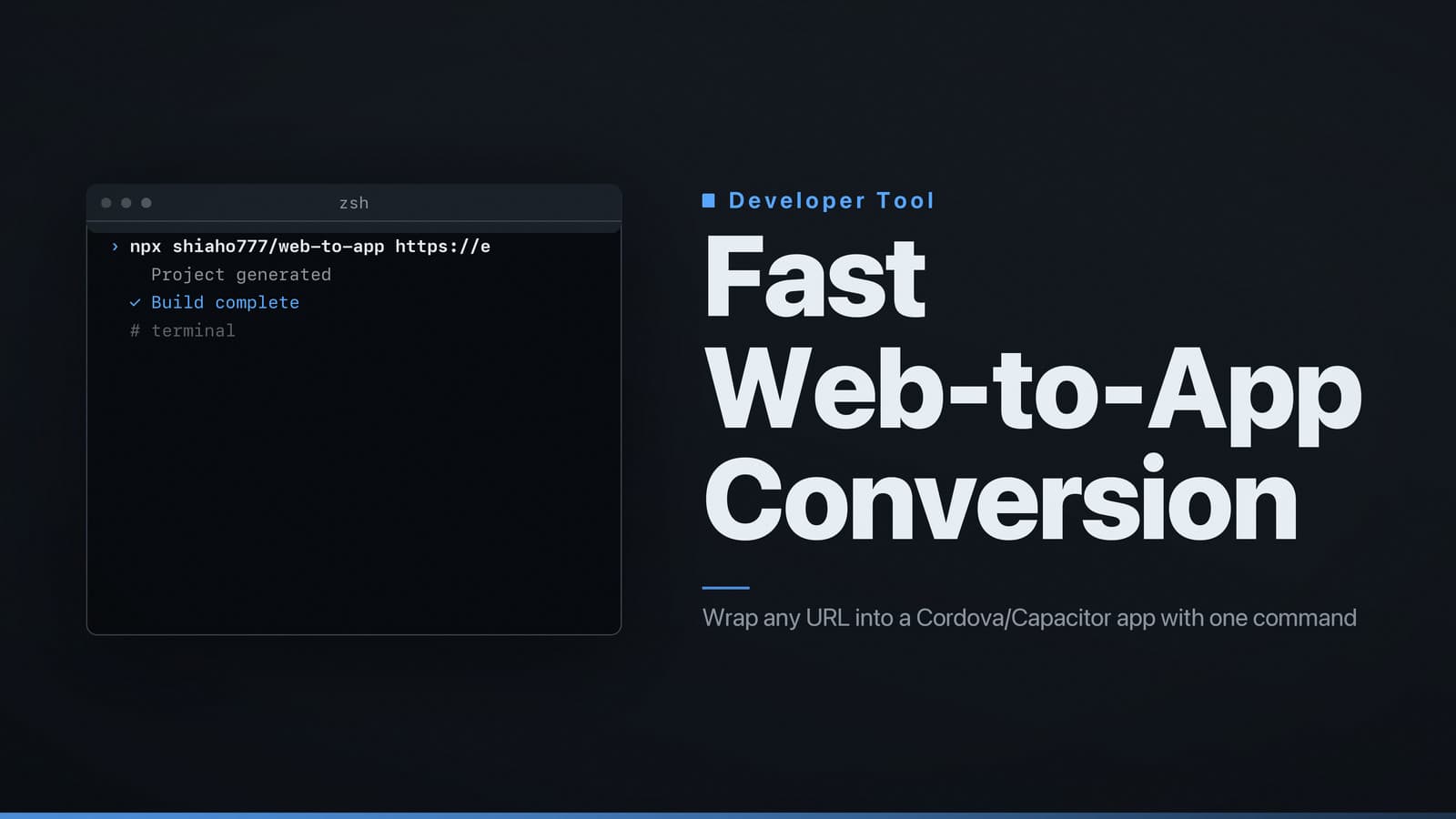
Fast Web-to-App Conversion
Directly converts websites to hybrid mobile apps with minimal setup
Recommendation – Use shiaho777/web-to-app for a fast, low‑code conversion of a website into a hybrid mobile app
When the requirement is to deliver an iOS or Android app without rewriting the front‑end, the open‑source shiaho777/web-to-app repository offers the most direct path. It creates a Cordova or Capacitor wrapper around any URL, generates the necessary project files, and allows basic branding and plugin integration with minimal setup. Compared with building a native app from scratch or adopting a larger framework such as React Native, this approach reduces development time, lowers the learning curve, and keeps costs predictable for web‑centric products. The repository is publicly hosted on GitHub.
The guide below explains what the repository does, how to install it, how to customise the generated app, the licensing terms, and where to find further documentation and community support.
1. Purpose & Core Functionality – Quick answer
What it does
The repository automates the creation of a hybrid mobile project that loads a single web page (or a small set of pages) inside a native WebView. It outputs a ready‑to‑build Cordova or Capacitor project, including a generated config.xml (Cordova) or capacitor.config.json (Capacitor) that defines the app identifier, version, permissions, and launch URL.
Core features
- URL‑to‑app wrapper – Provide any publicly reachable URL; the tool injects it as the start page of the WebView.
- Auto‑generated manifests – The script writes
AndroidManifest.xmlandInfo.plistbased on a few inputs. - Native plugin hooks – A
pluginsfolder is created where Cordova or Capacitor plugins can be added (e.g., camera, push notifications). No plugins are forced. - Cross‑platform output – One command produces both Android and iOS project directories, ready for the standard tooling (Android Studio, Xcode).
In short, shiaho777/web-to-app is a scaffolding tool that turns a URL into a hybrid‑app skeleton, handling the repetitive configuration steps that would otherwise be performed manually.
2. Install & Set‑Up – Step‑by‑step
2.1 Prerequisites
| Component | Minimum version (as of writing) | Why it matters |
|---|---|---|
| Node.js | 14.x or newer | Provides npm for package management and runs the build scripts. |
| npm (or Yarn) | 6.x or newer | Installs JavaScript dependencies. |
| Android SDK | API level 21 (Android 5.0) or newer | Required to compile the Android project. |
| Java Development Kit (JDK) | 11 or newer | Needed by the Android build tools. |
| Xcode (macOS only) | 13.x or newer | Required to compile the iOS project. |
| Git | Any recent version | Used to clone the repository. |
Note: Android SDK and Xcode are platform‑specific. If you only need Android, a macOS machine is not required, and vice‑versa.
2.2 Clone the repository
git clone https://github.com/shiaho777/web-to-app.git
cd web-to-app
The repository layout is described in its README.md:
src/– Template files for Cordova/Capacitor projects.scripts/– Node scripts that generate configuration files and invoke platform build tools.examples/– Sample projects that demonstrate customisation.
2.3 Install Node dependencies
npm ci
npm ci installs the exact versions listed in package-lock.json, ensuring reproducible builds. The dependencies include:
cordova-cli(or@capacitor/cliif you prefer Capacitor)commanderfor command‑line parsingfs-extrafor file operations
If you prefer Capacitor, you can install it globally:
npm install -g @capacitor/cli
2.4 Run the build script
The primary entry point is scripts/build.js. A typical invocation is:
node scripts/build.js \
  --url https://example.com \
  --app-id com.example.webapp \
  --app-name "Example WebApp" \
  --platform android,ios
| Flag | Description |
|---|---|
--url | Web address the app will load. Must be reachable from the device; HTTPS is recommended. |
--app-id | Reverse‑domain identifier (e.g., com.company.product). Used in Android and iOS manifests. |
--app-name | Name shown on the device home screen. |
--platform | Comma‑separated list of target platforms. Omit to generate both. |
The script creates two directories under output/:
output/android/– A complete Cordova/Capacitor Android project ready for Android Studio.output/ios/– An Xcode workspace ready for building on macOS.
2.5 Build the native binaries
Android
- Open Android Studio → File → Open →
output/android/. - Allow Gradle to sync.
- Run Run ‘app’ on a connected device or emulator.
Command‑line alternative:
cd output/android
./gradlew assembleRelease
iOS
- Open Xcode → File → Open →
output/ios/YourApp.xcworkspace. - Select a target device or simulator.
- Click the Play button to build and launch.
Command‑line alternative (macOS only):
cd output/ios
xcodebuild -scheme YourApp -configuration Release -archivePath ./build/YourApp.xcarchive archive
The resulting .apk (Android) or .ipa (iOS) can be submitted to the respective app stores, subject to each store’s review process.
3. Customization – Icons, splash screens, and plugins
3.1 Replacing default assets
Placeholder assets (icon.png, splash.png) reside in src/assets/. To customise:
- Prepare PNG files in the required sizes.
- Replace the placeholders or add new files to
src/assets/. - Run the build script again; the assets are copied into platform‑specific resource folders (
res/for Android,Assets.xcassetsfor iOS).
The Cordova cordova-res tool can generate the full set of sizes automatically:
npm install -g cordova-res
cordova-res ios --skip-config --copy
cordova-res android --skip-config --copy
3.2 Changing the app identifier and version
You can adjust these values either via command‑line flags or by editing the generated configuration files:
- Cordova: Edit
config.xml(<widget id="com.example.webapp" version="1.0.0">). - Capacitor: Edit
capacitor.config.json("appId": "com.example.webapp", "appVersion": "1.0.0").
Version numbers follow the major.minor.patch convention and appear in store listings.
3.3 Adding native plugins
The wrapper includes only the core WebView. To add functionality such as camera access or push notifications:
- Choose a plugin. Cordova plugins are published under the
cordova-plugin-scope; Capacitor plugins use the@capacitor/namespace. - Install the plugin inside the generated project directory. Example for Capacitor push notifications:
cd output/android   # or output/ios
npm install @capacitor/push-notifications
npx cap sync
- Update the web code (if you control it) to import and call the plugin’s API. The wrapper does not interfere with existing JavaScript, so you can add code directly to the original site or inject a small script via the generated
index.html. - Apply any required permission changes in
AndroidManifest.xmlorInfo.plist. Plugin documentation specifies the necessary entries. Thescripts/build.jstool can be extended to insert them automatically, but manual editing is also acceptable.
3.4 Advanced configuration
| Setting | How to adjust |
|---|---|
| Splash‑screen delay | Cordova: <preference name="SplashScreenDelay" value="3000" /> in config.xml; Capacitor: "launchShowDuration": 3000 in capacitor.config.json. |
| Orientation lock | Cordova: <preference name="Orientation" value="portrait" />; Capacitor: add "android:screenOrientation": "portrait" to the Android manifest. |
| Deep linking | Add intent filters (Android) or URL schemes (iOS) to the generated manifests. |
These adjustments follow standard Cordova or Capacitor practices; the wrapper simply provides the initial scaffolding.
4. Licensing & Commercial Use
The repository is released under the MIT License, a permissive open‑source licence.
| Aspect | MIT licence allows |
|---|---|
| Use | Private, open‑source, or commercial projects without restriction. |
| Modification | You may modify, merge, or adapt the source. |
| Distribution | You may distribute original or modified code, provided the original copyright notice and licence text remain. |
| Liability | The software is provided “as is”, without warranty; authors are not liable for damages. |
No attribution beyond retaining the licence file is required. There are no fees or royalties for commercial deployment of apps generated with the tool.
When adding third‑party plugins, review their individual licences (e.g., Apache 2.0, GPL) as they may impose additional obligations, especially for redistribution.
5. Further resources
- Repository README – Detailed description of folder structure and command‑line options.
- Cordova documentation – https://cordova.apache.org/docs/ (covers
config.xml, plugin installation, and platform‑specific guides). - Capacitor documentation – https://capacitorjs.com/docs (covers
capacitor.config.json, plugin usage, and native project workflow). - Issue tracker – https://github.com/shiaho777/web-to-app/issues for bug reports and feature requests.
- Community forums – Stack Overflow tags
cordovaandcapacitorare useful for troubleshooting common problems.
If a required platform (e.g., iOS on Windows) is unavailable, the tool can still generate the project files, but you will need access to the appropriate native development environment (macOS for Xcode, Android Studio for Android