Tencent/teamai-cli
A practical look at Tencent/teamai-cli: what actually matters, how the options compare, and how to decide.
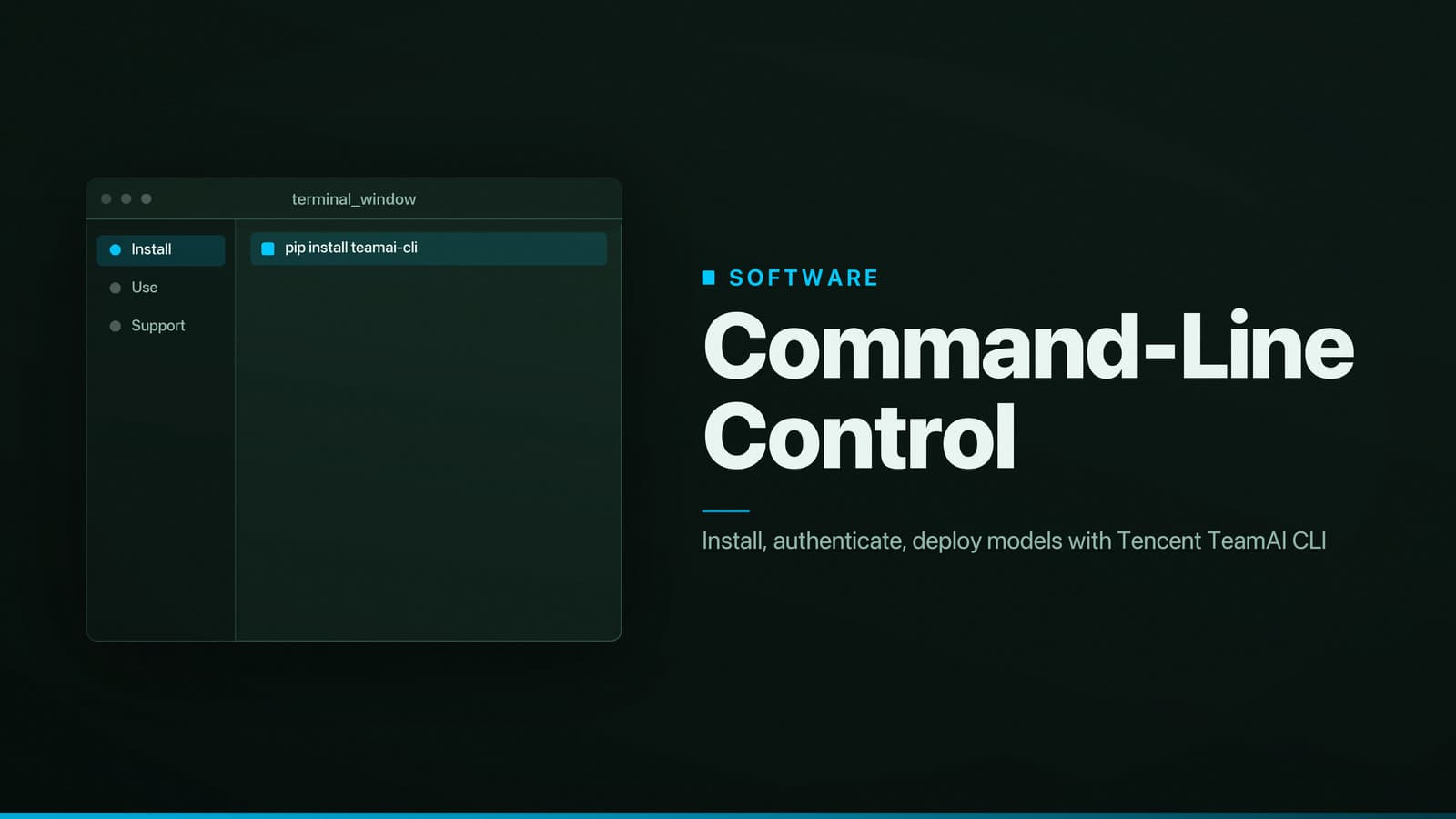
Recommendation – Install teamai‑cli if you need a command‑line interface for Tencent TeamAI
The teamai‑cli binary provides documented commands for authentication, model deployment, project management and log retrieval. Using the CLI avoids manual construction of HTTP requests and reduces the likelihood of breaking changes when the public API evolves. The tool is open‑source, runs on Linux, macOS and Windows, and can be called from scripts or CI pipelines.
1. What is teamai‑cli and what problems does it address?
teamai‑cli is a command‑line client for Tencent TeamAI, a service that provides hosting, serving, and monitoring of machine‑learning models. The CLI translates concise commands into authenticated calls to the TeamAI REST API, removing the need for hand‑crafted requests.
Core purpose
| Workflow issue | How teamai‑cli helps |
|---|---|
| Manual construction of JSON payloads, headers and pagination logic | High‑level commands such as teamai login, teamai deploy and teamai logs hide low‑level request details |
| Inconsistent storage of credentials across developers | Single configuration file (~/.teamai/config.json) and optional environment variables (TEAMAI_TOKEN, TEAMAI_ENDPOINT) centralise authentication |
| Repetition of deployment steps in CI pipelines | Commands can be scripted (teamai deploy --project … --model …) and embedded in GitHub Actions, GitLab CI or local shell scripts |
| Limited visibility into model health from the UI | teamai status and teamai logs return real‑time health metrics and streaming logs directly in the terminal |
| Divergent ad‑hoc scripts across a team | Version‑controlled CLI commands provide a single source of truth for routine operations |
Main features
- Authentication flow –
teamai loginstores a short‑lived JWT token in~/.teamai/config.json; tokens can be refreshed automatically. - Project and model management – list, create, delete and update projects; upload model artifacts; roll back deployments.
- Deployment orchestration –
teamai deploypackages code, uploads the artifact and starts a serving instance in a single step. - Monitoring utilities – fetch health checks, resource utilisation and streaming logs without leaving the shell.
- Plug‑in system – community‑contributed commands can be placed in
~/.teamai/plugins. - Cross‑platform binary – distributed as an npm package that includes pre‑compiled binaries for Linux, macOS and Windows, ensuring identical behaviour across operating systems.
2. Installation on Linux, macOS and Windows
The primary distribution channel is npm, the package manager for Node.js. The package contains the compiled binary, so no local compilation is required. A Docker image (tencent/teamai-cli) is also published for environments where Node.js cannot be installed.
Prerequisites
| Requirement | Reason |
|---|---|
| Node.js ≥ 14 LTS (e.g., v18) | The npm package depends on recent JavaScript features. |
| npm ≥ 6 (or Yarn) | Required to fetch and install the package. |
| Git (optional) | Needed only if you plan to clone the source repository for development. |
Internet access to registry.npmjs.org and github.com/Tencent/teamai-cli | The installer downloads the binary from the CDN; corporate firewalls may need to allow these domains. |
Note: The CLI is available globally; some regions with strict internet controls may need a proxy or VPN to reach the npm registry.
Linux (Ubuntu/Debian, Fedora, Arch, etc.)
Install Node.js – the NodeSource script works on most distributions:
curl -fsSL https://deb.nodesource.com/setup_18.x | sudo -E bash -
sudo apt-get install -y nodejs   # use the appropriate package manager for your distro
Verify the installation:
node -v   # should show v18.x or later
npm -v    # should show 8.x or later
Install the CLI globally:
sudo npm install -g @tencent/teamai-cliConfirm the binary is on the PATH:
teamai --versionIf the command is not found, add the global npm bin directory (e.g.,
/usr/local/bin) toPATH.
macOS (Intel and Apple Silicon)
Install Node.js via Homebrew:
brew update
brew install node
Install the CLI:
npm install -g @tencent/teamai-cliVerify the installation:
teamai --versionPermission errors can be avoided by using Homebrew’s Node, which writes to a user‑writable directory;
sudois not required.
Windows (10, 11, Server)
Install Node.js – download the LTS MSI installer from https://nodejs.org and run it. The installer adds
nodeandnpmto the systemPATH.Open PowerShell as Administrator and run:
npm install -g @tencent/teamai-cliCheck the installation:
teamai --versionIf the command is not recognized, restart the terminal or add
%APPDATA%\npmto the systemPATH.
Optional: Docker wrapper
When Node.js cannot be installed, the CLI can be executed inside Docker:
docker run --rm -it \
  -v "$HOME/.teamai:/root/.teamai" \
  -v "$(pwd):/workspace" \
  tencent/teamai-cli:latest \
  teamai <command> [options]
The volume mount preserves authentication tokens between container runs, making the approach suitable for CI environments that already use Docker.
3. Core commands and typical workflows
All commands read the default configuration file at ~/.teamai/config.json unless overridden with --config. The examples below assume a project named my‑project.
3.1 Authentication
teamai login
- Opens a browser (or prints a URL) where you sign in with your Tencent Cloud credentials.
- On success, a JWT token is saved to
~/.teamai/config.jsonunderaccessToken. - Tokens expire after 24 hours; refresh with
teamai refresh-token.
For non‑interactive environments (e.g., CI), set TEAMAI_TOKEN to a pre‑generated API token from the TeamAI console.
3.2 Listing projects and models
teamai project list
teamai model list --project my-project
project listprints a table withprojectId,nameandcreatedAt.model listshows registered models, their version tags and timestamps.
Add --json to any list command to receive machine‑readable output, which is useful in scripts.
3.3 Deploying a model
Assume you have a compressed artifact model.tar.gz and a deployment descriptor deploy.yaml.
teamai deploy \
  --project my-project \
  --model-name sentiment-v2 \
  --artifact ./model.tar.gz \
  --config ./deploy.yaml
| Flag | Description |
|---|---|
--project | Target TeamAI project identifier. |
--model-name | Logical name for the new model version; the CLI generates a unique version ID. |
--artifact | Path to the compressed model package (Docker image, ONNX, etc.). |
--config | YAML file defining resource limits, scaling policy and environment variables for the serving container. |
The command uploads the artifact, creates a version entry and starts a rollout. Progress is shown as a spinner; on completion a deployment ID is printed.
3.4 Monitoring and logs
teamai status --deployment <deployment-id>
teamai logs --deployment <deployment-id> --follow
statusreports health checks, CPU/memory usage and the current serving state.logsstreams container logs;--followkeeps the connection open for real‑time output.
Both commands accept --json for programmatic consumption.
4. Troubleshooting common issues
| Symptom | Likely cause | Remedy |
|---|---|---|
teamai: command not found | Binary not on PATH | Add the global npm bin directory (e.g., /usr/local/bin, %APPDATA%\npm) to PATH and restart the shell. |
| Authentication fails with 401 Unauthorized | Expired or missing token | Run teamai login again or set a fresh TEAMAI_TOKEN environment variable. |
Network error ECONNREFUSED or timeout | Firewall or proxy blocking registry.npmjs.org or TeamAI endpoints | Verify outbound connectivity; configure HTTP proxy variables (HTTPS_PROXY, NO_PROXY) if required. |
| Permission denied when installing globally | Insufficient privileges for the npm global directory | Use sudo on Linux/macOS, or run PowerShell as Administrator on Windows; alternatively, install with npm install --prefix $HOME/.local and add that bin directory to PATH. |
| Docker wrapper cannot locate token file | Volume mount path mismatch | Ensure the host directory ~/.teamai is correctly mounted to /root/.teamai inside the container. |
When a problem is not covered here, consult the project’s issue tracker on GitHub for similar reports or open a new issue with the command output and environment details.
5. Contributing to the project
The source code resides at https://github.com/Tencent/teamai-cli. Contributions are accepted via pull requests to the main branch.
- Fork the repository and clone it locally.
- **