How to Pick the Right Customer Retention Software for Your Small…
A practical guide to choosing customer‑retention tools that fit shops, clinics, cafés and more.
Why Customer Retention Matters for Small Businesses
Keeping an existing customer is usually cheaper than finding a new one. The exact cost ratio depends on industry and marketing channel, but the principle is the same: engaging a familiar customer often costs less than attracting a new one.
Consider the practical implications for different types of businesses:
- For a café: Encouraging repeat visits can be as simple as an automated birthday email or a loyalty stamp. These tactics typically require minimal staff time and expense.
- For a health clinic: Reminding an existing patient about a routine appointment is a low‑cost communication. Clinics should confirm that their outreach meets local data privacy and healthcare regulations; consult legal counsel before automating patient messages.
- For a boutique shop: A repeat buyer increases the number of transactions, which can help spread fixed costs across more sales.
Word‑of‑mouth remains a powerful driver for local businesses. Satisfied regulars often refer friends and neighbours, turning your best customers into low‑cost acquisition channels. This organic growth is strongest when you make it easy for customers to share their experience, such as through a referral reward system.
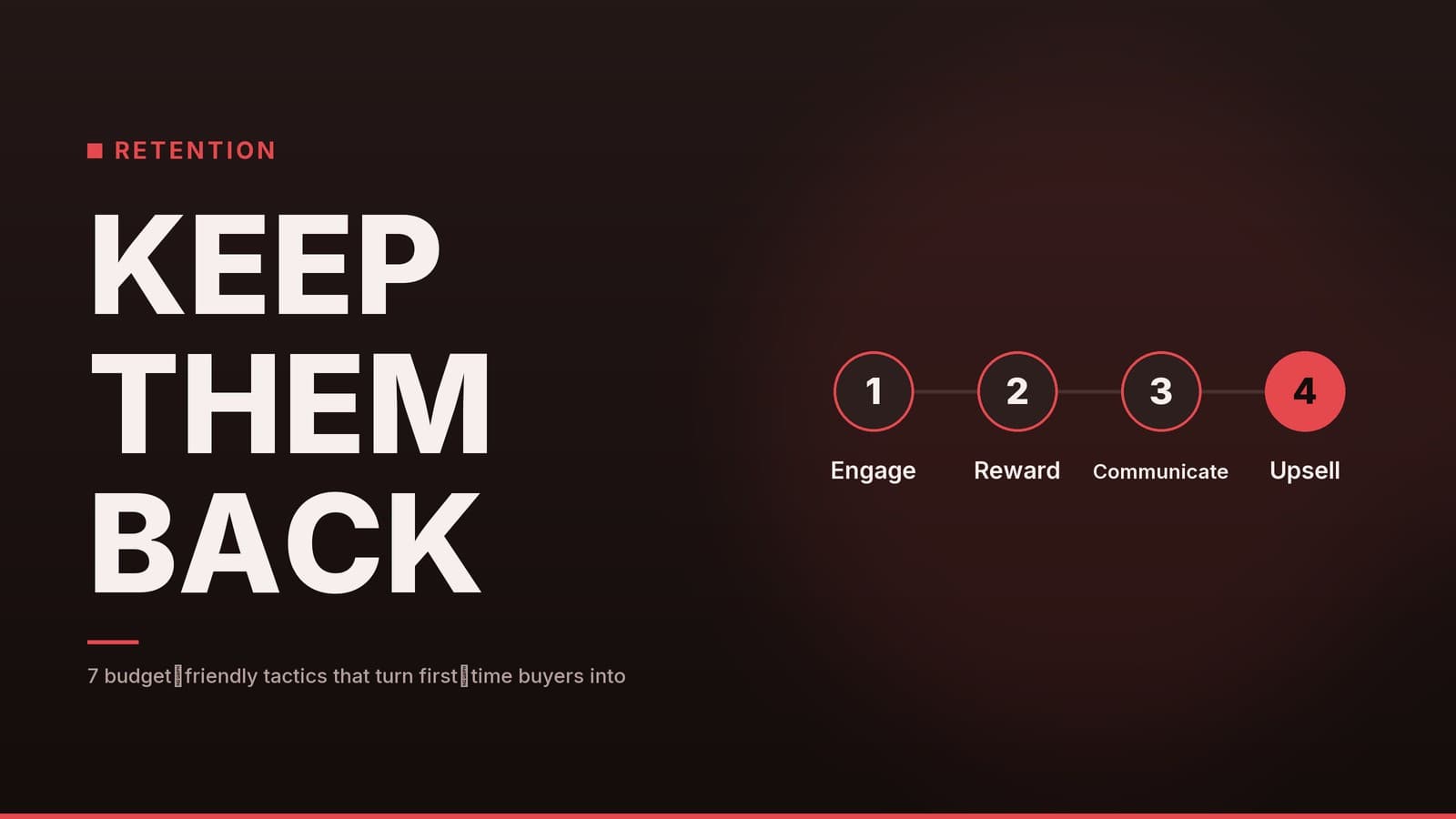
If you’re unsure whether a dedicated retention platform is necessary, start with manual tactics. See our companion piece [Keep Customers Returning: 7 Practical Retention Tactics] for quick wins you can implement today without software.
What Features to Look For
When evaluating retention software, focus on features that solve specific operational problems rather than “nice‑to‑have” extras. The table below outlines core capabilities to prioritise and why they matter.
| Feature | Why It Matters | Simple Example |
|---|---|---|
| Segmentation | Target messages based on behaviour (e.g., purchase frequency, spend level). This prevents sending irrelevant offers. | A clinic might segment patients by visit frequency to target reminders. |
| Automation | Reduces manual effort by triggering emails, SMS, or push notifications at specific moments. | A café might set up an automated birthday coupon to be sent a few days before a customer’s birthday. |
| Rewards & Loyalty | Encourages repeat purchases through points, tier levels, or instant discounts. | A salon offers a “10‑visit” stamp card that unlocks a free haircut. |
| Analytics | Provides visibility into churn rate, repeat‑purchase rate, and campaign performance so you can adjust tactics. | A real‑estate agency tracks how many past clients schedule a new viewing after a “welcome back” email. |
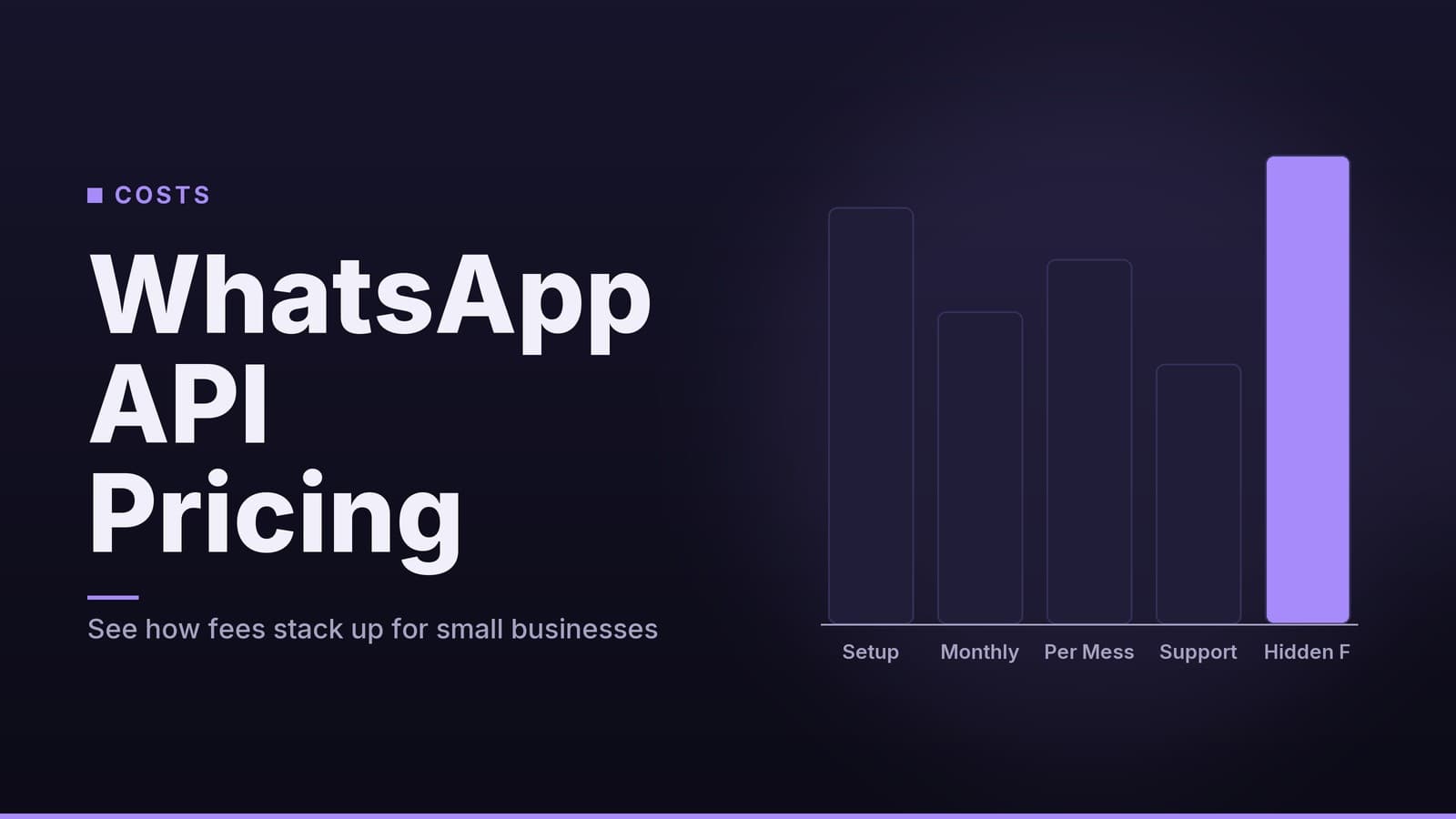
| Integrations | Ensures data flows seamlessly between your POS, e‑commerce site, and accounting tools, preventing double entry. | A retail shop syncs sales data from its Square POS into the retention platform and logs discounts in QuickBooks. |
When a vendor mentions these features, ask for a live demo that shows exactly how the feature works with the specific tools you already use. A feature that exists in theory but fails to integrate with your current POS is useless.
Practical Comparison of Platform Types
The retention software market is crowded, and specific platform names and pricing change frequently. Rather than listing specific brands that may change their plans, it is more useful to compare the types of platforms available. Most small businesses will find their needs met by one of these three categories.
Note: Always check the vendor’s current pricing page for up‑to‑date rates, plan limits, and trial lengths.
| Platform Type | Core Characteristics | Typical Pricing Model | Best Fit For |
|---|---|---|---|
| Simple Loyalty Tools | One‑click loyalty cards, basic email blasts, limited analytics. Often integrates only with popular e‑commerce platforms. | Flat monthly fee up to a set number of contacts, then per‑contact add‑ons. | Online‑first retailers, real‑estate agencies, or small shops with modest contact lists. |
| POS‑Centric Retention | Deep integration with physical point‑of‑sale systems (e.g., Square, Lightspeed). Strong on points‑based loyalty and in‑store redemption. | Per‑user per month, sometimes with discounts for high volume. | Cafés, boutique shops, and salons where most transactions happen in‑person. |
| All‑in‑One CRM & Retention | Advanced segmentation, multi‑channel automation (email, SMS, push), tiered rewards, and detailed analytics dashboards. | Tiered subscription (Basic/Growth/Enterprise) based on monthly active contacts. | Clinics, gyms, and service firms that want deeper data insights and complex workflows. |
Checklist for Choosing the Right Tier
Use this checklist to narrow down your options before diving into free trials.
| Question | If Yes, lean toward … | If No, consider … |
|---|---|---|
| Do you have more than 200 active customers? | Mid‑to‑high tier plans (often called Growth or Enterprise) | Basic or Starter tiers |
| Do you need real‑time sync with your POS (e.g., Square, Lightspeed)? | POS‑Centric tools or All‑in‑One with strong POS integrations | Simple Loyalty Tools (if e‑commerce only) |
| Is multi‑channel automation (email + SMS + push) a must? | All‑in‑One CRM & Retention | Simple Loyalty Tools (often email‑only) |
| Is budget strictly limited (e.g., under $50/month)? | Simple Loyalty Tools or Basic POS‑Centric plans | All‑in‑One tools may be overkill |
| Do you require advanced analytics (cohort analysis, churn prediction)? | All‑in‑One CRM & Retention | Simple or Basic POS‑Centric tools |
Implementation Checklist for a 30‑Day Roll‑Out
A disciplined rollout reduces the risk of “set‑and‑forget” failures. This four‑week plan ensures you have measurable data before scaling up.
| Week | Tasks | Tips |
|---|---|---|
| 1 – Data Migration | • Export customer lists from POS, spreadsheet, or CRM. • Clean the data (remove duplicates, standardise phone/email formats). • Import into the retention platform using the built‑in CSV wizard. | Run a small test import first; most tools let you preview how fields map. |
| 2 – Segmentation & Rewards Setup | • Define key segments (e.g., “First‑time buyer”, “High‑spend”, “Monthly subscriber”). • Create reward rules (points per dollar spent, birthday discount, referral bonus). | Keep the rule set under three items per segment; staff will find it easier to explain. |
| 3 – Automation Design | • Draft email/SMS templates (welcome, birthday, cart‑abandon). • Build automation flows (trigger → wait → send). • Test each flow with internal email addresses. | Use the platform’s preview mode; check that dynamic fields (e.g., first name) populate correctly. |
| 4 – Staff Training & Pilot Launch | • Run a short workshop (30 min) covering how to enroll a new customer and redeem rewards. • Launch a pilot with 5–10 loyal customers; collect feedback on message relevance and reward redemption ease. • Adjust rules based on pilot results, then go live. | Document the process in a one‑page cheat sheet and keep it at the checkout counter. |
Understanding the Cost‑Benefit
Calculating the return on investment (ROI) for retention software requires realistic assumptions. Many articles cite a “10 % uplift” in repeat visits as a benchmark, but this is not a guaranteed industry standard. Actual results vary significantly based on your industry, the quality of your data, and the relevance of your offers.
Instead of relying on a generic percentage, use this framework to estimate potential benefits for your specific business:
- Identify average revenue per transaction.
- Estimate incremental visits or purchases you realistically expect from your existing customer base due to the new program. Be conservative.
- Calculate incremental revenue by multiplying the average revenue by the estimated incremental visits.
- Compare to software cost: subtract the monthly fee from the incremental revenue.
Disclaimer: These calculations are for planning purposes only and do not constitute financial advice. Actual results will vary based on your specific business metrics. Always verify current pricing on the vendor’s website.
Common Pitfalls and How to Avoid Them
| Pitfall | Why It Hurts | Simple Fix |
|---|---|---|
| Pay‑per‑transaction pricing | Every sale adds a fee, which can erode margins for high‑volume businesses. | Choose a plan that caps fees per user or per month rather than per transaction. |
| Over‑complicated loyalty rules | Staff forget how to apply discounts; customers get confused and abandon the program. | Limit the program to one or two easy‑to‑explain rewards (e.g., “Earn 1 point per $1, 100 points = $10 off”). |
| Neglecting data‑privacy compliance | Storing personal data without proper consent mechanisms can lead to legal issues. | Verify that the platform offers opt‑in consent fields, data‑export tools, and a clear privacy policy. Consult your legal advisor regarding local regulations. |
| Skipping integration testing | Sales data never reaches the loyalty dashboard, so points aren’t awarded correctly. | Run a “sandbox” sync for a week before going live; involve the staff who will use the POS daily. |
| Launching without staff buy‑in | Employees may ignore the system, leading to missed opportunities. | Include a short incentive for staff (e.g., a small bonus for the most loyalty sign‑ups in the first month). |
Next Steps
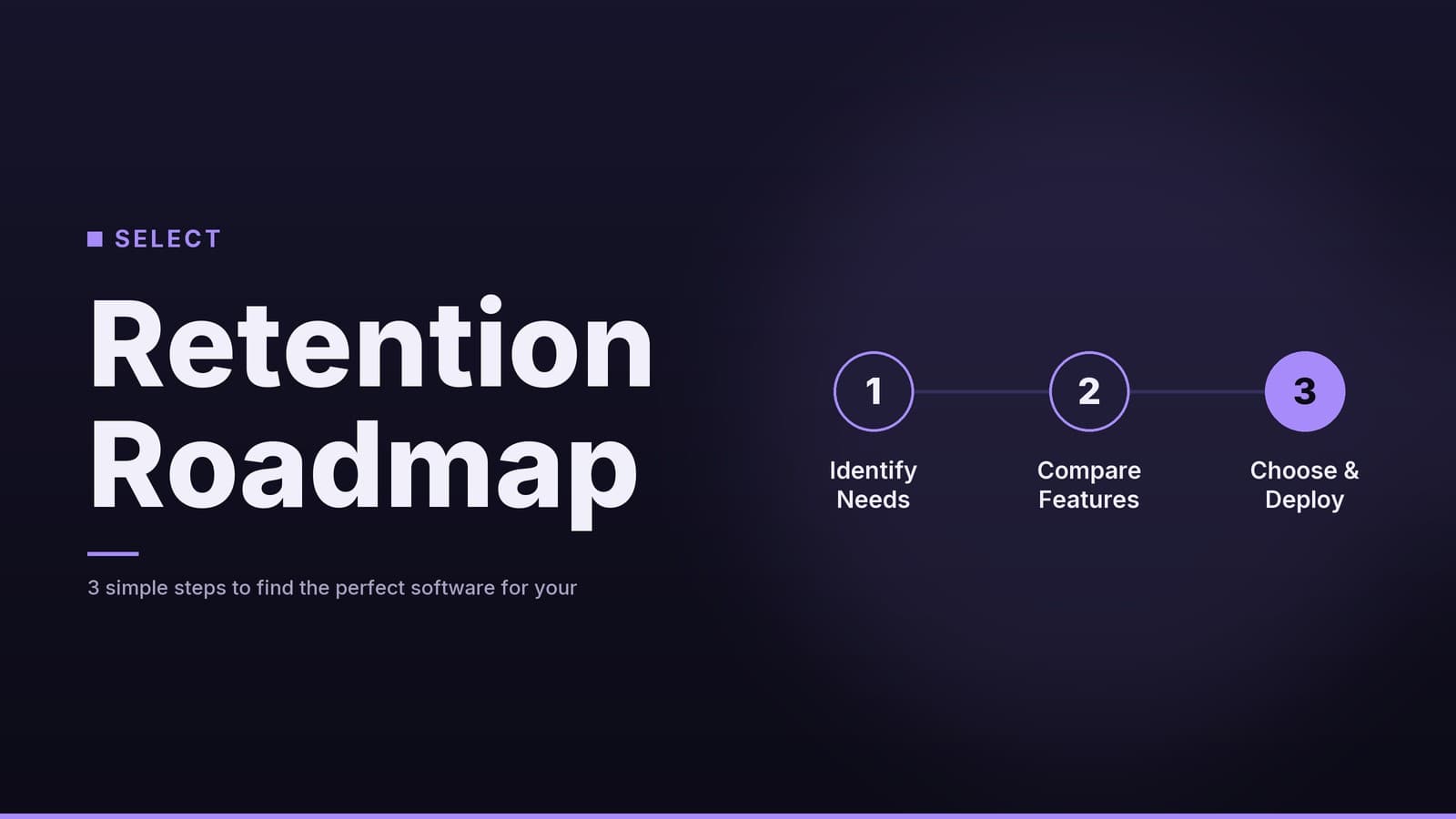
- Define your goal – Determine what success looks like (e.g., increased repeat visit frequency, higher average order value).
- Score the features – Use the “What Features to Look For” table to prioritise what you need versus what is nice‑to‑have.
- Pick a platform – Run the tier‑selection checklist against your budget and integration needs.
- Follow the 30‑day rollout – Execute the data migration, segmentation, automation, and staff training phases.
- Measure results – Compare the actual uplift in revenue to the monthly fee; adjust rules if needed.
Treat customer retention as a small, measurable project rather than a vague “nice‑to‑have,” and you can turn loyal patrons into a steady revenue engine without blowing your budget.
*For deeper insight into budgeting for software, see our article on [Tax software best buy].*
If you’re weighing the cost of a new tool against hiring extra staff, the comparison in [Payroll Software vs Manual Payroll: Which Saves You Time and Money] offers a useful perspective.
Frequently asked questions
Do I need a separate loyalty program if I already use a POS system?
Many POS systems have basic loyalty features, but dedicated retention platforms usually offer richer segmentation, automation and analytics.
Can I start with a free trial and still get real results?
Yes, most platforms offer a 14‑ to 30‑day trial; use it to test automation flows and measure repeat‑purchase rates before committing.