How to Set Up a Secure Online Booking System for Your Business
A practical guide to choosing, configuring, and securing an online booking system to protect customer data and streamline operations.
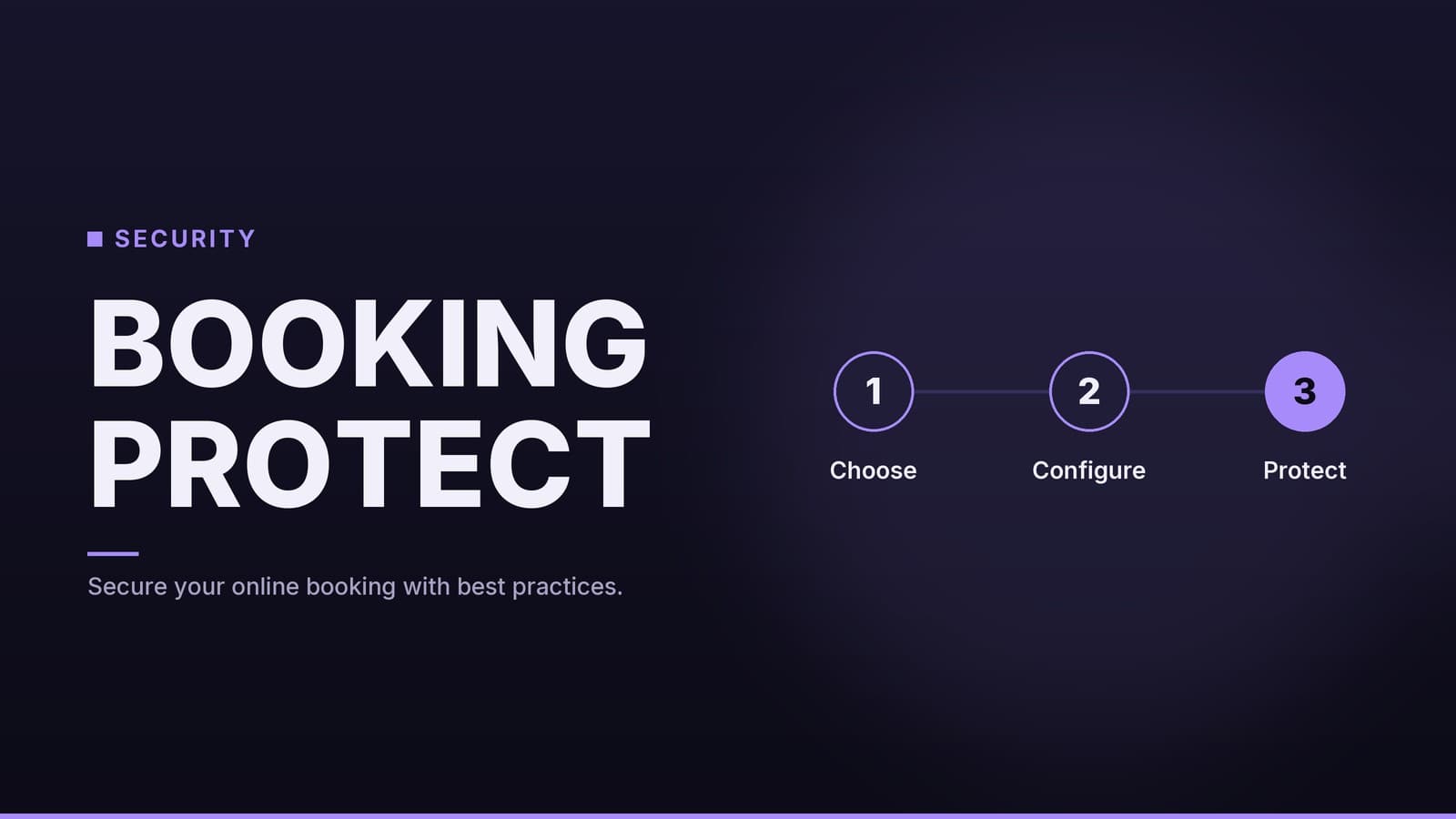
The Hidden Data Liability in Your Booking System
Your online booking tool is more than a convenience for customers; it is a data collection point. Every time a client books an appointment, they give your business their name, email address, phone number and often payment details. This turns a simple scheduling feature into a compliance and security responsibility.
For a small or medium business, the main risk is usually not a sophisticated cyber‑attack on your server, but the mishandling of the data you hold. If your system is compromised or you fail to protect the data, you face downtime, reputational damage and possible legal consequences. Without a dedicated IT security team, the burden falls on two areas: choosing a vendor that secures the infrastructure and configuring your own access controls correctly.
This guide gives practical steps to secure your booking platform. It covers how to evaluate vendor security standards, how to configure the system to limit internal risk, and how to manage ongoing security maintenance. We also look at the financial trade‑offs between different deployment models and the compliance standards you should ask about.
Evaluating Vendor Security and Compliance
When selecting a booking platform, you are outsourcing a significant portion of your security infrastructure. You don’t need to understand the code, but you must understand the guarantees the vendor offers. The most critical distinction is who holds the sensitive data.
Understanding Compliance Standards
Business owners often hear acronyms like PCI DSS, SOC 2 and ISO 27001, but they serve different purposes. It is important to know which ones matter for your setup.
| Standard | What It Relates To | Why It May Matter to You |
|---|---|---|
| PCI DSS | Standards for handling credit‑card data. | Important if you store or process card numbers yourself. If you use a third‑party gateway (e.g., Stripe or PayPal), the vendor’s scope for card data is reduced, but you should still verify the gateway’s compliance and the integration’s security. |
| SOC 2 Type II | An independent audit that evaluates a vendor’s controls over security, availability and confidentiality over a period of time. | Shows that the vendor has been assessed against a recognized framework; many businesses consider it a useful indicator of security posture. |
| ISO 27001 | An internationally recognised information‑security management framework. | Indicates the vendor follows a structured approach to managing information‑security risks. It can be a helpful signal, though relevance varies by provider and industry. |
Key Question for Vendors: “Do you store payment‑card data on your servers, or do you pass it directly to a PCI‑compliant third‑party gateway?” The latter generally reduces the amount of sensitive data the vendor holds and the potential attack surface.
SaaS vs. Self‑Hosted: A Security Comparison
Many business owners consider self‑hosting open‑source booking software to save on monthly subscription fees. However, this changes where the security responsibilities lie.
| Feature | Cloud‑Based (SaaS) Platform | Self‑Hosted Solution |
|---|---|---|
| Security Patches | Applied automatically by the vendor. | You must monitor bulletins and apply patches manually. |
| Infrastructure Management | Vendor manages servers, firewalls and DDoS protection. | You manage server security, firewalls and network protection. |
| Backup Management | Usually included in the subscription. | You must configure and test backup routines yourself. |
| Liability | Shared; the vendor is typically responsible for infrastructure failures, while you remain responsible for how you use the service. | Responsibility depends on contracts and local law; you may retain significant responsibility for security. |
| Upfront Cost | Lower; monthly subscription. | Higher; server costs plus setup time/labor. |
| Ongoing Cost | Subscription fee. | Labor costs for IT maintenance (even if outsourced). |
For most small businesses without dedicated IT staff, self‑hosting can introduce additional complexity. The “savings” are often offset by the cost of hiring an IT consultant to maintain the server securely. If you lack expertise in server hardening, firewall configuration and SSL management, a cloud‑based solution is usually the safer default.
Configuration Steps to Lock Down Your System
Choosing a secure vendor is only the first step. Your configuration determines how vulnerable your specific instance is to internal errors or external attacks. Follow these steps during your setup phase.
1. Enforce Unique, Strong Credentials
The default login credentials provided by many vendors are widely known. Change the main administrator password immediately. Use a password manager to generate a complex, unique password.
Critical Rule: Do not share the main admin login. If multiple staff members use the same account, you lose the ability to audit who did what. Create individual accounts for every staff member who needs access.
2. Enable Multi‑Factor Authentication (MFA)
Enable MFA for all staff accounts, not just the admin account. MFA requires a second verification step, such as a code from a phone app, in addition to the password.
While no security measure is perfect, MFA significantly reduces the risk of account takeover. If a staff member’s password is phished or leaked, an attacker still cannot log in without access to the staff member’s physical device or recovery codes. Check your vendor’s current plan details to confirm whether MFA is included; if it is not readily available, consider a platform that offers it.
3. Implement Role‑Based Access Control (RBAC)
RBAC ensures that staff members only have access to the functions they need to do their job. This limits the “attack surface.” If a receptionist’s account is compromised, the attacker should not be able to delete the customer database or change pricing.
Typical role configurations:
- Receptionist/Front Desk: Can create, view and cancel bookings. Cannot access financial reports or user management.
- Manager: Can view all bookings, edit settings and access reports. Cannot delete user accounts.
- Owner/Admin: Full access, including user management, billing and system settings.
4. Verify Backup and Restoration Procedures
Ask your vendor: “How often are backups created, and how long are they retained?” Ideally, you want daily backups. More importantly, ask: “If the system crashes or data is corrupted tomorrow, can we restore to yesterday’s state?”
A backup is useless if you cannot restore it. Some vendors offer a test‑restore feature; others leave verification to you. For self‑hosted solutions, you are responsible for both backup creation and restoration testing.
5. Define Data Retention and Deletion Policies
Decide how long you need to keep customer records. For a hair salon, you might only need records for a short period for tax purposes. For a clinic, legal requirements may mandate longer retention.
Important: Do not guess your legal obligations. Consult a legal professional familiar with your industry and jurisdiction to determine how long you must retain personal data and how you must handle deletion requests. Ensure your booking system allows you to delete customer data upon request, as many jurisdictions grant individuals the right to have their data erased.
Managing Ongoing Risks and Human Error
Secure software is only as effective as the people using it. Human error remains a leading cause of security incidents. The following practices help mitigate risks related to staff behaviour and system monitoring.
Train Staff on Phishing and Social Engineering
Attackers often target employees rather than servers. A common tactic is sending a phishing email that looks like it comes from your booking vendor, asking staff to “verify their account” or “update payment details.”
Conduct a brief, practical training session for your team:
- Check the Sender: Verify the email address, not just the display name.
- Hover Before Clicking: Hover over links to see the actual URL. If it doesn’t match the vendor’s domain, do not click.
- Never Share Credentials: Remind staff that entering login details on a suspicious page is a security violation.
- Report, Don’t React: If an email looks suspicious, forward it to you or delete it. Do not click links or download attachments.
Maintain a Clean User List
Access rights should be temporary, not permanent. Review your user list quarterly or whenever staff changes occur.
- Offboarding: Remove access immediately when an employee leaves.
- Role Changes: Update permissions when responsibilities shift.
- Guest Accounts: Delete any temporary or test accounts that are no longer needed.
Leaving ex‑employees with active accounts is a common oversight that can lead to unauthorized access long after someone has left the company.
Monitor Activity Logs
If your platform offers activity logs or alerts, use them. Look for signs of unusual behaviour:
- Logins from unfamiliar locations or times.
- Bulk cancellations or changes made outside of normal business hours.
- Multiple failed login attempts for a single account.
If you see something suspicious, lock the account and change the password immediately. Investigate whether the account was compromised or if it was a user error.
Implement a Clear Privacy Policy
Your website should have a plain‑language privacy policy that explains what data you collect and why. It should also state how long you keep it and how customers can request deletion. This builds trust and demonstrates that you take data protection seriously.
If you use AI tools or third‑party integrations for customer communication, ensure your privacy policy reflects this. Transparency about how data is used helps maintain customer confidence.
The Financial Case for Security
It is easy to view security measures as an expense. However, the cost of a security breach often far outweighs the cost of prevention.
While exact breach costs vary by industry and region, the financial impact typically includes:
- Direct Costs: Forensics, legal fees, credit‑monitoring for affected customers and potential regulatory fines.
- Indirect Costs: Downtime, loss of revenue and reputational damage.
In contrast, the cost of security measures for a small business is relatively low:
- SaaS Subscription: Pricing varies by plan and vendor; check the vendor’s current page to see which security features are included in your tier.
- Staff Time: A few hours for initial setup and quarterly reviews.
- Training: One hour of staff training per year.
The trade‑off is clear: spending a few hours to configure MFA and RBAC is a low‑cost insurance policy against high‑cost downtime and legal issues. If you are considering self‑hosting to save on subscription fees, factor in the cost of professional IT maintenance. Depending on local labour rates and the specific SaaS pricing, the total cost of a self‑hosted solution—including security labour—may be comparable to or higher than a managed service.
For businesses looking to further streamline operations, understanding the balance between automation and human touch is key. However, no matter how much you automate, the security fundamentals outlined above remain the foundation of a trustworthy online presence.
Security Checklist for Quick Reference
| Action Item | Frequency | Responsible Party |
|---|---|---|
| Change default admin password | Once (at setup) | Owner/Admin |
| Enable MFA for all staff accounts | Once (at setup) | Owner/Admin |
| Create individual user accounts | Per new hire | Owner/Admin |
| Assign roles based on job function | Per new hire/role change | Owner/Admin |
| Review user list and remove ex‑employees | Quarterly or on staff change | Owner/Admin |
| Verify backup restoration capability | Annually | Owner/Admin |
| Conduct staff phishing awareness training | Annually | Owner/Admin |
| Review privacy policy and data retention | Annually or on law change | Owner/Admin + Legal Counsel |
| Check for unusual activity in logs | Monthly | Manager/Owner |
Frequently asked questions
Do I need to handle credit card security myself?
No, if you use a reputable booking platform that integrates with a major payment processor (like Stripe or PayPal), the processor handles the sensitive card data. You should never store full credit card numbers in your own database or spreadsheets.
Is two-factor authentication (2FA) mandatory for staff?
It is highly recommended and often considered a best practice for any system with access to customer data. It adds a layer of security that prevents unauthorized access even if a password is stolen.
What happens if the booking software provider has a breach?
You should check the vendor's terms of service and security incident response plan. While they are responsible for their infrastructure, you may still be liable for notifying your customers if their data was compromised, so choose vendors with a strong track record.