Reduce Clinic No‑Shows with Smart Booking Software
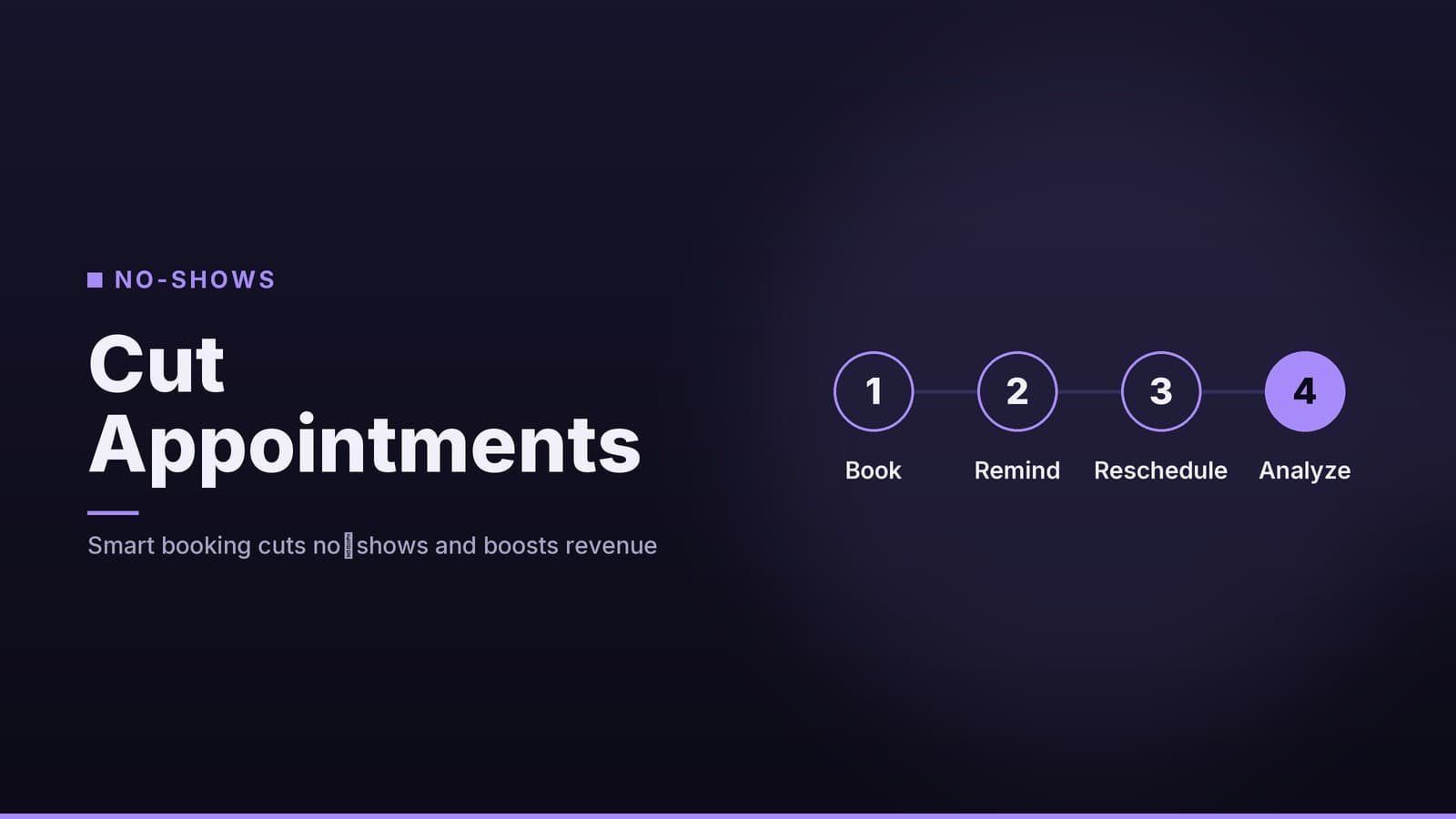
Learn how clinic owners can cut no‑shows by using booking tools that send reminders, allow easy rescheduling and capture patient data.
Why No‑Shows Hurt Your Clinic
Empty appointment slots do more than leave a chair unused. Each missed visit has immediate operational consequences that compound over time. For a small practice relying on tight 15‑ to 30‑minute slots, even a modest volume of no‑shows can disrupt the entire day’s schedule.
| Impact | What it looks like in practice |
|---|---|
| Lost revenue | The time a clinician could have billed to a patient is gone. Unlike retail, you cannot easily fill that specific slot with a walk‑in for a different service later in the day. |
| Staff inefficiency | Receptionists and nurses often spend time chasing patients for reschedules or managing the administrative fallout of an empty slot, diverting them from patient care. |
| Scheduling friction | Frequent gaps make it harder to offer flexible times to other patients, potentially leading to longer waitlists and reduced patient satisfaction. |
While every clinic is different, the core problem remains the same: unconfirmed appointments create uncertainty. The goal of any booking system is not just to take appointments, but to secure them.
Key Features to Look For
When scouting a booking platform, focus on capabilities that automate the parts of the process that are currently manual. You do not need an enterprise-grade system; you need a tool that fits your current workflow and reduces the friction for both staff and patients.
Why These Features Matter
The following features address the most common reasons for no‑shows: forgetfulness, inconvenience, and lack of commitment.
| Feature | Why it matters for a clinic |
|---|---|
| Automated SMS/Email reminders | Text messages have high open rates compared to email. A reminder sent 24 hours prior, with a short follow-up 1 hour before, helps patients confirm their intent to attend. |
| One‑click rescheduling | Allows patients to move an appointment without calling the front desk. This reduces phone traffic and ensures the old slot is immediately released for others if needed. |
| Patient data capture | Collects contact details, preferred language, and consent for reminders in one place. This reduces paperwork at check-in and ensures you have accurate data for sending reminders. |
| Integration with existing EMR or calendar | Syncs booked slots directly into your electronic medical record or Google/Outlook calendar. This avoids double entry and ensures the clinical team sees the schedule in real-time. |
| Reporting dashboard | Shows no‑show rates and cancellation patterns. This allows you to see if changes (like new reminder times) are actually working. |
If you already use a billing solution, check its marketplace for a booking add‑on that can share patient records. Verify on the vendor’s site which billing tools offer native scheduling modules or compatible booking plugins.
Step‑by‑Step Implementation Checklist
A systematic rollout prevents disruption and keeps staff confidence high. You do not need to overhaul the entire clinic at once. Follow these steps to test the new process before going fully live.
Map your current booking flow Sketch a simple diagram of how appointments are currently booked: patient calls → receptionist logs in calendar → confirmation spoken on the phone. Identify where manual work occurs, such as sending reminder texts or checking for double-bookings.
Choose a tool that fits your tech level Low-tech options: Web-based portals that require only a browser and a single admin login. Mid-tech options: Platforms with API hooks for EMR integration. These may require some initial setup time or a part-time IT consultant.
Set reminder timings Start with a standard two-reminder structure:
- 24 hours before: Gives patients a day to rearrange if needed.
- 1 hour before: A final “you’re on schedule” ping. Keep the message short to avoid annoyance.
- Note: You can adjust these times later based on your data. For high-frequency visits like physiotherapy, a 12-hour intermediate reminder may also be useful.
Configure rescheduling options Allow patients to pick any open slot within a reasonable window, such as two weeks. You may want to set a cut-off for same-day changes (e.g., 2 hours before the appointment) to protect the schedule, but be aware that local regulations and patient rights may influence how strictly you can enforce this.
Test with a small group of patients Pick 5–10 regular clients and ask them to use the new system for a short period. Collect feedback on message tone, ease of rescheduling, and any technical glitches. This low-stakes test helps you fix issues before the whole clinic relies on the new process.
Review metrics after 4 weeks Pull the no-show percentage from the reporting dashboard. Compare it against the baseline you recorded in step 1. If the drop is modest, adjust reminder frequency or message content. If the drop is significant, consider expanding the tool to all departments.
Instead of a complex project management tool, a simple spreadsheet can track each step, the person responsible, and the target date. This keeps the rollout organized without adding administrative burden.
Cost & ROI Considerations
Pricing models vary significantly between vendors. Most booking tools charge per user per month, or based on the number of active patients. Clinics typically need only one admin account for scheduling, so the recurring cost is often modest. However, you must factor in setup, SMS fees, and potential integration costs.
Cost Breakdown
| Cost Element | Typical Range | How to keep it low |
|---|---|---|
| Software subscription | Varies by vendor; check current pricing pages. | Start with a free tier or trial if it includes SMS reminders. Upgrade only when you need advanced reporting or multi-location support. |
| Setup & training | $0–$200 (self-service tutorials, occasional consultant hour). | Use the vendor’s onboarding webinars. Involve only one staff member in the initial configuration to minimize training time. |
| SMS fees | Varies by provider and volume; check vendor pricing. | Negotiate bulk rates if you send high volumes. Some platforms bundle a limited number of messages with the subscription. |
| Deposit processing | May be included in the platform fee, or require a separate merchant account. | Check if your existing card-processing provider supports the booking tool to avoid extra merchant fees. |
Calculating Your Return on Investment
It is difficult to provide a universal ROI figure because it depends entirely on your average visit value, your current no-show rate, and your staff costs. However, you can calculate your own baseline:
- Calculate the cost of a no-show: Average revenue per visit × (1 - no-show rate).
- Estimate the reduction: Project a conservative reduction in no-shows based on your specific patient behavior.
- Compare to costs: If the value of the recovered appointments exceeds the monthly subscription and SMS costs, the tool is paying for itself.
Note: Do not rely on generic industry claims about "covering costs in three months." Run this calculation with your actual numbers to see if the tool makes financial sense for your specific practice.
Choosing the Right Tool: Quick Comparison
Below is a non-exhaustive snapshot of three popular categories. Verify current features and pricing on each vendor’s site before deciding.
| Category | Typical Strength | Typical Weakness | Example Use‑Case |
|---|---|---|---|
| Standalone booking SaaS (e.g., simple web portal) | Easy to set up, low cost, built‑in SMS. | Limited EMR integration. | Small dental office that only needs reminders and a calendar view. |
| Integrated EMR add‑on (e.g., scheduling module inside the EMR) | Seamless patient record sync, single login. | Higher price, may need IT support for initial config. | Multi‑provider clinic that wants appointments to appear directly in patient charts. |
| Customizable workflow platform (e.g., low‑code automation tools) | Tailorable reminders, can add deposits, can link to any calendar. | Requires a tech‑savvy admin, longer rollout. | Specialty clinic with unique consent forms and multi‑step pre‑visit checks. |
If you already have an EMR that offers a scheduling plug-in, start there to minimize data silos. Otherwise, a standalone SaaS with a free tier is a low-risk way to test the concept.
Practical Tips for Ongoing Success
- Keep messages friendly and brief. “Your 10 am physiotherapy session is tomorrow. Reply 1 to confirm, 2 to reschedule.”
- Allow easy opt‑out. Some patients may prefer a phone call or may have privacy concerns about SMS. Respect that to avoid churn.
- Monitor peak no‑show times. If mornings have higher rates, consider a second reminder 2 hours before.
- Educate staff. Even with automation, front-desk personnel should know how to manually override a booking if a patient calls in.
- Review policies periodically. If you implement cancellation fees or deposits, review their effectiveness and patient reaction quarterly. Be aware that regulations regarding deposits and cancellation policies may vary by jurisdiction, so consult local guidelines.
How HeyGrowin can help
HeyGrowin builds ready‑made booking and reminder tools that plug into your existing systems, so you can start reducing no‑shows without hiring extra staff. Visit our website to explore a solution that fits your clinic’s size and budget.
Frequently asked questions
Do I need a tech team to set up booking software?
No, most clinic‑focused tools offer a simple setup wizard and customer support to guide you through the process.
Can I keep my existing calendar system?
Yes, many booking platforms integrate with Google Calendar, Outlook or your EMR, so you can keep your current system.