Safe AI Learning: A Practical Starter Guide
Learn how to use AI tools safely and responsibly, with clear steps and real‑world examples for beginners.
Why Safety Matters in AI Learning
AI models generate output based on the data they have seen and the prompts they receive. When learners experiment with these tools, three practical risks tend to surface:
| Risk | How it can appear in a learning workflow | Why it matters |
|---|---|---|
| Data exposure | Uploading raw documents, code snippets, or API keys to a cloud notebook. | Some services retain inputs for model improvement or for debugging, which can unintentionally leak proprietary or personal information. |
| Bias propagation | Using a dataset that over‑represents a particular demographic or phrasing style. | The model may reproduce gendered, racial, or cultural stereotypes, leading to misleading or harmful results. |
| Misuse potential | Prompting a model to generate disinformation, phishing text, or deep‑fake scripts. | Even exploratory projects can create content that is later repurposed for malicious ends. |
Understanding these concrete pathways helps learners choose platforms and practices that directly address each risk, rather than relying on vague “ethical” statements.
Choosing a Learning Platform
Risks to Consider
- Data‑usage opacity – Does the provider store prompts for future model training?
- Isolation level – Are notebooks or containers separated from your personal files and from other users?
- Built‑in safety controls – Does the service offer moderation APIs or the ability to disable data logging?
Platform‑category comparison
The table below summarises three common categories. The rows are ordered to highlight trade‑offs that matter for safety‑conscious learners.
| Category | Typical isolation method | Data‑usage transparency | Availability of moderation tools | Cost model (starter tier) |
|---|---|---|---|---|
| Cloud‑based sandbox (e.g., Google Colab, Azure Notebooks) | Each notebook runs in a container that is reset after the session ends. | Providers usually state that uploaded data may be used for service improvement unless you opt out. | Moderation extensions are often optional add‑ons; you must enable them manually. | Free tier with usage limits that can change; paid plans add more compute. |
| Local open‑source setup (e.g., Hugging Face Transformers on your own machine) | Isolation depends on your OS and any containerisation you add (Docker, virtualenv). | No external collection; you retain full control of inputs and outputs. | You must integrate third‑party detectors yourself (e.g., open‑source toxicity libraries). | No platform fee; you need sufficient hardware. |
| Hosted “no‑code” playground (e.g., OpenAI Playground, Cohere Studio) | Execution occurs on the provider’s servers; you cannot inspect the underlying environment. | Policies vary; many retain prompts for research unless a specific toggle is offered. | Built‑in moderation endpoint is usually available and enabled by default. | Free tier with request caps; higher tiers unlock larger token limits. |
How to decide
- If you need strict control over every byte that leaves your machine, a local setup is the safest choice.
- If you prefer quick start‑up without hardware investment, a cloud sandbox is acceptable provided you review the data‑usage clause and enable any available moderation add‑ons.
- For rapid prototyping of short prompts, a hosted playground works, but you should treat it as a non‑isolated environment and avoid uploading sensitive material.
Simple sandbox vs. non‑sandbox case study
Scenario: A learner uploads a CSV containing client identifiers to a cloud notebook and runs a summarisation script. In a sandboxed notebook, the container is destroyed after the session, and the CSV is not persisted on the provider’s storage. In a non‑sandboxed environment (e.g., a shared JupyterHub without per‑user containers), the file remains on a shared filesystem that other users can access.
Result: The sandboxed approach eliminates the risk of accidental data exposure to other users, while the non‑sandboxed setup leaves the data vulnerable until the learner manually deletes the file. The lesson is that isolation at the environment level is a concrete mitigation, not just a “nice‑to‑have” feature.
Protecting Your Personal Data
The following checklist focuses on actions that apply to most learning platforms, whether cloud‑based or local.
| Action | Reason it helps | Practical tip |
|---|---|---|
| Use an email alias that does not contain your real name | Reduces the link between your identity and the AI activity | Create a free Gmail or ProtonMail address solely for AI experiments. |
| Keep API keys out of notebooks | Prevents accidental exposure when notebooks are shared or published | Store keys in environment variables (export OPENAI_API_KEY=…) and read them in code with os.getenv. |
| Enable two‑factor authentication (2FA) on all accounts | Blocks unauthorized access to services that hold your prompts or keys | Prefer authenticator‑app based 2FA (e.g., Authy, Google Authenticator) over SMS. |
| Review platform‑specific data‑retention settings | Some services let you opt out of prompt logging | Look for a “data sharing” or “research usage” toggle in the account or API settings; if none exists, treat the platform as retaining data. |
| Replace real identifiers with placeholders before uploading | Prevents accidental leakage of personal or proprietary information | Use generic tokens like <<CLIENT_ID>> or <<PERSON_NAME>> in documents. |
These steps are not a guarantee of privacy, but they raise the effort required for an attacker to obtain useful information.
Understanding and Mitigating Bias
Bias can arise from the training data, the model architecture, or the way prompts are phrased. A systematic approach combines three layers: dataset selection, automated detection, and prompt iteration.
Selecting fairness‑aware datasets
Repositories such as the Hugging Face Datasets hub often include metadata about demographic balance. Look for tags like gender‑balanced or ethnicity‑annotated. When a dataset lacks such tags, treat it as a potential source of bias and consider augmenting it with additional balanced samples.
Open‑source bias‑detection tools – side‑by‑side comparison
| Tool | License | Integration effort* | Typical accuracy (qualitative) | Documentation quality |
|---|---|---|---|---|
| Fairlearn | MIT | Low – pip install, works with scikit‑learn pipelines | High for tabular fairness metrics (e.g., demographic parity) | Good examples; API focused on model evaluation |
| AIF360 | Apache 2.0 | Medium – requires understanding of its metric library and data preprocessing | High for a broad set of fairness metrics across modalities | Extensive tutorials, but API can be verbose |
| Perspective API (Google) | Proprietary (free tier with quota) | Low – simple HTTP request; requires API key | Moderate for toxicity detection; not a full fairness suite | Clear quick‑start guide; rate limits documented |
* Integration effort reflects the amount of code you typically need to write to add the tool to a notebook.
Choose the tool that matches your project’s focus: for quick toxicity checks, the Perspective API is convenient; for deeper fairness analysis of classification models, Fairlearn or AIF360 provide richer metric sets.
Prompt iteration as a bias‑mitigation technique
Prompt wording can nudge a model toward more neutral language. Rather than presenting a numerical “bias score”, record the observable changes in the output.
| Prompt variant | Observed change in language | Practical takeaway |
|---|---|---|
| “Describe a software engineer.” | Frequently uses “he/she”. | Baseline wording may inherit gendered assumptions. |
| “Describe a software engineer using gender‑neutral pronouns.” | Uses “they” or no pronouns. | Adding a gender‑neutral cue reduces stereotypical language. |
| “Give a concise, unbiased overview of a software engineer’s duties, avoiding personal pronouns.” | Minimal gendered references, more factual tone. | Explicit constraints in the prompt help guide the model. |
Log each variant and the corresponding output; over time you’ll develop a library of safe prompts for common tasks.
Implementing Safe Prompting Practices
- State the task and constraints in a single sentence
Example: “Summarise the following paragraph in three bullet points, without adding personal opinions.” - Avoid requests for third‑party personal data
Prompts such as “What is the home address of X?” are blocked by most moderation APIs and may violate privacy laws. - Pre‑check prompts with a moderation endpoint
Many providers expose amoderationcall that returns a boolean flag. Incorporate it into your workflow before the main generation request.
## Example using OpenAI's moderation endpoint
response = client.moderations.create(input=my_prompt)
if response.results[0].flagged:
    raise ValueError("Prompt violates safety policy")
## Proceed only if not flagged
completion = client.chat.completions.create(messages=[{"role":"user","content":my_prompt}])
- Limit temperature and token length for exploratory runs
Lower temperature values (e.g., 0.2–0.4) produce more deterministic output, reducing the chance of unexpected offensive content.
By embedding these checks directly into your code, you create a repeatable safety gate that does not rely on manual review for every run.
Monitoring and Reviewing AI Outputs
Even with safeguards, models can drift or produce outliers. A lightweight monitoring loop helps you catch problems early.
| Monitoring step | Tool or method | Suggested cadence |
|---|---|---|
| Log prompts and responses | Append to a CSV file or SQLite database from the notebook | Every execution |
| Run automated bias / profanity scan | Use the chosen bias‑detection tool (e.g., Fairlearn metric, Perspective API) | Immediately after generation |
| Trigger alerts on threshold breaches | Send an email or Slack message via a webhook if a scan exceeds a predefined level | Real‑time |
| Conduct a broader audit | Randomly sample logged entries and review manually for subtle issues | Weekly or after a noticeable increase in volume |
Keeping structured logs also simplifies internal reviews and can serve as evidence of due diligence if you need to demonstrate compliance later.
Legal and Ethical Considerations
The following points reflect widely recognised best practices; they are not legal advice and may vary by jurisdiction.
| Area | Practical guidance |
|---|---|
| Copyright | Treat AI‑generated text as a draft. Verify originality (e.g., run a plagiarism check) before publishing or commercialising. |
| Data‑protection regulations | If you handle personal identifiers, familiarize yourself with the relevant rules (e.g., GDPR in the EU, CCPA in California). Typical obligations include providing notice, enabling data‑subject rights, and possibly completing a Data Protection Impact Assessment. |
| Professional ethics | Document the datasets, model versions, and safety checks you employed. A simple README.md in the project repository can serve as a traceable record. |
| Disclaimer | When in doubt, seek advice from a qualified legal or compliance professional. This guide does not replace such counsel. |
By embedding these considerations into your workflow, you reduce the likelihood of inadvertent legal exposure while maintaining a responsible development posture.
Practical Next Steps
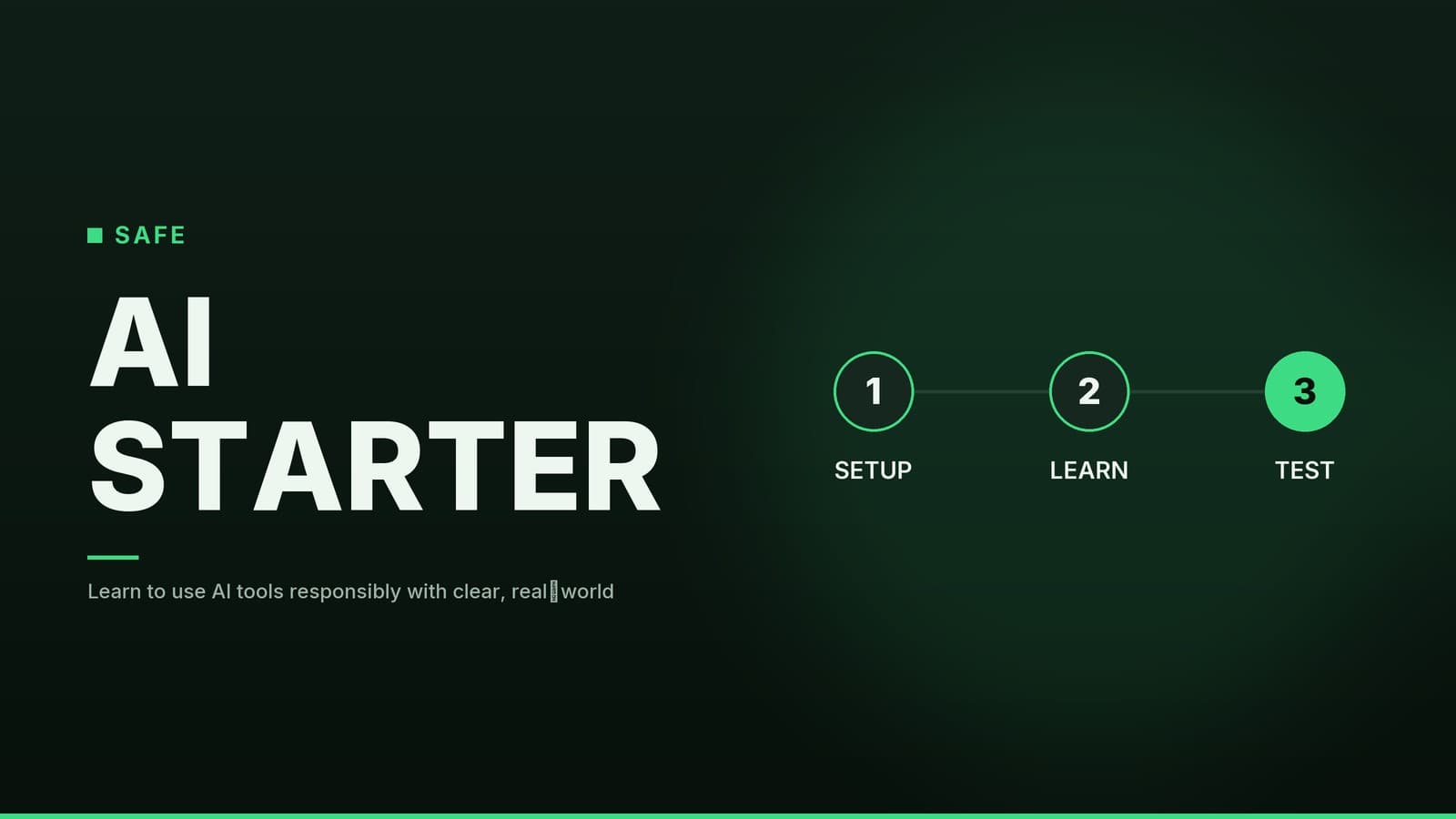
A three‑stage plan can turn the concepts above into habit.
| Stage | Objective | Concrete actions |
|---|---|---|
| 1. Foundations | Build a safety‑first mindset | • Choose a platform that offers clear data‑usage statements and sandboxing. • Read the platform’s privacy policy and note any data‑retention clauses. • Enable 2FA and set up environment‑variable storage for API keys. |
| 2. Low‑risk experiment | Apply detection and monitoring on a simple task | • Pick a fairness‑labelled dataset (e.g., “IMDB reviews – balanced”). • Generate a short summary with a language model. • Run the output through a bias‑detection tool (e.g., Perspective API) and log the result. • Review the log for any flagged content. |
| 3. Mini project | Demonstrate end‑to‑end safety workflow | • Define a bounded use case, such as a FAQ bot for a fictional company. • Implement prompt moderation, logging, and automated scans as part of the code. • After a week of usage, perform a manual audit of the logs and update the documentation with any lessons learned. |
Completing these stages provides a tangible portfolio piece that showcases both technical ability and responsible AI practice.
Consolidated Checklist
| Category | Key actions |
|---|---|
| Platform selection | Verify sandbox capability, read data‑usage policy, confirm availability of moderation APIs. |
| Personal data protection | Use pseudonymous email, store keys securely, enable 2FA, replace real identifiers with placeholders. |
| Bias mitigation | Choose fairness‑annotated datasets, integrate a bias‑detection tool, iterate prompts with explicit neutrality constraints. |
| Prompt safety | Write concise, scoped prompts; pre‑check with moderation endpoint; limit temperature for exploratory runs. |
| Output monitoring | Log every interaction, run automated scans, set up real‑time alerts, schedule periodic manual reviews. |
| Legal/ethical | Treat AI output as draft, respect copyright, follow applicable data‑protection rules, keep documentation of safety measures. |
| Learning roadmap | Follow the three‑stage plan (foundations → low‑risk experiment → mini project). |
Applying this checklist from the outset helps keep privacy, fairness, and misuse concerns under control while you explore AI capabilities.
Frequently asked questions
Do I need to pay for safe AI tools?
Many platforms offer free tiers with safety features; paid plans often provide stronger privacy controls and higher limits.
Can I use AI for creative writing safely?
Yes, but always review outputs for bias, ensure you have rights to any generated content, and avoid publishing sensitive personal data.