Use Phonable Texting to Capture Missed Calls and Boost Sales
Learn how Phonable’s texting feature turns missed calls into sales opportunities for small businesses.
The Cost of Silence: Why Missed Calls Matter
When a customer calls your business and reaches voicemail, the interaction does not end. For many small and medium businesses, that moment is a critical decision point. The caller has immediate intent—they are ready to book, buy, or ask a question right now. If they cannot speak to a human, their patience is limited. They may leave a message, but they are also likely to call the next business on their list.
The financial impact of this “silent drop‑off” is often invisible. You do not see lost revenue in your bank statement; you only see an empty slot in your calendar or a customer who never returns. While missed‑call rates differ by industry and region, many owners notice that a noticeable portion of inbound calls go unanswered during peak hours. This happens for practical reasons: staff are serving current customers, in meetings, or simply overwhelmed. In a busy café, the phone rings while the owner is at the register. In a professional service firm, the call comes in during a client meeting.
The cost extends beyond the immediate transaction. A customer who waits for a callback and is then told the appointment is full or the item is out of stock feels neglected. That friction can lead to negative reviews or simply a loss of future business. Conversely, acknowledging a missed call quickly and offering a clear next step keeps the connection alive. The goal is not just to answer every call, but to ensure no caller is left without a path forward.
Missed‑Call Texting: A Practical Solution
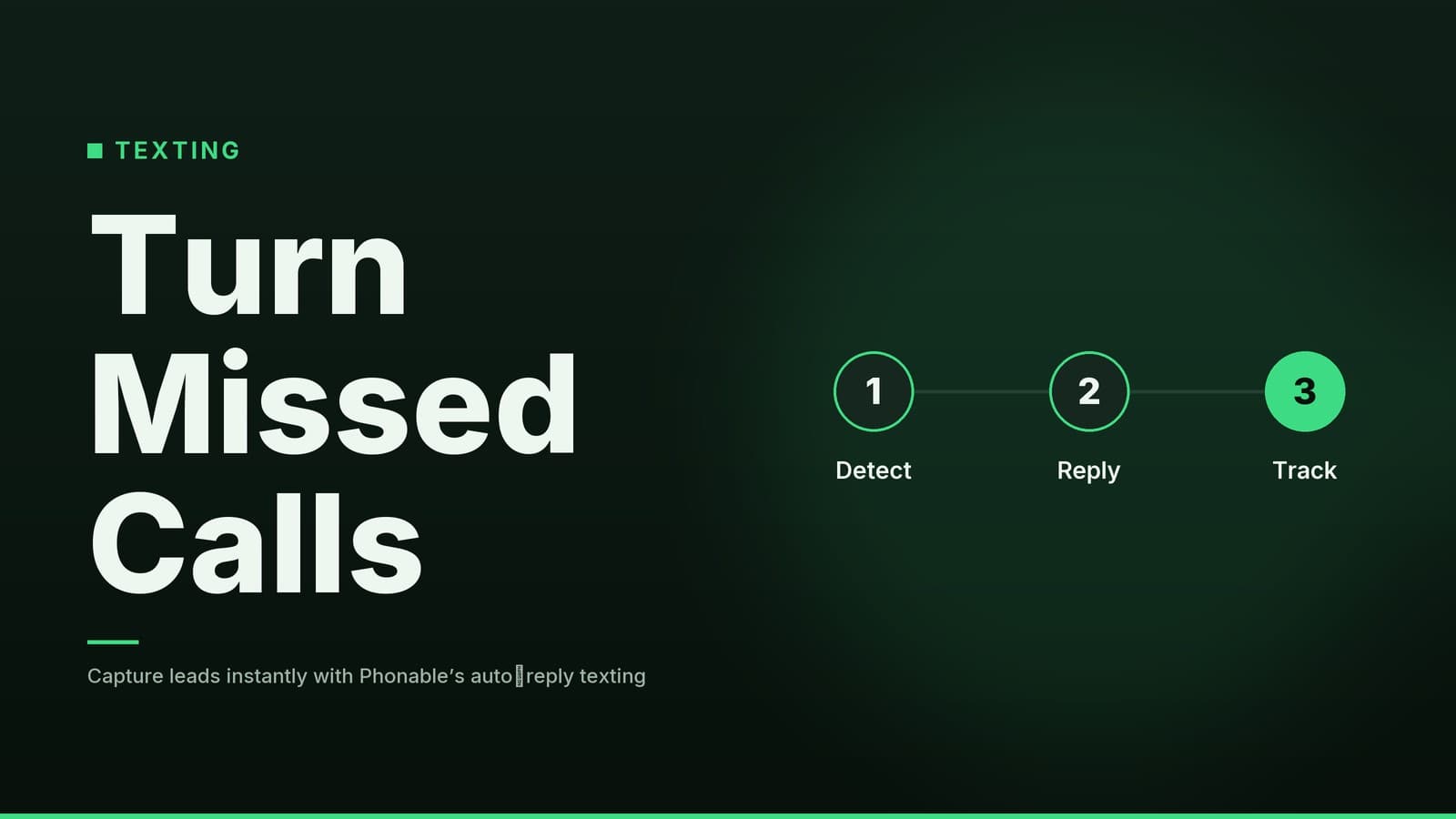
Automated missed‑call texting turns a missed connection into an immediate, low‑friction conversation. Instead of relying solely on voicemail, which users often check infrequently, the system sends a text message to the caller’s mobile number the moment the call goes unanswered.
This approach works because it meets customers where they are. Many people check text messages more frequently than voicemail. By sending a text, you acknowledge the customer’s intent right away. You are telling them, “We saw you called, and we want to help.” This simple act of acknowledgment reduces the uncertainty that often causes customers to move on to a competitor.
The text can do more than just notify. You can include a brief apology, a direct link to your online booking system, a menu, or a special offer. Because the message is sent automatically, it works even when your business is closed, on weekends, or during holiday hours. It helps keep your business reachable without needing additional staff or complex call‑routing hardware. The system handles the logic: if the call is not answered, the text goes out. This removes the risk of forgetting to call back and ensures consistency in how you treat every potential customer.
Step‑by‑Step Setup
Setting up automated missed‑call texts is straightforward, but getting the details right is crucial for effectiveness. Here is how to approach the configuration to ensure it works smoothly for your business.
1. Enable the Feature
Log into your communication platform dashboard. Navigate to the settings or automation section where you can manage call behaviours. Look for an option labeled “Missed Call Text” or something similar. Turn it on so the platform knows to trigger a text whenever a call ends without being answered.
2. Draft Your Message Template
Your message should be concise, friendly, and clear. Keeping it short helps stay within typical SMS length limits, which can vary by carrier and encoding.
- Tone: Professional but warm.
- Content: Acknowledge the missed call, give a brief reason if appropriate (e.g., “we are busy with a client”), and provide a clear next step.
3. Add a Call‑to‑Action Link
Insert a URL that sends the customer directly to the page they need.
- Clinic: Link to your online booking page.
- Restaurant: Link to your reservation system or digital menu.
- Retail shop: Link to your online store or a specific product page.
- Service firm: Link to a consultation scheduler or contact form.
Make sure the link works on mobile devices, as most customers will open the text on their phones.
4. Test the Flow
Before going live, test the entire process. Have a colleague call your business line and let it go to voicemail. Verify that the text arrives and that the link opens correctly. Check for typos. Testing with different phone carriers can reveal occasional carrier delays or gateway errors.
Practical Examples by Business Type
The effectiveness of the missed‑call text depends on how well it is tailored to your specific industry. Below is a comparison of how different businesses can use this feature.
| Business Type | Customer Pain Point | Suggested Message Strategy | Why It Works |
|---|---|---|---|
| Clinic / Medical | Anxiety about urgent questions; fear of being ignored. | “We are currently with patients. Check availability or leave a secure message: [link]” | Reassures the patient that you are busy with care, not ignoring them. Provides a clear, low‑stress next step. Note: Ensure messaging complies with local healthcare privacy regulations. |
| Restaurant / Café | Uncertainty about availability; hunger. | “We missed your call! Reserve a table now: [link] View our menu: [link]” | Gives them the two things they likely wanted: a table and food information. Turns a missed call into a confirmed reservation. |
| Retail Shop | Checking stock or hours while staff are at the register. | “We are busy with customers. Check stock online or grab 10% off your next purchase: [link]” | Acknowledges the busy period and offers an incentive to engage with your online presence, keeping the customer connected. |
| Service Firm | Expectation of professional response; fear of being low priority. | “We missed your call. Our team will reply shortly. You can also book a time to talk: [link]” | Maintains professionalism and moves the client toward the next step without requiring immediate human intervention. Note: Avoid specific legal or financial promises in automated texts. |
For service businesses looking to further streamline their client acquisition process, consider how Using AI SDR Tools to Boost Your Sales Outreach Today can complement your inbound efforts by proactively reaching out to potential leads.
Measuring Success and Compliance
Implementing the feature is only the first step. To understand if it is actually boosting your revenue, you need to track the results. Without data, you are guessing.
Track Volume and Delivery
Monitor the number of missed calls versus the number of texts sent. Ideally, every missed call should result in a text. If there is a discrepancy, check your settings. Remember that SMS delivery is not guaranteed; carrier networks can experience delays or outages. If you notice a significant drop in delivery rates, contact your provider.
Analyze Engagement
Use your platform’s analytics dashboard to see how many people click on the link in the text. A high click‑through rate suggests the message is relevant. A low rate may indicate the link is confusing or the offer needs adjustment. When testing different wordings, use a sufficient period (e.g., a few weeks) to smooth out daily variations in call volume.
Monitor Bookings and Sales
Connect your booking system or e‑commerce platform to track resulting actions. If you use a CRM, ensure clicks are logged as leads so you can follow up if the customer does not complete the action.
Compliance and Privacy
Automated texting is governed by local regulations; you should verify the obligations that apply to your business.
- Consent: Ensure you have a lawful basis to send texts to the numbers that call you.
- Identification: Including your business name in the message is a common practice, but confirm what is required in your jurisdiction.
- Opt‑Out: Providing an easy way for customers to stop future messages (such as a simple reply command) is typical, but check local rules.
Consult a legal professional to ensure your automated messaging practices comply with applicable laws.
If you are a salon or beauty business, you might also find our guide on Salon Automation: Save Time and Boost Revenue helpful for integrating these texting strategies with your broader operational workflows.
Cost and Integration Considerations
When adopting new software, cost and compatibility are primary concerns. Pricing models for cloud‑based communication platforms vary; some charge per user, others per message, and some offer flat‑rate plans. Review the vendor’s current pricing details to understand what fits your budget.
Important Note: Prices, plan names, and trial lengths can change frequently. Visit the official website of any platform you consider to check their up‑to‑date pricing page. Do not rely on third‑party reviews for exact costs, as these may be outdated.
Integration with Existing Systems
The true power of missed‑call texting is unlocked when it integrates with your other business tools.
- Booking Systems: Ensure your communication platform can link directly to your appointment scheduler so the text points to a live calendar.
- CRM: Check whether the platform can push the caller’s number and click data into your CRM, allowing your sales team to prioritize engaged leads.
- E‑commerce: For retail, make sure the link leads to a mobile‑optimized store page. A slow mobile site can cause customers to abandon the link.
Before committing to a long‑term plan, verify which integrations are available in the tier you are considering. Some advanced integrations may be reserved for higher‑tier plans. Check the vendor’s documentation or ask their support team for a list of supported integrations.
Frequently asked questions
Does Phonable texting work with all phone carriers?
Phonable uses standard SMS, so it works with any carrier that supports text messaging. Check with your provider for any specific restrictions.
Can I customize the text for different customer segments?
Yes, you can create multiple templates and set rules to send different texts based on customer data or call context.