AI Chatbot Benefits for Small Service Businesses
How AI chatbots can save time, cut costs and improve customer experience for small service firms.

Why a Chatbot Makes Sense for Your Service Business
- 24/7 instant answers – Customers can get the information they need outside of office hours, so you never miss a lead.
- Reduces repetitive call volume – The same “What are your opening hours?” or “How do I book?” questions get handled automatically, freeing staff for higher‑value work.
- Keeps prospects engaged – A quick reply prevents the “I’ll call back later” drop‑off that often happens when a human is unavailable.
- Gives you data on hot topics – Every interaction is logged, giving you a clear view of the questions that appear most often.
If you run a clinic, a salon, a consultancy, a restaurant or a gym, these four points alone can help you capture more appointments, reduce missed calls and give you a better idea of what your customers really want. For a deeper look at how AI‑driven scheduling can shave hours off staff workloads, see our article on AI Scheduling for Small Businesses.
Key Benefits You’ll Notice Quickly
| Benefit | What it looks like in practice | Typical impact for a small service business |
|---|---|---|
| Lower staffing costs | One bot can juggle dozens of queries at once, reducing the need for a dedicated receptionist for simple tasks. | Many businesses report a reduction in the number of hours spent on routine inquiries, but exact savings vary. |
| Faster response times | Replies are delivered in seconds, not minutes or hours. | Customers often feel more satisfied when they receive a prompt answer. |
| Consistent answers | The bot follows the exact script you set, eliminating the “I thought you said X, but my colleague said Y” confusion. | Fewer errors and fewer complaints. |
| Data collection for marketing | Each chat logs keywords, contact details and intent signals. | You can segment leads for email campaigns or targeted offers (see our piece on AI Tools Reveal Hidden Customer Pain Points). |
Many businesses start to see these benefits within the first few weeks after launch, especially when they begin with a narrow set of FAQs. The exact speed of adoption depends on how well the bot is integrated into your existing workflow.
How to Pick the Right Bot for Your Business
Identify Core Questions
Write down the top 10 questions that come up most often in your industry. For a clinic, that might be “Can I book a same‑day appointment?” For a restaurant, “Do you have vegan options?”
Choose the Right Channels
Make sure the platform works on the channels you already use: website chat widget, WhatsApp, Facebook Messenger, or SMS. If you’re considering WhatsApp, check the current cost structure in our guide on WhatsApp API Costs for Small Businesses.
Evaluate Pricing and Plans
Most vendors charge per user or per active bot per month. Pricing varies significantly by plan, feature set, and volume, so check the vendor's current pricing page for accurate figures. Look for a free trial or a modest starter tier so you can test fit without a big commitment.
Check Human Hand‑off
The bot should recognise when a query is too complex and route the conversation to a live agent. Look for an option to hand the chat over to a human with a single click, and confirm that the hand‑off is logged for later review.
Below is a quick comparison template you can fill in when evaluating three candidates:
| Feature | Platform A | Platform B | Platform C |
|---|---|---|---|
| Supports website, WhatsApp, Messenger | ✅ | ✅ | ❌ |
| Visual flow builder (no coding) | ✅ | ❌ | ✅ |
| Free trial length | Check vendor site | Check vendor site | Check vendor site |
| Human hand‑off option | ✅ | ✅ | ✅ |
| Price per user/month | Check vendor site | Check vendor site | Check vendor site |
Use this table to note the specifics you discover on each vendor’s pricing page.
Step‑by‑Step Implementation Checklist
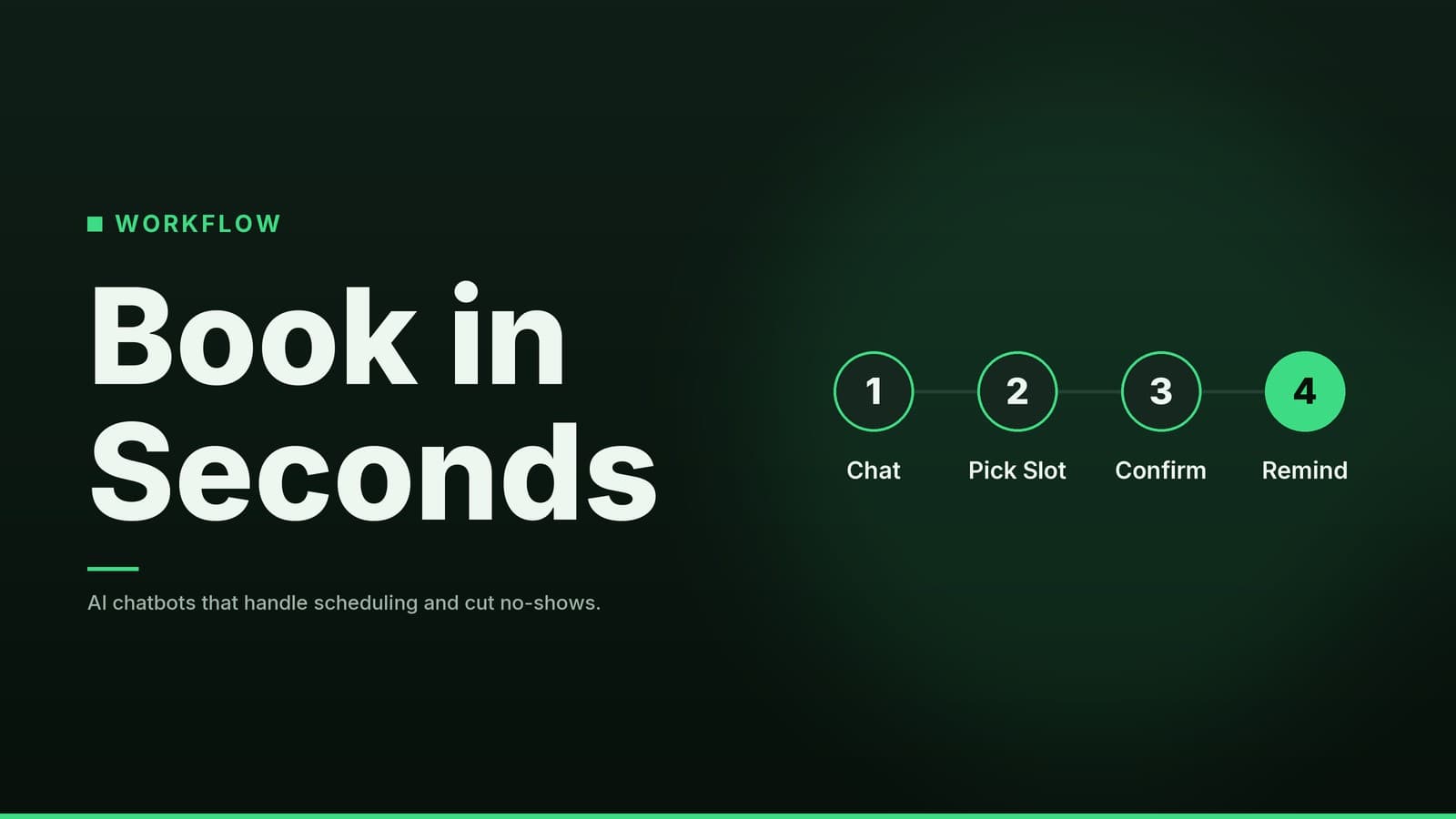
1. Planning
- Map the top 10 FAQs – Write a short, friendly answer for each. Keep language simple; avoid industry jargon that a first‑time caller might not know.
- Define success metrics – Decide what success looks like for you: a reduction in unanswered calls, an increase in booked appointments, or a reduction in staff time spent on routine queries.
2. Building
- Choose a platform – Based on the comparison table above, pick the one that fits your channel mix and budget. Verify current pricing on the vendor’s site.
- Create the conversation flow – Most platforms offer a drag‑and‑drop editor. Start with a greeting, then branch into the FAQ topics you mapped. Add quick‑reply buttons for common choices (e.g., “Book appointment”, “View pricing”).
- Add fallback options – Include a “Talk to a human” button and a short apology if the bot cannot answer a question.
3. Testing
- Run internal tests – Walk through every path yourself, then ask a few trusted customers or friends to try it. Note any dead‑ends or confusing wording.
- Collect feedback – Use the built‑in analytics to see which questions trigger the most hand‑offs or receive low satisfaction scores.
4. Launch
- Soft rollout – Publish the bot on one channel first (often the website). Monitor for a week and keep the hand‑off option open.
- Communicate the change – Let your team know the bot is live and how to access the dashboard.
5. Monitor & Improve
- Review analytics weekly – Look at volume, hand‑off rate, and average response time.
- Iterate the script – Update the bot whenever you change opening hours, add a new service, or receive repeated feedback.
- Set a realistic hand‑off target – Aim for a rate that fits your business size and complexity, adjusting as you learn which questions the bot handles best.
Following this checklist keeps the bot aligned with real customer needs and prevents the “set‑and‑forget” trap.
Real‑World Examples from Different Service Sectors
Clinic
| Bot Use‑Case | Immediate Value | Notes |
|---|---|---|
| Schedules appointments, sends reminder texts, answers basic insurance questions | Reception staff can focus on in‑person patients; no missed bookings | If your clinic handles personal health information, consult your legal advisor on applicable privacy regulations and check the vendor's compliance documentation. |
| Provides pre‑visit screening questions | Reduces no‑shows | Keep the script short and ask only essential questions. |
Restaurant
| Bot Use‑Case | Immediate Value | Notes |
|---|---|---|
| Takes take‑away orders, suggests daily specials, collects dietary restrictions | Kitchen receives pre‑filtered orders, reducing rush‑hour confusion | Check if the bot offers integrations with your current POS system or export options for order data. |
| Provides opening hours and location | Improves first‑time visitor experience | Update the bot whenever you change hours or add a new branch. |
Consultancy
| Bot Use‑Case | Immediate Value | Notes |
|---|---|---|
| Asks for project scope, budget range, and preferred start date before the first call | Sales team gets qualified leads, shortening the proposal cycle | Verify if the platform supports data export or integration with your existing CRM for follow‑up. |
| Offers downloadable whitepapers or case studies | Builds trust and positions you as an authority | Link to PDF downloads or embed a short video. |
Gym
| Bot Use‑Case | Immediate Value | Notes |
|---|---|---|
| Answers membership tiers, class schedules, and trial‑pass availability; can book a class instantly | Front‑desk staff handle only payments and equipment issues | Check if the bot integrates with your specific class‑booking software. |
| Sends push notifications for class reminders | Improves attendance | Use the bot’s messaging feature to send a quick reminder before a class. |
Each example starts with a single, high‑impact task (booking, ordering, lead capture) and expands as you gain confidence. If you’re curious about how AI can automate scheduling specifically, revisit our AI Scheduling post for more detail.
Common Pitfalls and How to Avoid Them
| Pitfall | Why it hurts | Quick fix |
|---|---|---|
| Over‑reliance on automation | Customers may feel trapped if they can’t reach a person. | Always display a “Talk to a human” button in the chat window. |
| Poorly written scripts | Stiff or overly technical language frustrates users and increases hand‑offs. | Write as you would speak to a friend; run the script by a non‑technical colleague. |
| Ignoring data‑privacy rules | Storing personal details without compliance can lead to fines. | Choose a platform that advertises GDPR, CCPA, or local regulation compliance; read their privacy policy. |
| Stale content | Out‑of‑date pricing or hours cause confusion and erode trust. | Schedule a monthly review of all FAQ answers; update any changes immediately. |
By keeping a human fallback, polishing language, respecting privacy, and updating content regularly, you’ll maintain a smooth experience that builds trust rather than erodes it.
How HeyGrowin can help
HeyGrowin can set up a custom chatbot that works on your website, WhatsApp, or Facebook page, and integrate it with your existing booking or CRM system. Our ready‑made tools let you launch a functional bot in days, not weeks, so you can start reaping the benefits right away.
We have no affiliation with any vendor; this recommendation is based on our experience helping small and medium‑size businesses adopt chatbots.
Visit HeyGrowin to explore the options.
Take the First Step
- List your top 10 questions in a notebook or spreadsheet.
- Choose one channel (website chat is a good starting point).
- Pick a platform that offers a free trial and a clear hand‑off option.
- Build a simple script and test it with a handful of customers.
- Launch a soft rollout and monitor the analytics.
Once you see the bot handling a few hundred interactions a month, you’ll have a clear picture of the time and cost savings and can decide whether to expand to other channels or add more advanced features.
Good luck, and enjoy the extra time you’ll free up for the parts of your business that only you can do!
Frequently asked questions
Do I need a developer to set up a chatbot?
Most platforms offer a visual editor that lets you build basic flows without coding. For more complex integrations you might need a developer, but many small businesses start with the free or low‑cost plans.
Will a chatbot replace my staff?
No. A chatbot handles routine questions and frees staff to focus on higher‑value tasks. It should complement, not replace, your team.