AI Receptionist for Dental Offices: How to Choose the Right Tool
A practical guide for dental office owners to pick an AI receptionist that fits their workflow and budget.
Why an AI Receptionist Matters for Your Dental Practice
Front‑desk staff in a dental office juggle phone calls, appointment bookings, insurance queries, and walk‑in patients. An AI receptionist can take over the repetitive parts of that workload, freeing your team to focus on clinical care and patient comfort.
- Reduces staff workload: Routine calls such as “What are your opening hours?” or “Can I book a cleaning for next Thursday?” are answered instantly by the AI. This lets the human receptionist spend more time on complex scheduling or patient intake.
- Keeps patients engaged: Patients expect a response the moment they call or message. An AI receptionist replies 24/7, so no one is left on hold or waiting for a callback.
- Improves scheduling accuracy: Many AI tools can sync with calendars, which can help avoid double‑bookings, and they may send confirmation reminders. While outcomes vary by practice, the automation is intended to make booking smoother.
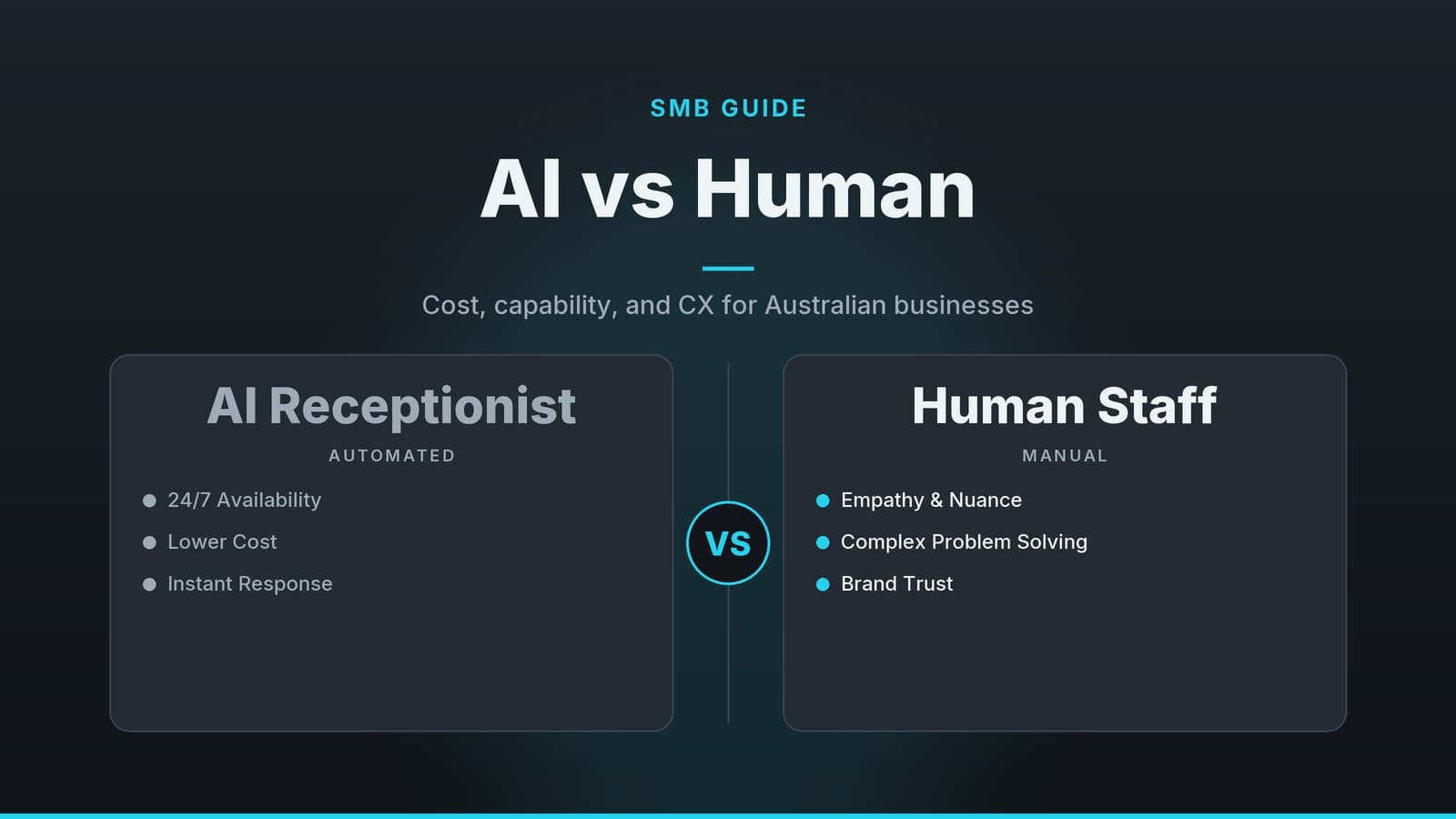
If you’re already feeling the pressure of missed calls or over‑booked slots, the value of an AI receptionist often shows up in reduced admin hours and a smoother patient experience. For a broader view of AI versus a human receptionist, see our AI vs Human Receptionist: A Practical Guide for Australian SMBs.
Key Features to Look For
When you start comparing tools, focus on the capabilities that matter most to a dental practice. Below is a quick‑reference checklist you can print out and use during demos.
What to Verify in the Software
| Feature | Why It Matters for Dentists |
|---|---|
| Appointment booking & calendar sync | Helps avoid double‑bookings and lets patients see real‑time availability. |
| Multi‑channel support (phone, SMS, web chat, email) | Patients may prefer texting or messaging apps over a call. |
| Customisable greetings & scripts | Allows you to convey your brand voice and include necessary disclosures. |
| Integration with practice‑management software | Reduces double data entry and keeps the patient record up‑to‑date; confirm compatibility with your system. |
| Analytics & reporting | May show call volume, peak times, and conversion rates. |
| Multilingual support | Useful in diverse communities or tourist‑heavy locations; verify which languages are offered. |
| Escalation workflow | May allow the AI to hand over complex queries to a human via call transfer or chat notification. |
Questions to Ask the Vendor
| Feature | What to Ask the Vendor |
|---|---|
| Calendar sync | Does it sync with my specific practice‑management software (e.g., Dentrix, Eaglesoft, or local equivalents)? |
| Data security | How is patient data encrypted and stored? Can you provide information on your data‑handling practices? |
| Channel inclusion | Which communication channels are included in the base plan versus add‑ons? |
| Script customization | Can I upload my own script or modify prompts without needing a developer? |
| Integration method | Is there a pre‑built connector for my software, or do we need an API bridge? |
| Reporting | What dashboards are available, and can data be exported to CSV or Excel? |
| Language support | Which languages are supported out of the box, and is there a cost for additional languages? |
| Hand‑off process | How does the hand‑off to a human happen (call transfer, chat notification, etc.)? |
Note on privacy: If privacy is a top concern, you may want to explore tools that market themselves as “privacy‑first,” such as the solution highlighted in our Unscary AI: A Safer Chatbot for Privacy‑Conscious Users article.
Cost and Budgeting Considerations
Understanding the pricing structure before you sign a contract helps avoid surprise invoices later. Most AI receptionist vendors follow one of two common models:
- Per‑user or per‑seat subscription: You pay a monthly fee for each staff member who can access the dashboard or configure the AI. This works well for small practices that only need a single admin account.
- Flat‑rate for unlimited users: A single price covers all front‑desk staff, which can be more predictable for larger clinics with multiple receptionists.
In addition to the recurring subscription, keep an eye on these potential one‑time or variable costs. Specific prices vary by vendor and region; always confirm current figures on the vendor’s pricing page.
| Cost Item | What to Verify |
|---|---|
| Initial set‑up / implementation fee | Does the fee include data migration from my existing system? |
| Training | Are training sessions delivered remotely or on‑site? Is it bundled or charged per hour? |
| Data migration | How many patient records can be moved automatically? Is there a per‑record fee? |
| Ongoing support | What response times are guaranteed for critical issues? Is premium support extra? |
| Add‑on modules (e.g., advanced analytics, multilingual packs) | Can I start without them and add later without a contract lock‑in? |
A practical budgeting tip is to allocate a pilot budget for a short trial period (often 30–90 days, depending on the vendor). During that period, track metrics such as call wait time, appointment conversion, and any reduction in staff overtime. If the numbers look promising, you’ll have concrete data to justify a longer‑term commitment.
Comparing Popular Options
Below is a high‑level comparison of three general vendor archetypes that frequently appear in dental‑office searches. Because pricing and features change frequently, we have omitted exact figures. Instead, we note the general pricing model and typical strengths of each type of provider.
| Vendor Type | Core Strength | Pros | Cons | Typical Use Case |
|---|---|---|---|---|
| Integrated EMR Vendors | Deep calendar integration with their own Electronic Medical Record (EMR) system. | • Near‑real‑time sync with appointments. • Single sign‑on for staff already using the EMR. • Strong reporting dashboard. | • Limited if you use a different practice‑management software. • May require a higher‑tier plan for multi‑channel support. | Practices already invested in a specific EMR ecosystem looking for a seamless tech stack. |
| Standalone SMB Tools | Offers a free tier or low‑cost entry for small teams. | • Low entry cost; good for startups. • Simple setup and basic script editor. • Easy to upgrade later. | • Customisation options are limited (e.g., fewer greeting variations). • Advanced analytics often only on paid plans. | Small boutique clinics or solo practitioners testing AI without a big budget. |
| Specialized Multilingual Platforms | AI engine with a focus on community health and diverse populations. | • May support multiple languages out of the box. • Flexible voice‑and‑text options. • Good for practices serving diverse populations. | • Higher subscription tier for multilingual packs. • Integration connectors may need a developer. | Clinics in multicultural areas (e.g., urban centres, tourist regions) that need to converse in several languages. |
When you meet with a vendor, ask them to demonstrate the calendar sync using a dummy patient record, and request a short trial of the multi‑channel features you plan to use most (phone vs. chat).
Implementation Checklist
A smooth rollout depends on clear planning and realistic expectations. Use the checklist below as a step‑by‑step guide tailored to dental workflows.
1. Define the Scope and Data Flow
- Identify high‑volume tasks: List the top five front‑desk activities that cause bottlenecks (e.g., answering after‑hours calls, confirming insurance details, rescheduling).
- Map the patient journey: Sketch a simple flowchart: Call → AI Greeting → Slot Selection → Confirmation → Data written to Practice Management Software (PMS).
- Define data points: Highlight exactly what patient data the AI will need to access (name, date of birth, insurance ID) and ensure this aligns with your privacy policies.
2. Test with a Small Group
- Internal testing: Have staff test the AI with various scenarios (booking, cancelling, asking about pricing) to identify script gaps.
- Pilot with patients: Invite a small group of regular patients to interact with the AI (via phone or web chat) and collect feedback.
- Refine scripts: Look for misunderstandings in the script and adjust wording to match your clinic’s tone.
3. Train Staff on Hand‑off Procedures
- Create a Standard Operating Procedure (SOP): Define when the AI should transfer to a human. For example, if the AI detects distress or complex medical queries, it should trigger a hand‑off.
- Role‑play scenarios: Practice the hand‑off process to ensure receptionists know how to take over smoothly without repeating information to the patient.
4. Monitor Key Metrics
- Call wait time: Average seconds before the AI answers.
- Appointment conversion: Percentage of AI‑initiated bookings that become confirmed slots.
- Patient feedback: Quick post‑call survey (e.g., 1–5 star rating) or qualitative comments.
- Review cadence: Review these weekly for the first month, then monthly thereafter.
By following this checklist, you’ll avoid the common pitfall of “set it and forget it,” ensuring the AI continues to align with your practice’s evolving needs.
Real‑World Applications
Seeing how peers have applied AI receptionists can provide insight into different scales and contexts. Below are three illustrative scenarios that highlight different benefits. Note: These are representative examples of typical deployments, not verified case studies.
The Boutique Clinic
Setting: A 4‑dentist private practice serving local families.
Application: Deployed an AI receptionist to answer all inbound calls and handle online chat on the website.
Outcome: Front‑desk staff reported more time for patient intake and follow‑up calls, as routine inquiries were handled automatically.
The Multi‑Location Chain
Setting: A dental group with multiple locations, each with dedicated reception teams.
Application: Integrated AI scheduling with the central practice‑management system, enabling patients to book via phone, SMS, or the patient portal.
Outcome: Automated reminder texts helped standardise communication across locations, potentially reducing missed appointments and improving schedule adherence.
The Community Health Centre
Setting: A single‑dentist practice serving a mixed‑language community.
Application: Chose a vendor that offers multilingual support; the AI answered in the patient’s preferred language.
Outcome: Patients could schedule in their preferred language, which reduced barriers to booking and improved overall satisfaction with the process.
These examples show that AI receptionists can be valuable whether you run a solo practice, a multi‑site chain, or a community clinic in a multilingual region.
How HeyGrowin can help
HeyGrowin is the publisher of this article and provides the services described below.
HeyGrowin builds custom AI automation, chatbots, and booking systems that can be tailored to your dental practice’s workflow. We can integrate the AI receptionist with your existing practice‑management software, set up multilingual scripts, and provide the training you need to get staff comfortable with the new tool. Learn more at heygrow.in.
Frequently asked questions
Is an AI receptionist compliant with patient privacy laws?
You must check that the vendor follows the relevant privacy regulations (e.g., HIPAA in the US, GDPR in the EU).
Can the AI handle emergency calls?
Most AI systems can triage basic emergencies but should hand off to a human immediately. Check the vendor’s escalation protocol.