Google Discover AI Concierge: Impact on Traffic & Prep Guide
Learn how Google’s new AI‑powered Discover concierge could affect your site’s traffic and get a step‑by‑step setup guide.
What the AI Concierge Change Is
Google has hinted that the Discover feed, which has traditionally acted as a news‑style recommendation engine, may evolve to provide a more action‑oriented experience. The idea is that Discover will try to surface content, products or services that help users complete a specific goal—booking an appointment, ordering a product, or getting a local service—rather than simply presenting items they might find interesting.
From recommendation to action – Currently, Discover shows articles or listings that match a user’s past searches and browsing signals. A future iteration could try to infer the user’s next step and present a card that includes a direct call‑to‑action, such as “Book now” or “Reserve a table.” This shift would make the feed more useful for users who are ready to act, but it also means that sites that can provide a clear next step may see a different pattern of traffic.
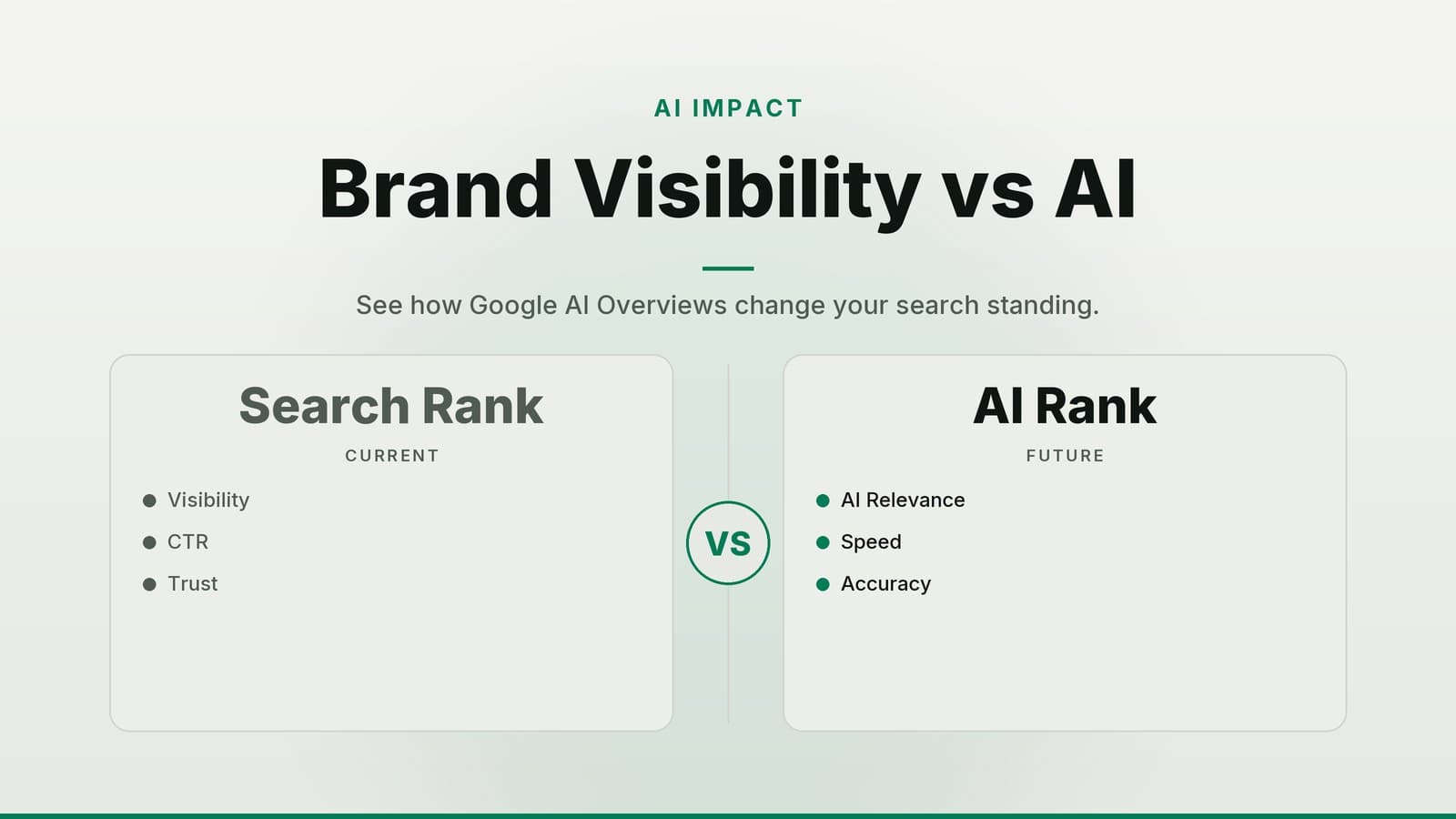
Why it matters for traffic – If the feed becomes more intent‑driven, the traffic you receive may change in volume and quality. Pages that can help a user complete a task could be favored, while purely informational pages might receive fewer impressions. Understanding this potential shift lets you prepare content that aligns with the new focus.
How the New Concierge Could Impact Your Traffic
| Potential effect | What it looks like for a small business | Why it happens |
|---|---|---|
| Impression swing | A clinic that publishes a “How to prepare for a flu shot” guide might see a lift, while a boutique that only posts style inspiration could see fewer impressions. | Discover may prioritize pages that can satisfy a user’s immediate goal. |
| Action‑oriented prompts | A restaurant could get a “Reserve a table” button attached to a “Best summer salads” article. | The feed may offer interactive elements that let users act without leaving Discover. |
| Click‑through and dwell time shift | A gym’s “5‑minute warm‑up video” might see a lower click‑through rate but higher average session duration if the video leads to a membership sign‑up form. | When a card offers a direct next step, the click may be a conversion rather than a casual browse. |
| Need to tweak existing content | A shop that used listicles (“10 ways to style a scarf”) may need to add clear calls such as “Shop the look.” | The AI will assess whether a page can help the user act on their goal. |
In short, traffic from Discover could become more selective and potentially more valuable. Preparing now helps you stay visible when the changes roll out.
Audit Your Current Discover Presence
Open Google Search Console → Discover
- Review the Impressions, Clicks, and Average Position for the last 3‑6 months.
- Export the data to a spreadsheet for filtering.
Identify top‑performing pages
- Sort by clicks or click‑through rate (CTR).
- Note the URLs that consistently bring traffic.
Map topics that trigger those pages
- Discover does not show exact queries, but the “Page” column often contains a topic label (e.g., “healthy breakfast”).
Assess content format
- Are the winners listicles, how‑to guides, product showcases, or video‑heavy?
- Highlight formats that already align with a goal‑oriented user (e.g., “How to book a dental cleaning”).
Spot gaps
- Pages with impressions but low clicks may need stronger calls to action.
- Content that never appears could be missing the signals the new concierge looks for (clear intent, structured data, fast load).
Running this audit takes about an hour for a modest site and gives you a baseline to measure future changes.
Content Checklist for the Concierge Era
| Checklist item | Why it matters | Quick tip for implementation |
|---|---|---|
| Clear user goal – state the problem you solve or the task you enable | The AI looks for content that can complete a user’s objective. | Open with a sentence like “Here’s how to book a physiotherapy session in under 5 minutes.” |
| Structured data – FAQ, How‑to, Product, or Event schema | Helps Google understand the page’s purpose and surface actionable cards. | Use a free plugin (e.g., Schema Lite) or add JSON‑LD manually. |
| Actionable next steps – links to booking, contact forms, product pages | Enables the concierge to attach a “Book now” or “Buy” button. | Place a prominent button or link right after the first paragraph. |
| Scannable headings & bullet points – make the core steps easy to read | Mobile users skim; the AI favors content that can be parsed quickly. | Use H3 sub‑headings for each step and keep bullet points under 8 words. |
| Visual cues – high‑quality images, short videos, or GIFs | Visuals are often the thumbnail the concierge shows; they affect click likelihood. | Include at least one image that directly illustrates the task (e.g., a photo of a booked appointment screen). |
| Local relevance – embed address, phone, and opening hours where appropriate | For service‑based businesses, the AI may suggest a “Call now” button. | Use LocalBusiness schema and ensure NAP (Name, Address, Phone) is consistent across the site. |
Example for a clinic:
A page titled “What to Expect at Your First Dental Check‑up” starts with “Schedule your appointment in 2 clicks,” includes FAQ schema about insurance, a “Book an appointment” button, and a short video walkthrough of the clinic’s waiting area.
Example for a restaurant:
A blog post “5 Summer Salads You Can Order Tonight” adds a “Reserve a table” CTA, uses Recipe schema for each salad, and features a carousel of dish photos.
Technical Setup Steps
Mobile‑friendliness & speed
- Aim for a fast Largest Contentful Paint (LCP) on mobile—generally a few seconds or less.
- Use Google’s PageSpeed Insights to spot slow elements (large images, render‑blocking scripts).
Validate structured data
- Run each page through the Rich Results Test.
- Fix any “Missing required field” or “Invalid value” warnings before publishing.
Robots.txt
- If you previously blocked
/discover/or usedDisallow: /for certain sections, consider removing the block. - Example line to allow:
Allow: /(or specificallyAllow: /blog/).
- If you previously blocked
Core Web Vitals monitoring
- In Search Console, go to Core Web Vitals → “Mobile”.
- Prioritize fixing “Poor” pages (usually those with high CLS or LCP).
HTTPS & security
- Ensure all pages load over HTTPS; using secure URLs is recommended because insecure pages are less likely to be shown by the concierge.
Testing and Monitoring After Changes
Set a baseline
- Record Impressions, Clicks, CTR, and Average Position for each key page in the Discover report.
- Capture the same metrics for Goal completions (e.g., bookings) using UTM parameters like
utm_source=discover&utm_medium=referral.
Run A/B tests
- Pick 2‑3 high‑traffic pages.
- Create a variant with a stronger CTA or added FAQ schema.
- Use a URL parameter (e.g.,
?variant=b) and track performance in Google Analytics.
Monitor weekly for at least 4 weeks
- Look for trends in impressions and clicks.
- Compare goal‑completion rates between the original and variant pages.
Adjust based on data
- If a variant shows a higher booking rate but lower CTR, the AI may be rewarding the deeper action.
- Scale successful changes to other pages.
Document findings
- Keep a simple spreadsheet: date, page, change made, metric before, metric after.
- This becomes a reference for future Google updates.
Budgeting and Resources
| Resource | Cost considerations* | What you get | When you need it |
|---|---|---|---|
| Freelance SEO/content audit | Rates vary by provider and region; request quotes | Full Discover performance review, content recommendations | Before major changes, or annually |
| Structured‑data plugin (premium) | Pricing differs between tools; check current plans | Easy schema creation, automatic updates | If you lack in‑house dev time |
| Developer for Core Web Vitals fixes | Hourly fees depend on experience and location; get estimates | Code optimisation, image compression, server‑side tweaks | When PageSpeed Insights flags “Poor” scores |
| UTM‑tracking setup (consultant) | Fees depend on scope; ask for a proposal | Clean tracking of Discover‑driven conversions | If you don’t already use campaign parameters |
*These notes are general; actual costs may differ. Verify current rates with any vendor before committing.
How HeyGrowin can help
HeyGrowin can build a fast, mobile‑first website with the structured‑data markup you need, set up automated booking or e‑commerce flows that the Discover concierge can surface, and provide the analytics dashboards to track your Discover performance. Learn more at https://heygrow.in.
Frequently asked questions
Do I need to pay Google to appear in the new Discover concierge?
No, Discover remains a free, algorithm‑driven feed; you only pay for any tools or services you use to optimise your site.
Will the concierge replace Google Search?
No, it’s an additional surface that complements Search, focusing on personalised, goal‑oriented content.
Can I control which of my pages appear in Discover?
You can’t guarantee placement, but following the checklist and using structured data improves the chances.