Payroll Software vs Services: Which Suits Your Small Business?
Compare DIY payroll software and outsourced payroll services to find the best fit for your shop, clinic or restaurant.
The core trade‑off: Control vs. convenience
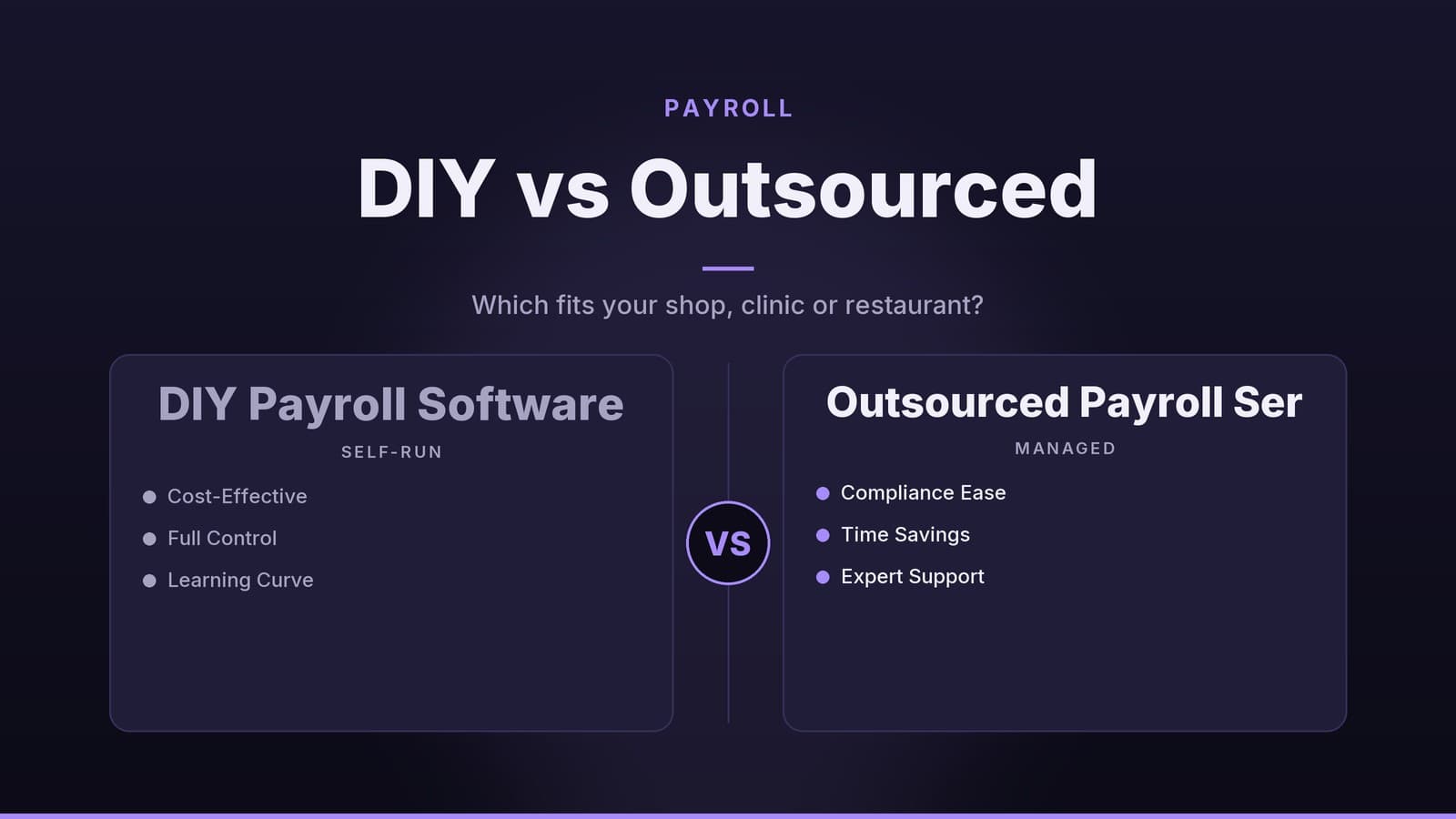
Payroll is an administrative function that can take up a lot of time. Small‑business owners usually decide between using software they run themselves or hiring a payroll service provider. The choice hinges on two questions:
How much control do you want?
Software puts you in the driver’s seat – you enter data, run the payroll, and see every line item.How much time can you spare?
A service provider acts like an external department. You supply the raw data and they handle calculations, tax filings, and payments, leaving you to review a summary.
There’s no one‑size‑fits‑all answer. A restaurant with frequent hiring and firing may appreciate the speed of a service that handles onboarding and off‑boarding. A boutique consultancy with a stable team might prefer software to keep payroll tightly linked to project billing.
If you’re still weighing the manual approach, see our guide on Payroll Software vs Manual Payroll: Which Saves You Time and Money for baseline cost ideas.
Payroll software: the DIY route
Modern payroll tools are usually cloud‑based, so you access them through a browser. You remain responsible for entering employee details, updating hours, and making sure the correct tax rules are applied.
What it does
- Core calculation – applies current tax tables to gross wages to produce net pay and tax liabilities.
- Direct deposit – sends funds straight to employee bank accounts, eliminating most paper checks.
- Self‑service portal – lets staff view payslips, update personal info, and request time off, reducing routine queries.
- Reporting – creates summaries for accounting, such as total payroll costs and tax liabilities.
Cost structure
Pricing varies widely between vendors. Some charge a subscription per administrative user, others charge per employee, and many offer tiered plans that add features such as benefits administration or advanced reporting. Because rates change frequently, always verify the current pricing on the vendor’s website and ask about any additional fees for seasonal or inactive staff.
Implementation
- Data entry – import or manually add employee names, addresses, bank details, and tax status.
- Configuration – set pay periods, tax jurisdictions, and any custom deductions.
- Bank linking – connect your business account for direct deposit.
- Testing – run a “dry” payroll to confirm calculations before the first live run.
You remain responsible for reviewing the output; the software will calculate based on the data you provide.
Best for
- Teams with at least one person comfortable handling basic accounting tasks.
- Businesses that want payroll data kept in‑house and linked to existing accounting software.
- Owners who prefer direct control over timing and details of each payroll run.
Payroll services: outsourcing the job
A payroll service provider (PSP) takes care of the entire process. You supply the data; they handle calculations, filings, and payments.
What it does
- Calculations & payments – computes gross, net, and tax amounts, then issues payments via direct deposit or check.
- Tax filings – prepares and submits quarterly and annual returns to the appropriate authorities.
- Compliance support – helps ensure deductions and filings meet current legal requirements.
- Record keeping – maintains historical payroll records and generates year‑end summaries (e.g., W‑2s, P60s).
Cost structure
Vendors may charge a flat monthly fee, a per‑employee fee, or a combination of both. Additional services—such as multi‑state filings, benefits administration, or audit support—can carry separate charges. Always ask for a full breakdown, including any setup or termination fees, and confirm what is included in the quoted price.
Implementation
- Data migration – provide the provider with your employee roster, pay schedules, and benefit details.
- Process agreement – decide who approves each payroll run and how you’ll communicate changes (new hires, terminations, etc.).
- First run – the provider processes the payroll; you review the summary and approve payment.
After the initial run, the workflow becomes routine: you send updates, and the provider handles the rest.
Best for
- Businesses without in‑house tax or accounting expertise.
- Teams with high staff turnover, where frequent onboarding/off‑boarding is a burden.
- Owners who want to minimize time spent on administrative tasks and prefer a “set‑and‑forget” approach.
Comparing the options
| Feature | Payroll software | Payroll service |
|---|---|---|
| Control | High – you manage every step. | Low – you provide data; they manage the process. |
| Responsibility | You ensure accuracy and compliance. | Provider typically handles filing accuracy (check contract). |
| Up‑front cost | Usually lower – subscription plus setup time. | May include setup fees and data‑migration costs. |
| Ongoing cost | Subscription + your time. | Monthly fee (often higher than software alone). |
| Time commitment | Moderate to high – you run payroll. | Low – you only approve final figures. |
| Best for | Tech‑comfortable teams wanting control. | Busy owners wanting to offload admin. |
Practical steps to evaluate options
Define your needs
- Number of employees
- Pay frequency (weekly, bi‑weekly, monthly)
- Complexity of deductions (benefits, commissions, overtime)
- Number of tax jurisdictions
Request detailed quotes
- For software: ask about user fees, employee fees, and what each plan includes.
- For services: ask for total monthly cost and any extra charges (setup, filing, support).
Check compliance & security
- Inquire about data encryption, access controls, and any compliance guarantees.
- Verify insurance or error‑coverage provisions if offered.
Test the interface or process
- Software: use a free trial to add a new employee and generate a report.
- Service: request a sample report to see the level of detail you’ll need to approve.
Assess integration needs
- Does the tool connect to your accounting system (e.g., QuickBooks, Xero)?
- Does it link with time‑tracking, POS, or other operational software?
- If integration isn’t available, factor in the manual data‑entry effort.
Common pitfalls to avoid
- Under‑estimating setup time – Both software and services need data cleaning and configuration.
- Overlooking extra fees – Ask about charges for multi‑state filings, paper checks, premium support, etc.
- Choosing solely on price – The cheapest option may lack needed features or have poor support. Consider total cost of ownership, including your time.
- Skipping contract review – Understand cancellation terms, data‑retention policies, and liability for errors.
- Assuming compliance is automatic – Whether you use software or a service, you remain ultimately responsible for meeting local payroll laws.
How HeyGrowin can help
HeyGrowin builds custom tools that can work with payroll data and offers modules that may support payroll tracking, employee self‑service, and tax reminders. They also develop integrations that can connect payroll information to websites, CRMs, or booking systems, helping you keep key data in one place. For the latest capabilities and pricing, visit https://heygrow.in.
Frequently asked questions
Do payroll services handle tax filings in all countries?
Most providers offer country‑specific tax handling, but you should confirm coverage for your location before signing up.
Can I switch from software to a service later?
Yes, many businesses switch as they grow; plan for data migration and potential downtime during the transition.